



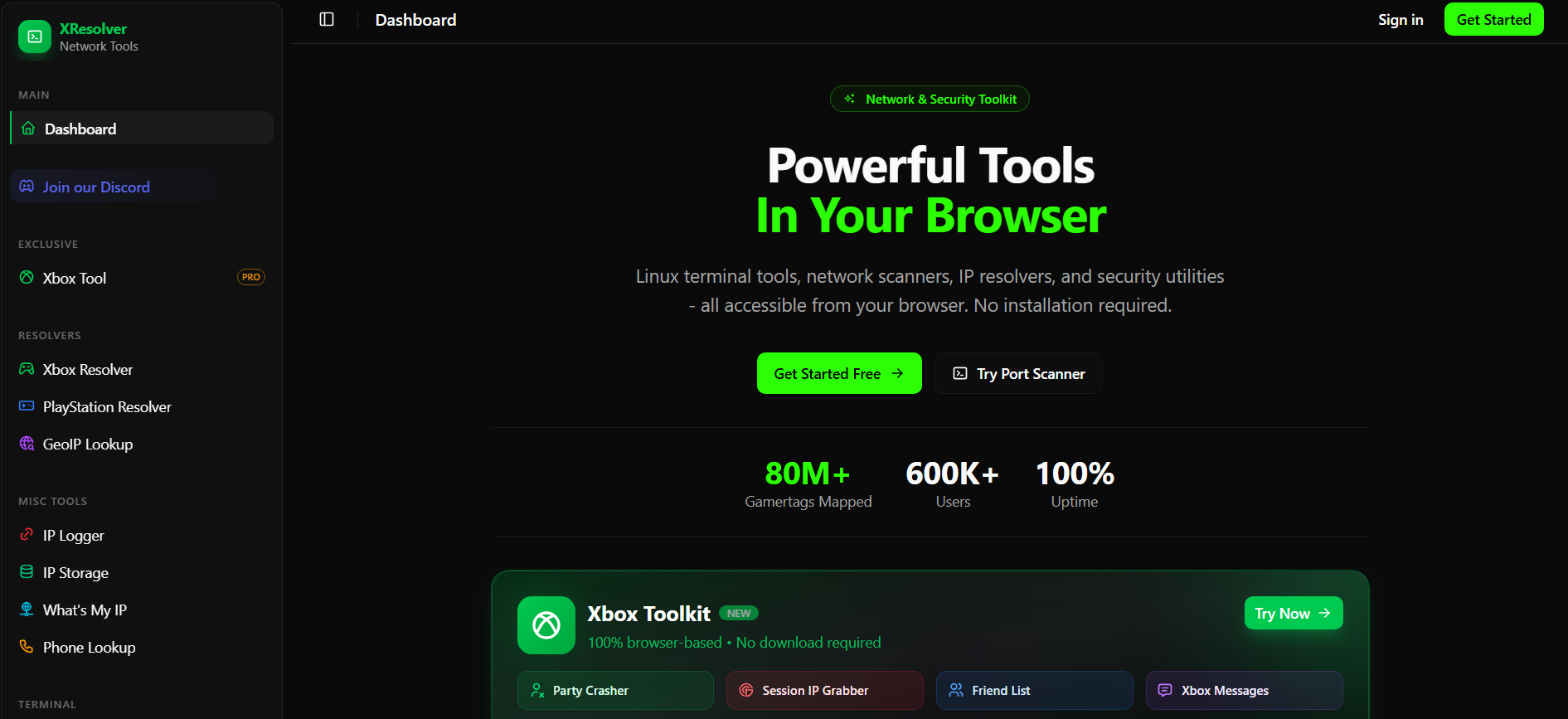
XResolver is a website that claims to link gaming usernames to IP addresses. It is often mentioned in online gaming communities, especially during disputes or discussions about player tracking.
If you are searching for details about XResolver, it is important to understand what it does, how it reportedly works, and whether it is safe. This guide explains the topic clearly and focuses on privacy protection for Windows 11 users.
What Is XResolver?
XResolver is a third-party online service that claims to associate gamertags with IP addresses collected during online gaming sessions.
It is not affiliated with Microsoft, Xbox, PlayStation, or any official gaming provider. The platform is typically described as a database that stores network-related information connected to certain multiplayer games.
In simple terms, it is presented as a lookup tool for gaming-related IP data.
How Does XResolver Claim to Work?
Services like XResolver reportedly gather IP addresses during peer-to-peer (P2P) gaming sessions.
In older multiplayer setups:
- Players connected directly to each other
- Network traffic could reveal public IP addresses
- Packet-monitoring tools could capture this data
Afterward, the service may index that information in its database.
However, most modern online games now use dedicated servers. As a result, players usually do not connect directly to each other, which reduces IP exposure significantly.
Is XResolver Safe to Use?
Using services like XResolver comes with several risks.
First, such websites may contain aggressive advertisements or suspicious downloads. Second, interacting with unofficial IP databases can raise privacy and security concerns. Third, searching for or exposing someone’s IP address may violate gaming platform policies.
Most official platforms discourage any activity that targets other players’ network information.
For these reasons, visiting or using such services is not recommended.
Can Someone Hack You With Just an IP Address?
An IP address alone does not give someone full access to your computer. However, it can reveal:
- Your approximate geographic location
- Your internet service provider
- Your public network address
In some cases, attackers may attempt network scanning or DDoS attacks. Fortunately, modern routers and Windows 11 security features provide strong protection against direct intrusion.
Still, it is best to avoid unnecessary exposure of personal network details.
How to Protect Your IP Address While Gaming on Windows 11
If you are concerned about IP exposure, focus on strengthening your own security setup.
Keep Windows 11 Updated
Open Settings > Windows Update and install the latest updates. Security patches reduce vulnerabilities and improve system protection.
Secure Your Router
Make sure you:
- Update router firmware
- Change default admin credentials
- Enable the built-in firewall
These steps protect your home network from unauthorized access.
Use Official Gaming Platforms
Modern multiplayer games use secure server-based connections. Avoid third-party tools that claim to expose player IP addresses.
Report Harassment Immediately
If someone threatens you using network-related information, report them through the official gaming platform. Do not respond or escalate the situation.
Should You Use XResolver?
There is no practical benefit for regular users. It does not improve gaming performance or system security. Instead, it may create privacy risks and potential policy violations.
A better approach is to maintain strong system security and follow official platform guidelines.
Final Thoughts
XResolver is described as a website that links gaming usernames with IP addresses. However, it is not an official service and raises legitimate privacy concerns.
If you use Windows 11 for online gaming, prioritize security updates, router protection, and responsible online behavior. Protecting your own privacy is always more important than accessing unofficial lookup tools.
FAQs
What is XResolver used for?
XResolver is described as a website that attempts to associate gaming usernames with IP addresses.
Is XResolver safe to visit?
It is not officially supported and may expose users to privacy and security risks.
Can someone find my IP address while gaming?
In older peer-to-peer games, it was possible. Most modern games now use dedicated servers, which greatly reduce this risk.
How can I protect my IP address on Windows 11?
Keep Windows updated, secure your router, avoid suspicious tools, and report any online harassment through official channels.


Discussion (0)
Be the first to comment.