UP

Security

What is an antivirus or security suite? How do you use your computers and devices, safely? How do you protect your privacy?

How disable the Task Manager in Windows 10

There are some cases in which you might want to disable Task Manager in Windows 10. There are also opposite situations, when you want to enable Task Manager, like when your computer was infected by malware that disabled the Task Manager. In such a case, every time you try to launch it, you only get a message saying that the "Task Manager has been disabled by your administrator." Regardless of
tutorial How to view and clear your off-Facebook activity

How to view and clear your off-Facebook activity

Facebook is renowned for its Big Brother way of doing things. No matter what you're doing on the internet, this company seems to know it all, and it seems there's no way of hiding from its long arm that doesn't care about our privacy. Although it's hard for us to believe that Facebook's going to change its approach, there is some good news that
tutorial How to enable DNS over HTTPS in Firefox

How to enable DNS over HTTPS in Firefox

DNS over HTTPS is one of the best new internet protocols designed to improve our security when browsing the web. It encrypts DNS lookups and helps in stopping third parties from snooping on your activities on the web. In the future, all the respectable browsers are probably going to enable DNS over HTTPS by default, but that is not the case right now. If

How to import passwords into LastPass from Chrome, Firefox, Opera, and Microsoft Edge

You might have chosen to use LastPass as your password manager. However, you might also still have some passwords saved in your favorite web browser, but not in LastPass. Furthermore, there may be situations in which you also have some of your passwords stored in a CSV file. In either case, now that you've switched to LastPass, you want to import all your passwords, from everywhere, to it. Here is

How to export your LastPass passwords to a CSV file

LastPass helps your security by making all of your passwords different. Keeping up with that data might become essential to your ability to quickly login to many of your accounts. Ideally, you would have all your passwords stored in LastPass. However, at some point, you might want to export all your passwords from LastPass to a CSV file that you can then import in another browser, or, why not, even
tutorial Should you disable the Cloud-delivered protection from Windows 10?

Should you disable the Cloud-delivered protection from Windows 10?

The Windows Defender Antivirus from Windows 10 has a couple of excellent protection features, some of which are misunderstood. Two of them are named Cloud-delivered protection and Automatic sample submission, and they work in tandem. With their help, you get efficient protection against unknown threats that have not yet been discovered on other computers. If you are considering disabling them, or you want to

How to use File History - Windows 10's backup solution

File History makes automated backups of your data, and it works with storage devices like external hard drives, network storage, and so on. If you want to use File History to back up your user data from Windows 10, read this tutorial. We show you how to turn on File History, how to change the way it works, how to stop it when you no longer need it, and how

How to manage signed-in user accounts with the Task Manager in Windows 10

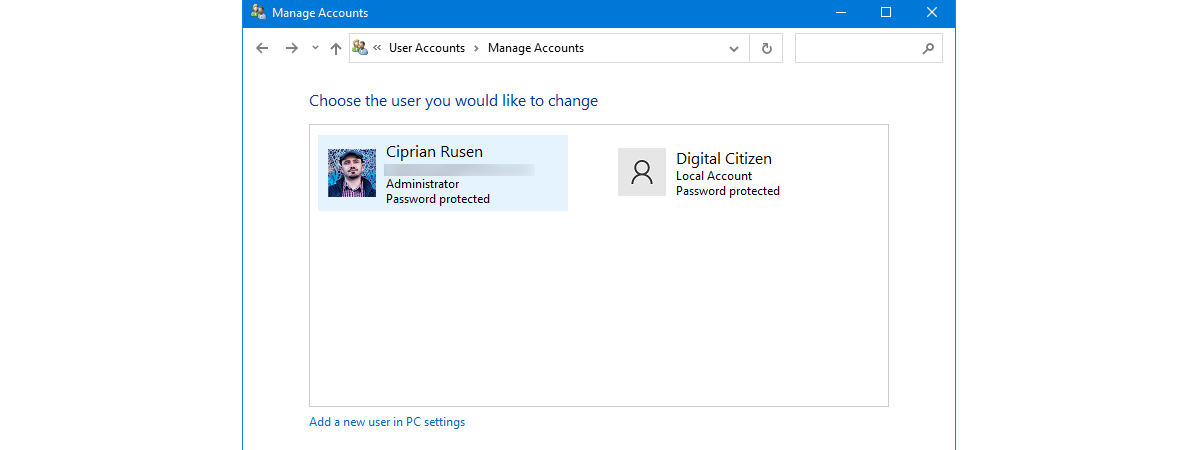
  Having multiple user accounts logged in on your Windows 10 computer can make swapping between them faster, but it can also waste resources as your computer is forced to maintain two separate environments in memory. If you want the chance to weigh the benefits of this action against the costs, the Task Manager can help. Do you know which tab of the Task Manager shows you the online users?
tutorial The complete guide to Windows 10 updates

The complete guide to Windows 10 updates

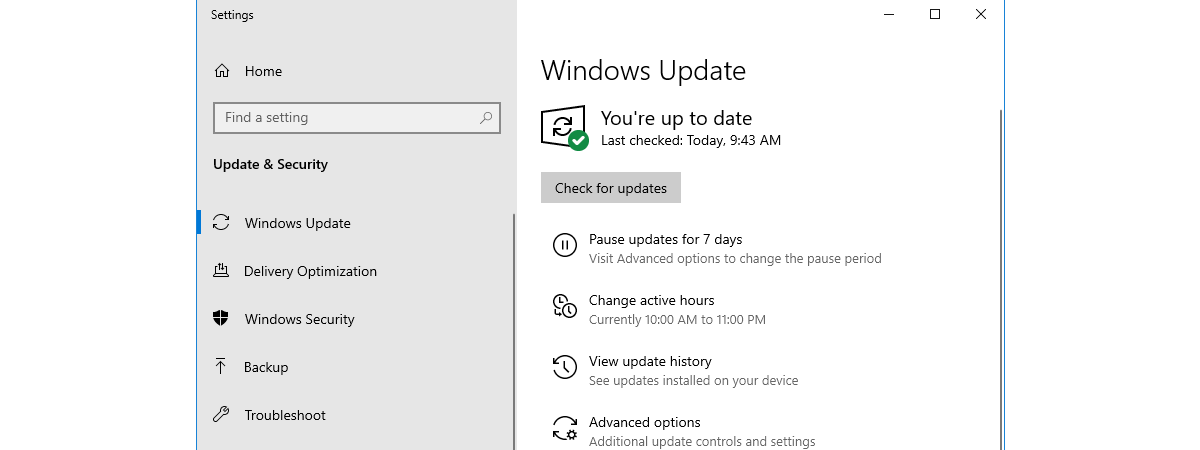
Windows Update is an essential part of running Windows 10, regardless of which edition or version of this operating system you are using. Windows Update is the way Microsoft releases not only the so-called feature updates, but also regular bug fixes and security patches. If you want to know everything there is to know about Windows Update in Windows 10, including how to open
article 4 things you can do with Windows Sandbox

4 things you can do with Windows Sandbox

If you are running a Pro, Education or an Enterprise edition of Windows 10 with May 2019 Update, you have access to Windows Sandbox. It is a lightweight virtual machine that is easy to install and run, without paying anything for additional license fees. This app is excellent for browsing potentially dangerous websites, testing unknown apps and other things that could otherwise be hazardous.
tutorial Create new Windows user accounts and groups, like an IT Pro

Create new Windows user accounts and groups, like an IT Pro

All Windows versions offer easy ways to create user accounts using click-based wizards. You can create users using the Settings app from Windows 10 just as easily as you can create user accounts from the Control Panel, in Windows 7. However, you do not see IT Pros using such tools too often, do you? No, IT admins use snap-ins, consoles, scripts or commands for
tutorial How to disable Windows Security notifications in Windows 10

How to disable Windows Security notifications in Windows 10

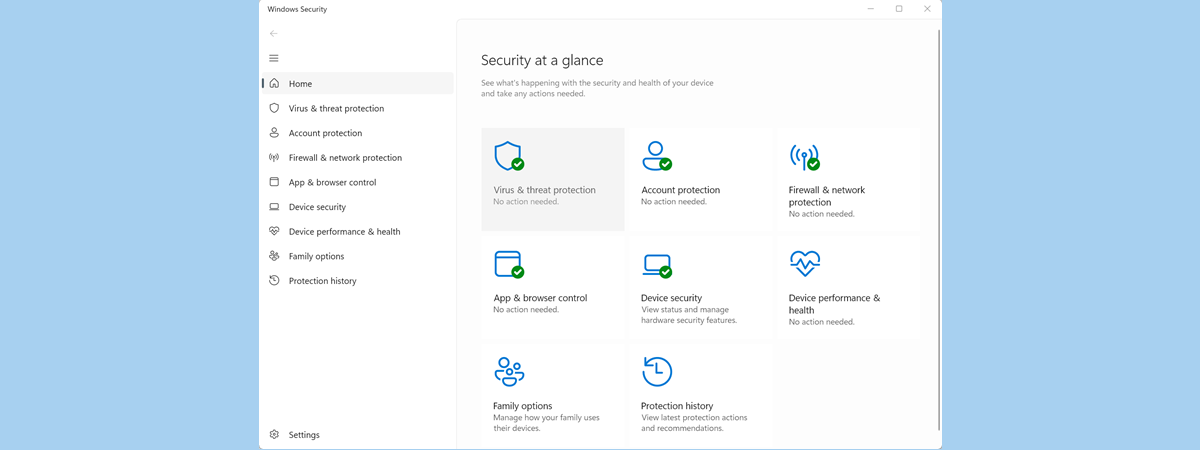
When you use Windows 10, you get notifications from Window Security about threats found, Windows Defender scan results, the Windows Defender Firewall, and more. If you want to disable some of these notifications, or all of them, you can. In this guide, we share how to personalize what notifications you get from Windows Security. Let's get started: NOTE: This guide was created using
tutorial 3 ways to uninstall Windows 10 updates

3 ways to uninstall Windows 10 updates

It is usually a good idea to install all the Windows 10 updates that are available for your computers and devices. However, from time to time, some updates might cause problems or crashes. Those are the times when you probably want to uninstall those Windows 10 updates. How do you do that? How do you "delete a Windows 10 update" that was already downloaded

How to reset your Windows Firewall settings (4 methods)

After using the Windows Firewall for a long time, it might stop working as it should. Especially if you have modified its more advanced settings, or you have introduced many changes. It becomes difficult to pinpoint the root problem for your network connectivity issues. One thing that works is to restore the Windows Firewall to its default settings so that it deletes all the rules that were created, and you

Block apps and games from accessing the internet, with Windows Defender Firewall

Most apps and games you install in Windows have, by default, unrestricted access to the internet. However, you can control their internet access through the Windows Firewall. With it, you can block access to the internet for specific apps and games, on all types of network connections, or on specific types of network connections. Here is how to use the firewall built into Windows, to block apps and games from

How to install apps and update them, with Ninite, adware-free

For how long did you wish for a way to automatically download, install and update apps on your Windows PC? How happy would you be if we told you that there is a method for doing that, that also ensures that no adware and other forms of junk get installed? The solution is called Ninite. It is an online service that lets you install or update apps automatically on your