




Choosing the best music streaming app for iPhone and iPad depends on how well it fits iOS and iPadOS, not just catalog size. The apps below deliver smooth performance on Apple devices, reliable offline listening, and interfaces that feel at home on both screens.
Table of contents
1) Apple Music
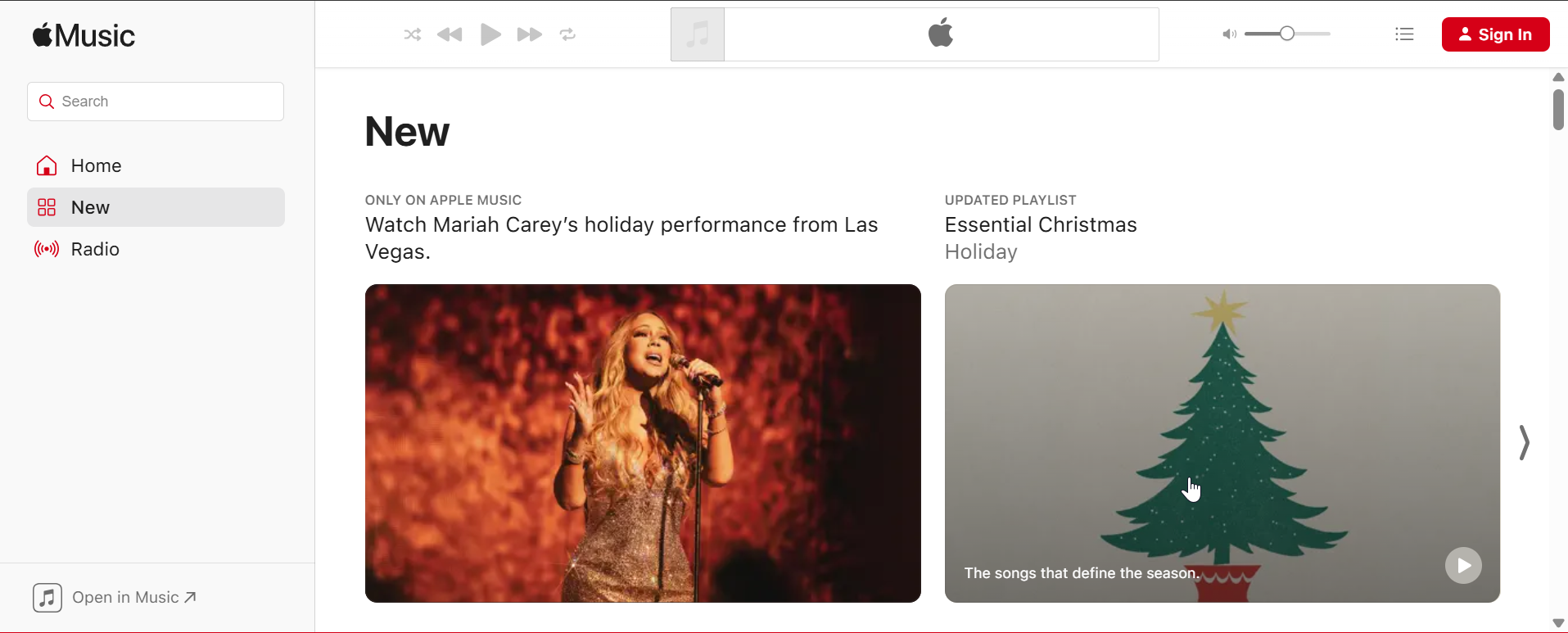
Apple Music offers the deepest integration with iOS and iPadOS, including Siri, CarPlay, HomePod, and Apple Watch. The app feels native on both devices, with fast navigation, stable downloads, and tight system controls.
On iPad, Apple Music benefits from a spacious layout that works well with Split View and external keyboards. Lossless audio and Spatial Audio come included, making it a strong choice for users invested in Apple hardware.
2) Spotify
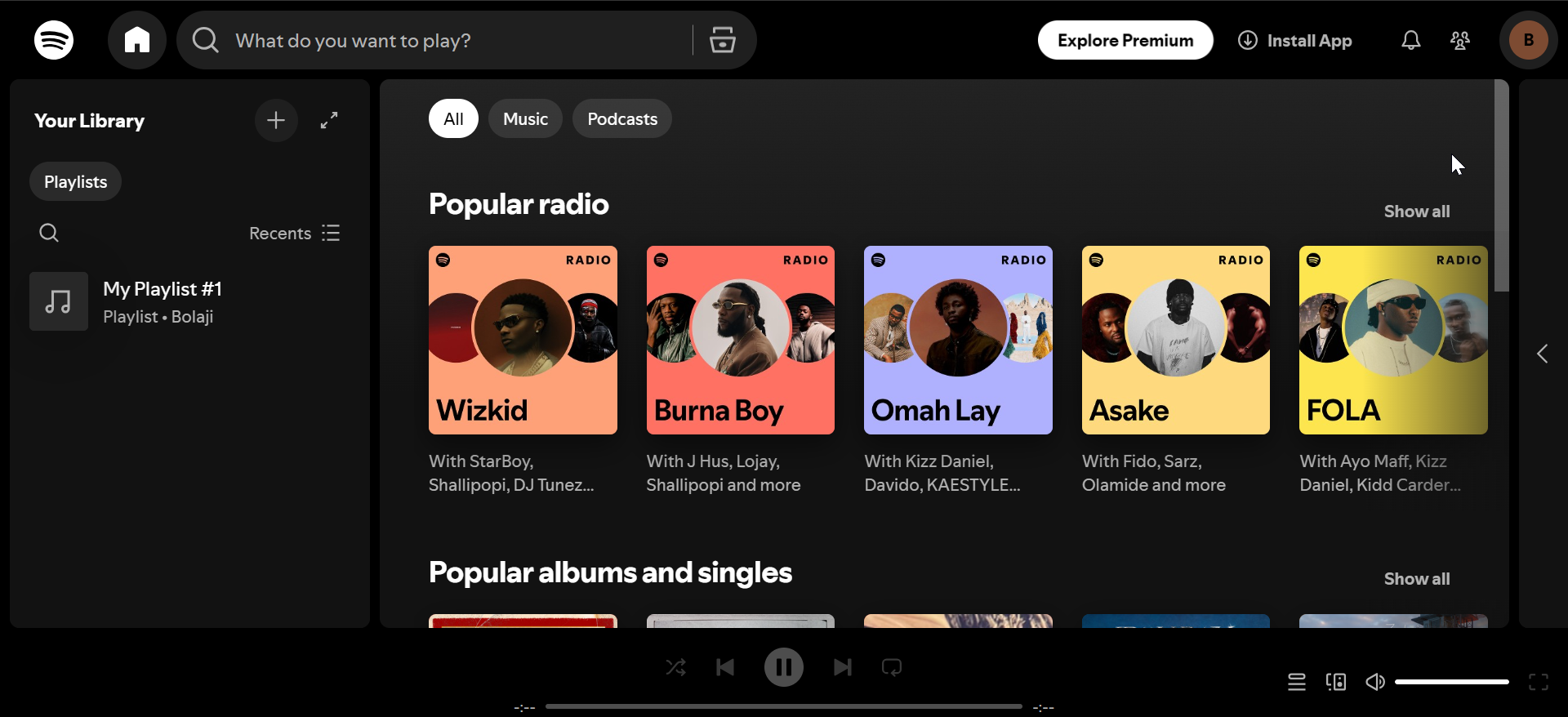
Spotify excels at music discovery, playlist sharing, and cross-device syncing on iPhone and iPad. Its recommendation engine consistently surfaces new music based on listening habits.
The iPad app scales cleanly to larger screens and keeps navigation simple. Spotify lacks native lossless audio, but its free tier and social features remain major advantages.
3) YouTube Music
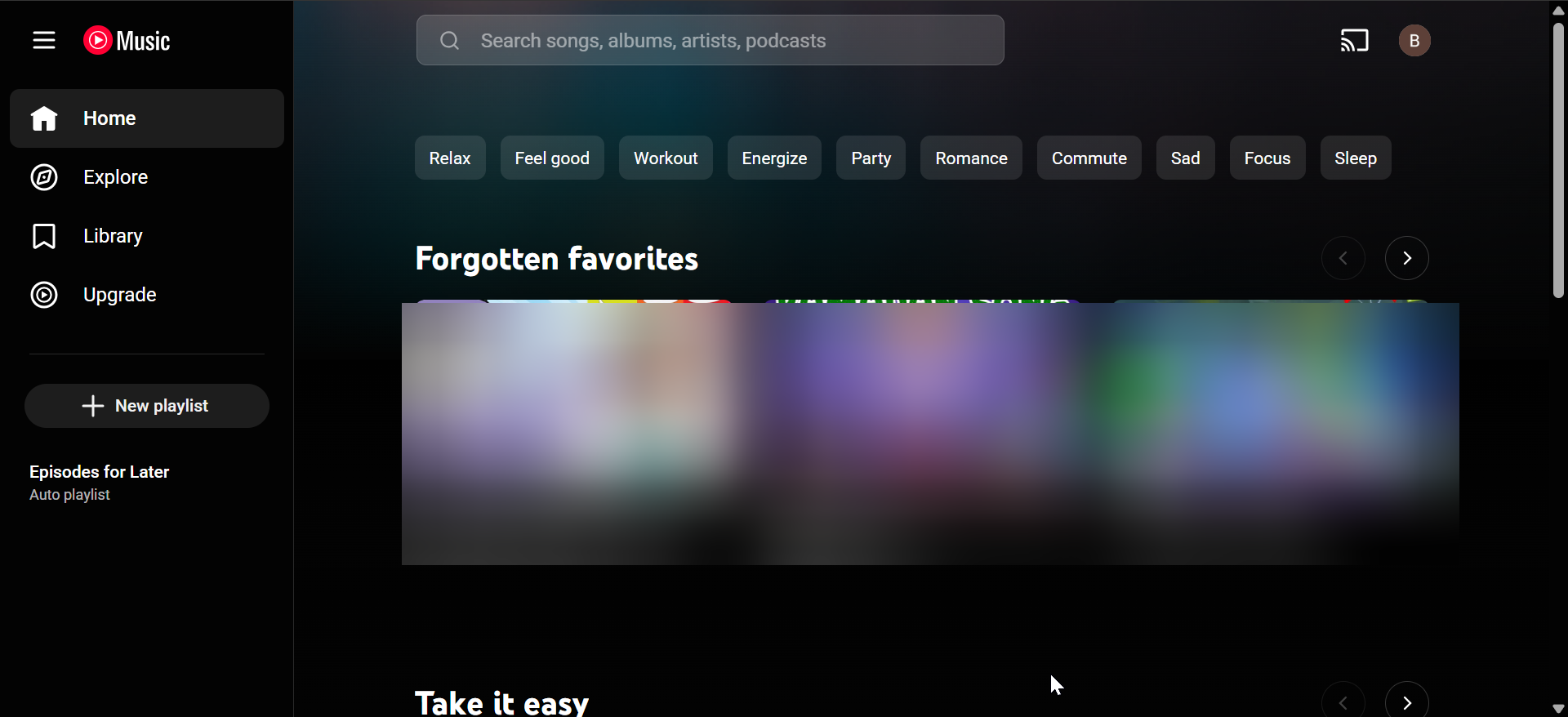
YouTube Music stands out for its massive library, including remixes, live recordings, and unofficial tracks. The app runs smoothly on iPhone and iPad, especially for users with YouTube Premium.
On iPad, YouTube Music handles multitasking well and supports background playback. Offline downloads require a paid plan, but content variety remains its strongest selling point.
4) Amazon Music
Amazon Music delivers strong value for Prime members and consistent performance on iPhone and iPad. The app supports offline listening, lyrics, and hands-free Alexa control.
The iPad interface feels less refined than some rivals, but playback stays reliable. Lossless and spatial audio support add appeal for listeners who care about sound quality.
5) TIDAL

TIDAL targets listeners who prioritize sound quality on iPhone and iPad. The app supports lossless and high-resolution audio without complicated setup.
On iPad, album artwork and playlists look sharp, which suits longer listening sessions. Discovery features feel limited compared to Spotify or Apple Music.
6) Deezer
Deezer offers a balanced experience with a clean iOS interface and solid personalization tools. The Flow feature creates adaptive mixes based on listening habits.
The iPad app scales well visually and supports offline listening without friction. Lossless audio is available, though Apple ecosystem integration feels lighter.
7) Pandora
Pandora focuses on radio-style listening rather than full-on-demand control. It works reliably on iPhone and iPad for background music and discovery.
The iPad experience mirrors the iPhone layout with minimal enhancements. Offline playback and skips remain limited without a subscription.
8) SoundCloud
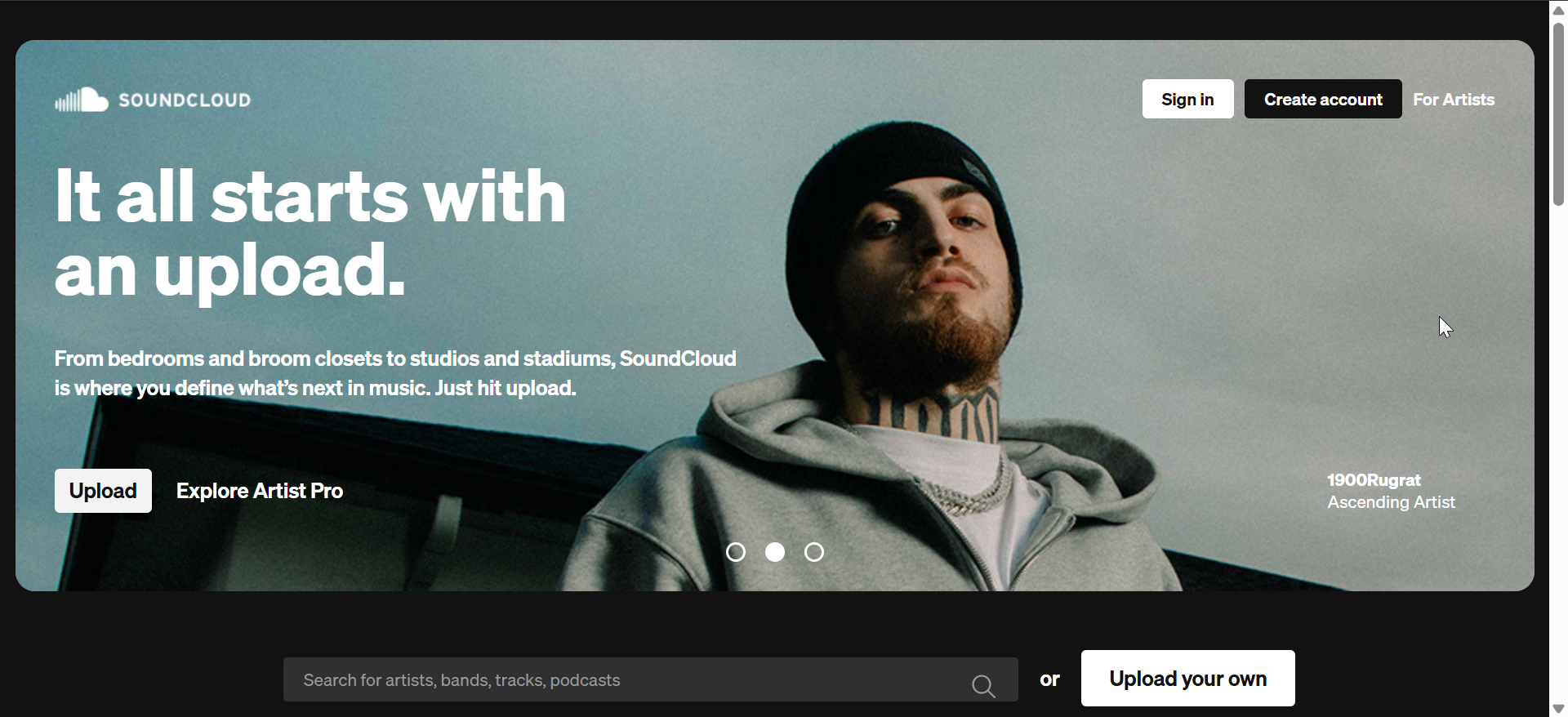
SoundCloud specializes in independent artists, remixes, and tracks unavailable on mainstream platforms. The app runs smoothly on iPhone and iPad, especially for exploring emerging creators.
On iPad, browsing large playlists feels comfortable, but multitasking features stay basic. Offline listening requires a paid tier.
Tips for choosing the right music streaming app on iOS
- Choose an app with strong Siri, CarPlay, and AirPods support if you rely on Apple devices daily. These integrations improve hands-free control and convenience.
- Check offline download limits and storage controls if you travel often or listen without Wi-Fi. Some apps handle downloads more efficiently on iPhone and iPad.
- If you use an iPad regularly, look for apps that support Split View and larger layouts properly. Several services only scale up the iPhone interface.
FAQs about music streaming apps on iPhone and iPad
Can I switch music streaming apps without losing my playlists?
Yes, third-party services can transfer playlists between platforms. Results depend on song availability across each catalog.
Do music streaming apps drain more battery on iPhone and iPad?
Streaming over mobile data and using lossless audio consumes more power. Offline downloads usually reduce battery usage.
Is there a real difference between iPhone and iPad music apps?
Yes, iPad apps benefit from larger layouts and multitasking. Some services optimize for this better than others.
Which music streaming app works best with Apple Watch?
Apple Music offers the deepest Apple Watch integration. Spotify and others support playback and downloads with some limits.
Summary
- Apple Music delivers the best overall experience on iPhone and iPad.
- Spotify leads in discovery, playlists, and social sharing.
- YouTube Music offers unmatched content variety.
- TIDAL and Deezer suit listeners who want lossless audio.
- Amazon Music adds value for Prime members.
- Pandora works best for radio-style listening.
- SoundCloud excels for independent and emerging music.
Apple Music and Spotify remain the safest choices for most users, while alternatives shine in specific listening scenarios.
The best music streaming app for iPhone and iPad depends on how you listen, which Apple devices you own, and whether you value discovery, sound quality, or offline access. Pick the service that fits your daily habits and device setup.
Finally, if you are looking to listen to mp3 music on an iPhone without streaming, there are ways to do it, which you will find in our detailed guide.


Discussion (0)
Be the first to comment.