




Apple’s default keyboard works well, but third-party keyboard apps can significantly improve typing speed, accuracy, and flexibility. Many also add AI writing tools, advanced predictions, better multilingual support, or deeper customization for iPhone and iPad users.
Below are the best keyboard apps you can use on iOS and iPadOS right now, each suited to a different typing style or need.
Table of contents
- 1) Gboard
- 2) Microsoft SwiftKey
- 3) Grammarly Keyboard
- 4) Typewise
- 5) Kika Keyboard
- 6) Facemoji Keyboard
- 7) Fonts Keyboard
- 8) GIF Keyboard by Tenor
- 9) CleverType AI Keyboard
- How we evaluated iPhone and iPad keyboard apps
- Privacy and data usage with third-party keyboards
- Free vs paid keyboard apps on iOS
- Are third-party keyboards better than Apple’s default keyboard?
- Tips for choosing the right keyboard app
- Summary
1) Gboard
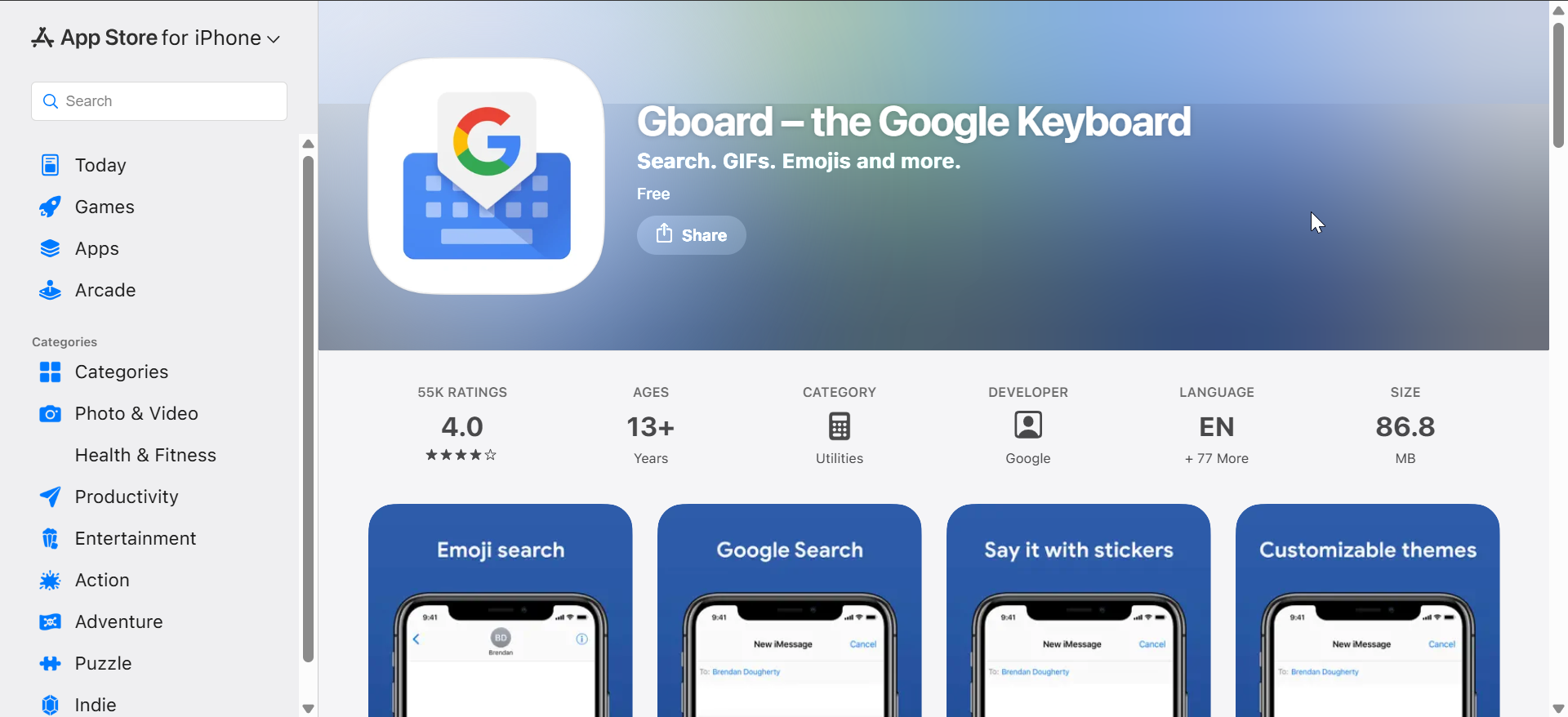
Gboard focuses on speed, accuracy, and smart predictions, making it a strong default replacement for Apple’s keyboard. It supports glide typing, multilingual input, built-in Google Search, and excellent emoji and GIF discovery.
At the same time, Gboard works reliably across most apps and feels familiar almost instantly. However, users concerned about data collection may want to review its privacy permissions carefully.
2) Microsoft SwiftKey
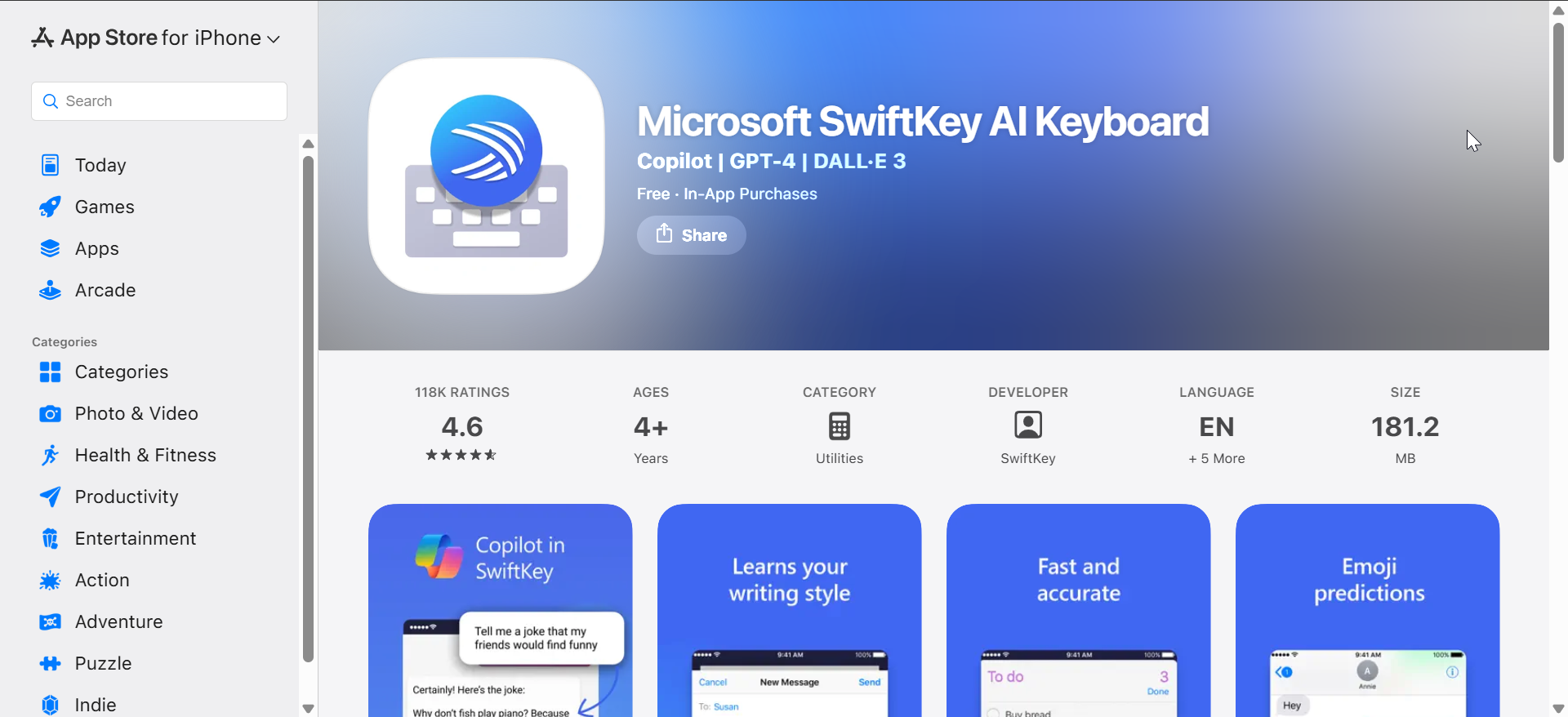
Microsoft SwiftKey excels at learning your writing style and predicting entire phrases as you type. Its autocorrect is aggressive but accurate, which helps reduce typing errors over time.
In addition, SwiftKey offers extensive theme customization and multilingual typing without switching keyboards. It remains one of the best options for users who type long messages daily.
3) Grammarly Keyboard

Grammarly Keyboard targets users who care more about writing quality than raw typing speed. It checks grammar, spelling, punctuation, and tone directly as you type in emails, messages, and documents.
While it feels slower than traditional keyboards, it shines for professional communication. This makes it ideal for work emails, essays, and formal conversations on iPhone or iPad.
4) Typewise

Typewise stands out with its optional hexagonal keyboard layout designed to reduce typing errors. The layout spreads keys apart, which helps minimize accidental taps, especially on larger iPhones.
For users who prefer familiarity, Typewise also offers a standard QWERTY layout with strong predictions. This flexibility makes it appealing for both experimental and traditional typists.
5) Kika Keyboard
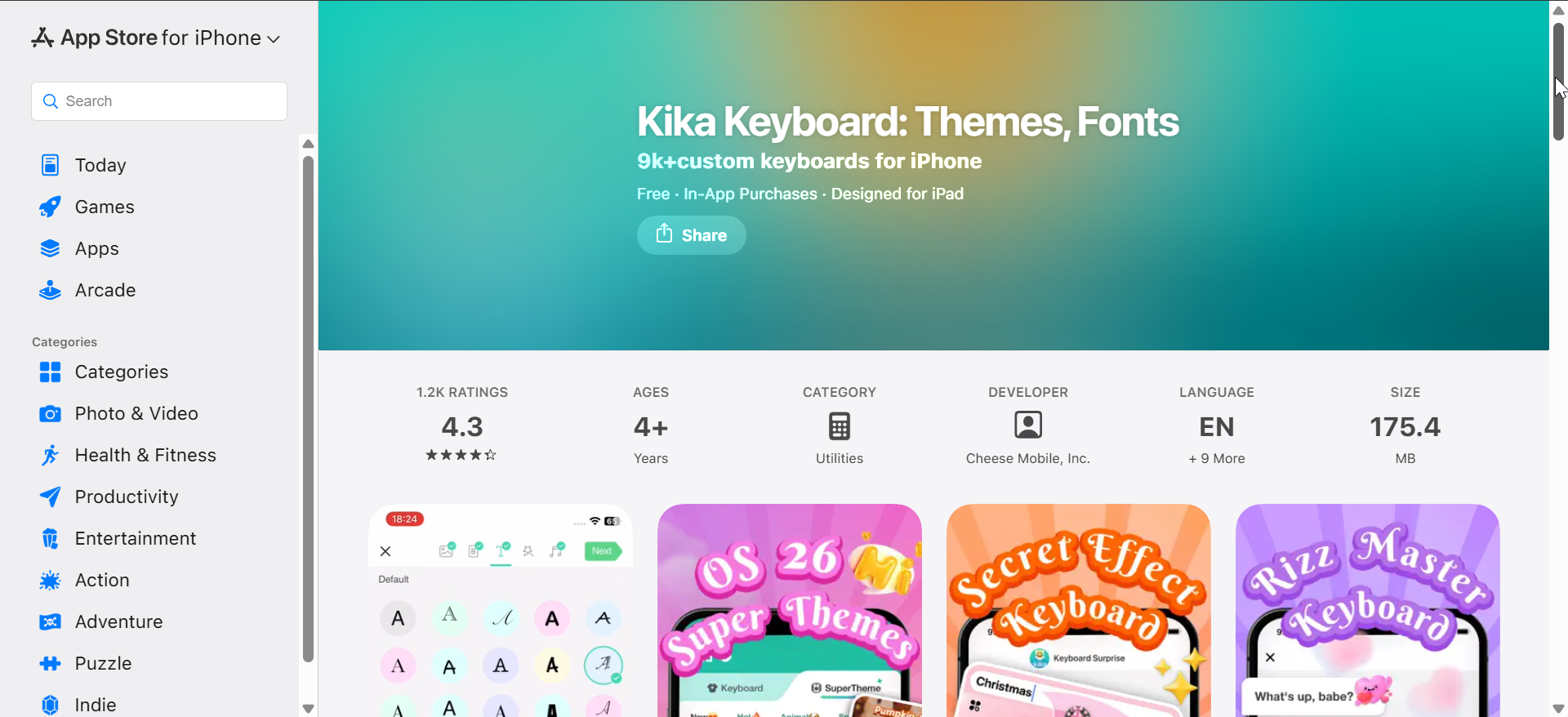
Kika Keyboard focuses heavily on customization, offering thousands of themes, fonts, emojis, and stickers. It appeals most to users who want their keyboard to look unique and expressive.
That said, typing accuracy and predictions are secondary compared to visual flair. As a result, Kika works best for casual messaging rather than productivity-focused typing.
6) Facemoji Keyboard
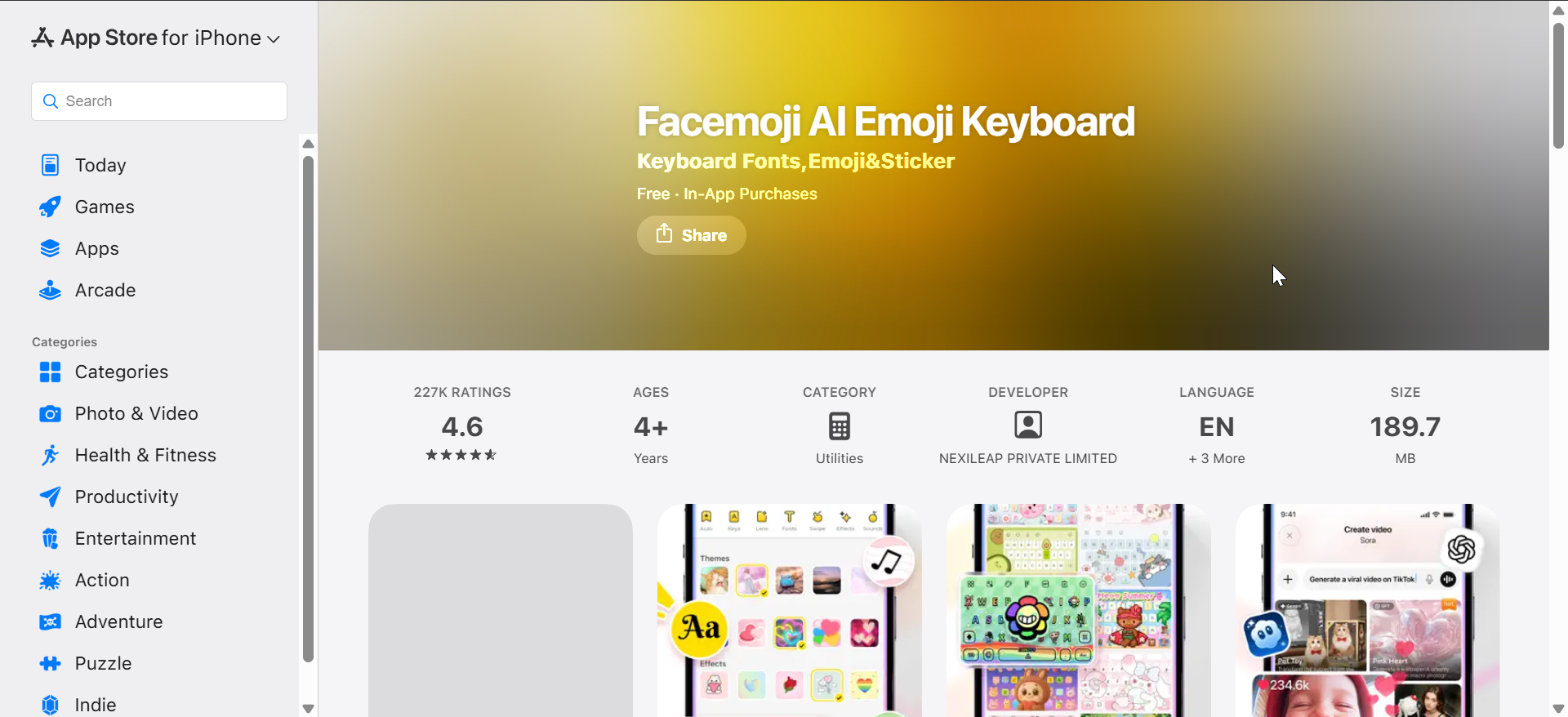
Facemoji combines emoji-rich messaging with customizable layouts and themes. It includes kaomojis, stickers, and font styles that integrate smoothly into chats and social apps.
While it delivers a fun typing experience, it may feel busy for users who prefer a clean interface. Still, it remains popular among users who value expression over speed.
7) Fonts Keyboard
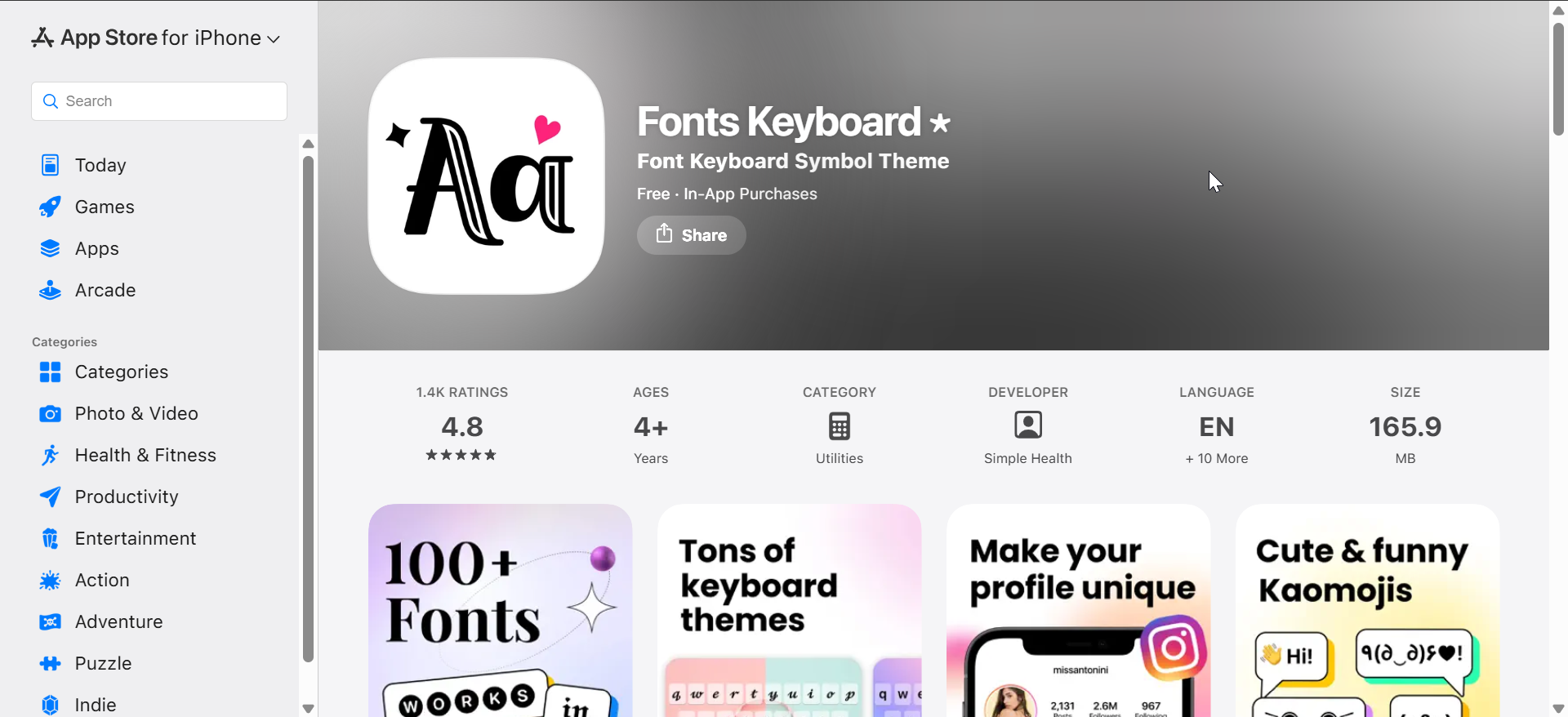
Fonts Keyboard targets users who want stylish text rather than advanced predictions. It allows you to type using decorative fonts directly from the keyboard in supported apps.
Although it lacks strong autocorrect and AI features, it complements social media use well. It works best alongside another keyboard rather than as a full replacement.
8) GIF Keyboard by Tenor

GIF Keyboard by Tenor focuses entirely on fast GIF search and sharing from within the keyboard. It integrates seamlessly with messaging apps and offers an enormous GIF library.
However, it does not aim to replace your main keyboard. Instead, it works best as a secondary keyboard for expressive conversations.
9) CleverType AI Keyboard
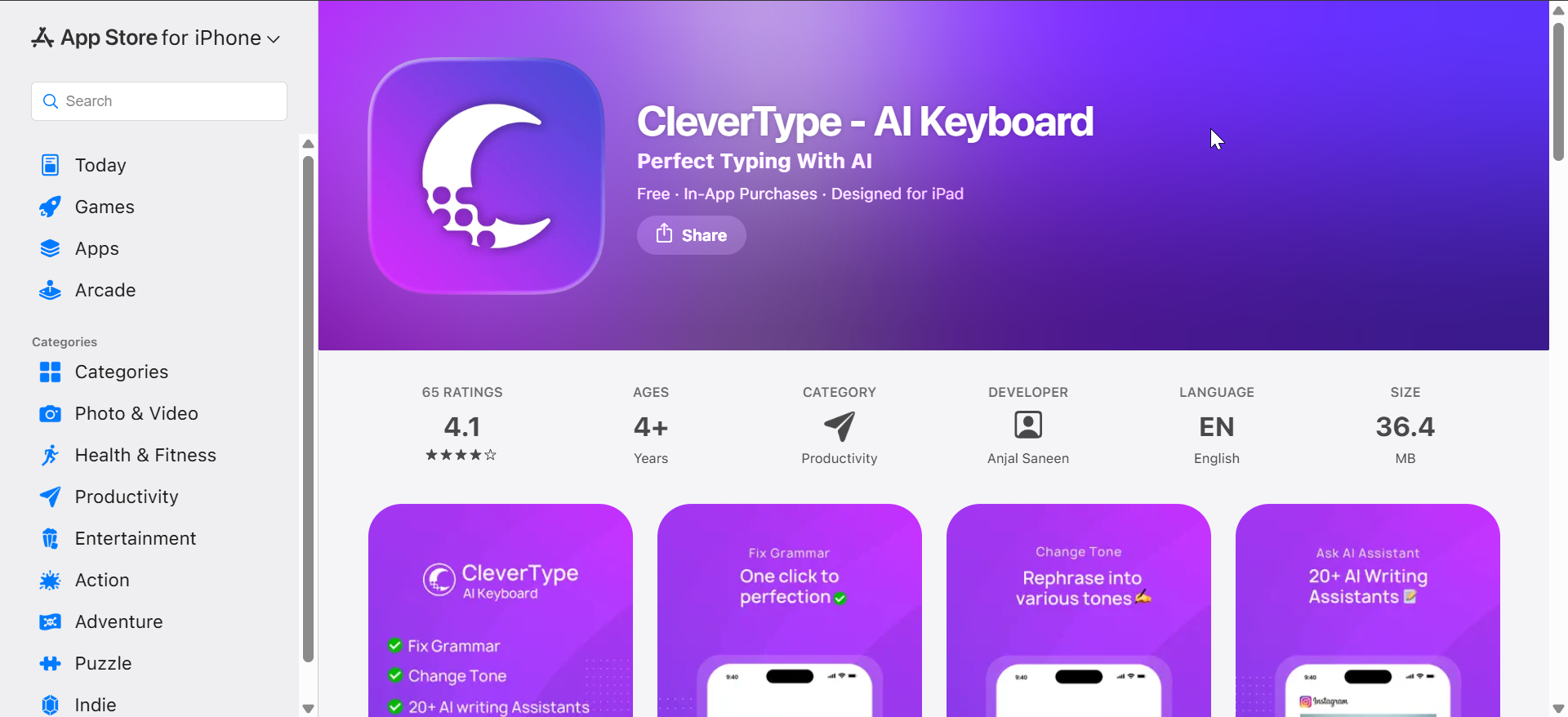
CleverType uses AI to rewrite sentences, expand short inputs, and adjust tone on demand. It targets users who want more than basic autocorrect and predictive typing.
While its AI tools feel powerful, they may slow down quick conversations. As a result, it suits thoughtful writing more than rapid back-and-forth chats.
How we evaluated iPhone and iPad keyboard apps
We focused on typing accuracy, prediction quality, customization options, privacy controls, and iPad compatibility. Update frequency, stability, and real-world usability also played a major role in ranking.
Privacy and data usage with third-party keyboards
Third-party keyboards on iOS can request “Full Access,” which allows data processing beyond basic typing. Users should review permissions carefully and disable full access when it is not required.
Apple restricts system-level access, but privacy policies still matter. Choosing reputable developers reduces risk.
Free vs paid keyboard apps on iOS
Most keyboard apps offer a free tier with core typing features. Premium plans usually unlock AI tools, advanced customization, or cloud-based predictions.
For many users, free versions work well enough. Paid tiers make more sense for professionals or heavy writers.
Are third-party keyboards better than Apple’s default keyboard?
Apple’s keyboard offers excellent privacy, stability, and system integration. However, third-party keyboards often outperform it in predictions, customization, and writing assistance.
The best choice depends on whether you value control, speed, or simplicity more.
Tips for choosing the right keyboard app
- Prioritize prediction quality if you type long messages daily
- Choose AI keyboards for writing-heavy tasks
- Avoid full access if privacy is a concern
- Test iPad layouts in landscape mode
Summary
- Gboard and SwiftKey remain the best all-around options
- Grammarly and CleverType work best for writing quality
- Fleksy and Typewise focus on typing efficiency
- Customization keyboards suit casual messaging
- Apple’s keyboard still wins for simplicity
The right keyboard app depends on how and where you type most. Whether you want to type special characters on your iPhone or just want customization options, the keyboard list above covers your needs.


Discussion (0)
Be the first to comment.