




If you rely on your iPhone or iPad to stay on top of flight delays, gate changes, or arrivals, a dedicated flight tracking app makes a real difference. The best flight tracking iPhone and iPad apps combine fast alerts, reliable data, and interfaces that work equally well on small and large screens.
This guide focuses on apps that actually help during real trips, not just aviation maps. Each pick below explains who the app works best for and what tradeoffs to expect.
Table of contents
1) Flighty
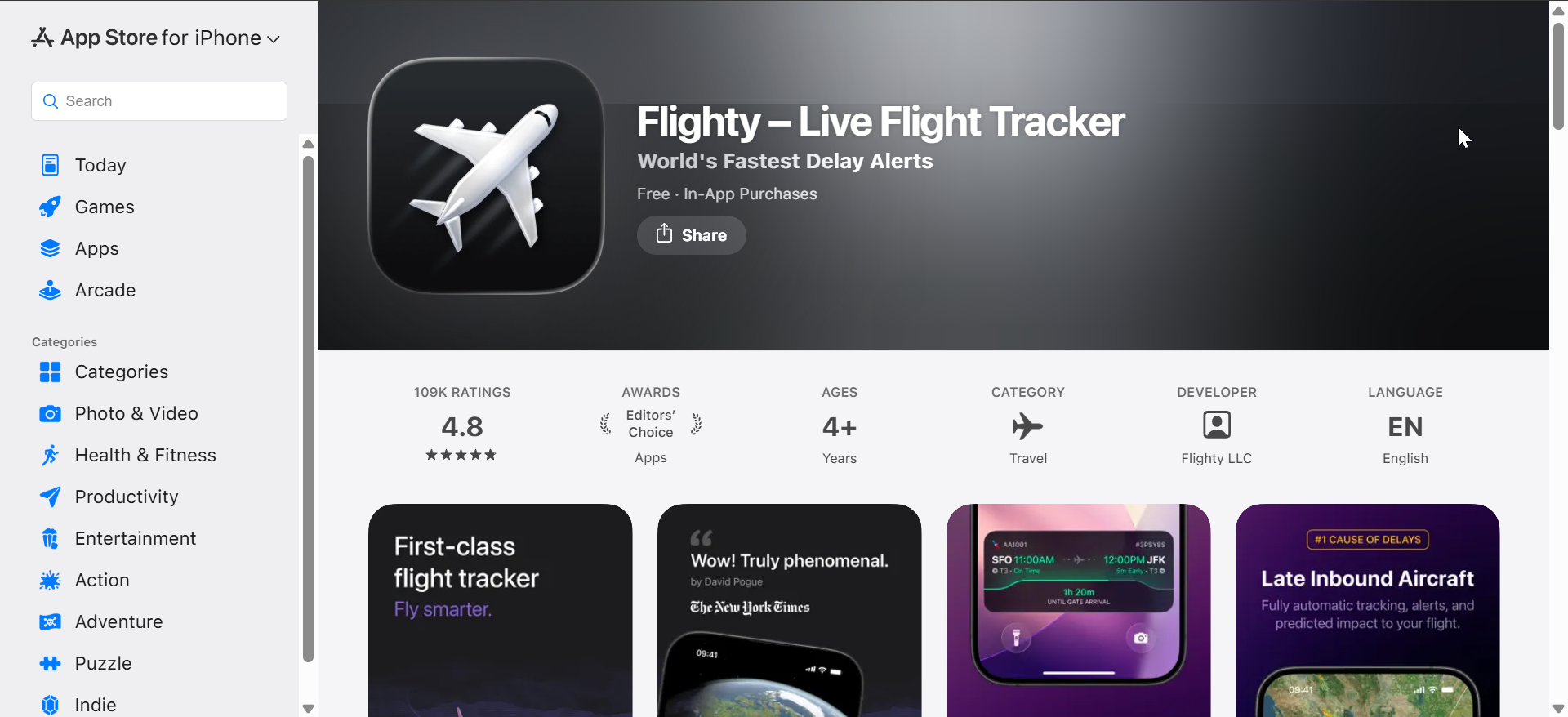
Flighty focuses on proactive alerts and explains delays in plain language, which helps frequent flyers react faster. It tracks inbound aircraft, weather, and historical data to predict issues before airlines announce them.
On iPhone, Live Activities and lock screen updates feel instant and reliable. On iPad, the layout stays clean and readable, though advanced features require a subscription.
2) Flightradar24

Flightradar24 delivers one of the most detailed live flight maps available on iOS and iPadOS. Aviation enthusiasts appreciate its aircraft data, altitude tracking, and global coverage.
For casual travelers, the interface can feel busy at first. Still, the iPad version shines when monitoring multiple flights or exploring air traffic visually.
3) FlightAware

FlightAware balances traveler-friendly tracking with aviation-grade accuracy. It provides solid arrival estimates, delay information, and reliable push notifications.
The app works well on both iPhone and iPad without overwhelming the screen. Its design favors function over style, which many users prefer during active travel days.
4) Plane Finder
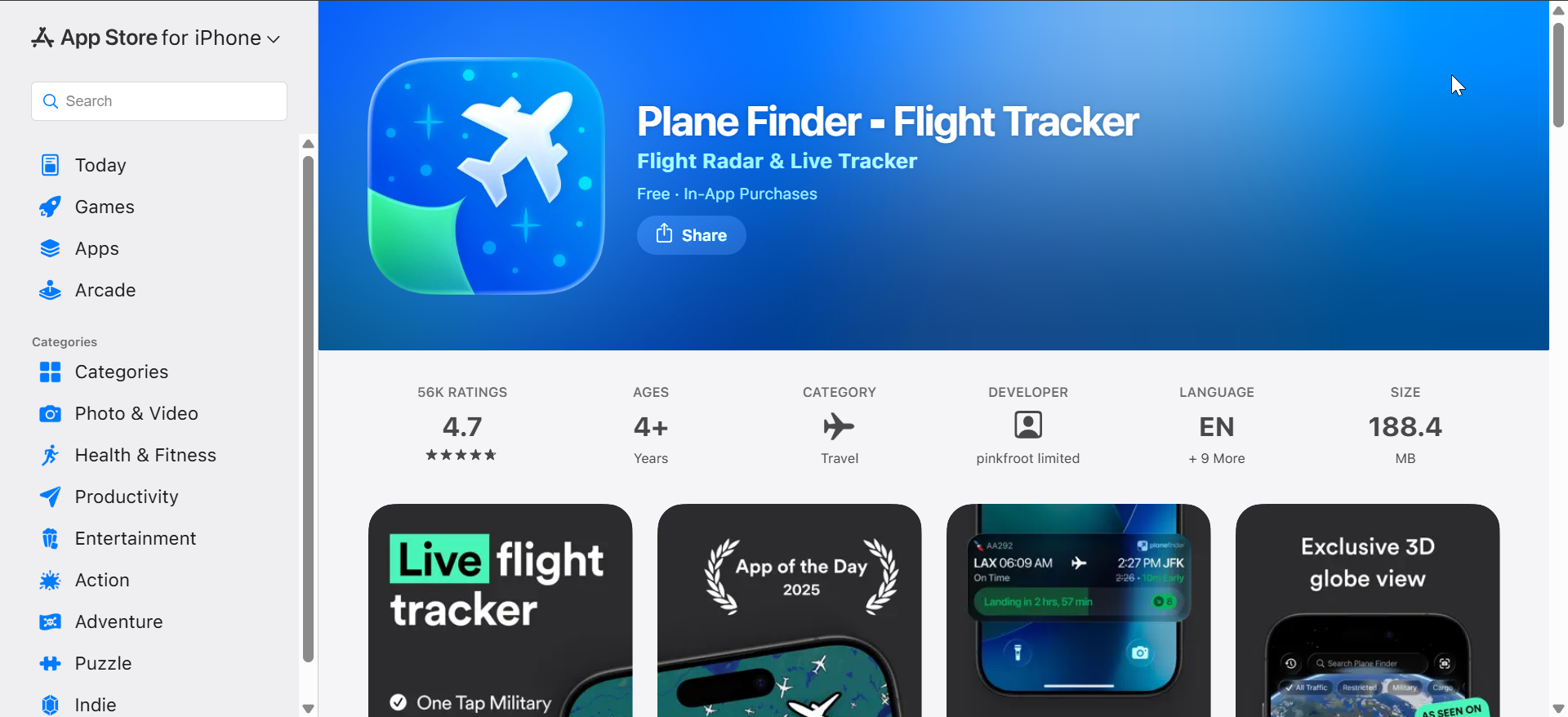
Plane Finder emphasizes real-time aircraft tracking with a cleaner interface than most map-heavy apps. It offers a one-time purchase option, which appeals to users avoiding subscriptions.
The iPhone experience stays smooth and responsive, while the iPad layout gives maps room to breathe. Travelers should note that alert features remain more basic.
5) FlightStats

FlightStats focuses on airline-grade status data and schedule accuracy. Many users trust it for dependable departure and arrival times.
The app looks dated compared to newer options, especially on iPad. However, it remains a solid choice for users who value data reliability over modern design.
6) AirNav Radar
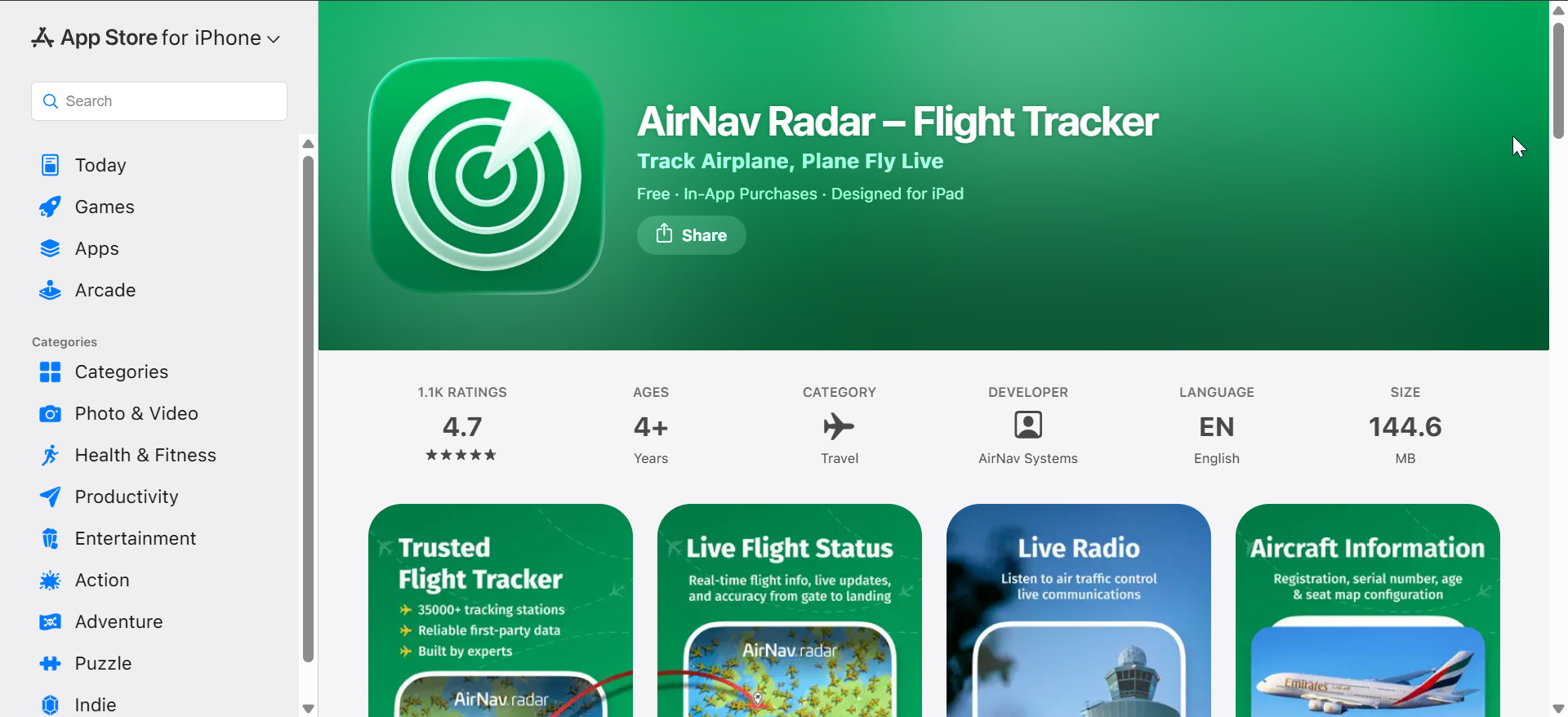
AirNav Radar provides detailed global tracking with strong filtering and aircraft information tools. It targets users who want control over what they see and track.
On iPad, AirNav Radar feels more comfortable due to the extra screen space. iPhone users may need time to adjust to the denser interface.
7) TripIt
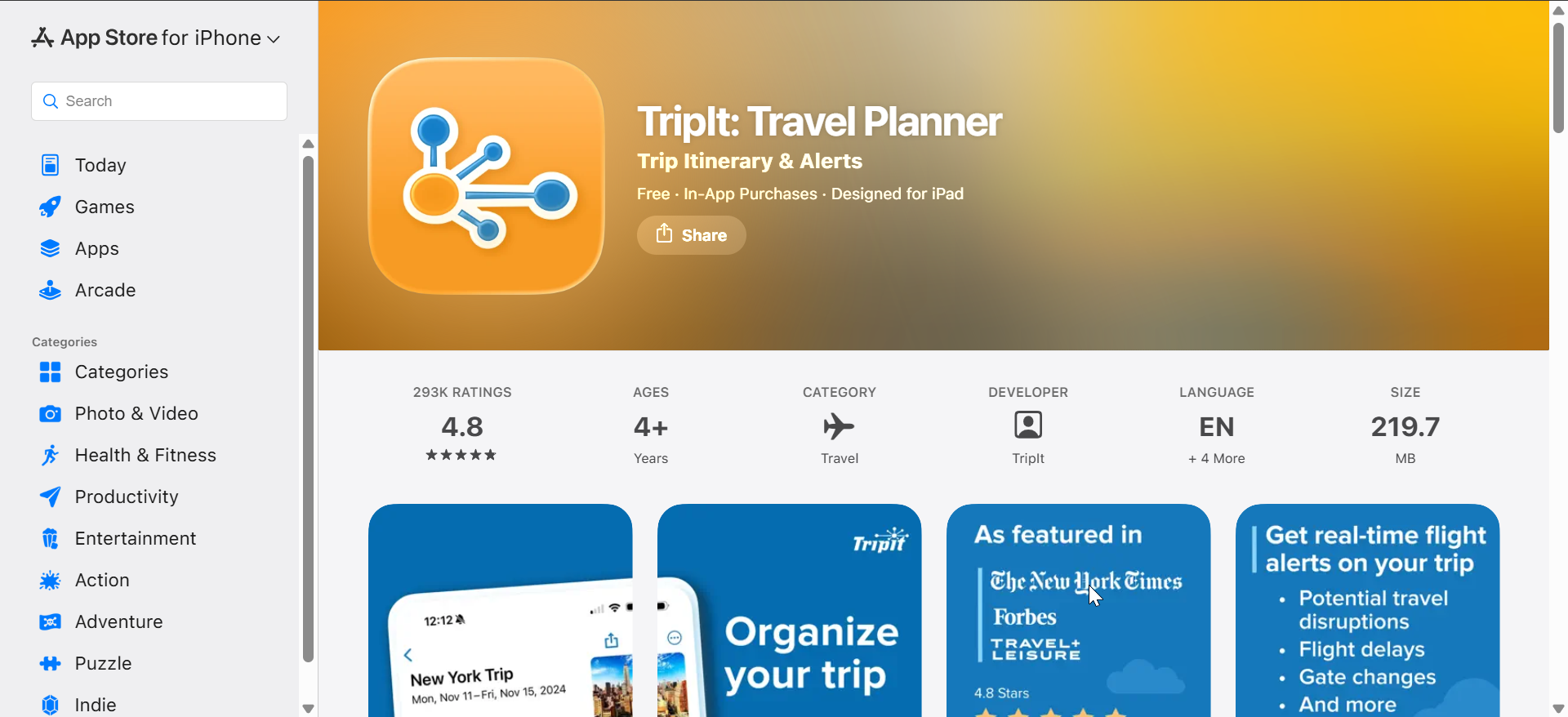
TripIt acts more as a travel organizer with built-in flight tracking. It pulls flights from confirmation emails and keeps updates in one timeline.
While it does not offer deep live maps, it works well for itinerary-based tracking. iPad users benefit from a broader overview of entire trips at once.
8) Kayak
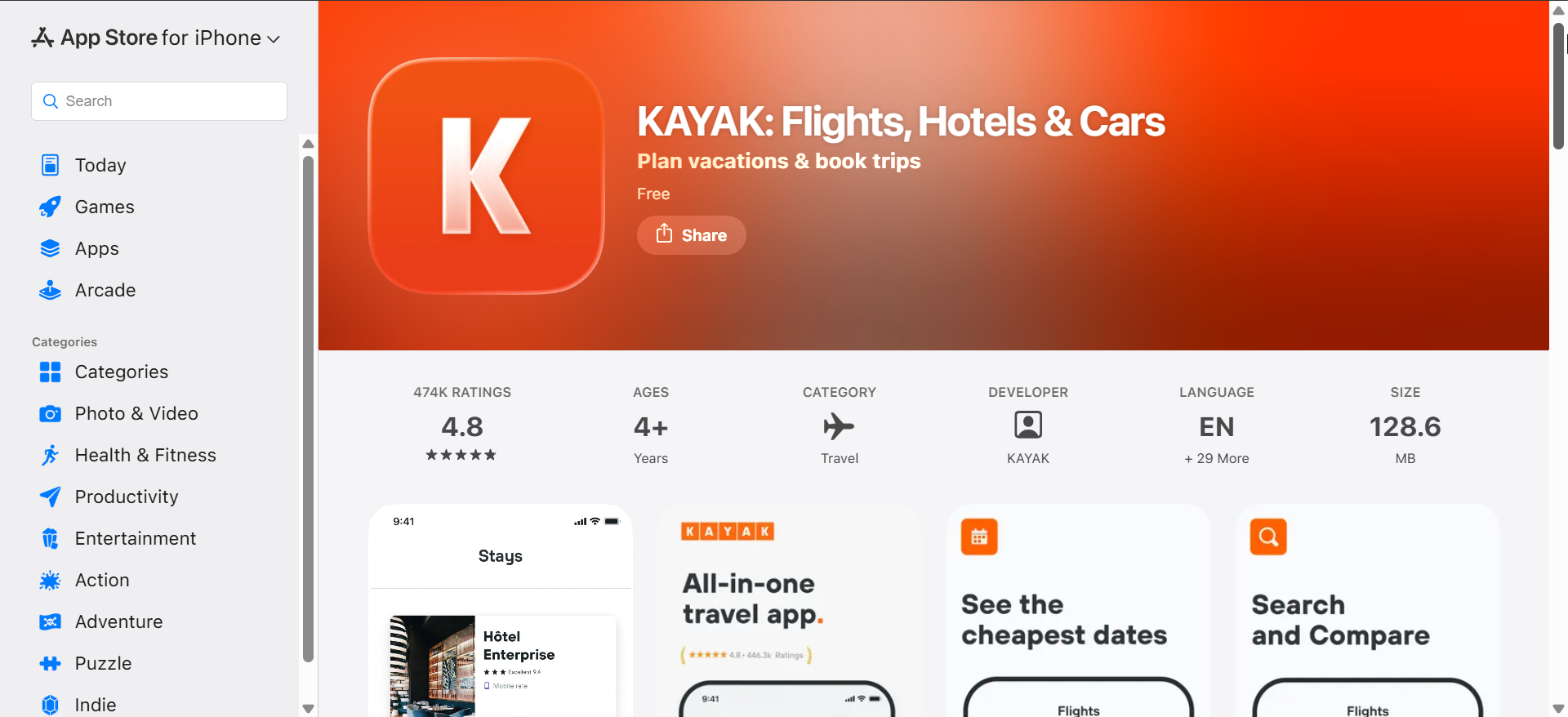
Kayak includes flight tracking as part of its travel search ecosystem. It provides basic alerts for delays, gate changes, and cancellations.
The app suits occasional travelers who already use Kayak for bookings. Power users may find the tracking features limited compared to dedicated apps.
How we evaluated flight tracking apps for iPhone and iPad
We focused on alert speed, data clarity, and real-world usefulness for travelers. We also looked at how well each app adapts to iPad multitasking and modern iOS features.
Apps that hide key updates behind subscriptions or overload users with noise ranked lower. Clean design and predictable behavior mattered more than flashy visuals.
Flight tracking on iPhone vs iPad
iPhone works best for real-time alerts and quick status checks while on the move. Live Activities and lock screen updates make it the fastest way to stay informed.
iPad adds value when monitoring multiple flights or planning travel ahead of time. The larger screen improves map readability and multitasking.
Tips to get the most accurate flight tracking
- Enable only delay, gate change, and cancellation alerts
- Track the inbound aircraft when the app supports it
- Add flights manually instead of relying only on email imports
FAQs about flight tracking apps on iPhone and iPad
Do flight tracking apps work offline?
Most apps require an internet connection, though cached data may remain visible briefly.
Are paid flight tracking apps worth it?
They often deliver faster alerts, predictive insights, and fewer limitations.
Can I track someone else’s flight?
Yes, most apps allow tracking any public flight using a flight number.
Which app updates gate changes the fastest?
Apps focused on traveler alerts usually update faster than map-first tools.
Summary
- Dedicated flight tracking apps outperform airline apps for alerts and clarity.
- iPhone excels at real-time updates, while iPad suits monitoring and planning.
- Free apps work for basics, but frequent flyers benefit from paid features.
- No app guarantees perfect data, so expectations matter.
Choosing the best flight tracking iPhone iPad app depends on how you travel and what you value most. Pick alert-focused apps for stress-free trips, or map-driven tools if you enjoy seeing every aircraft in the sky.
Are you also looking for the best unit converter apps for iPhone for accurate measurement? We have a guide with a list of top options you can use.


Discussion (0)
Be the first to comment.