




Watching free movies on a Fire TV Stick works well if you choose the right apps. Amazon’s platform supports several legal, ad-supported movie apps that stream without subscriptions, trials, or hidden costs. The key differences come down to movie selection, ad frequency, and how smoothly each app runs on Firestick hardware.
Table of contents
- 1) Pluto TV
- 2) Tubi
- 3) Freevee
- 4) Plex free movies
- 5) Crackle
- 6) The Roku Channel
- Best Firestick movie apps with the fewest ads
- Best free movie apps by genre
- How we tested free movie apps on Firestick
- How to install free movie apps on Firestick
- Tips for getting the best Firestick streaming experience
- FAQs
- Summary
1) Pluto TV
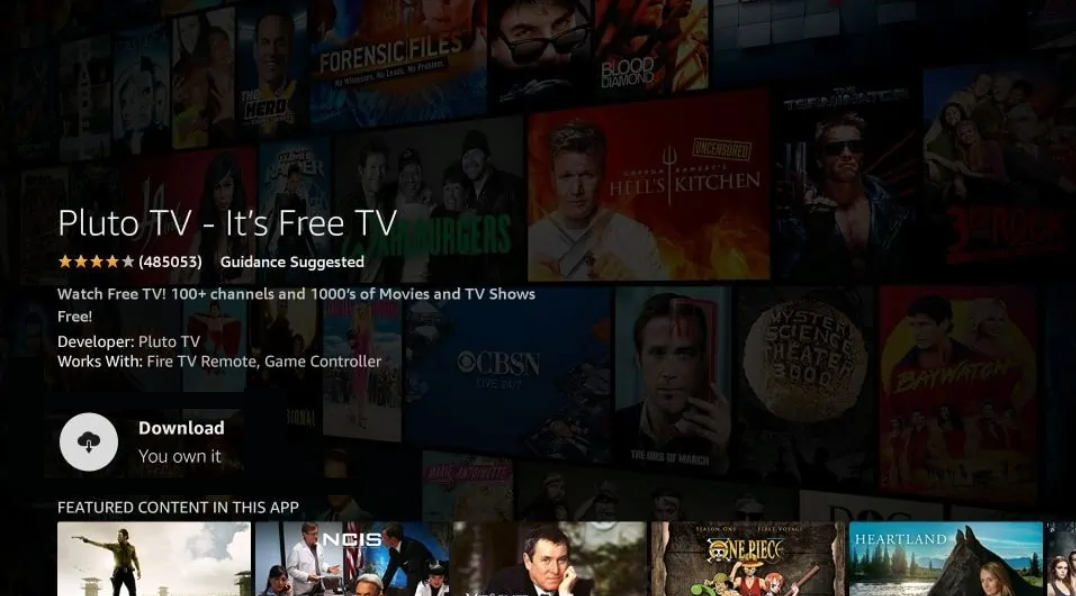
Pluto TV combines live movie channels with a solid on-demand library. You get access to rotating movie channels plus thousands of free films without creating an account.
Ads appear in scheduled breaks similar to cable TV, which makes them predictable. Navigation feels fast on Firestick, and the app rarely buffers on stable connections.
2) Tubi
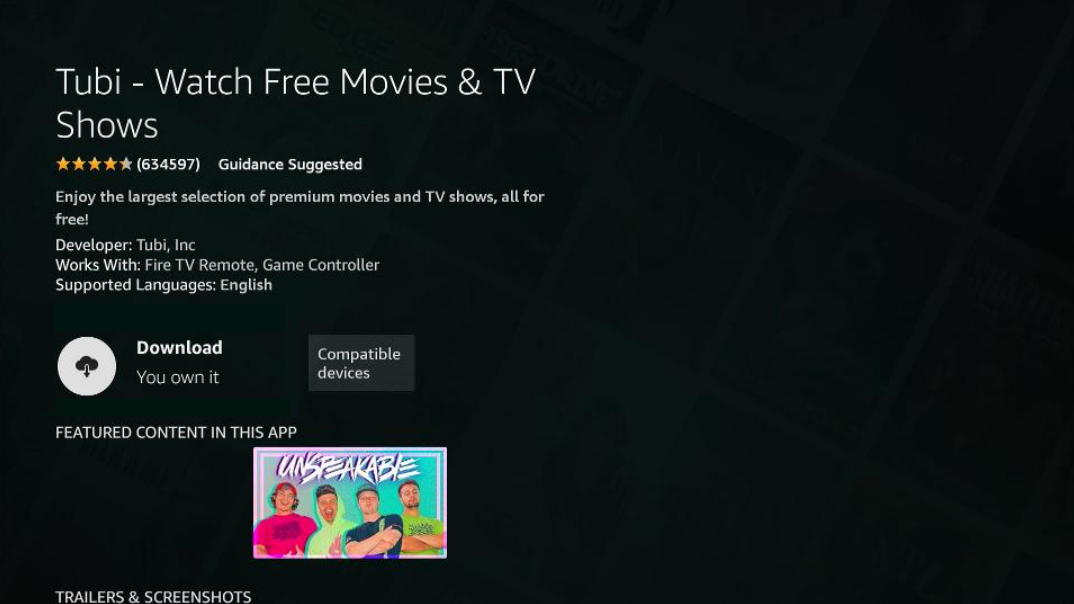
Tubi focuses heavily on on-demand movies rather than live channels. Its catalog includes action, drama, horror, and family movies, with frequent content refreshes.
Ads run more often than paid services but remain shorter than cable breaks. The Firestick app loads quickly and offers strong search and genre filters.
3) Freevee
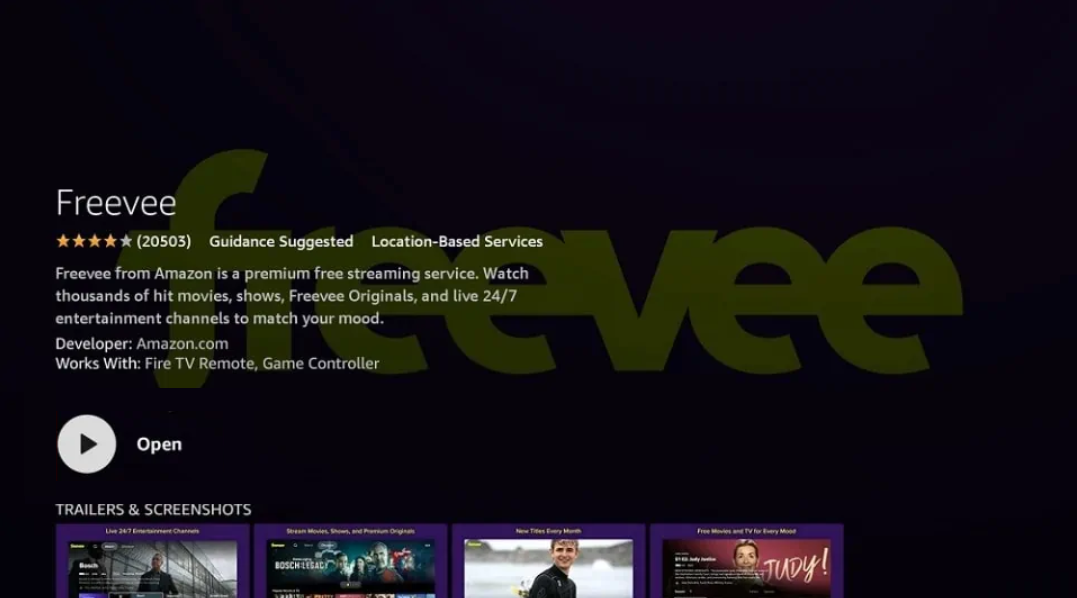
Freevee integrates tightly with Amazon’s Fire TV interface, which makes discovery easy. The app features recognizable movies, TV shows, and Amazon-produced originals.
Ad breaks appear regularly but stay consistent across content. Streaming quality remains stable, especially on Fire TV Stick 4K models.
4) Plex free movies
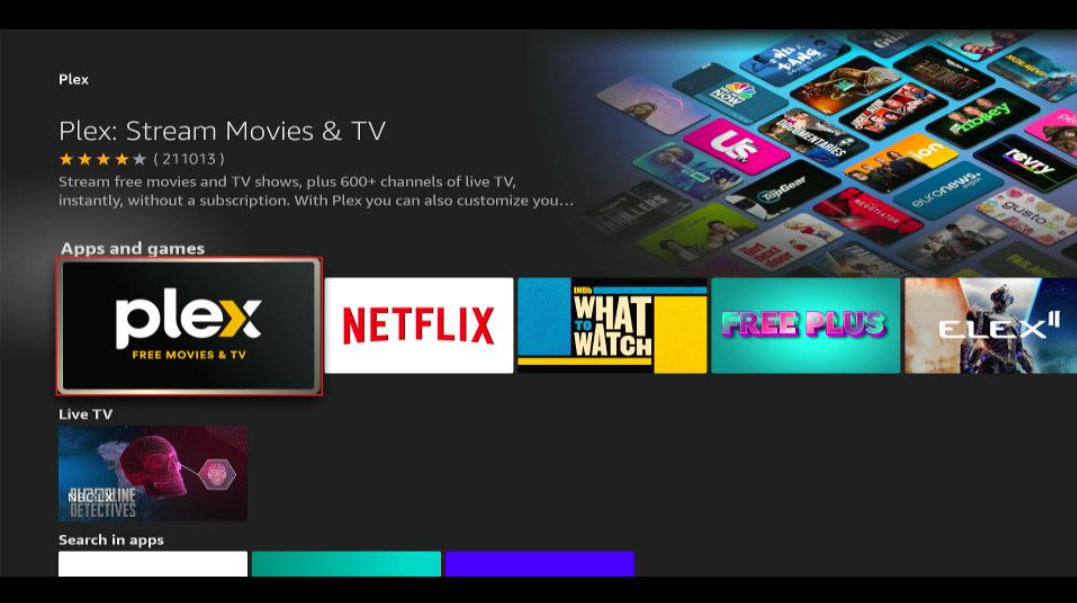
Plex offers a curated free movie library alongside its personal media features. The movie selection leans toward indie films, older releases, and hidden gems.
Ads appear before and during playback but stay manageable. Plex runs smoothly on Firestick, though the interface feels busier than simpler apps.
5) Crackle
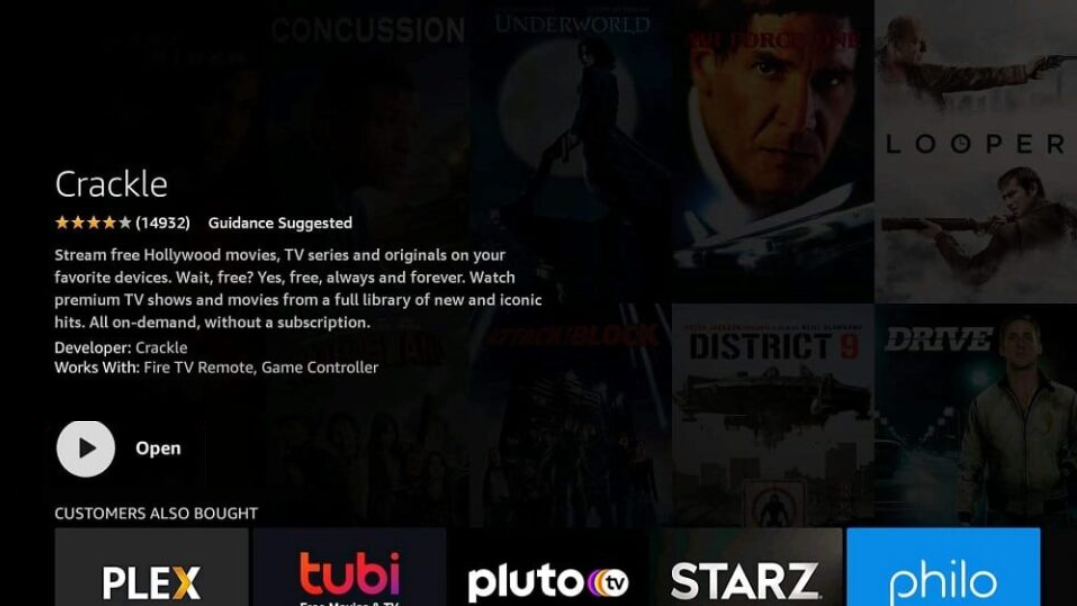
Crackle provides a rotating lineup of free movies and original content. The library is smaller than Tubi or Pluto TV but still covers popular genres.
Ads interrupt playback more frequently than average. The Firestick app remains lightweight and responsive, even on older hardware.
6) The Roku Channel
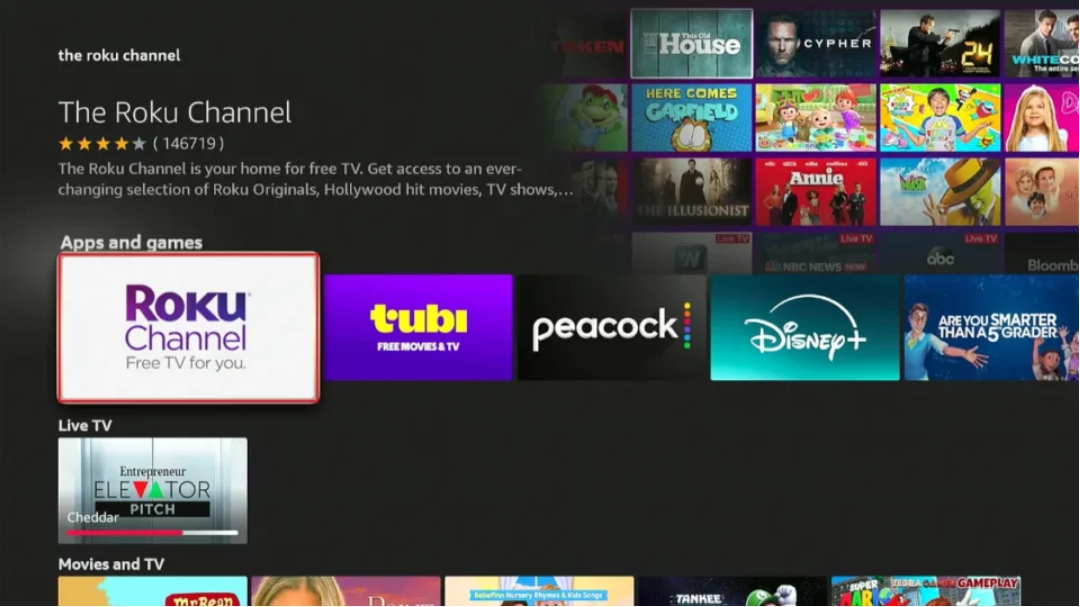
The Roku Channel works on Firestick despite its name and branding. It offers newer free movies compared to many competitors, along with live channels.
Ad breaks feel moderate and well-spaced. Navigation stays simple, and playback remains stable across different Fire TV Stick models.
Best Firestick movie apps with the fewest ads
Users who prioritize fewer interruptions should focus on apps with predictable ad placement. Freevee and Plex generally feel less intrusive than most competitors.
Best free movie apps by genre
Some apps perform better depending on what you watch most. Genre-specific strengths can help you pick the right combination.
Action and thriller fans benefit most from Tubi and Pluto TV. Classic and older movie fans find better depth on Plex and Crackle. Family and kid-friendly movies appear most consistently on Freevee and The Roku Channel.
How we tested free movie apps on Firestick
We installed and tested every app directly from the Amazon Appstore on a Fire TV Stick. Each app was evaluated for movie catalog size, ad load, playback stability, and ease of navigation using the Fire TV remote.
How to install free movie apps on Firestick
Open the Fire TV home screen and select Find, then Search. Type the app name, select it from the results, and choose Download.
Tips for getting the best Firestick streaming experience
- Install multiple apps to cover different movie catalogs
- Restart Firestick weekly to keep performance smooth
- Use search instead of browsing long category lists
FAQs
Do free Firestick movie apps require an account?
Most apps work without signing in, though optional accounts unlock watchlists and recommendations.
Can you download movies for offline viewing?
Free Firestick movie apps do not support offline downloads.
Why do movies disappear from free apps?
Licensing agreements change, which causes movies to rotate in and out regularly.
Summary
- Tubi and Pluto TV offer the largest free movie libraries.
- Freevee provides the smoothest Firestick integration.
- Plex works best for curated and classic movie fans.
- Using multiple apps delivers the widest free selection.
Free movie apps turn a Fire TV Stick into a capable streaming hub without monthly fees. Install two or three complementary apps to cover new releases, classics, and different genres, and you will rarely run out of something to watch.


Discussion (0)
Be the first to comment.