




Smartphones store more personal data than ever, including private photos and videos you may not want others to see. If you share your phone or worry about unauthorized access, Android offers several reliable ways to hide sensitive media.
Below are the best apps and built-in tools that let you hide photos and videos on Android using secure vaults, encryption, and biometric protection.
Google Photos Locked Folder
Google Photos includes a Locked Folder feature designed to hide private photos and videos behind biometric authentication. Once moved, the files disappear from your main gallery.
Items stored in Locked Folder are excluded from backups and screenshots, adding an extra privacy layer.
KeepSafe Photo Vault

KeepSafe is one of the most popular photo vault apps on Android, offering PIN, pattern, and fingerprint protection. It organizes hidden content into folders for easier management.
Advanced features include fake PINs, break-in alerts, and optional cloud backup for protected files.
1Gallery With Encrypted Vault
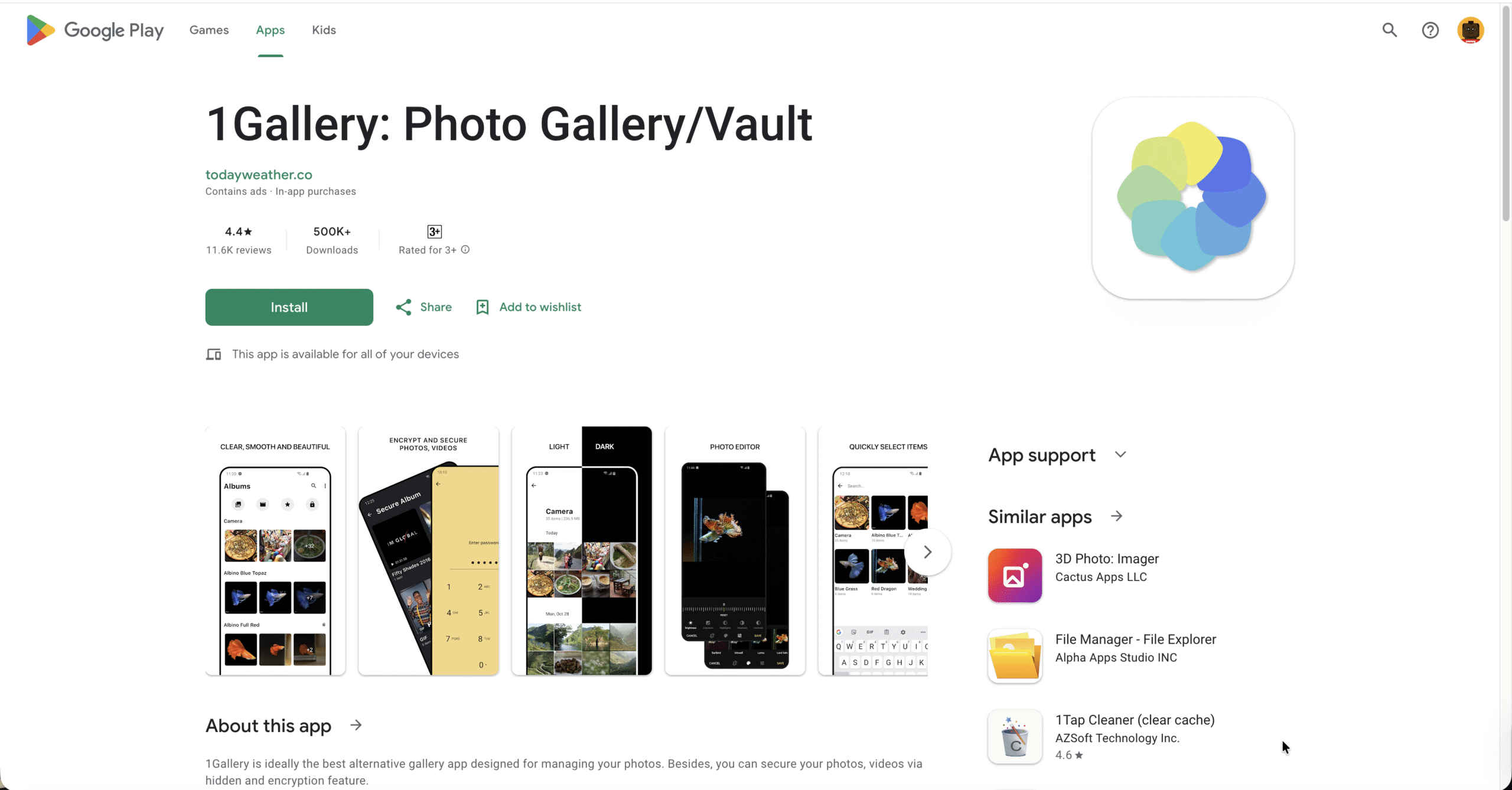
1Gallery functions as a full gallery replacement with a built-in encrypted vault. Unlike basic hiding methods, it encrypts files so they remain inaccessible even with advanced access.
The app supports PIN, pattern, and fingerprint locking while maintaining a clean, modern interface.
LockMyPix Photo Vault
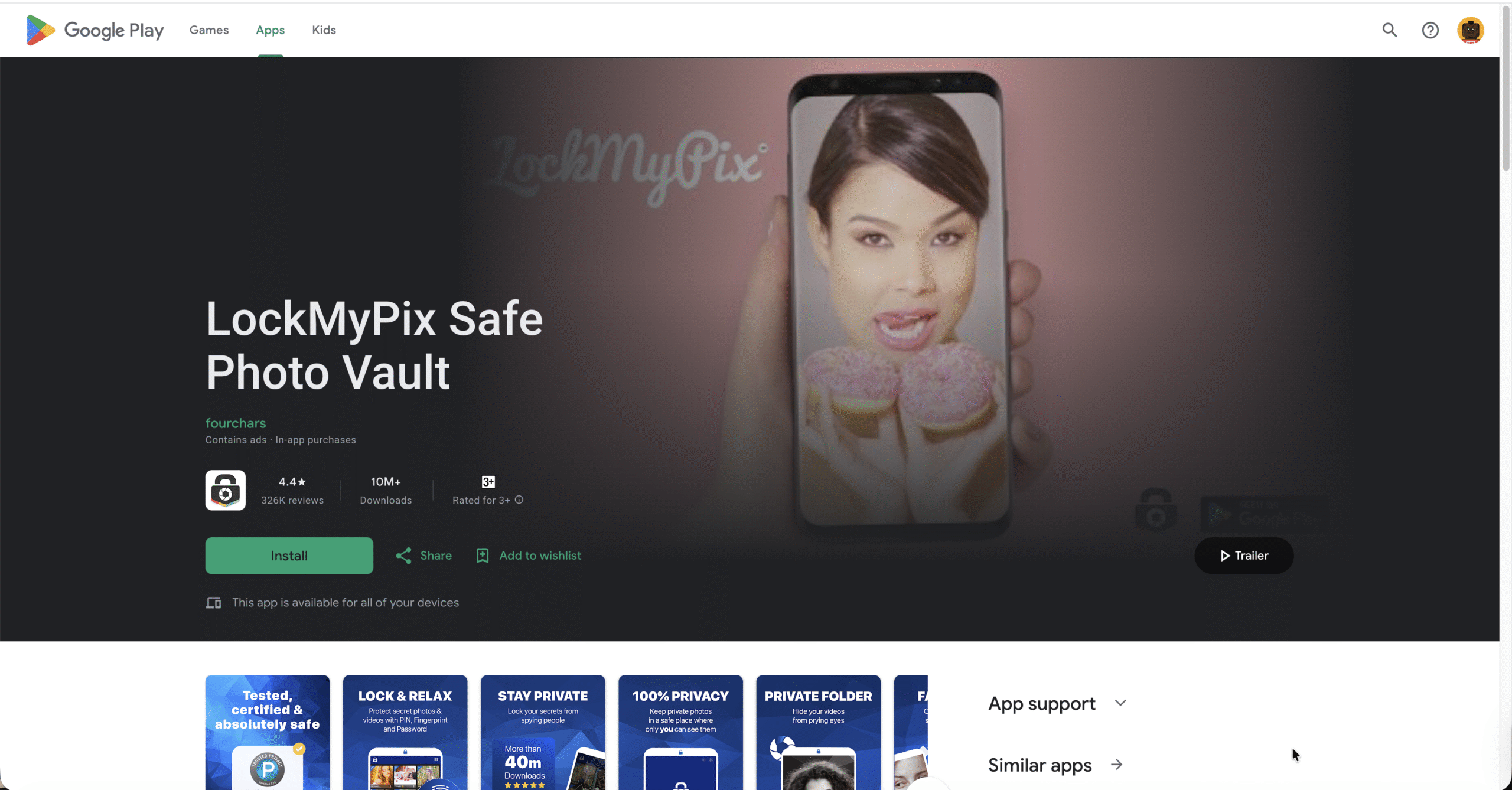
LockMyPix focuses on security by using AES-grade encryption to protect photos and videos. Media can be added directly from the home screen or camera.
The app blocks screenshots, supports fingerprint unlocking, and can hide its icon from the app drawer.
Calculator Vault Apps
Calculator-style vault apps disguise themselves as basic calculator tools while hiding photos and videos behind a secret PIN. This approach prevents casual discovery.
Many versions include intruder selfies, fake vaults, and shake-to-close features.
Vaulty
Vaulty allows users to hide photos and videos directly from the gallery with password protection. It also captures photos of failed login attempts.
Multiple vaults can be created, each with its own password.
Hide Something
Hide Something simplifies hiding media by letting users share files directly into a secure vault. It supports fingerprint authentication and fake login modes.
The app can also back up hidden content for easier recovery.
Google Files Safe Folder
Google Files includes a Safe Folder feature for hiding sensitive photos, videos, and documents. It uses a PIN-based lock and integrates directly into the file manager.
This option works best for users who prefer built-in Android tools over third-party apps.
Other Secure Vault Apps Worth Considering
Several additional Android apps provide encrypted photo and video vaults with features like decoy passwords, intruder alerts, and private cameras.
Options include Sgallery, Andrognito, PhotoGuard, Pinbox, FotoX, Clock Vault, and Neo Vault.
Troubleshooting Common Problems
If hidden photos reappear in your gallery, ensure the app has not been uninstalled or reset. Recheck vault permissions after system updates.
Forgotten PINs often require account verification or recovery questions, depending on the app.
Tips
- Use biometric locks whenever possible for faster access
- Enable break-in alerts to detect unauthorized attempts
- Avoid storing vault recovery credentials on the same device
- Test backup options before deleting original files
FAQ
Can Android hide photos without apps? Yes, some devices include secure folders or safe storage built into the system.
Are photo vault apps secure? Most reputable apps use strong encryption, but security depends on the developer.
Will hidden photos be backed up? Many vault apps exclude hidden files from cloud backups by default.
Summary
- Android offers multiple ways to hide photos and videos securely
- Vault apps provide encryption and biometric protection
- Built-in tools work well for basic privacy needs
Conclusion
Hiding photos and videos on Android is easier than ever thanks to secure vault apps and native privacy features. Whether you want encryption, disguise modes, or simple PIN protection, there is an option that fits your needs.
Choosing the right solution depends on how much security and convenience you want for your private media.



Discussion (0)
Be the first to comment.