



AI voice generators are a great way to cut costs and speed up the audio production process. Text-to-speech is also useful for consuming written content audibly. However, with so many AI tools flooding the market, which is the best?
8 Best AI Voice Generators in 2026
After considerable testing, we bring you 8 of the best AI voice generators for 2026. These include tools for producing content, reading content, and other use cases.
1. Typecast – Overall Best AI Voice Generator
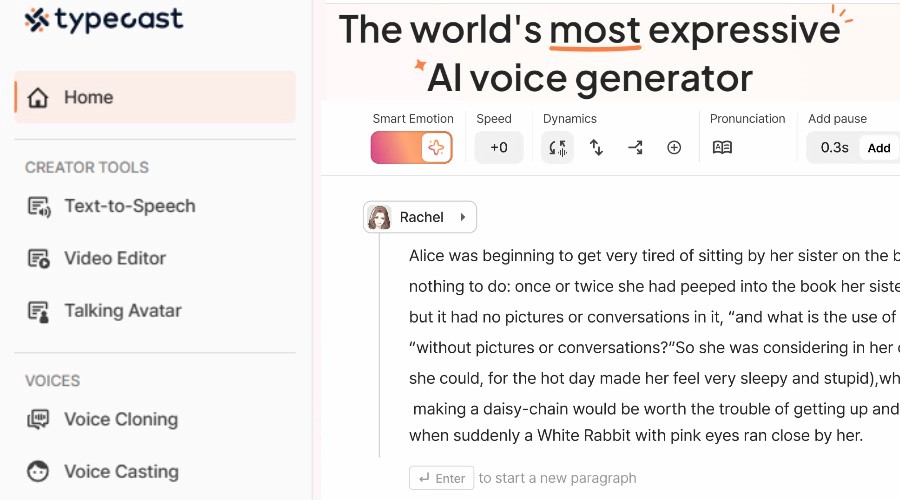
Emotionless and robotic voices are a thing of the past thanks to the advanced text-to-speech AI platform offered by Typecast. Not only does it provide more than 700 lifelike voices out of the box, but it gives you the freedom to tweak pacing, emotion, and delivery with intuitive sliders.
The process is simple enough for anyone to generate professional narration from basis scripts. All you have to do is paste or type the text with standard punctuation, describe the emotions, and alter a handful of settings to your liking.
The result is a professional audio narration that’s indistinguishable from a real voice actor.
So, whether you’re a sole content creator or represent a larger team, Typecast will greatly streamline your workflow. I was able to produce dozens of suitable voiceovers in one sitting!
I also like that you can filter voices based on gender, age, style, and other parameters, before tweaking them further. All have their own distinct character, not just a single voice with minor changes.
Likewise, the voice cloning features allows you to model your own or a third-party voice based on just a 5 second audio sample.
Developers benefit from a comprehensive API toolkit for adding text-to-speech to your own apps or workflow.
Users can get started for free without a credit card, with the ability to download 5 minutes of AI audio or video (720p) a month.
For serious projects, it’s worth upgrading to one of the premium plans which offer more storage, full voice access, and up to 4K video quality. Most importantly, you get unlimited voice generation and between 1-6 downloadable hours a month. I.e., Typecast only charges credits once the final voice itself is downloaded.
Overall, Typecast gives you the speed, variety, and control to find the perfect AI voice for any project. No more booking talent, studio time, or tedious revision process.
Other AI Voice Production Tools
Looking to generate content with AI voices? These runners up offer text-to-speech, voice cloning, editing tools, and more.
2. Murf AI
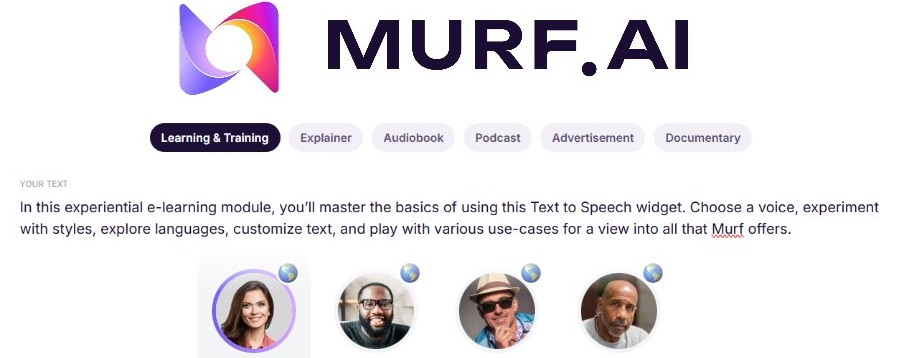
Murf AI is a versatile text-to-speech solution designed to generate professional-grade voiceovers with minimal effort. It’s built for users who need realistic audio without the overhead of a traditional recording studio.
Key Features:
- Diverse Voice Library – Choose from over 200 distinct voices across a wide range of global accents and languages.
- Granular Editing – Fine-tune your audio by adjusting pitch, speed, and volume. You can also add strategic pauses, emphasize specific words, and correct pronunciations to ensure the delivery sounds natural.
- Voice Changer & Enhancer – Transform low-quality home recordings into polished, AI-generated speech using the built-in voice changer.
Furthermore, you can clone voices to maintain brand consistency across multiple projects without repetitive recording sessions.
You can also effortlessly scale your content for international audiences with AI-driven dubbing that translates and voices your videos automatically.
One of Murf AI’s biggest strengths is its ability to live where you work. It features native integrations with popular platforms like Canva, Google Slides, and Adobe Audition.
These integrations function "out of the box," meaning you don't need to touch a single line of code to use them. For technical teams, however, Murf provides a robust API to automate high-volume voice generation within custom applications.
Murf AI lets you export 10 minutes of AI content for free, while premium plans start at $29 per month.
3. ElevenLabs
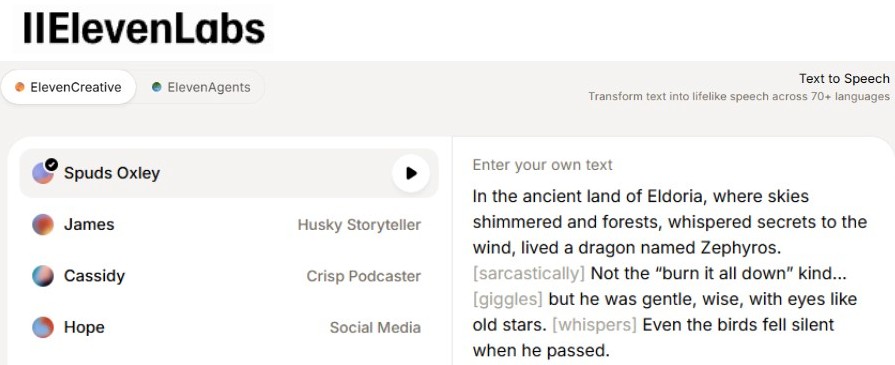
ElevenLabs splits its technology into two distinct branches. The first is a high-end AI voice generator. This tool converts text into lifelike speech with support for many languages and accents. It is perfect for audiobooks, accessibility, and content creation. You can use their stock voices or design your own custom characters.
The platform also features voice cloning. By uploading a short audio clip, you can replicate a specific person's voice. This allows you to generate new speech that sounds exactly like the original speaker.
The second major product is their AI voice agents. These are interactive systems built for real-time, two-way conversations. They handle tasks like booking appointments or managing customer service. Unlike basic chatbots, these agents offer a natural and human-sounding experience.
Developers can use the ElevenLabs API to build these tools into their own apps. This applies to both the text-to-speech engine and the conversational agents. This makes it easy to automate workflows at any scale.
Both products offer a free tier to help you get started. If you need more, you can scale up with monthly plans or credits. The API is also available as a separate payment option.
Overall, its intuitive interface lets anyone create professional voiceovers and interactive agents quickly, providing a powerful yet accessible gateway to next-generation AI speech.
4. Async
Async is a top choice for podcasters because it handles the entire workflow.
The platform uses a natural text-to-speech engine that creates emotive voices. It automatically fine-tunes tone, speed, and emotion. Moreover, you can easily switch between professional narration and casual, conversational styles.
Aysnc currently offers over 500 base voices, covering 15 different languages. These are organized into suitable categories, so you can easily find the type of voice that fits your project.
For brand consistency, it also supports voice cloning. I.e., you can replicate your own voice or someone else for ongoing use. This ensures your content always has a familiar sound.
The Studio workspace centralizes your entire workflow. You can record, edit, and generate audio in one place. It includes helpful tools like transcript-based editing, AI dubbing, and automatic subtitles to speed up your work.
Once your audio is ready, the Hosting Hub manages publishing. You can send it out directly to major podcast platforms or host episodes on a custom Async page.
Async provides a free plan, though it limits downloads to one total hour of content. Paid tiers unlock more advanced features and higher limits. A developer-focused platform is also available for advanced API use and high-volume production.
5. Canva
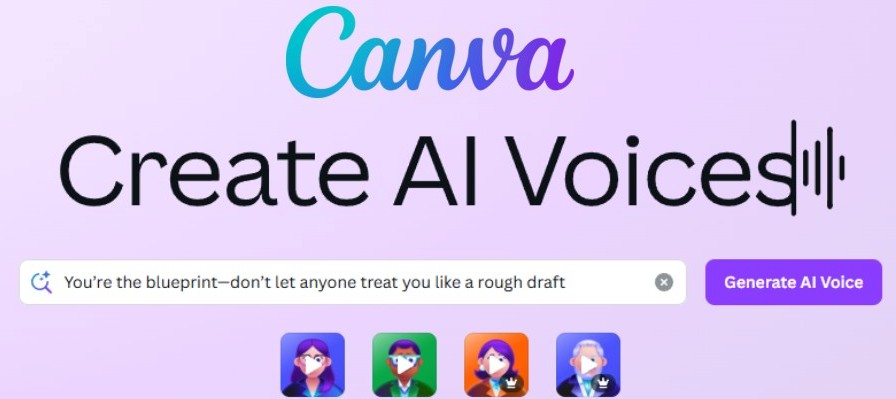
Canva has now integrated a seamless AI voice generator directly into its design suite. This tool is a fantastic asset for existing users looking to add professional narration to videos, presentations, or social media clips without needing to do separate recording or editing.
By simply typing or pasting your script, you can instantly transform text into high-quality speech that sounds remarkably natural.
The platform offers a diverse library of over 120 voices across 20+ languages and various accents. You have great creative control, with the ability to adjust the speed and tone to match the mood of your project.
Whether you need a professional voice for a corporate demo or a friendly, conversational style for a TikTok video, there are suitable options.
One of the best things about Canva is its accessibility. Free users can explore a small selection of high-quality voices and preview their audio at no cost, which is perfect for trying out the technology.
Upgrading to Canva Pro or Teams unlocks the full premium library and provides a more generous monthly allowance for AI generations.
AI Voice Readers
Need AI for quickly converting written content into audio for accessibility reasons? These tools lead the pack.
6. Speechify
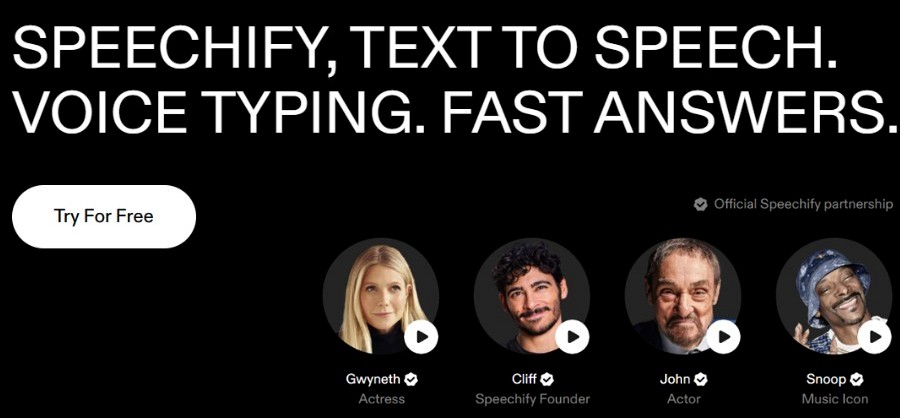
Speechify is a premier AI voice reader designed to turn any text into an immersive listening experience. Unlike tools focused on generating audio files for others, Speechify is built for personal consumption.
It helps students, professionals, and those with reading difficulties like dyslexia or ADHD breeze through content. You can use it to "read" web pages, PDFs, emails, and even physical books by scanning them with your phone.
The platform stands out for its high-quality, natural-sounding voices. It even features celebrity narrators like Snoop Dogg and Gwyneth Paltrow.
Speechify offers a free version that provides basic text-to-speech functionality. This tier includes standard voices and allows you to listen at 1.5x speed. It is a solid starting point for casual users who want to rest their eyes while getting through short articles.
For the full experience, the Premium plan unlocks over 100 high-definition voices and maximum speed controls. It also includes advanced features like OCR for scanning printed text and seamless syncing across all your devices. While the monthly cost is around $29, an annual subscription significantly lowers the price for long-term users.
7. NaturalReader
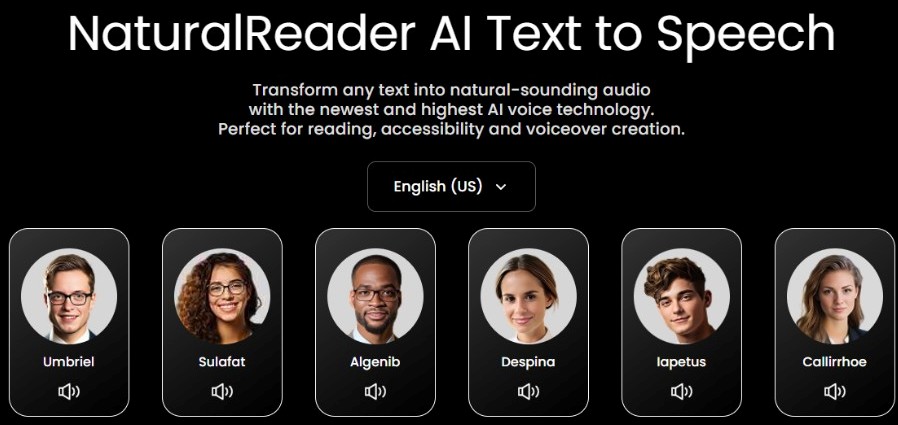
NaturalReader is a fantastic AI companion for students and professionals who need to digest large amounts of information quickly. Unlike many tools that focus solely on web pages, it supports over 20 file formats. You can easily upload PDFs, Word documents, and even PowerPoint slides to have them read aloud in a natural, human-like voice.
One of its standout features is the built-in OCR technology. This allows you to take a photo of physical text, like a textbook page or a printed report, and convert it into speech instantly.
It also includes a filter that automatically skips over distracting elements like page numbers, headers, and URLs. This keeps your listening experience smooth and focused on the actual content.
The platform offers a very accessible free version. This tier includes unlimited use of basic voices and allows you to test out the high-quality "Plus" voices for up to 20 minutes a day.
For more frequent users, the Plus and Premium tiers unlock unlimited access to the most realistic AI voices. These plans also allow you to convert your text into MP3 files for offline listening and provide full access to the mobile app and Chrome extension.
Free AI Voice Generators
Don’t have a premium budget? Some AI voice generators are completely free.
8. Voice-Generator
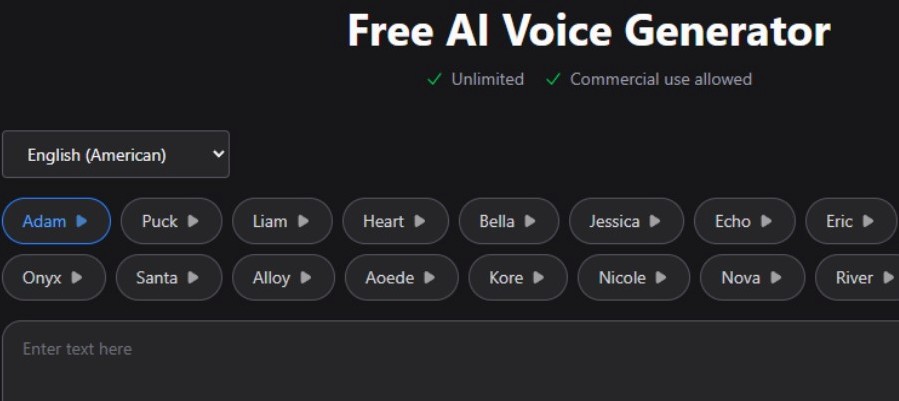
Because there are no fees or licensing restrictions, Voice-Generator.com serves as a perfect jumping-off point for beginners or creators experimenting with AI audio on a budget.
The interface consists of a straightforward editor where you can type your script and select from a library of roughly 20 AI voices. It avoids complex menus, keeping the entire process contained on a single page.
While the audio quality is good, it is more basic than what you would find on a high-end paid platform. You won't find deep customization tools like emotions or tone, but you can still control the speed of the speech. A unique advantage is the ability to split dialogue between different speakers, which makes it easy to produce multi-voice audio tracks in one go.
The platform also handles more than just short snippets of text. It includes features for turning entire documents, such as EPUBs and PDFs, into spoken audio. This adds a layer of utility for those who want to hear their long-form files read aloud.
Verdict
Ultimately, if you want the best experience, Typecast AI is the tool to use in 2026. Its selection of base voices and Smart Emotion ensures you’ll always find the right voice for your project. You also don’t pay a penny until you’re ready to download.
Whether it’s Murf AI, ElevenLabs, or Canva, other options are out there, depending on your requirements.
Even if you just want to use AI generated voices to listen to content, Speechify and NaturalReader have you covered.
Have you tried any AI voice generators? Let us know your favorite in a comment below!



Discussion (0)
Be the first to comment.