




Adobe Illustrator gives you industry-leading vector features, but you may not need its subscription or complexity. You get strong free and paid alternatives that deliver professional results on Windows, macOS, Linux, and the web.
This guide covers the best free and paid alternatives you can use today without losing the quality and efficiency you get from Adobe Illustrator.
Table of contents
- Best free Adobe Illustrator alternatives
- Best paid Adobe Illustrator alternatives
- How to choose the right Illustrator alternative
- Free vs paid comparison: which should you choose?
- Best cross-platform options for Windows, macOS, Linux, and web
- Best Adobe Illustrator alternative for specific use cases
- FAQs
- Summary
Best free Adobe Illustrator alternatives
Inkscape

Inkscape gives you advanced vector editing with strong path tools, layers, and full SVG support. It runs smoothly on Windows, macOS, and Linux, which helps you work across devices. You also get a large community that creates tutorials and extensions.
You edit complex shapes easily, and the app supports pressure-sensitive tablets for illustration. You export to PDF, EPS, and PNG without losing quality. The interface feels busy at first, but you adjust fast.
Gravit Designer (free)
Gravit Designer runs in the browser, so you start designing without downloads. The interface feels friendly and clean, which helps new designers learn quickly. You get solid vector tools for icons, posters, and web graphics.
The free version limits some pro export formats, but the essentials stay strong. You save projects online and switch devices anytime. This makes it ideal for lightweight work.
Vectr
Vectr focuses on simplicity, so beginners understand it quickly. You draw shapes, edit paths, and manage layers with a clean UI. You work entirely online, which removes setup steps.
Vectr includes real-time collaboration, which helps small teams share designs fast. The tool works best for simple logos, social graphics, and basic vector tasks. It does not handle complex illustrations as well as heavier apps.
Boxy SVG (free tier)
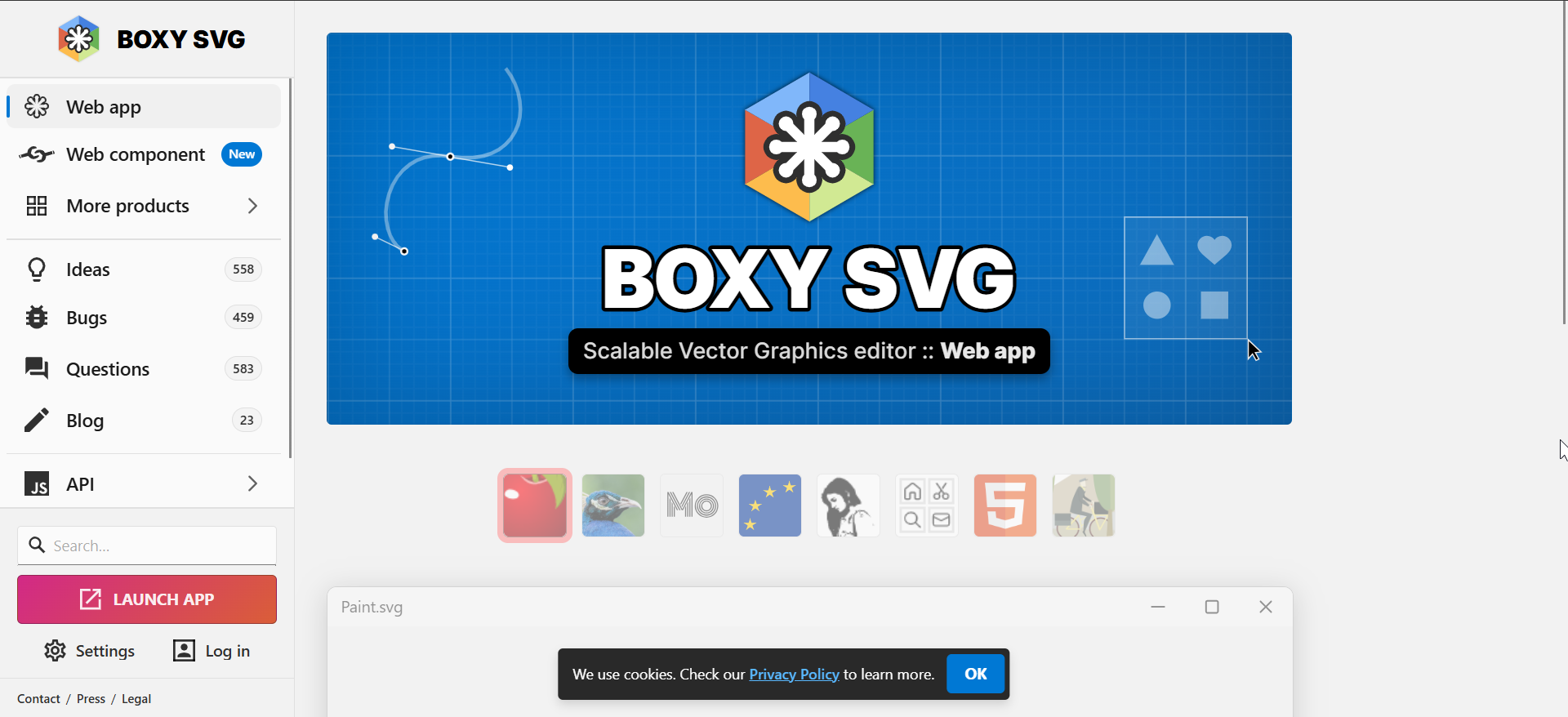
Boxy SVG runs in the browser and focuses on accurate SVG editing. Web designers like its clean UI and tight control over markup. You get essential drawing tools and fast performance.
The free tier limits some features, but it still supports core vector work. Boxy exports high-quality SVGs that work perfectly in browsers. It fits users who care about pixel precision and small file sizes.
Best paid Adobe Illustrator alternatives
Affinity Designer

Affinity Designer delivers pro-grade vector tools with smooth performance and no subscription. You switch between vector and raster work instantly, which improves flexibility. The UI feels modern and easy to understand.
The one-time purchase provides great value for long-term use. You export to pro formats and control CMYK profiles for print. Many designers choose it as a full Illustrator replacement.
CorelDRAW Graphics Suite

CorelDRAW gives you powerful typography, layout, and print tools. Many print shops rely on it for signage, packaging, and color-accurate exports. The interface feels polished and built for production work.
You also get photo editing and font management tools in the suite. This helps pros keep everything in one workflow. The price feels higher, but the feature depth supports heavy design use.
VectorStyler
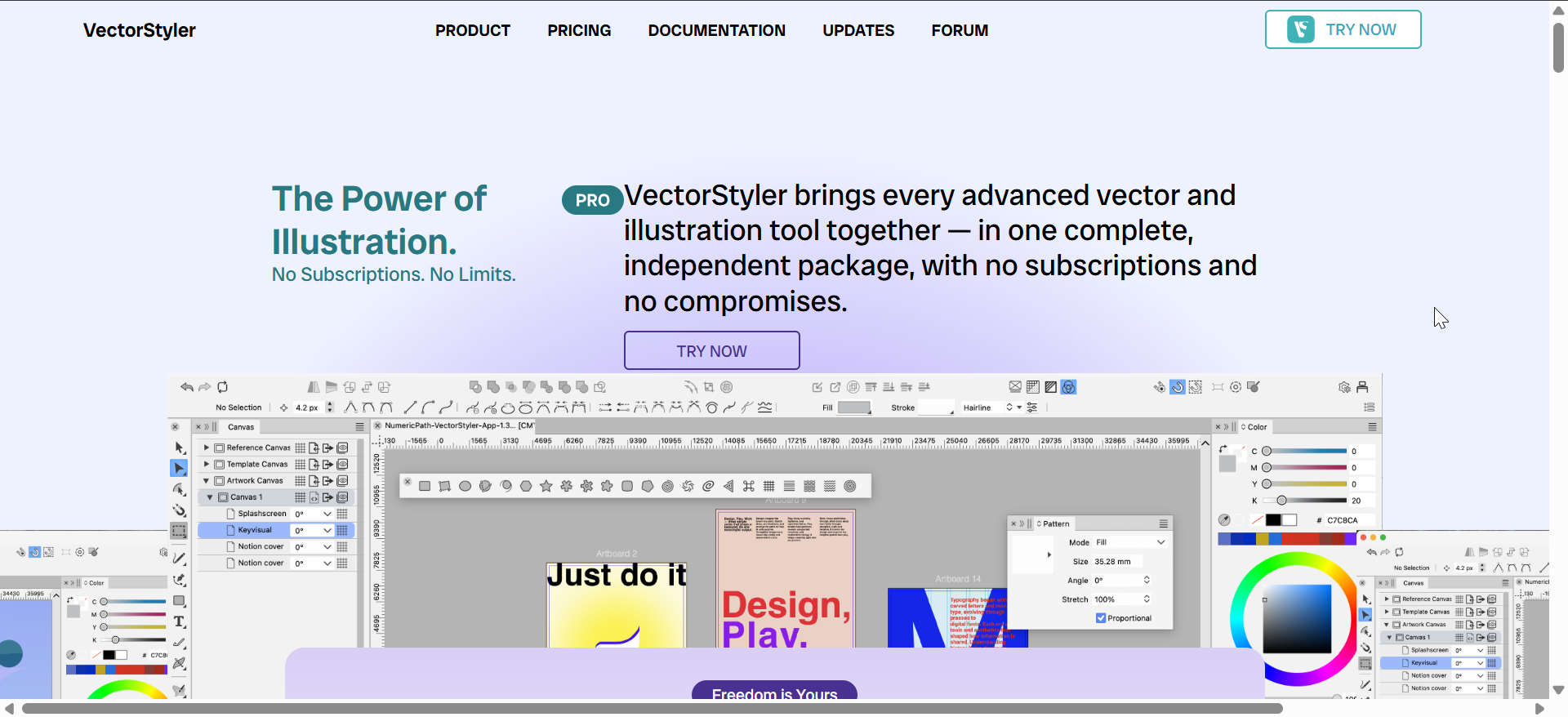
VectorStyler brings niche vector effects that Illustrator users often miss. You get live shapes, warps, brushes, and advanced blending controls. The app supports detailed illustration work with Pro accuracy.
Its feature density appeals to artists who want deep vector control. You also get full AI, EPS, PDF, and SVG export. The interface feels technical, but it rewards serious illustrators.
Sketch (macOS)

Sketch serves UI and UX designers with components, symbols, and layout grids. You build interfaces quickly and stay consistent across screens. The app runs fast on macOS and uses system-native performance boosts.
Sketch integrates with collaborative workflows and supports shared libraries. You export screens in one click for mobile or web. This makes it ideal for design teams and app creators.
How to choose the right Illustrator alternative
You should check OS support, export formats, key vector tools, and long-term costs. You also want a tool that fits your skill level. A quick comparison helps you pick the right tool before investing time.
Core vector design features to compare
Look at pen accuracy, path tools, shape editing, layer control, and typography. Compare how each tool handles SVGs and advanced editing. These features decide how well the software fits your workflow.
Free vs paid alternatives explained
Free tools work for beginners, hobbyists, and light vector editing. Paid tools support advanced print needs, larger projects, and pro-level accuracy. Knowing the difference helps you choose smarter.
Free vs paid comparison: which should you choose?
Free tools help students, hobbyists, and anyone who needs basic vector editing. Paid tools fit pros who need speed, print accuracy, and advanced features. Your project type decides the right option.
Who should choose free tools
Choose free tools if you make simple graphics or learn vector basics. They also work well on older hardware. You save money while still building strong design skills.
Who should choose paid tools
Choose paid tools if you design logos, packaging, UI layouts, or detailed illustrations. You get better performance and print-ready output. This helps you deliver professional results faster.
Best cross-platform options for Windows, macOS, Linux, and web
Windows-friendly choices
Affinity Designer, Inkscape, and CorelDRAW run smoothly on Windows. You get strong export support and hardware performance. These tools suit most workflows.
macOS-focused choices
Sketch, Affinity Designer, and VectorStyler work extremely well on macOS. They use macOS-native rendering and smooth trackpad gestures. This benefits UI and illustration work.
Linux-compatible choices
Inkscape remains the strongest choice on Linux. You also use browser-based apps like Gravit Designer and Vectr. These tools support lightweight editing without installations.
Browser-based alternatives
Browser-based apps like Gravit Designer, Vectr, and Boxy SVG run on any device. You avoid updates and install steps. This helps when you switch devices or work on shared systems.
Best Adobe Illustrator alternative for specific use cases
Best for logo design
Affinity Designer and VectorStyler give you precise curves and strong typography control. These tools help you create scalable identity assets fast. Inkscape also works well for free users.
Best for illustration and drawing
VectorStyler and Affinity Designer support brushes, pressure input, and flexible paths. Artists get clean lines and accurate control. Inkscape works too, especially for SVG-based drawing.
Best for UI/UX design
Sketch leads on macOS, and Affinity Designer helps on Windows. Both support components and layout tools. Browser-based tools also help with simple wireframes.
Best for print and packaging work
CorelDRAW and Affinity Designer support CMYK workflows and precise PDF exports. These tools help you manage color-critical jobs. They also handle large layouts without slowing down.
FAQs
Can free Illustrator alternatives replace Illustrator fully? Free tools handle many tasks, but paid tools match Illustrator more closely for professional work.
Which alternative works best for beginners? Vectr and Gravit Designer help beginners learn vector basics faster than other tools.
Can these apps open and export AI, EPS, and PDF files? Most tools handle EPS and PDF reliably, while AI import varies by software.
Do these tools support pressure-sensitive drawing tablets? Most modern free and paid tools support tablets on Windows and macOS.
Summary
- Inkscape, Gravit Designer, Vectr, and Boxy SVG give you strong free vector tools.
- Affinity Designer, CorelDRAW, VectorStyler, and Sketch offer pro-level paid features.
- Free tools support simple projects and learning.
- Paid tools deliver speed, print accuracy, and advanced editing.
- Your OS and project type decide the best fit.
If you can't get Adobe Illustrator for free, you can use powerful alternatives across all price points. Free tools help you learn and create simple designs, while paid apps deliver full professional workflows. Pick the tool that fits your platform and design goals for the best long-term results.

Discussion (0)
Be the first to comment.