



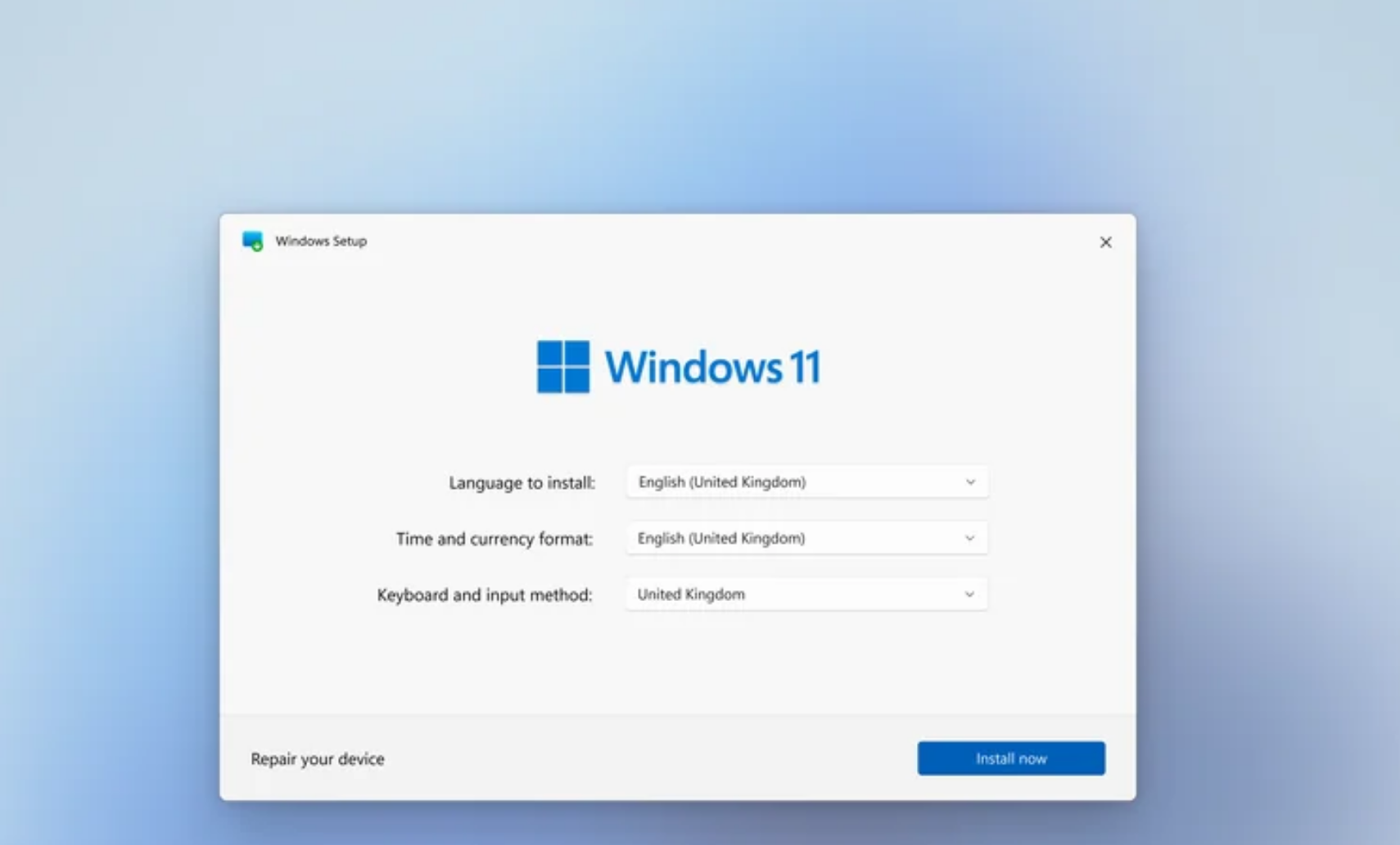
Setting up a new Windows PC has always been a fairly straightforward process. You go through a series of screens, choose your preferences, sign in, and you’re done.
Now Microsoft is adding something new to that experience. During the initial setup of Windows 11, you can interact with Copilot directly, turning what used to be a static process into something more conversational.
It sounds like a small change, but it reflects a bigger shift in how Microsoft wants users to interact with Windows from the very beginning.
What’s Changing in Windows 11 Setup
Traditionally, the Windows setup process has been guided but rigid. You follow predefined steps with limited flexibility.
With Copilot integrated into setup, that flow becomes more dynamic.
Instead of just clicking through options, you can:
- Ask questions about settings and features
- Get explanations for what certain choices mean
- Receive suggestions based on your usage
This turns setup into something closer to a guided conversation rather than a checklist.
How Copilot Fits Into the Setup Process
Copilot doesn’t replace the setup process. It sits alongside it.
As you go through different steps, you can interact with Copilot to better understand what you’re doing. For example, if you’re unsure about privacy settings or system configurations, you can ask for clarification instead of guessing.
This is particularly useful for users who aren’t familiar with Windows or who want more control over their setup choices.
It reduces the friction of having to look things up separately.
Why Microsoft Is Doing This
This move aligns with Microsoft’s broader push to make AI a core part of the Windows experience.
By introducing Copilot during setup, Microsoft is doing two things.
First, it makes the onboarding process smoother, especially for new users.
Second, it introduces Copilot immediately, encouraging users to adopt it from day one.
It’s not just about helping with setup. It’s about establishing AI as a normal part of using Windows.
Real-World Usage: Does It Actually Help?
In practice, this feature is more useful for some users than others.
If you’re already familiar with Windows, you may not need much guidance during setup. In that case, Copilot might feel unnecessary.
But for new users or those setting up a system for the first time in a while, it can be genuinely helpful.
Understanding privacy options, system preferences, and account settings is easier when you can ask questions in real time instead of searching online.
It also reduces the risk of misconfiguring something simply because you didn’t fully understand it.
The Trade-Off: Simplicity vs Guidance
There’s a balance here.
Adding Copilot makes setup more informative, but it also introduces another layer to what used to be a simple process.
Some users prefer a quick, distraction-free setup. Others appreciate having guidance available.
Microsoft seems to be trying to accommodate both by making Copilot available without forcing constant interaction.
Privacy and First Impressions
There’s also a subtle implication here.
Introducing AI during setup means users encounter Copilot before they’ve fully configured their system. For some, that may raise questions about data usage and privacy.
At the same time, it shapes first impressions. If Copilot is helpful during setup, users are more likely to continue using it afterward.
If it feels unnecessary, it risks being ignored.
Limitations You Should Know
This feature isn’t a complete transformation of the setup process.
You still go through the same core steps. Copilot doesn’t automate setup or make decisions for you.
It’s also dependent on internet connectivity. Without a connection, the experience will be limited.
And like any AI tool, the quality of responses can vary.
The Bigger Picture
This change is part of a larger trend.
Operating systems are no longer just platforms for running software. They’re becoming interactive environments where AI plays a central role.
By integrating Copilot into setup, Microsoft is signaling that AI isn’t an optional feature. It’s becoming part of the core experience.
Final Thoughts
Adding Copilot to the Windows 11 setup process is a small but meaningful change.
It doesn’t overhaul how setup works, but it makes it more flexible and informative for those who need it.
Whether it feels useful or unnecessary depends on the user. But it clearly shows where Microsoft is heading.
Windows is becoming less about navigating menus and more about interacting with the system directly.
FAQs
Can you really use Copilot during Windows setup?
Yes, Copilot is now integrated into the setup process for guidance and assistance.
Does Copilot set up your PC automatically?
No, it helps explain and guide choices but doesn’t make decisions for you.
Is this feature available to all users?
It is rolling out gradually, so availability may vary.
Do you need internet access for this?
Yes, Copilot requires an internet connection to function properly.
Is Copilot required during setup?
No, it’s optional and can be ignored if you prefer a traditional setup experience.
Discussion (0)
Be the first to comment.