



The Microsoft Store has always had a visibility problem. Not because it lacked apps, but because people simply didn’t use it often enough to discover them.
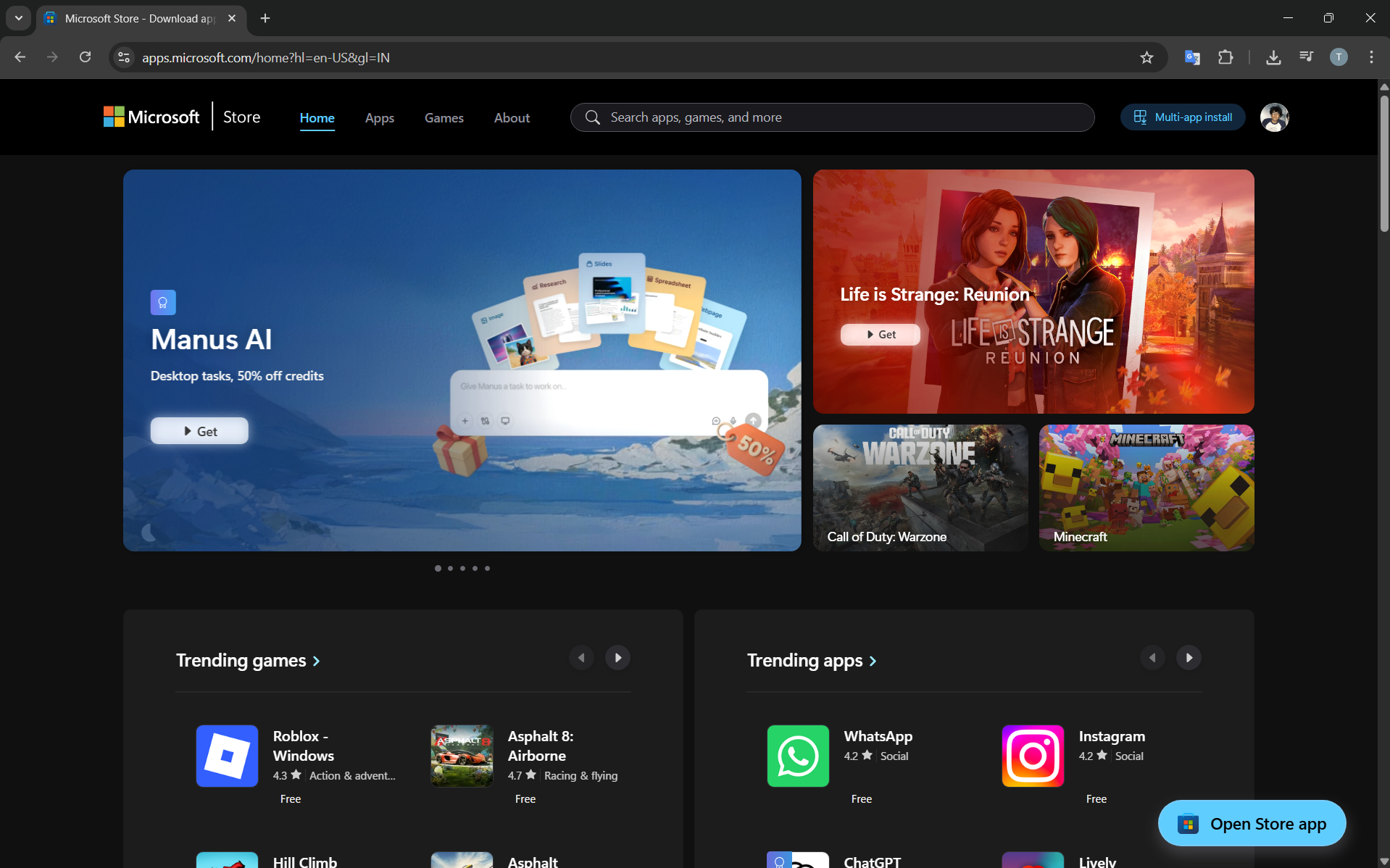
Now, Microsoft has made a subtle but important shift. You can browse the Microsoft Store directly from your browser, without opening the app inside Windows 11.
On paper, this sounds minor. In practice, it solves one of the Store’s biggest usability issues.
What’s Actually Changed
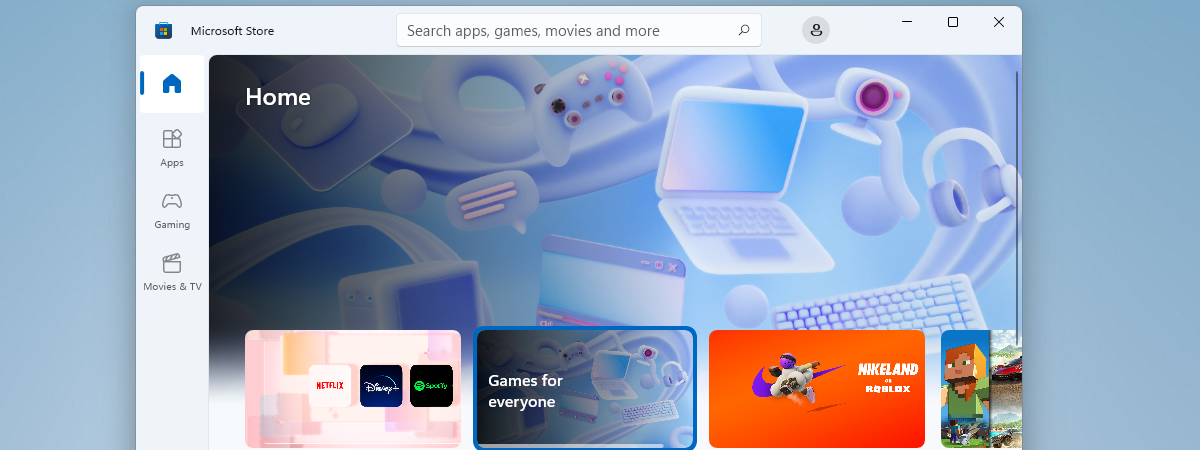
Until now, the Microsoft Store was mostly locked inside its own app.
If you wanted to explore apps, you had to:
- Open the Store manually
- Navigate its interface
- Search within a relatively closed environment
Now, the Store behaves more like every other modern platform. It’s accessible on the web.
You can:
- Search for apps through your browser
- Open dedicated app pages via links
- Browse categories without launching the Store app
This removes a layer of friction that most users didn’t even realize was there.
Why This Matters More Than It Looks
The core issue wasn’t access. It was behavior.
People don’t “go to app stores” on desktop the same way they do on phones. They search on Google, click links, compare options, and decide from there.
By moving the Store to the web, Microsoft is aligning with how users already discover software.
This changes a few important things:
- App discovery becomes passive instead of intentional
- Sharing apps becomes easier through direct links
- The Store becomes part of the web, not separate from it
It’s less about the Store itself and more about where it fits in the user’s workflow.
How It Works in Real Use
The experience is straightforward.
You browse the Store through a web page, just like any other site. Each app has its own listing with descriptions, screenshots, and details.
When you choose to install something, the process hands off to Windows.
The browser doesn’t replace the Store. It becomes the front end for discovery, while the system handles installation.
That separation actually makes sense. Browsers are better for exploration, and native apps are better for system-level actions.
Where This Improves the Experience
This change is most noticeable in situations where the old approach felt inconvenient.
For example:
- When researching apps before installing
- When comparing alternatives across multiple tabs
- When sharing recommendations with others
Instead of saying “search this in the Store,” you can just send a link.
It sounds simple, but it removes unnecessary steps.
What Still Hasn’t Changed
It’s important to be clear about the limits.
The web version doesn’t replace the Microsoft Store app.
You still need:
- A Windows device
- A Microsoft account
- The Store app for installation and updates
This is an expansion of access, not a full redesign of the platform.
The Subtle Shift in Strategy
This move reflects a broader change in how Microsoft is thinking about software distribution.
Instead of forcing users into a dedicated environment, it’s bringing the platform to where users already are.
That’s a shift from control to accessibility.
It also suggests that Microsoft understands the Store’s biggest challenge wasn’t content. It was visibility and ease of use.
Limitations You Should Be Aware Of
The web experience is still evolving.
Some features may feel less integrated compared to the native app. Certain actions still rely on system-level handling.
Also, depending on rollout and region, availability may vary slightly.
So while the concept is solid, the execution will continue to improve over time.
Real-World Perspective: Will You Actually Use It?
For most users, yes, but not consciously.
You’ll likely encounter Store pages through search results or links rather than actively visiting the Store website.
That’s the point.
The Store becomes part of your normal browsing behavior instead of a separate destination.
Final Thoughts
Being able to browse the Microsoft Store from a browser doesn’t transform Windows overnight.
But it fixes something fundamental. It removes friction from discovery.
That alone makes the Store more relevant than it was before.
It’s a small change, but one that aligns the platform with how people actually find and install software today.
FAQs
Can I install apps directly from the browser?
You can start the process, but installation is handled by Windows.
Do I still need the Microsoft Store app?
Yes, it manages installs, updates, and app permissions.
Is this available on all browsers?
Yes, as long as you can access the Microsoft Store website.
Does this replace the Store app?
No, it complements it by improving discovery.
Why is this useful?
Because it makes finding and sharing apps easier without opening the Store manually.


Discussion (0)
Be the first to comment.