




Winhanced is becoming a more complete launcher for Windows gaming handhelds, and its latest update adds two major areas of support: PlayStation libraries and emulators. The update gives handheld PC players a cleaner way to organize games across more platforms without relying only on the Xbox app or separate launchers.
The latest public release, version 0.9.6.9, adds PlayStation library support for everyone. After signing in with a PSN account, Winhanced can import PlayStation libraries into its own interface. This does not mean PlayStation games can be installed locally on a Windows handheld. Instead, the feature works with remote play.
If a game is already installed on your PS5, Winhanced can wake the console over the internet, launch the selected game, and start a remote play session through Chiaki. Chiaki is an open source PlayStation remote play app for PC. That makes the feature useful for players who want to treat their handheld as a central screen for PC, Xbox, and PlayStation gaming.
| Winhanced feature | What it does |
|---|---|
| PlayStation library support | Imports your PSN library into Winhanced |
| PS5 remote launch | Wakes your PS5 and starts the selected game |
| Chiaki integration | Streams installed PS5 games to the handheld |
| Navigation improvements | Smoother settings and Friends hub navigation |
| Right stick scrolling | Lets you move through settings menus more easily |
| Emulator Library | Adds support for more than 108 emulators in early access |
| Apps Library | Lets you launch apps and progressive web apps from Winhanced |
The update also improves navigation. Settings pages and the Friends hub should now feel smoother to move through, and the right stick can be used to scroll through settings menus. These are smaller changes, but they matter on handheld PCs where touch controls and desktop style menus can feel awkward.
The early access version, available through Patreon support, goes further with emulator support. Winhanced now supports more than 108 emulators through a dedicated Emulator Library tab. It does not work like a full emulator frontend that shows every ROM directly, but it gives emulator players a cleaner place to launch their tools from the same interface as the rest of their library.
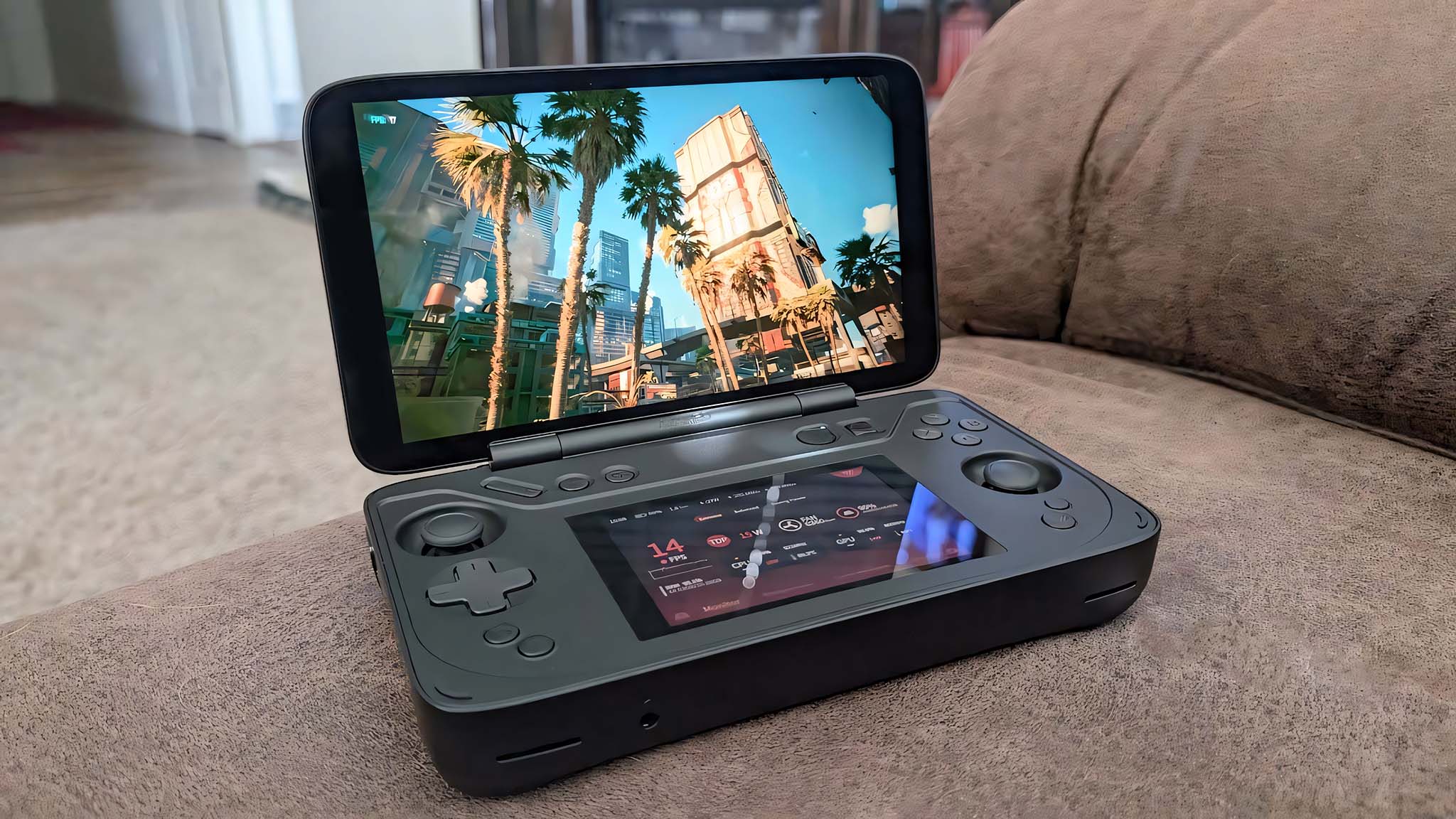
Another early access addition is the Apps Library. This lets you open normal apps directly through Winhanced, including progressive web apps. That makes the launcher feel less like a basic game list and more like a full handheld dashboard.
The wider goal is clear. Winhanced is trying to make Windows handhelds feel less fragmented. Devices such as the ROG Ally, Lenovo Legion Go, and other handheld PCs can run many services, but switching between Steam, Xbox, Epic, PlayStation remote play, emulators, and apps can quickly become messy.
Winhanced is not at version 1.0 yet, but the pace of updates suggests it is moving toward a more complete all in one experience. PlayStation support is especially notable because it gives the launcher a wider role beyond Xbox and PC libraries.
For Windows handheld players, this update makes Winhanced more useful as a central hub. It will not replace every app or remove every limitation, but it is becoming one of the more interesting tools for making handheld PCs feel closer to a true console style experience.



Discussion (0)
Be the first to comment.