



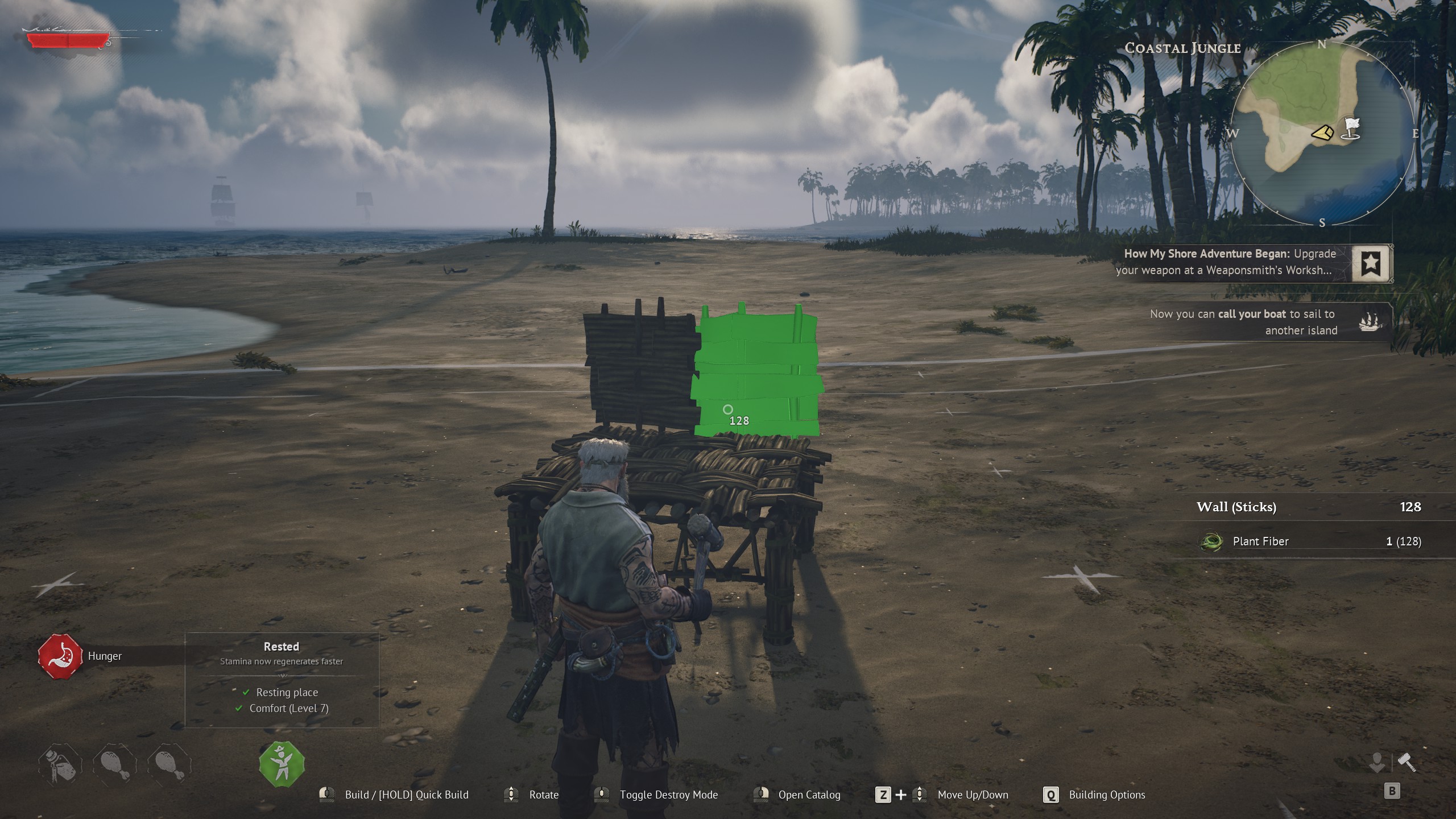
Windrose might look like a typical survival game, but under the hood it behaves more like a heavy simulation—especially on PC. A new performance guide breaks down how to get smoother gameplay without sacrificing too much visual quality, and the key takeaway is simple: max settings are not the best experience.
This is a demanding Unreal Engine 5 game—even if specs don’t look extreme
On paper, Windrose does not seem too heavy. But real-world performance tells a different story.
The game:
- Uses Unreal Engine 5
- Has large open-world systems
- Relies heavily on GPU, CPU, RAM, and storage
Even the recommended specs include:
- RTX 3080 / RX 6800 XT
- 32GB RAM
That already puts it closer to high-end territory for stable performance.
The biggest mistake: running everything on “Epic”
Like many UE5 games, Windrose’s Epic preset is extremely GPU-heavy. It looks great, but it is not optimized for real gameplay on most systems.
The guide suggests a more balanced approach instead of maxing everything out.
Optimized settings (recommended)
| Setting | Recommended value |
|---|---|
| Global Illumination | Medium |
| Shadows | Medium |
| Anti-Aliasing (TSR) | Medium |
| View Distance | High |
| Effects | High |
| Reflections | Medium |
| Post-processing | Low |
| Grass Draw Distance | Medium |
| Shader Quality | High |
These settings aim for the best visuals-to-performance ratio, not just raw quality.
You can gain about 15% performance just by tuning settings
The difference is not huge, but it is meaningful.
Testing shows:
- Around 15% higher average FPS
- Better 1% and 0.1% lows (smoother gameplay)
That improvement comes with only a small visual downgrade, which many players will not notice during gameplay.
The game avoids one problem—but still has others
There is some good news:
- Shader compilation stutter is mostly handled well
But there are still issues:
- Traversal stutter (moving through the world)
- Occasional unexplained stutters
These are common problems in UE5 games and are likely to improve over time, especially since Windrose is still in Early Access.
Extra tweaks can push performance further
Beyond graphics settings, a few additional tweaks can help:
- Enable Resizable BAR (on supported GPUs)
- Use upscaling (TSR, DLSS, or FSR)
- Consider frame generation mods (on supported hardware)
- Slight GPU overclocking can also help in GPU-bound scenarios
These can stack with optimized settings for better results.
The bigger lesson: optimization is about balance
This guide reinforces a broader point about PC gaming:
- Maximum settings are rarely optimal
- Performance depends on the entire system, not just the GPU
- Smoothness matters more than raw FPS
The takeaway: tweak settings, don’t chase max quality
Windrose is a good example of modern PC gaming reality:
- Visually strong
- Technically demanding
- Still evolving
You can get a better experience by adjusting settings instead of pushing everything to the limit.
If you treat graphics settings as a balancing tool—not a checklist—you will get smoother gameplay without losing much visual quality.
Discussion (0)
Be the first to comment.