


A $15.99 Netgear GS305v3 switch from Netgear’s own store is the cheapest fix in this list, while the cheapest Wi-Fi extender on that same store costs $54.99. Every pick was priced at its maker’s own US store on Tuesday, November 3, sits under $50, and fixes one named problem.
That gap is the story. The upgrade most people reach for first, an extender, did not fit under $50 at the Netgear, ASUS or TP-Link stores. The five that did fit all work at the other end of the connection: the laptop, the desktop or the desk.
Five Wi-Fi and Ethernet upgrades under $50 and what each fixes
| Upgrade | Maker store price | The problem it fixes | The spec that decides it |
|---|---|---|---|
| Netgear GS305v3 5-port switch | $15.99 | A router with every Ethernet port taken | Five ports, all gigabit |
| Plugable USBC-E2500 | $19.99 | A laptop with no Ethernet port | Links at up to 2.5 Gbps |
| ASUS USB-AX55 Nano | $29.99 | A laptop on an older Wi-Fi radio | Connects over USB 2.0 |
| Plugable USB-WIFIAX | $34.95 | A desktop with rear USB ports and a weak signal | USB 3.0 and a 45-inch extension cable |
| ASUS PCE-AX1800 | $39.99 | A desktop with no Wi-Fi or Bluetooth | Wi-Fi 6 and Bluetooth 5.2 on one card |
Why a $29.99 Wi-Fi 6 USB adapter may not reach Wi-Fi 6 speeds
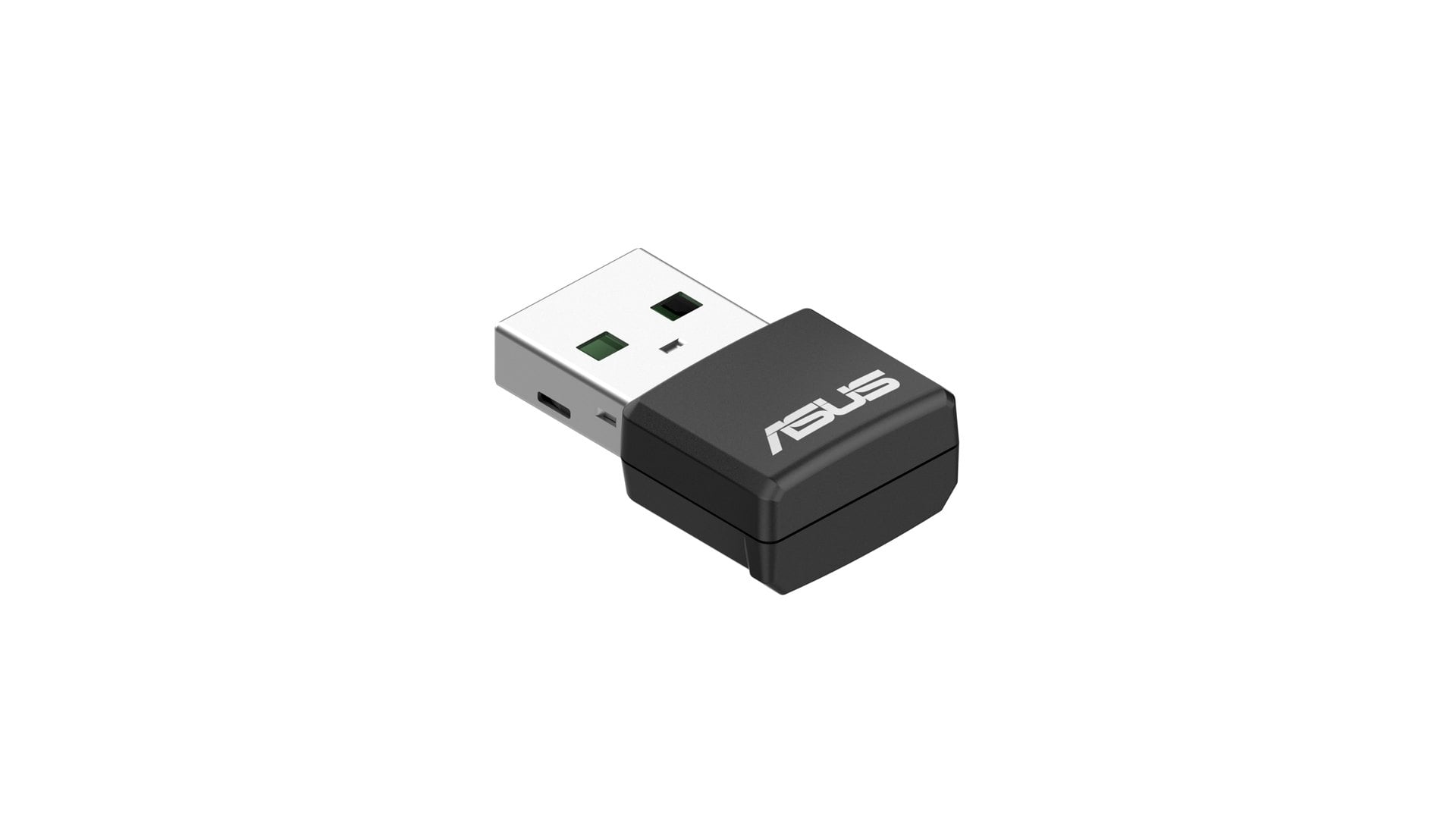
When one laptop crawls while the phone beside it flies, the laptop’s own radio is the first suspect. The ASUS USB-AX55 Nano is $29.99 at the ASUS eShop and small enough to leave plugged in, with the same AX1800 rating as adapters that cost up to $20 more.
The catch is on ASUS’s own spec sheet. The Nano connects over USB 2.0, and ASUS warns that because of the compact design, actual throughput may not achieve Wi-Fi 6 data rates.
The Plugable USB-WIFIAX costs $34.95 and runs the same AX1800 class over USB 3.0, rated up to 1,201 Mbps on 5GHz and 573.5 Mbps on 2.4GHz. Its 45-inch extension cable is the reason to pick it for a desktop whose USB ports face the wall under a desk.
Netgear’s Nighthawk A7500 covers the same AX1800 ground over USB 3.0 for $49.99, or $15.04 more than the Plugable. ASUS lists only Windows 10 and 11 for the Nano, and Plugable says its adapter does not work on macOS or Linux.
None of the three does much if the router is as old as the laptop’s radio. Knowing what Wi-Fi 6 changes over Wi-Fi 5 tells you whether the router can use the upgrade at all.
Adding Ethernet to a laptop or a crowded router for under $20
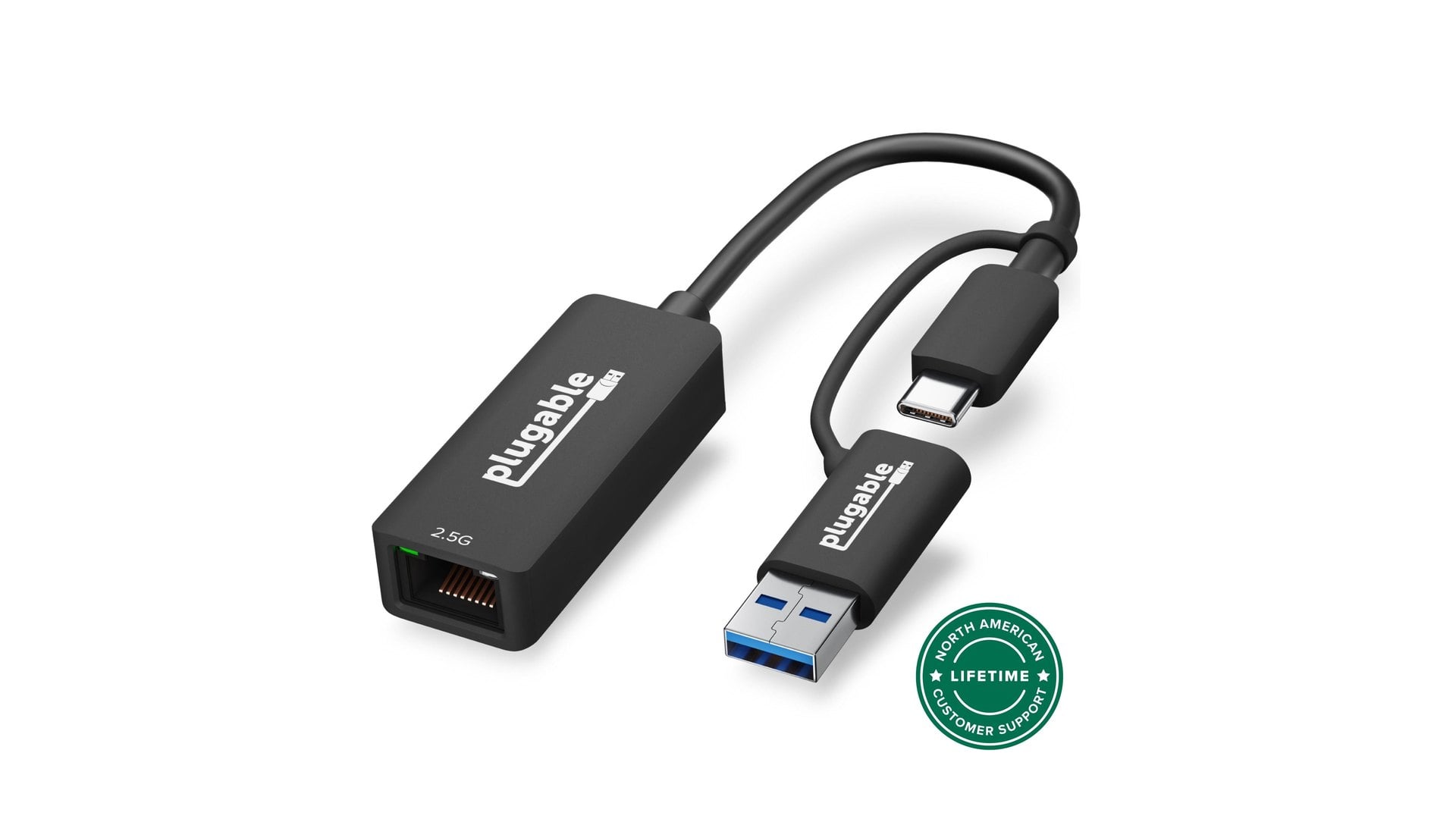
A cable is still the surest fix when Wi-Fi is the weak link. The Plugable USBC-E2500 is $19.99 at Plugable. A USB-C plug with an attached USB-A adapter means it fits an older laptop with a USB 3.0 port as well as a new one.
It links at up to 2,500 Mbps on a Realtek RTL8156 chip, and Plugable says it works over existing Cat 5e cable. The company’s gigabit-only USB3-E1000 costs $19.95, so the faster adapter is four cents more.
Most modern systems treat it as plug-and-play, Plugable says, though older ones may need a driver. Here is how to set up a USB Ethernet adapter.
If the router has no free ports, the GS305v3 at $15.99 is the fix, against a $22.99 list price shown on the same Netgear page. It adds five gigabit ports with no fan and carries Netgear’s limited lifetime hardware warranty.
It adds ports, not speed. Every port tops out at 1 Gbps. That suits a gigabit home connection, but a multi-gig router port feeding it runs at gigabit for everything behind it.
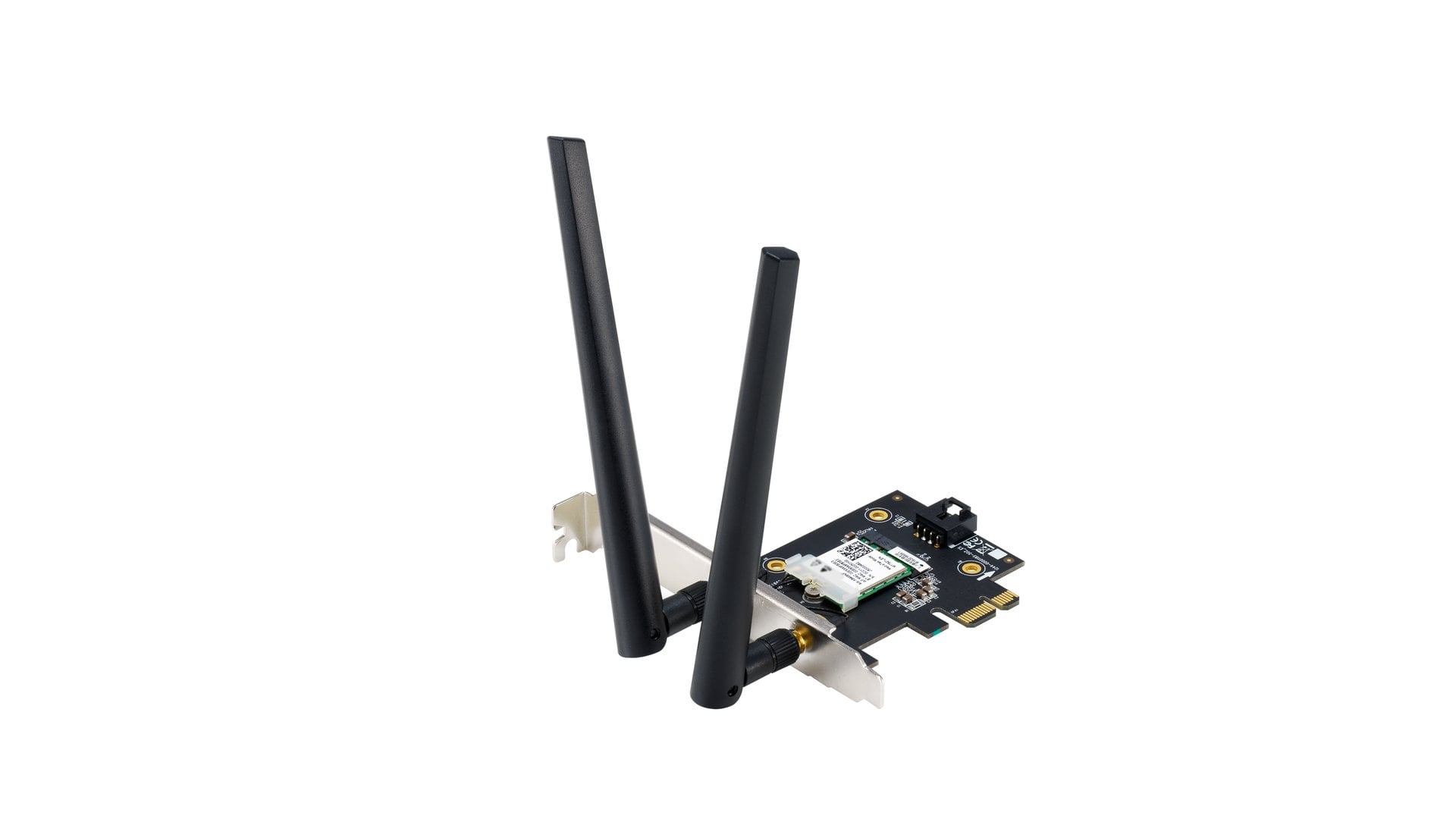
A PCIe Wi-Fi 6 card for a desktop with no wireless
A desktop built without Wi-Fi, or with a dead card, can take its radio inside the case instead of on a dongle. The ASUS PCE-AX1800 is $39.99 at the ASUS eShop, rated up to 1,201 Mbps on 5GHz and 574 Mbps on 2.4GHz, with Bluetooth 5.2 and two external antennas.
It needs a free PCIe slot, and a software check before the case comes open. The spec sheet still names only Windows 10 64-bit. However, ASUS’s driver page carries a September 25, 2023 package that adds Windows 11 support for the Wi-Fi and Bluetooth drivers.
Why no Wi-Fi extender made this under-$50 list
The extender is the fix that missed the ceiling. Netgear’s cheapest, the EX3110, is $54.99 on its own store, and the ASUS eShop had no repeater under $50 in stock. TP-Link’s own store lists its RE315 extender at well under $50, but had it sold out.
Powerline kits fared no better. Netgear’s only kit showed no store price, and TP-Link’s own store carries none.
That is less of a loss than it looks. An extender fixes distance, while every pick above fixes something closer to hand: a radio, a port or a missing card.
So test before buying. Run the same speed test with the slow laptop next to the router. If it is still slow there, the radio is the problem and a $19.99 to $39.99 adapter is the fix.
If it only slows two rooms away, distance is the problem, and deciding between an extender and a booster is the next step. Prices are the maker stores’ own at the time of writing and can change.



Discussion (0)
Be the first to comment.