



System Requirements for Overwatch 2 PC
Before diving into the download options, make sure your PC meets Overwatch 2's system requirements. Here’s what you need to run the game smoothly:
- Operating System: Windows 10 64-bit
- Processor: Intel Core i3 or AMD Phenom X3 8650
- RAM: 4 GB minimum
- Graphics: NVIDIA GeForce GTX 460 or AMD Radeon HD 4850
- DirectX: Version 11
- Storage: 50 GB of free space
Official Methods to Download Overwatch 2 for PC
1. Battle.net Launcher
The Battle.net launcher is the official and most secure way to download Overwatch 2 for PC. Here’s how to do it:
- Download and install the Battle.net desktop app from Blizzard Entertainment’s official website.
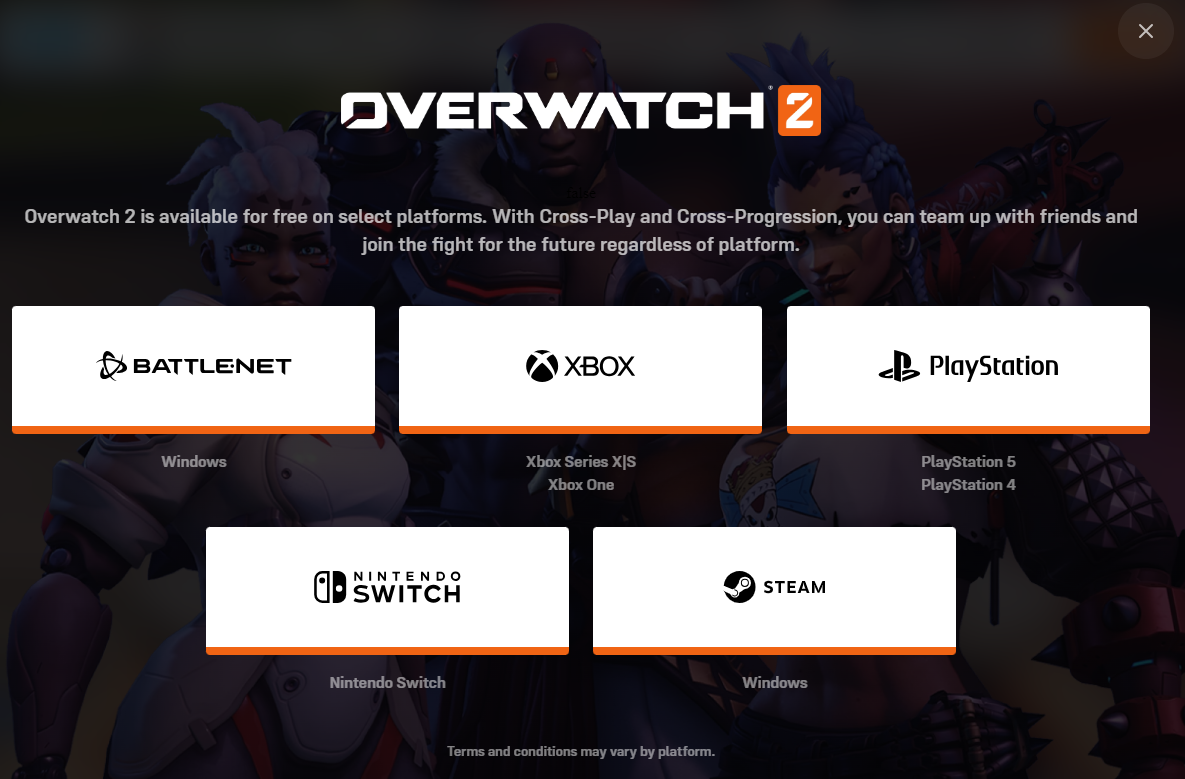
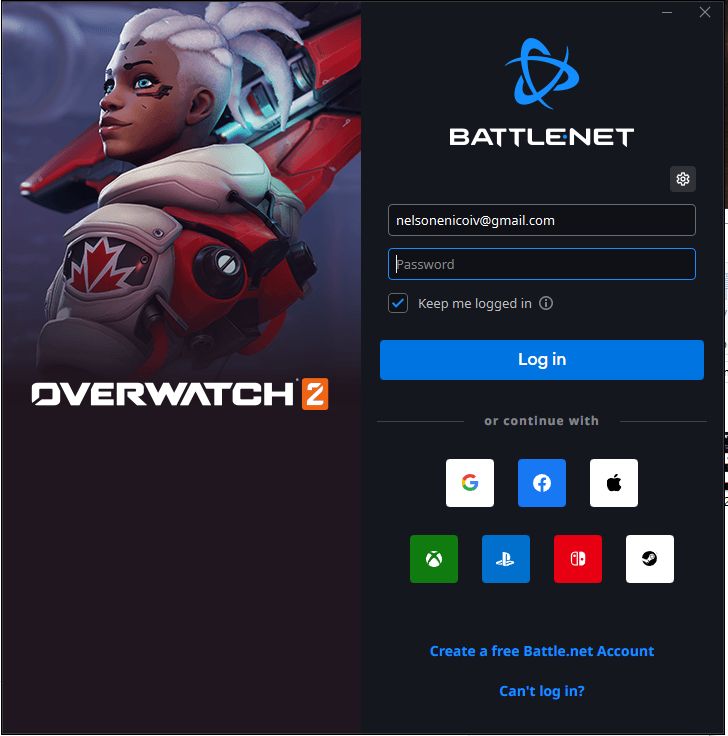
- Log in or create a Battle.net account.
- Search for Overwatch 2 in the games list and click Install.
- Once the installation is complete, you'll see the games in your launcher. Click Play to launch the game.
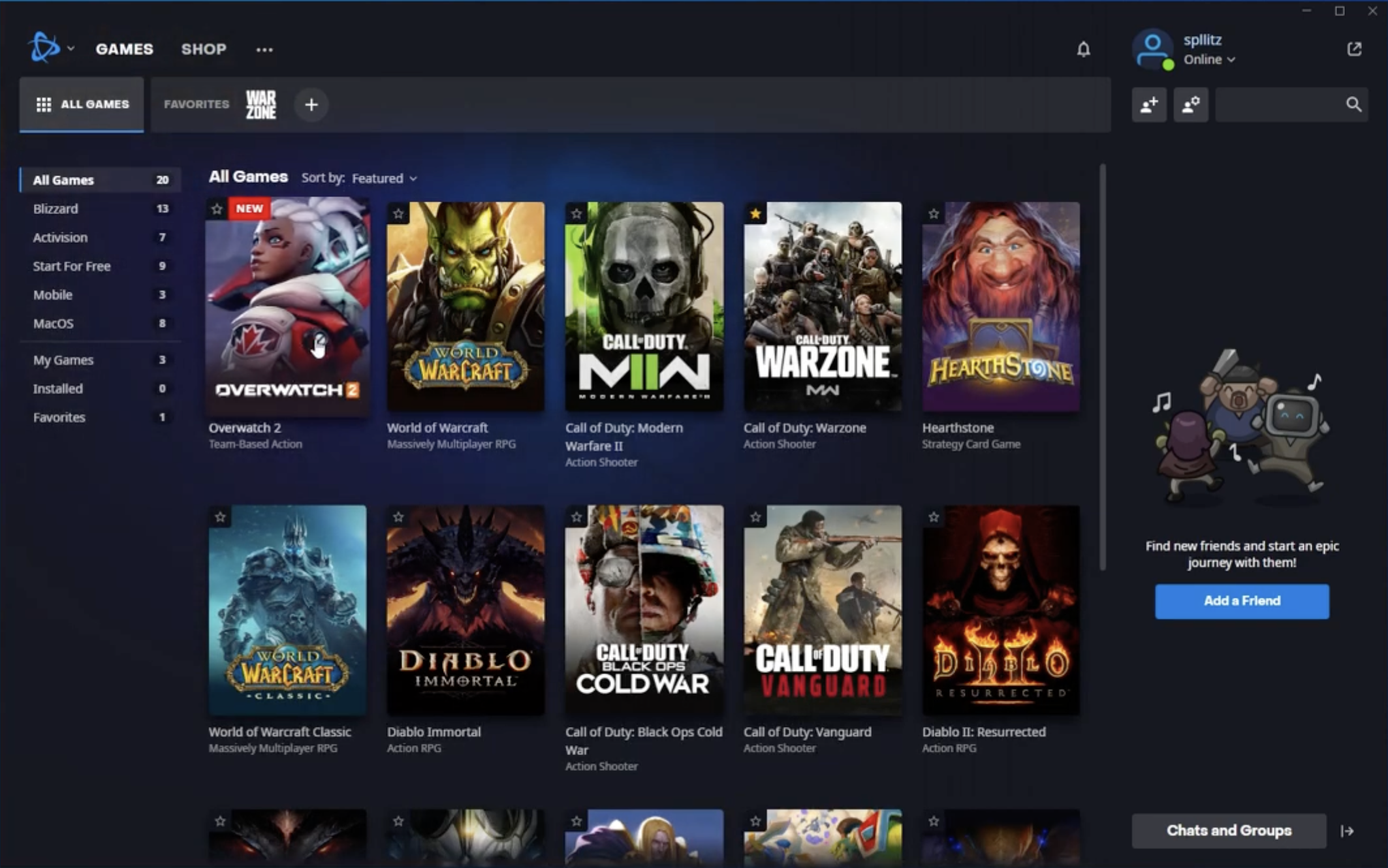
This is the most straightforward method, ensuring you get the latest updates and patches directly from Blizzard.
Pros:
- Direct access to all Blizzard games.
- Seamless updates and official support.
- Integrated with Blizzard’s ecosystem, including World of Warcraft and Diablo.
Cons:
- Requires Battle.net to be installed if not already installed.
2. Steam (Alternative Method)
If you prefer managing your games through Steam, you can still download Overwatch 2 through this platform:
- Open the Steam client and search for Overwatch 2 in the Steam Store.
- Click Play Game to start the download.
- Although Overwatch 2 is hosted on Steam, you’ll need to log in to Battle.net for authentication.
Pros:
- Manage Overwatch 2 alongside other Steam games.
- Access Steam's built-in social and gameplay features, such as Steam Overlay.
Cons:
- Battle.net is still required to authenticate the game, meaning Steam doesn’t fully replace Battle.net.
Additional Download Sources for Overwatch 2 PC
While the Battle.net launcher and Steam are the most popular and official ways to download Overwatch 2, there are a few other sources:
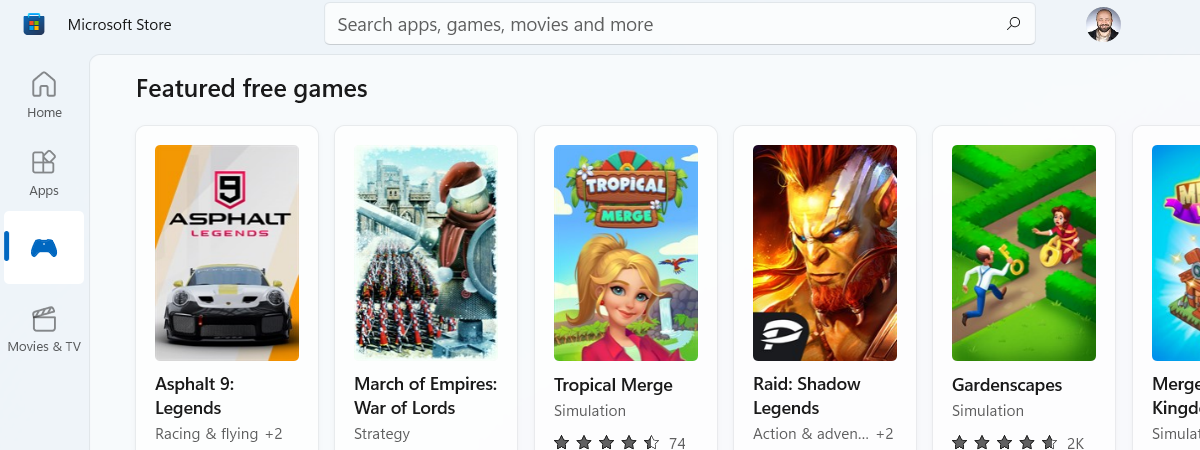
- Microsoft Store: You can download Overwatch 2 for free via the Microsoft Store for Windows devices.
- Softonic: This third-party mirror offers a download link for Overwatch 2. However, it's important to exercise caution when using third-party sources.
How to Download Overwatch 2 Beta
If you’re looking to experience Overwatch 2 before its official release, Blizzard occasionally offers beta testing opportunities. Here’s how you can download the Overwatch 2 beta:
- Sign up through the Blizzard website when they announce the beta.
- If you’re selected, you’ll receive an invitation to download the beta client.
Risks of Downloading Overwatch 2 from Unofficial Sources
While there are alternative methods, downloading Overwatch 2 from unofficial sources comes with risks:
- Malware: One of the major concerns with torrent sites is the risk of downloading malware alongside game files. These files can compromise your system’s security and privacy.
- Legal Risks: Downloading the game from unauthorized platforms is a violation of copyright laws and can result in legal consequences.
- Lack of Updates and Support: Unofficial copies won’t receive updates or official support, leaving users with an incomplete or broken version of the game.
It’s always safer to stick to official sources like Battle.net or Steam to ensure a legitimate, risk-free gaming experience.
Conclusion
When it comes to downloading Overwatch 2 for PC, the most reliable and secure methods are through the Battle.net launcher or Steam. Both platforms ensure that you receive legitimate copies of the game, along with continuous support, updates, and patches. However, if you prefer other methods, Microsoft Store or third-party sources may also provide access, but these come with their own set of risks.To enjoy Overwatch 2 without compromising your safety or experience, always choose official channels to download the game. Get ready to jump into the action-packed world of Overwatch 2 and experience a thrilling multiplayer environment with heroes from all around the globe!

Discussion (0)
Be the first to comment.