




If you use Kahoot for a classroom activity, training session, or virtual quiz, you’ve seen the Kahoot game pin on the host screen. This pin acts as your entry code and connects each player to the live game. At the time of writing, Kahoot uses unique session-based pins that help players join securely and in real time. Understanding how the Kahoot game pin works will make joining games faster and help you avoid common connection issues.
The pin allows you to join a specific quiz, making it essential for classrooms, teams, and remote sessions. Because the Kahoot pin changes with every session, players only access the game that the host intended. Below is how the pin works and how to use it effectively.
How The Kahoot Game Pin Works
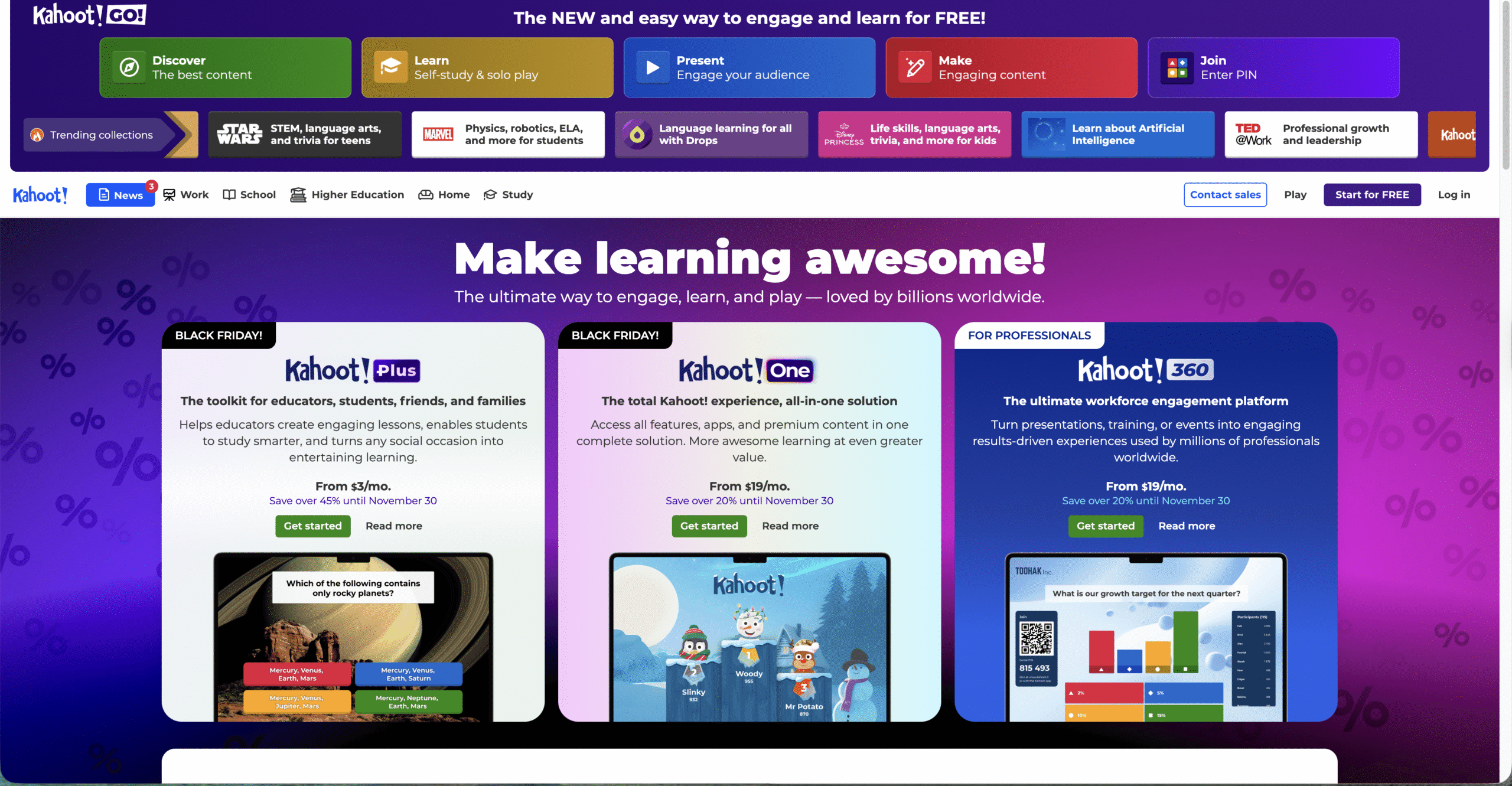
The Kahoot game pin is a short numeric code tied to an active session. The host starts a game, Kahoot generates a unique pin, and players enter that pin on their devices. This keeps each session private and prevents users from joining the wrong game.
After entering the Kahoot join code, the system verifies it. If valid, you enter the lobby and choose a nickname. When the host begins the game, all connected players see questions in real time. The pin expires when the game ends, and a new one appears for future sessions.
How To Use A Kahoot Game Pin

You only need a device and the correct Kahoot access code to join a session. The steps stay the same whether you're using a phone, tablet, or computer.
- Open Kahoot in your browser or launch the Kahoot app.
- Enter the Kahoot game code displayed on the host screen.
- Press “Enter” or “Join.”
- Type a nickname when prompted.
- Wait in the lobby until the host starts the game.
Once connected, answer questions as they appear. The scoreboard updates in real time based on accuracy and speed.
Troubleshooting Common Problems

- The Kahoot pin is not working: The game may have ended. Ask the host for a fresh game pin.
- The session pin expired: Pins only work during active sessions. Refresh the host screen to view the new pin.
- Kahoot says “game pin error”: Check for typos or missing digits before joining.
- Kahoot will not connect: Switch to a stronger internet connection or restart the app.
- You joined the wrong session: Leave the lobby and re-enter the correct Kahoot join code.
Tips
- Join early to avoid connection delays during large sessions.
- Double-check the Kahoot join game code before entering.
- Use a stable Wi-Fi network to prevent dropouts.
- Keep the host screen visible to follow game progress.
- Choose simple nicknames to speed up lobby approvals.
FAQ
What is a Kahoot game pin?
It’s a unique numeric code that lets players join a live Kahoot game hosted by a teacher, trainer, or presenter.
Why does the Kahoot pin change?
Kahoot generates a new session pin every time a game starts to keep each session secure and isolated.
Can I join Kahoot without a pin?
No. A host must start a game and provide the active pin before anyone can join.
Why does the Kahoot pin say “invalid”?
The session may have ended, the host may have restarted the game, or the pin was typed incorrectly.
Summary
- The Kahoot game pin is a unique code that lets players join a specific session.
- The pin expires when the game ends and cannot be reused.
- Players enter the Kahoot join code through the app or website.
- Most pin errors come from expired sessions or typing mistakes.
- A stable internet connection ensures smoother gameplay.
Conclusion
The Kahoot game pin keeps every session organized, secure, and easy to join. It’s the key to connecting players to a live quiz, making it a core part of how Kahoot works. With the right pin and a strong connection, anyone can jump into the game and participate instantly.


Discussion (0)
Be the first to comment.