




Instagram compresses images and limits zoom inside the app. That design keeps feeds fast, but it prevents you from seeing photos at their original resolution. You can still view full size Instagram photos using a few reliable methods, depending on whether the account is public and which device you use.
This guide walks you through the best available ways to view photos in their original resolution on your phone and computer.
Table of contents
- What “full size” means on Instagram
- View full size Instagram photos without logging in
- View full size Instagram photos while logged in
- View full size Instagram profile pictures
- View full size Instagram post and carousel photos
- Can you view full size photos from private accounts?
- Is it safe and legal to use Instagram photo viewers?
- Common problems and quick fixes
- Tips for getting the best possible image quality
- FAQs
- Summary
What “full size” means on Instagram
Instagram uploads photos at a maximum width of 1080 pixels for posts. The app then displays compressed versions, often cropped or scaled down. Full size usually means the highest resolution Instagram stores, not the original camera file.
View full size Instagram photos without logging in
You can view full-size photos while you are logged out of your Instagram account. This approach works only for public accounts. It suits users who want quick access without using their own profile.
Use online Instagram photo and profile viewers
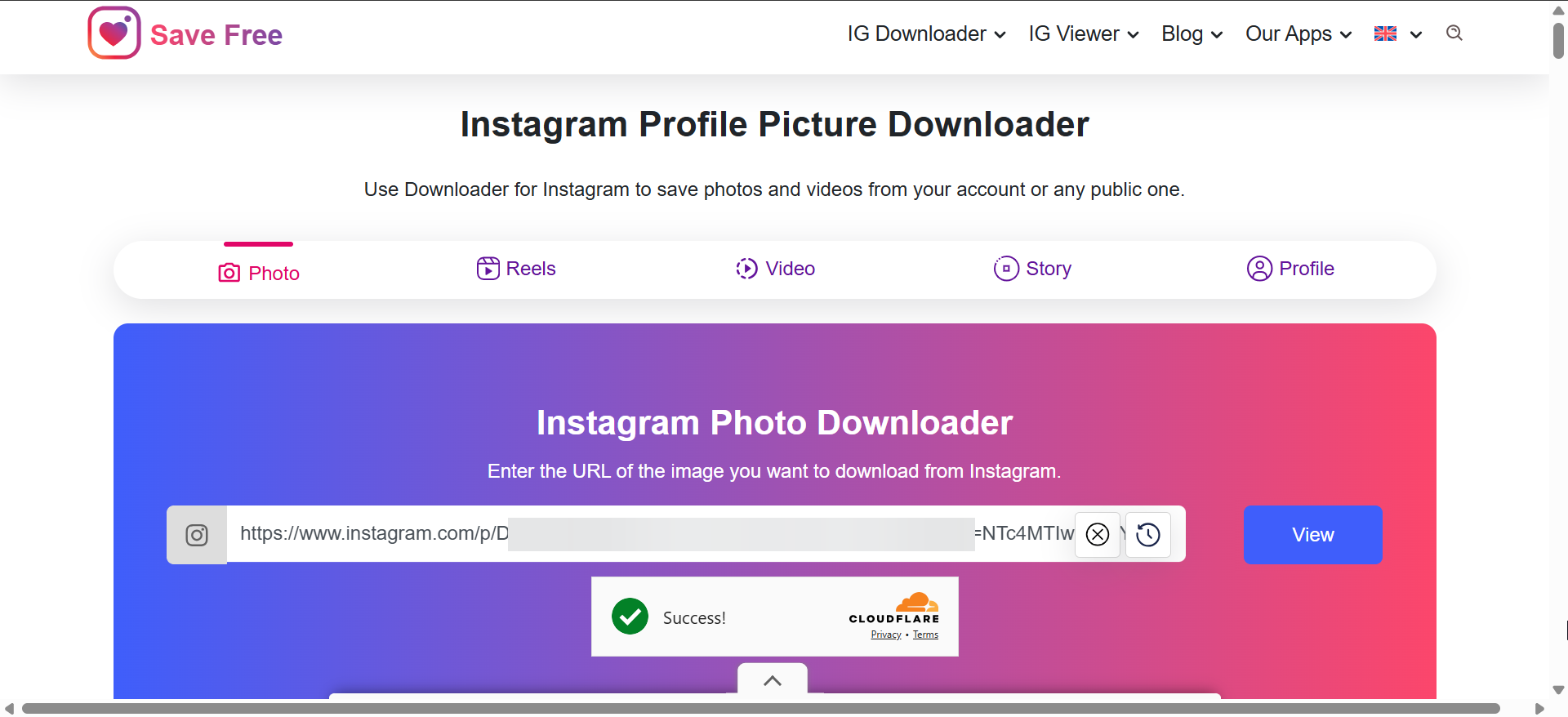
Third-party viewers load public Instagram images directly from Instagram’s servers. You paste a username or post link, and the site shows a larger version of the image. Many tools support profile photos and single-image posts.

These viewers work best on desktop browsers. Mobile browsers often show smaller previews or block image expansion.
Common limitations of anonymous viewers
Anonymous viewers cannot access private accounts. Many fail with carousel posts or recently uploaded images. Some sites also throttle requests or stop working without notice.
View full size Instagram photos while logged in
Logged-in methods give you the highest success rate. They work on public content and your own private feed.
Desktop browser inspect method
Desktop browsers allow direct access to the image file that Instagram loads in the background. This method shows the highest available resolution.
- Open Instagram in Chrome, Edge, or Firefox.
- Click a photo to open it.
- Right-click the image and choose Inspect.


- Find the image URL ending in .jpg, if available.
- Open that link in a new tab.
This method avoids third-party sites and keeps quality intact.
Mobile browser workarounds
The Instagram app blocks full zoom. Mobile browsers offer limited success, but switching Instagram to desktop mode sometimes helps. Results vary by browser and device.
View full size Instagram profile pictures
Profile photos follow different rules than feed images. Instagram stores them separately, often at higher resolution.
Profile photo viewers or downloaders
Dedicated profile photo viewers and downloaders retrieve the full size avatar from public accounts. These tools work faster than general post viewers and usually show clearer results.
Why private profile pictures stay locked
Instagram protects profile photos on private accounts. No tool can bypass that restriction without account access. Claims that promise otherwise are misleading.
View full size Instagram post and carousel photos
Feed posts require different handling depending on format.
Single-photo posts
Single-image posts are the easiest to view in full size. Desktop browser inspection or reliable viewers usually work without issues.
Carousel and multi-image posts
Carousels often break viewer tools. Desktop inspection remains the most consistent method because it exposes each image URL separately.
Can you view full size photos from private accounts?
No method works without permission. Instagram enforces access controls at the server level. Only approved followers can view content, regardless of tool or platform.
Is it safe and legal to use Instagram photo viewers?
Viewing public images stays legal in most regions. Downloading or redistributing photos may violate copyright or Instagram’s terms. Avoid tools that request login credentials or permissions.
Common problems and quick fixes
Viewer sites not loading or showing images
Many tools face regional blocks or temporary shutdowns. Switching browsers or using desktop inspection usually fixes the issue.
Images still look blurry
Instagram compression limits quality. If the full size image still looks soft, Instagram never stored a higher-resolution version.
Tips for getting the best possible image quality
- Use desktop browsers whenever possible
- Prefer inspection over third-party viewers
- Avoid mobile apps for zooming
- Expect limits on older or heavily compressed posts
FAQs
Can I zoom Instagram photos without tools?
The app limits zoom by design. Browser-based methods work better.
Do reels covers have full size images?
Covers exist but often stay heavily compressed.
Do viewer tools work on stories?
Most do not. Stories expire quickly and use different delivery methods.
Summary
- Instagram limits zoom and compresses images by default
- Anonymous viewers work only for public accounts
- Desktop inspection gives the highest image quality
- Private accounts block all external access
Instagram limits image size on purpose, so there is no single method that works everywhere. For public accounts, online viewers offer quick results, but desktop browsers remain the most reliable option when image quality matters.
If you need the clearest possible version, inspecting the image on a desktop browser gives you direct access to the highest resolution Instagram provides. When none of these methods work, the restriction usually comes from Instagram’s privacy rules, not from the tool you’re using.


Discussion (0)
Be the first to comment.