




Private Instagram accounts give people tighter control over who can see their photos, Reels, and Stories. If you bump into a locked profile, you might wonder how to see a private Instagram account without doing anything shady.
The short version is simple: Instagram only allows approved followers to view private content. There is no safe shortcut or real “private Instagram viewer.” This guide explains the legitimate ways to request access, why you should avoid workarounds, and how to protect your own privacy on the app.
See A Private Instagram Account The Legitimate Way
If you want to view a private Instagram profile, you need the account owner to approve you as a follower. Here is how to do that using the official app.
- Open the Instagram app on your phone or visit Instagram in your browser, then sign in to your account.
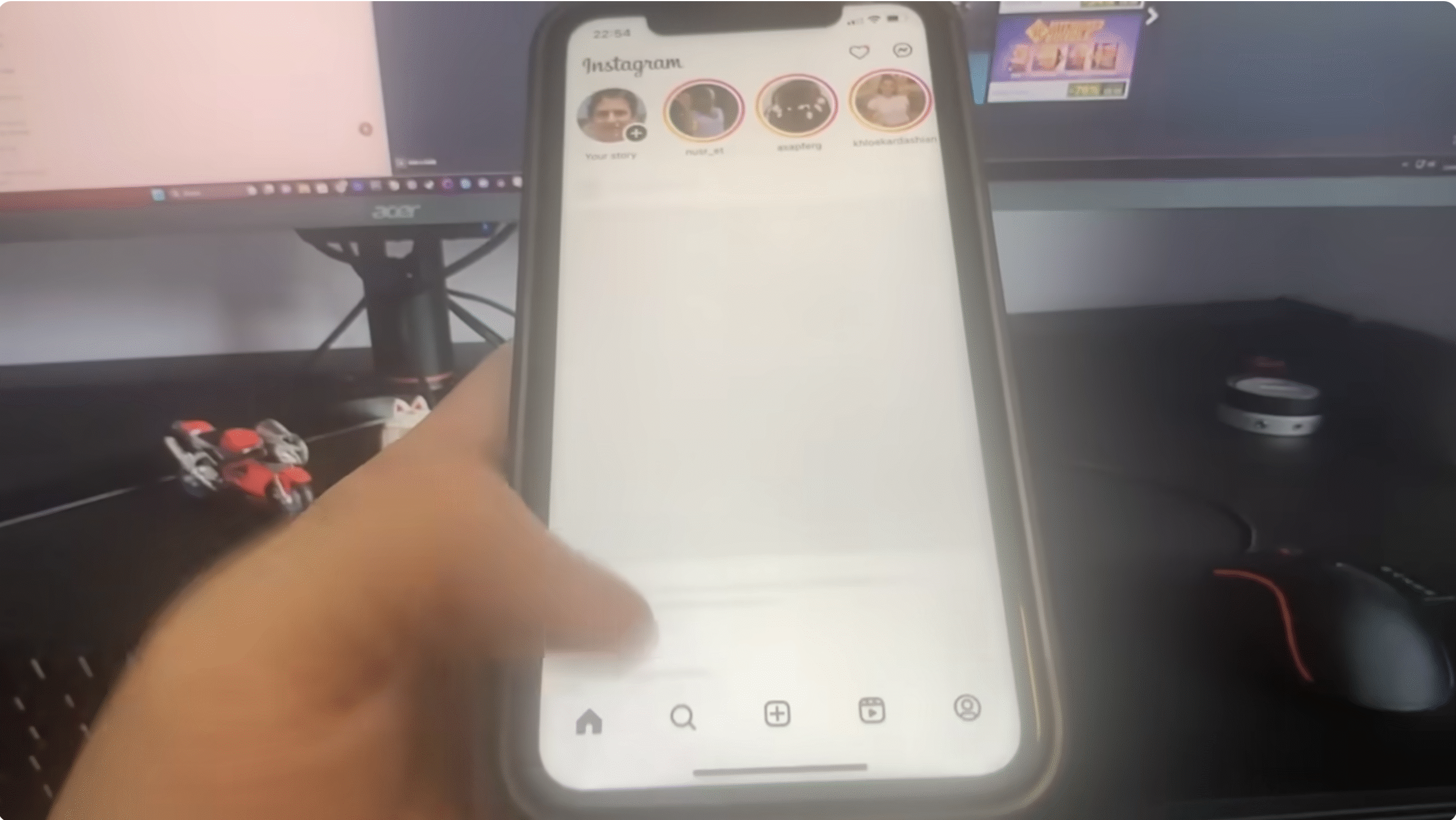
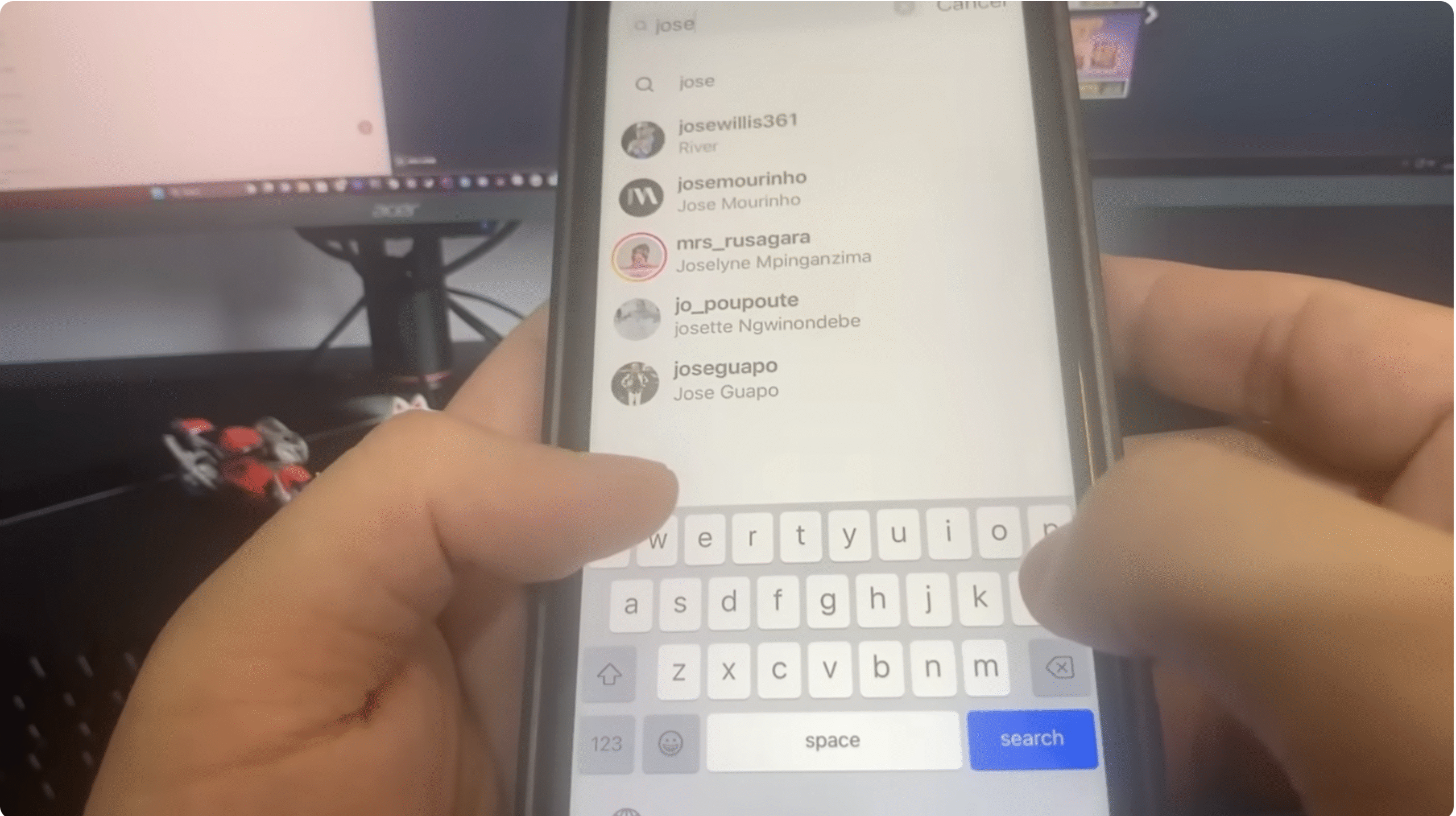
- Tap the Search icon and type the exact username of the private account you want to see.
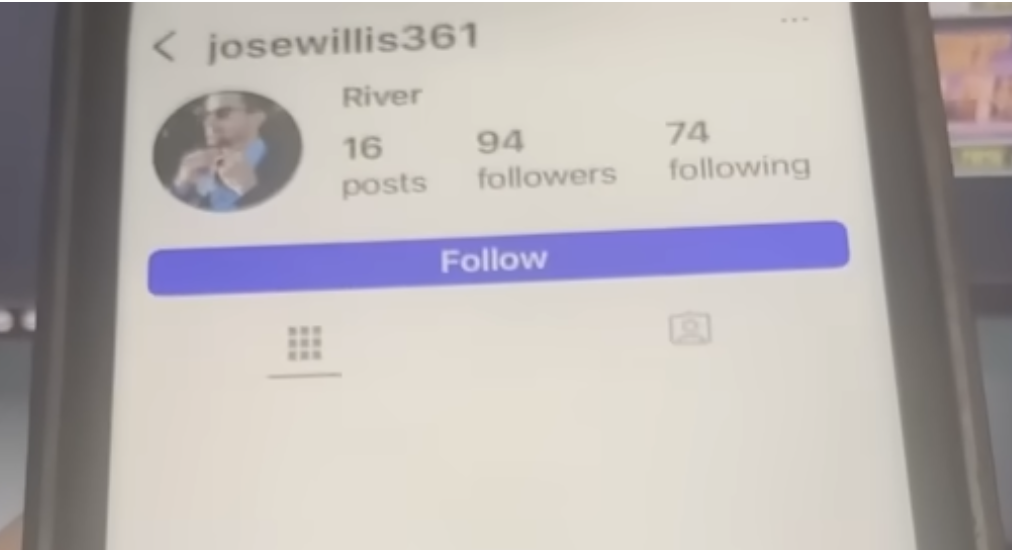
- Open the profile and tap Follow. On a private account, it changes to Requested instead of following right away.
- Optional: tap Message and send a short, polite note explaining who you are and why you would like to follow.
- Wait for the person to approve or deny the request. If they approve, you will immediately see their posts, Stories, and Reels like any other follower.
This is the only approved way to view a private Instagram account. Every other “hack,” app, or website that claims to unlock a private Instagram viewer either does not work or puts your data at risk.
Improve Your Chances Of Getting Approved
You cannot force someone to accept your request, but you can make your own profile look more trustworthy when you try to view a private Instagram account.
- Fill out your bio with a real name, a short description, and a location so you do not look like a spam account.
- Add a clear profile picture that shows your face or a recognizable logo if you are using a brand account.
- Make your account public for a while, or at least keep a few recent posts visible, so the other person can see that you are legitimate.
- Ask a mutual friend to introduce you through a group chat if you have shared connections.
- Keep your follow request and messages respectful, and do not send repeated requests if they ignore the first one.
Using these small changes can help when you search for ways to see a locked Instagram account, especially if the other person prefers to approve only real people and not random profiles.
Why You Should Avoid Private Profile Viewer Tools
Searching for how to see a private Instagram account often surfaces “private Instagram viewer” sites and apps that promise instant access. These tools are unsafe and do not provide real access to private posts.
- Most viewer tools ask for your Instagram username and password, which can lead to account theft or spam.
- Many require you to download extra software or complete “verification” surveys that expose you to malware or scams.
- By trying to bypass Instagram privacy, you risk breaking Instagram’s terms of use, which can lead to account suspension.
- Ethically, using backdoor methods ignores the other person’s choice to keep their content private.
If a service claims it can show you a private Instagram profile without the owner’s consent, you should assume it is fake, dangerous, or both.
How To Protect Your Own Private Instagram Account
Learning how to see a private Instagram account also reminds you to check your own privacy settings. If you keep sensitive photos or personal details on Instagram, lock down your profile with these steps.
- Open Instagram, go to your profile, and tap the Menu button in the top right.
- Tap Settings And Privacy, then scroll to Account Privacy.
- Turn on Private Account so only approved followers can see your content.
- Review your follower list regularly and remove accounts you do not recognize or trust.
- Turn on Two-Factor Authentication under Accounts Center to protect your login from password leaks.
- Limit who can tag or mention you by adjusting Tags and Mentions under privacy controls.
These changes help you control who sees your posts and keep your Instagram privacy settings aligned with your comfort level.
Troubleshooting Common Problems
Even when you follow the rules, you can still hit roadblocks while trying to view a private Instagram profile.
- If your follow request sits in “Requested” for days, the user may not use Instagram often or may not want new followers.
- If your request is declined, respect the decision and avoid sending new requests from extra accounts.
- If you cannot find the profile at all, the person may have changed their username, blocked you, or deleted their account.
- If your own account looks suspicious, clean up old spammy comments and remove automated follow tools before you send requests.
- If you think someone is impersonating you with a fake account, report the profile through Instagram’s built in reporting tools.
Tips
These quick tips help you navigate private Instagram accounts without crossing privacy lines.
- Decide whether you actually need to see a private account or if a public profile, website, or LinkedIn page already covers what you need.
- For business or networking, introduce yourself clearly in a direct message instead of sending a blank follow request.
- If you want to follow a celebrity or brand, look for their official public account instead of hunting for personal private profiles.
- Use your main account, not a throwaway one, when you request to follow a private profile so you appear more legitimate.
- Teach teens and kids in your home that there is no safe app that can break Instagram privacy and that they should ignore those ads.
FAQ
Can I See A Private Instagram Account Without Following It?
No. At the time of writing, Instagram only shows private content to approved followers. Any app or website that says it can reveal private posts without approval is misleading or unsafe.
Do Private Instagram Viewer Apps Really Work?
Legitimate ways to view private Instagram accounts do not include viewer apps. Most of these tools either steal your login details, show fake screenshots, or flood you with spam.
Is It Legal To Bypass Instagram Privacy Settings?
Trying to bypass Instagram privacy can violate platform rules and, in some cases, privacy or computer access laws. Staying within Instagram’s tools keeps you on the right side of both ethics and the law.
Why Did My Follow Request To A Private Account Disappear?
If your request vanishes, the account owner probably declined it or blocked you. You can send a new request later if the situation changes, but avoid spamming them with repeated requests.
Can A Private Account Still See My Posts?
A private Instagram profile can see your posts if your account is public or if they follow you. If you want more control, switch your own account to private and review your follower list.
Summary
- The only legitimate answer to how to see a private Instagram account is to send a follow request and wait for approval.
- Optimizing your own profile and sending a polite message can improve your chances of getting approved.
- Third-party “private Instagram viewer” tools are unsafe, unreliable, and often violate Instagram rules.
- Use Instagram privacy settings to lock down your own profile and manage who can see your posts.
- Respecting other people’s privacy keeps your account safer and supports a healthier social media environment.
Conclusion
When you search for how to see a private Instagram account, you will find plenty of shortcuts, but only one method really works and stays safe. You have to request to follow the account and let the owner decide whether to share their posts with you.
By focusing on legitimate tools, avoiding risky private profile viewers, and tightening your own Instagram privacy settings, you protect both sides of the relationship. That approach keeps your data secure, respects other people’s boundaries, and still gives you a fair chance to connect when it makes sense.


Discussion (0)
Be the first to comment.