UP

Windows

Tutorials, how-to guides, and blog posts about using Windows. How to use laptops, tablets, PCs, and other gadgets with Windows.

Reviewing the ASUS ZenBook Flip UX360UA - A convertible PC that doesn't sell itself short

ZenBook Flip UX360UA is one of the newest convertibles manufactured by ASUS. It's a device that can be used as a regular laptop, but which you can also use as a tablet, if you rotate its screen 360 degrees. The pictures we saw of it and the hardware specifications announced by ASUS got us excited about this device. We received one for testing and we immediately started to work, play


2 ways to change the keyboard shortcuts for the Game Bar in Windows 10

In Windows 10 Creators Update, the new Game Bar makes every gamer's life a bit easier and more pleasant. This tool lets you record game clips, take screenshots and even live stream your gameplay. All these are possible just by pushing a few keys on your keyboard. The default keys assigned for the Game Bar should be easy to remember and use. However, some gamers like to customize everything, so
article What is Windows 10 Creators Update and why should you install it?

What is Windows 10 Creators Update and why should you install it?

When Windows 10 was released for the first time, Microsoft said that this would be their last operating system. And they have kept their promise up until now: they have developed no new operating systems. However, that doesn't mean that Windows 10 is stalling. Quite the contrary! Windows 10 is probably the most dynamic operating system created by Microsoft. Last year, Microsoft gave us

What version of Java do I have installed? 3 Ways to learn the answer

The Java runtime software for Windows computers and devices is responsible for allowing us to run programs and apps that were developed using Java. Because many apps still use Java, you probably already have it installed on your Windows PC. Either because you've installed it in the past, because some software asked you to, or because your PC's manufacturer pre-installed it for you, Java is probably there. Did you ask
tutorial 11 things you can do to fix webcam issues on Skype

11 things you can do to fix webcam issues on Skype

Are you having problems with your webcam while using Skype? You can hear the people to whom you speak, but they can't see you? Or maybe the only thing they can see are blurred lines or gray images? Whether you use an external webcam that's connected to a USB port on your computer, or you rely on the built-in webcam from your notebook, there
article 5 things you can do with the new Windows Defender Security Center

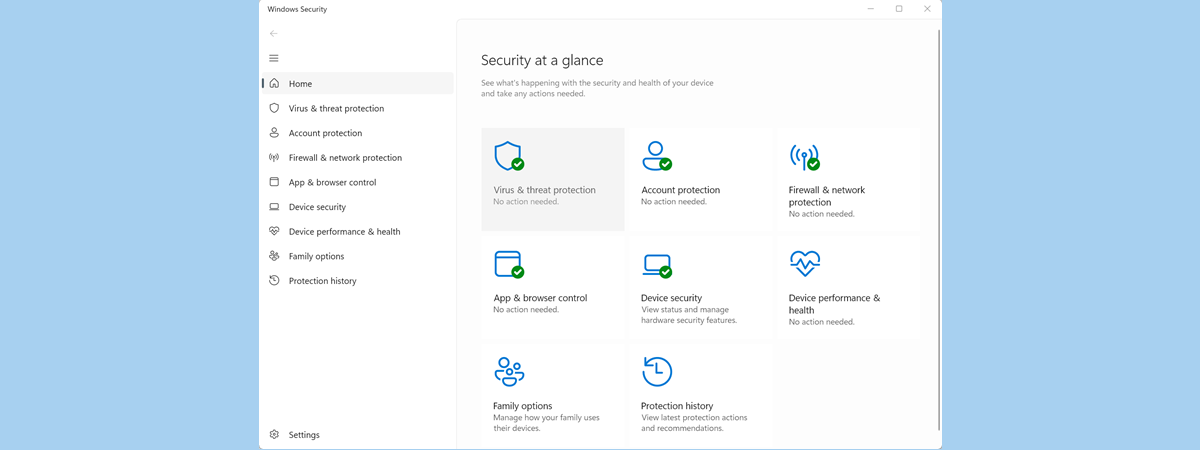
5 things you can do with the new Windows Defender Security Center

Windows Defender is Microsoft's in-house antivirus product, and it has been protecting users for a long time now. However, in Microsoft's Windows 8.1 and Windows 10, its interface and usability didn't improve much. Luckily, good times have come to it too, and in Windows 10 Creators Update we get a new app called Windows Defender Security Center, which promises to make it easier than

Reviewing ASUS VivoMini UN65U - A small PC with a big heart

Some people love a clean, tidy and clutter-free working space more than anything. If you're one of them and you do most of your work on the same desk every day, using a big desktop PC, you might want to consider the idea of buying an all-in-one or a mini PC to unclutter your space. The good news is that there are many options available on the market. One of

6 things you can do with Paint 3D in Windows 10

In Windows 10 Creators Update, Microsoft decided to include a new app called Paint 3D. This app that shares its name with the classic Paint application from all previous Windows operating systems. This is because it wants to be as simple as the previous application that was used for 2D image drawing. The main difference is that the new app works in 3D, although it's just as simple. Not only
article Digital Citizen Awards - The best antivirus product of the year 2017

Digital Citizen Awards - The best antivirus product of the year 2017

One of the most asked questions on Google regarding of security is: "What is the best antivirus?". It is a legitimate question as most people are not security experts and need recommendations to identify the best antivirus product for their needs. The time has come for us to name the best antivirus product of the year, based on our experience in testing the many

Digital Citizen Awards - The most innovative antivirus product of 2017

Some people regard antivirus products as being rather conservative, software which doesn't evolve very quickly. But that couldn't be more false - cyber criminals don't lose time in creating malware that's the same as last year's. If that were true, we wouldn't have to fight today against things like advanced ransomware. Viruses and other cyber crime vectors are evolving at a very fast pace, and antivirus products must follow suit.

6 things you can do with the Xbox app in Windows 10

The Xbox app from Windows 10 is how Microsoft caters to the needs of the gamers community. It's an app designed to enhance your gaming life, by offering tools that let you stream games from your Xbox One console, record the games that you play, communicate with friends, join gaming clubs and so on. Today, we've decided to show you some of the most interesting things you can do with

How to view and use PDF, XPS and TIFF files with the Reader app in Windows

You've probably worked with a lot of PDF files. The format is user-friendly, easy to view and easy to print. The are a lot of apps capable of opening this type of file but few people know that there's an app developed by Microsoft for this purpose, called Reader, included in the standard Windows experience. The app was first introduced with the release of Windows 8.1 and it's also available

Reviewing the Acer Aspire VX 15 - Redefining the price per performance ratio

Not long ago, Acer released one of their first gaming laptops of 2017: the Acer Aspire VX 15. It's a machine that packs powerful hardware and promises that it won't empty all your pockets. We received it for testing over the last week and, after playing a lot on it, and putting it to the test against more than a few benchmarking apps, we are now ready to share our
article What are the F1, F2, F3 to F12 keyboard keys used for?

What are the F1, F2, F3 to F12 keyboard keys used for?

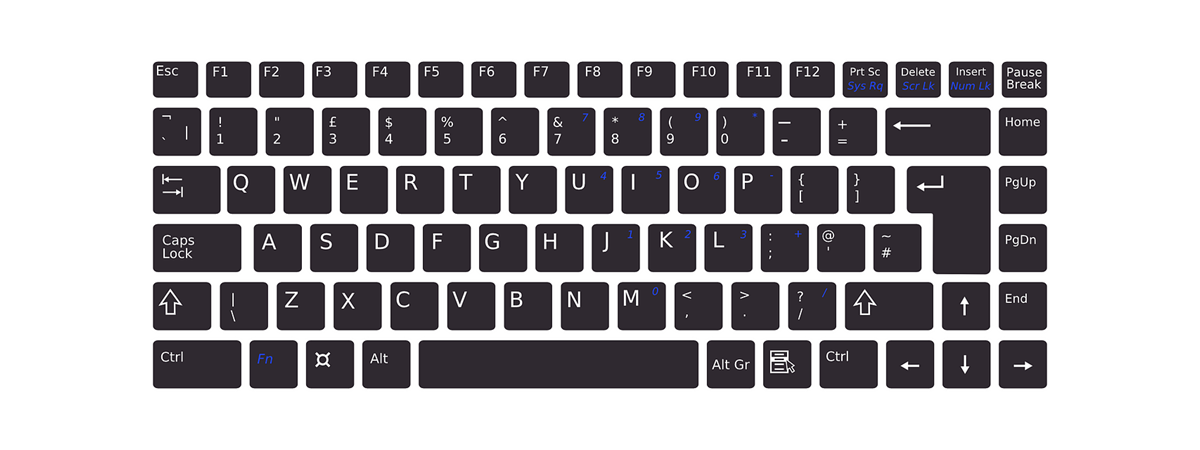
If you have used a computer, then you have also used a computer keyboard. And if that's true, you surely saw and probably also used its function keys. They are the F1, F2 to F12 keys that are found on the top row of most keyboards. Although you're likely to know what a few of these keys do, there could be some F keys

How to infect your Windows PC while browsing the web for free stuff

Do you believe that if you don't download many things from the internet and you use your web browser only for visiting popular websites, you don't need an antivirus solution? Do you think that your personal information can't be stolen by criminals because you can identify dodgy websites without the help of an antivirus? If you do, we have some bad news for you. Web browsers represent one of the

Best free weather apps for Windows computers and devices

Ever hear the old saying "Everyone complains about the weather but nobody does anything about it?" Today, although we still can't change the weather, we have many ways of checking the forecast so we can at least be prepared for what's coming. Every operating system offers a variety of weather apps to suit nearly anyone's needs. After checking out the offerings for Windows 8.1, iOS and Android over the years,

Comparison: Is the Windows ribbon interface more efficient than the old-school menus?

When we talked with others about the new versions of Windows, we unwillingly started a debate about the ribbon and its efficiency. Some people do not like the fact that Windows 10 and Windows 8.1 use it more widely than Windows 7, and there are still people who complain that it is way less efficient compared to the older interface from Windows XP. In order to put an end to
tutorial How to learn what data Microsoft stores about you and how to delete it

How to learn what data Microsoft stores about you and how to delete it

Microsoft has created a portal where anyone with a Microsoft account can view all the personal data that it is stored by this company on their servers. You can see the browsing history that Microsoft has about you, your search history, your location history, the data stored by Cortana in her notebook and your Microsoft Health activity. Here's how to review all this data