


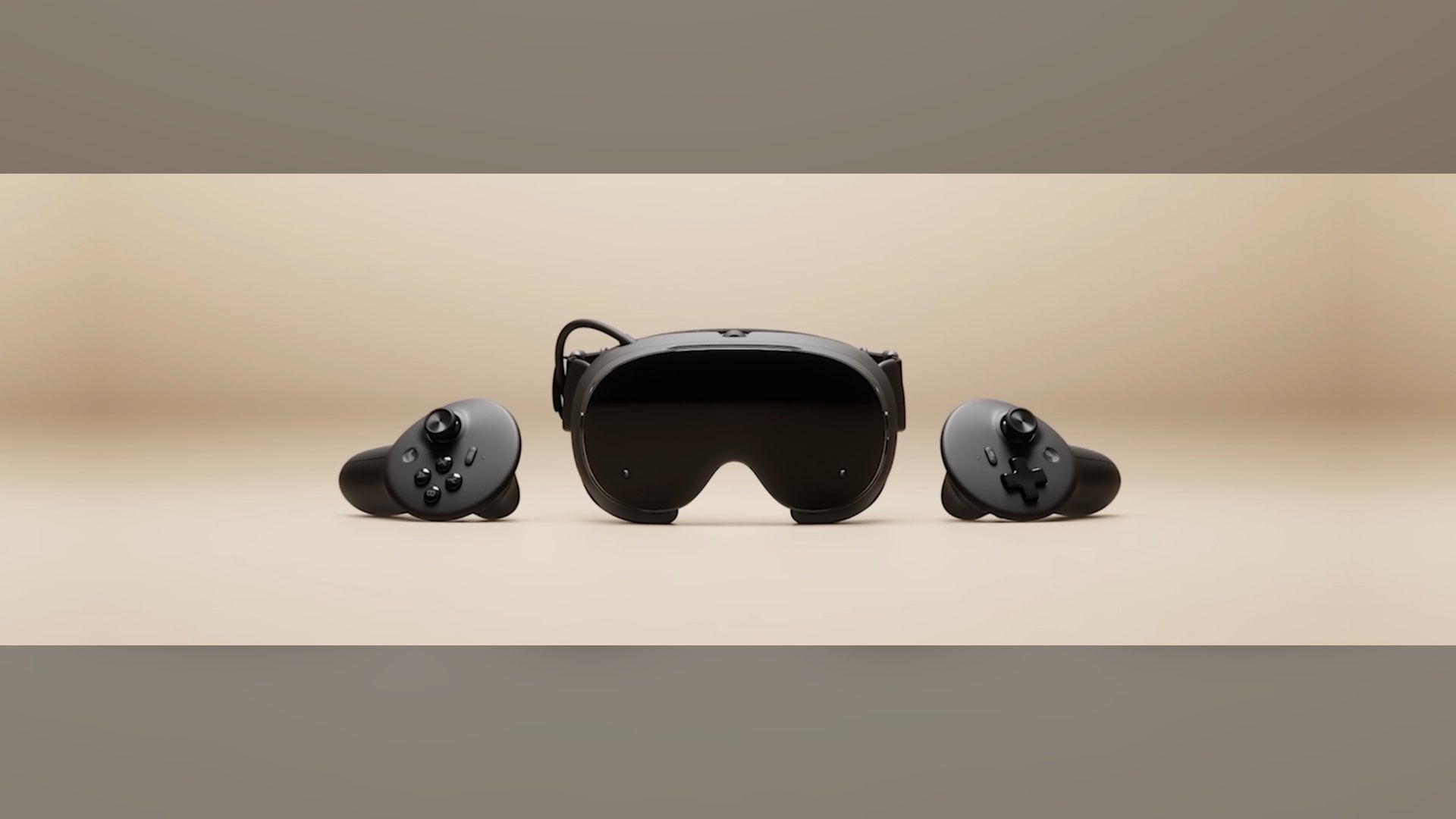
Steam Frame owners who stream games from a PC no longer have to choose between the game and the room around them. SteamOS 0.5.8, a beta Valve released on the evening of November 6, Pacific time, keeps streamed content visible while camera passthrough is on.
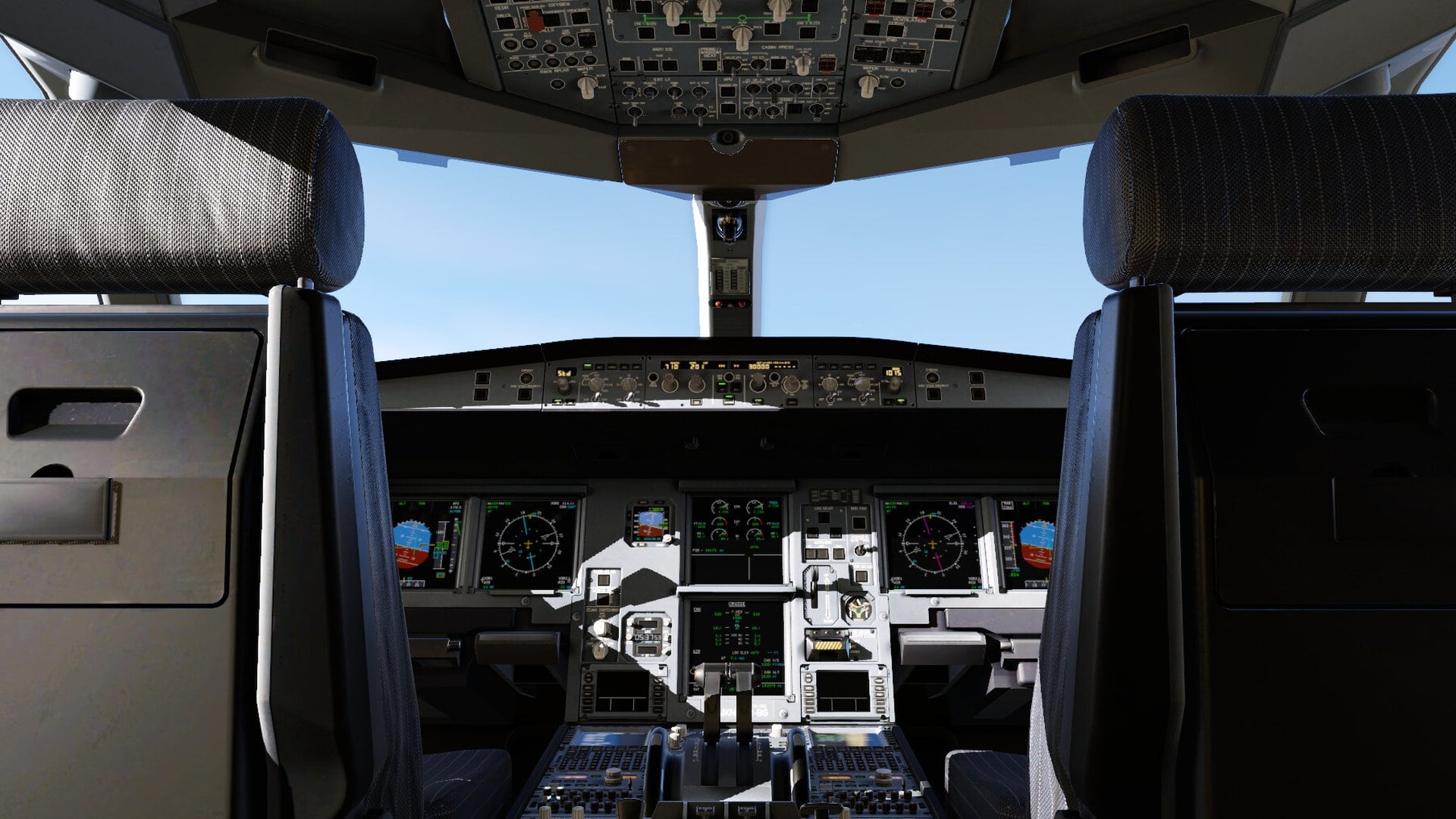
Until this build, switching on Room View hid anything coming from the PC, so the remote desktop and the game theater disappeared the moment you looked at your surroundings. The update also lets PC VR games with OpenXR mixed reality support blend their worlds with the passthrough image, and it needs a beta opt-in on both the headset and the PC.
What SteamOS 0.5.8 changes for Steam Frame passthrough and PC streaming
Valve lists three passthrough changes in the release notes. PC Streaming now supports Room View, and the remote desktop and remote game theater stay on screen while passthrough is active. The third change is the bigger one: PC VR games that support OpenXR mixed reality can now mix VR content with the camera feed.
The only game Valve names as an example is X-Plane 12, the flight simulator from Laminar Research. Valve has not published a list of other titles that already work this way, so for now X-Plane 12 is the one confirmed case.
Developers get the switch that makes this possible. OpenXR games streamed from a PC can now request the alpha blend environment mode, which lets a game decide which parts of its image show the real room behind it.
How to turn on the Steam Frame beta and the SteamVR beta on your PC
On the headset, open Settings, then System, then System Update Channel, and pick the Beta channel. Valve warns that the channel carries new features that are still being tested.
The passthrough features also need the SteamVR beta on the PC side. Right-click SteamVR in your Steam library, open Properties, go to Game Versions & Betas and choose beta.
That branch is now SteamVR 2.19.2, posted less than an hour before SteamOS 0.5.8. It fixes overlay and game-menu regressions introduced in 2.19.1, an occasional crash when the streaming resolution changes and visual glitches during those changes. It also handles brief network interruptions more gracefully, which matters when your games are arriving over Wi-Fi.
Why Steam Frame mixed reality still shows your room in black and white
There is a limit to how much room you get back. The Steam Frame store page describes the built-in passthrough as monochrome, delivered through the headset's outward-facing cameras, with infrared illuminators that help in dark rooms. Blending a game with your surroundings therefore means a grayscale room around the virtual content.
Color takes extra hardware. The same store page promotes the Arcturus Vision Camera, a plug-and-play add-on that brings 5K HDR color passthrough and spatial video capture. The headset also carries a user-accessible front expansion port with a dual high-speed camera interface, on top of the $1,059 starting price for the 256GB kit.
Other Steam Frame fixes in SteamOS 0.5.8, from eye tracking to WebXR
Overlay render quality is now locked to Low on Steam Frame, and the setting is hidden. Valve says this fixes problems that happened when Ultra was selected, an option that arrived only on November 2 with SteamVR 2.19.1.
Eye tracking self-calibration is improved, and Valve fixed low-end gamma response on some headsets, including differences between the two eyes. A permission bug that stopped WebXR from working in Chrome 157 is also gone, a follow-up to SteamOS 0.5.7, which enabled WebXR in Chromium 157 and later on November 3.
That is two Steam Frame betas in four days, continuing a steady run of headset updates since SteamOS 0.4.3 promised up to 12% better battery life in early October.
When the Steam Frame passthrough features could reach the stable channel
Valve has not said when Room View streaming or mixed reality blending will leave the beta channels. If you mostly play PC VR over streaming and do not mind beta software on both devices, SteamOS 0.5.8 is the first build where your room and your PC games can share the view. Everyone else can wait for a stable SteamOS release that carries the same changes.



Discussion (0)
Be the first to comment.