




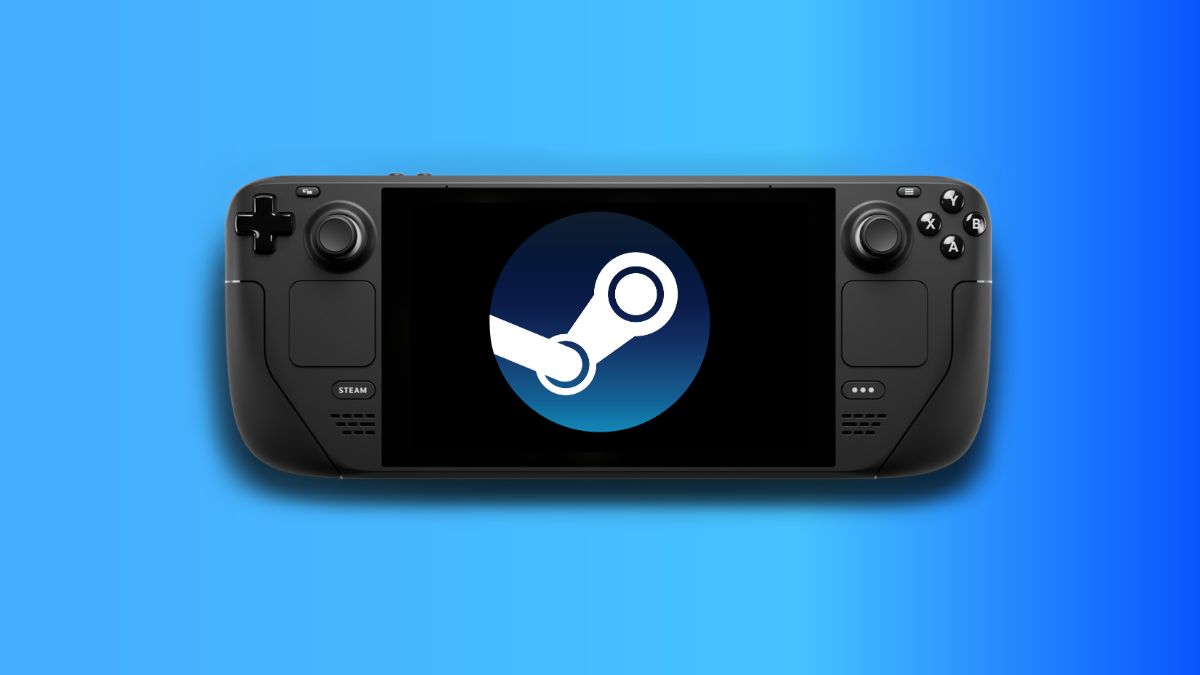
Valve has released a new Steam Deck client update that brings several fixes from the beta branch into the main client. The update improves the Steam Controller experience, refreshes the settings layout, fixes Remote Play issues, and adds microphone streaming as an advanced client option. It can be downloaded through the System settings menu on Steam Deck.
The biggest focus appears to be Steam Controller support. Valve has fixed multiple controller related problems, including crashes, doubled input while charging on the puck, firmware detection issues, and problems with grip thresholds. The update also includes firmware fixes for trackpad dead zones, occasional gyro polling stutter, IMU failures during extended rumble, and a bug where continuous rumble could break gyro input.
Steam Controller and gyro improvements are the main highlight of this update
The update should make gyro controls smoother across controllers. Valve says it fixed a timing issue for Gyro to Joystick Camera and made a minor improvement to gyro micro stutter by ignoring clone packets. It also changed some default gyro tuning values to make small movements easier to detect while adjusting minimum joystick output.
Steam Controller owners also get a new option to turn off Trackpad Lockout. By default, each trackpad is disabled when the matching joystick is deflected or when its capacitive sensor is active. This helps prevent accidental touches while using the joystick, but players who dislike that behavior can now disable it through the controller calibration and advanced settings.
| Area | What changed |
|---|---|
| Steam Controller | Crash fixes, better firmware handling, dead zone fixes |
| Gyro controls | Smoother camera behavior and micro stutter improvements |
| Settings | Updated layout for better readability and organization |
| Remote Play | Microphone streaming option and connection fixes |
| Library | Fixes for startup movies and custom artwork controls |
| Desktop Mode | Dropdown and profile hover windows should no longer get stuck |
The settings menu has also been reorganized across desktop, Big Picture, and controller configuration views. Valve says the new layout and styling should improve readability and organization. Notification settings now place email, client, and mobile preferences in one place, which should make them easier to manage.
Remote Play also gets useful fixes. The Steam Link app should now properly show a paired computer as online in some cases where it failed before. Valve also fixed an issue where the client could disconnect after a short period during non local streaming. The new microphone streaming option may be useful for players who stream games and still want voice input available.
Library fixes are included too. Startup movies that failed to play should now work, and the option to clear custom backgrounds and logos should appear correctly again. Valve also fixed an issue where streamable non Steam games showed in the library even when Remote Play was turned off.
This is not a flashy update, but it touches several parts of the Steam Deck experience that players use every day. Steam Controller owners benefit the most, while Remote Play users and players who customize their libraries also get welcome fixes. The updated settings layout should make the device feel cleaner and easier to manage.
Discussion (0)
Be the first to comment.