




Valve has released a new Steam Deck beta client update with several fixes for Steam Controller support, client settings, Friends status, and Desktop Mode behavior. The update is available through the Steam Deck system settings if your update channel is set to Beta or Preview.
The biggest changes focus on Steam Controller problems. Valve fixed a crash related to the Steam Controller and cleaned up several Steam Input options that were appearing where they did not belong. Digital buttons can no longer be assigned press types that need analog input, and gyro controls can no longer be assigned to incompatible Radial Menu or Hotbar options.
The update also improves gyro behavior. Valve says Gyro to Joystick Camera timing should now feel smoother across controllers. It also fixed micro stutter with Steam Controller gyro input and added a new Angle Catchup option that can stay active while gyro ratcheting is used.
Another useful change is the new option to turn off Trackpad Lockout. By default, each trackpad is disabled when the matching joystick is moved or when the joystick’s capacitive sensor is triggered. This is meant to prevent accidental trackpad touches while using the joystick. You can now change this behavior from the controller calibration and advanced settings menu.
| Area | What changed |
|---|---|
| Steam Controller | Fixed a crash and removed incompatible input options |
| Gyro controls | Smoother Gyro to Joystick Camera timing and fixed micro stutter |
| Trackpads | Added option to turn off Trackpad Lockout |
| Library | Improved EULA scrolling with a controller |
| Settings | Updated layout and readability across desktop, Big Picture, and controller configuration |
| Notifications | Email, client, and mobile notification settings are now in one place |
| Friends and Chat | Friend status updates faster after sleep or network changes |
| Desktop Mode | Fixed dropdown and profile hover windows getting stuck |
The update also changes how the Legacy Steam Runtime compatibility tool is handled. It is now an optional standalone download instead of being bundled with the Steam client. That should make the client package cleaner while still keeping the tool available for people who need it.
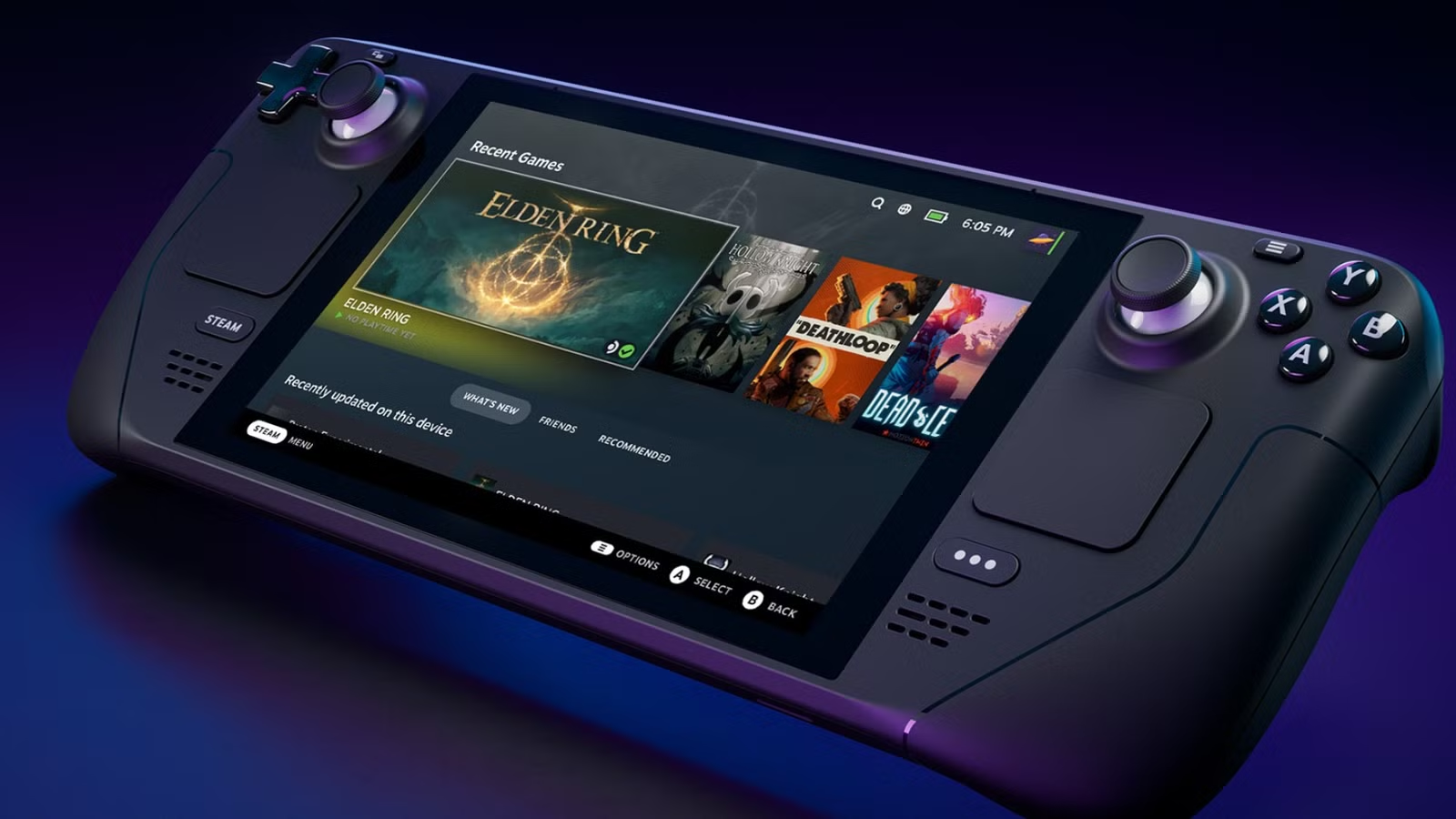
The settings menu has also been refreshed across desktop, Big Picture, and controller configuration views. Valve says the changes improve readability and organization. Direct links into a settings section now focus on the first setting in that section instead of landing on the navigation menu.
Friends and Chat should also behave better after waking the device from sleep or reconnecting to a network. Friend status should now refresh more quickly, which should help avoid stale online or offline information.
Desktop Mode gets a smaller but useful fix too. Valve fixed an issue where dropdown windows and profile hover windows could remain stuck on screen.
This is not a major feature update, but it should make the Steam Deck beta client feel more stable, especially for anyone using a Steam Controller or gyro based controls.

Discussion (0)
Be the first to comment.