



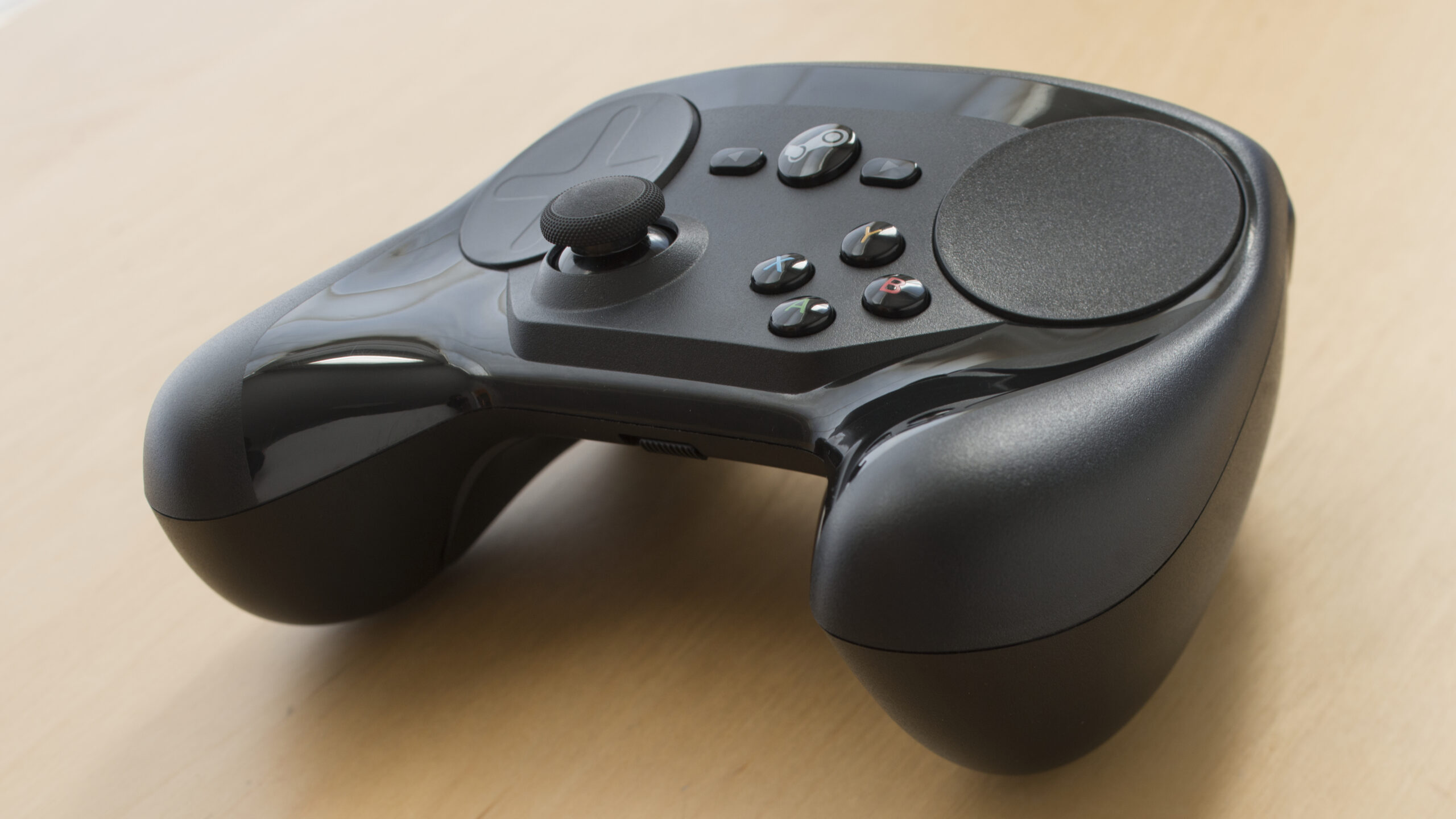
Valve’s new Steam Controller has arrived, and early reviews suggest it is a much stronger product than the original 2015 model.
The 2026 Steam Controller launched on May 4 for $99, and it is clearly built as part of Valve’s wider hardware plan alongside the upcoming Steam Machine and Steam Frame. The goal is simple: give PC players a controller that works naturally with their Steam library, whether they are at a desk or playing from the couch.
The strongest praise is for comfort. The controller sits well in the hands, with thumbsticks placed naturally and trackpads set slightly into the face of the controller to prevent accidental presses. The face buttons, D pad, bumpers, triggers, and four rear buttons all feel solid, while the trackpads stand out because of their strong haptics.
The controller also feels premium for the price. It includes TMR magnetic thumbsticks, two square haptic trackpads, four rear grip buttons, gyro support, capacitive grip areas, Bluetooth, USB C wired play, and Valve’s Steam Controller Puck for low latency 2.4GHz wireless use.
Here is a quick look at the main hardware:
| Feature | Details |
|---|---|
| Price | $99 |
| Launch date | May 4, 2026 |
| Thumbsticks | Full size TMR magnetic sticks with capacitive touch |
| Trackpads | Two 34.5mm pressure sensitive pads with haptics |
| Rear buttons | Four assignable grip buttons |
| Gyro | 6 axis IMU |
| Wireless | Steam Controller Puck with 2.4GHz connection |
| Bluetooth | Supported |
| Battery life | Estimated 35 plus hours |
| Weight | 292g |
| Charging | USB C or Steam Controller Puck |
Setup is simple. You plug in the controller and puck, update the firmware through Steam, and start playing. Inside Steam, the controller largely behaves as expected. Steam Input lets you remap buttons, assign the trackpads, customize rear buttons, and use community layouts.
That flexibility is one of the controller’s biggest strengths. It can work well with games that normally feel better on mouse and keyboard, and it becomes even more useful in Steam Big Picture Mode. For anyone planning to buy a Steam Machine, this looks like the obvious companion controller.
The main problem appears when you leave Steam.
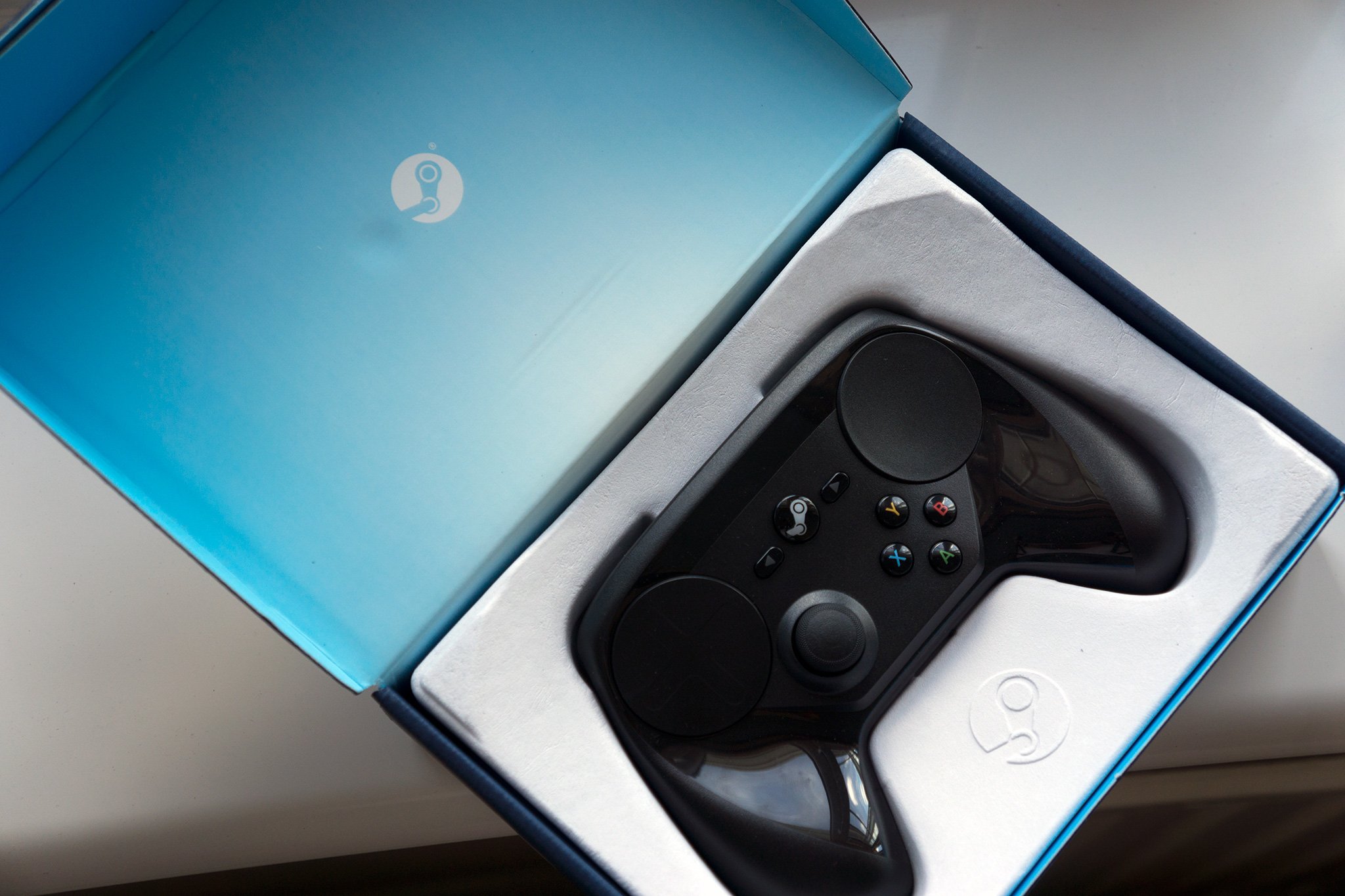
The controller does not behave like a normal plug and play gamepad across every PC launcher. If you want to use it with games from Epic Games Store or other launchers, you may need to create or select layouts through Steam first. That adds extra steps compared with an Xbox controller, PlayStation controller, or third party pad from brands like 8BitDo.
That does not make the Steam Controller bad. It just means the name matters. This is a Steam controller first. It works best when Steam is the center of your PC gaming setup.
For many PC players, that may be fine. Most of their library may already be on Steam, and the extra features, trackpads, rear buttons, gyro, haptics, and deep customization may be worth the tradeoff.
The review gives the Steam Controller a 9 out of 10, praising its comfort, premium feel, TMR sticks, strong customization, and smooth Steam support. The main criticism is that it does not work as seamlessly outside Steam.
That makes the Steam Controller easy to understand. If most of your games are on Steam, it could be one of the best PC controllers available. If you regularly jump between several launchers and want everything to work without setup, a standard Xbox or PlayStation controller may still be simpler.



Discussion (0)
Be the first to comment.