



Telegram requires a phone number during registration, but that does not mean you must use your real SIM. At the time of writing, Telegram supports several ways to create an account without exposing your personal number.
This guide explains the most reliable options, including Telegram’s official Fragment numbers, disposable SMS services, and virtual phone numbers. Each method has tradeoffs, so choosing the right one depends on how long you plan to use the account.
Use A Fragment Number For Anonymous Telegram Sign-Up
Fragment numbers are Telegram’s official solution for anonymous registration. These blockchain-based numbers work only with Telegram and do not receive calls or standard SMS messages.
- Install the Tonkeeper wallet on your phone.
- Create and secure your TON wallet.
- Connect Tonkeeper to the Fragment platform.
- Purchase an anonymous phone number using TON tokens.
- Open Telegram and choose Anonymous Number during sign-up.
- Verify your account using the Fragment number.
This option is the most private and stable, but it comes at a cost and works only within Telegram.
Sign Up Using A Temporary Disposable Phone Number
Disposable phone numbers allow quick Telegram registration without a SIM. These numbers are publicly accessible and intended for short-term use.
- Open a disposable SMS website in your browser.
- Select a country and choose an available phone number.
- Start Telegram registration and enter the disposable number.
- Return to the website and copy the verification code.
- Paste the code into Telegram to complete setup.
This method works for temporary accounts but is not recommended for sensitive conversations or long-term use.
Use A Virtual Phone Number App
Virtual number apps provide a more reliable alternative to disposable numbers. These services let you keep a number longer and manage messages securely.
- Install a virtual number app such as Google Voice or TextNow.
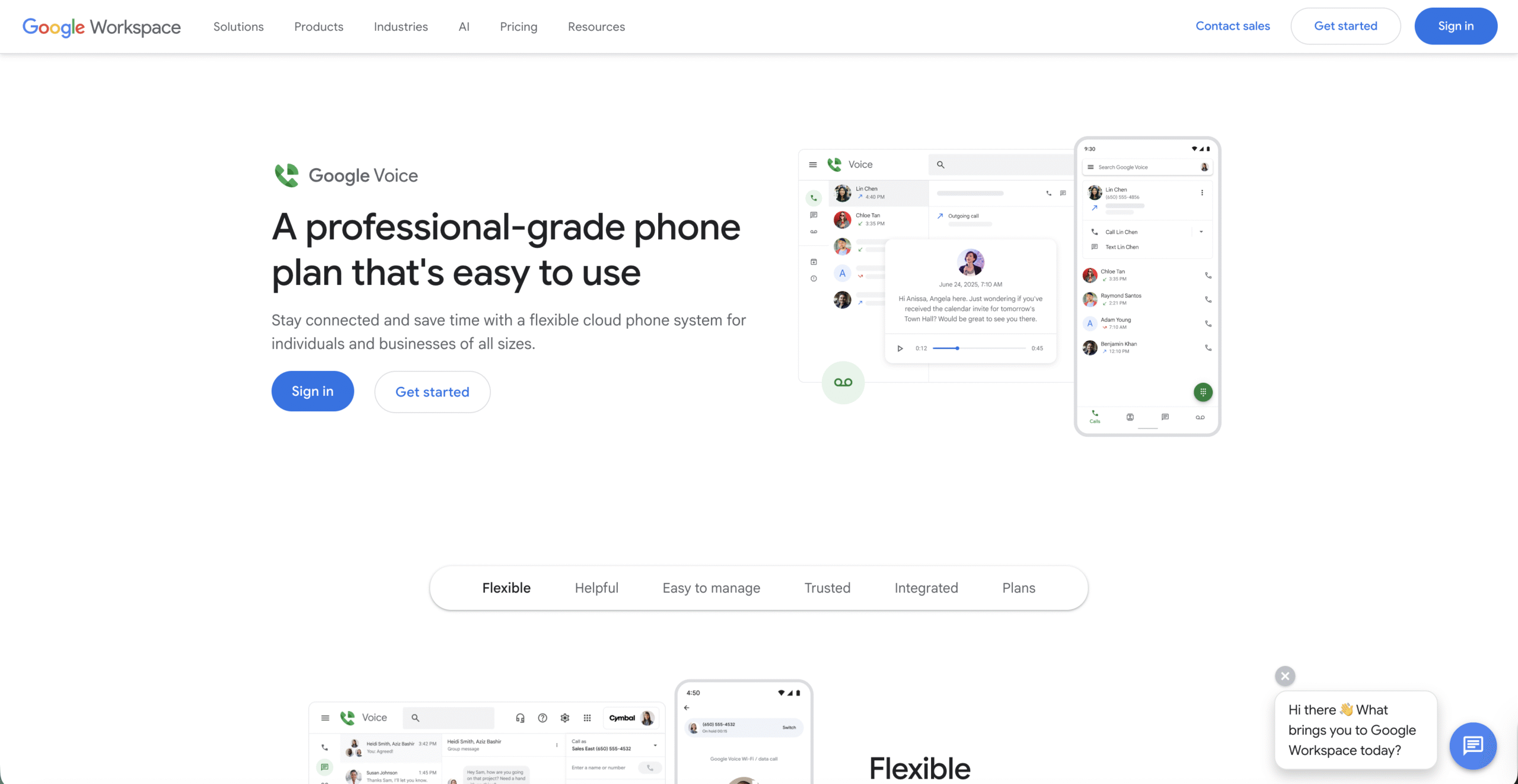
- Create an account and claim a virtual phone number.

- Link a real number if required by the service.
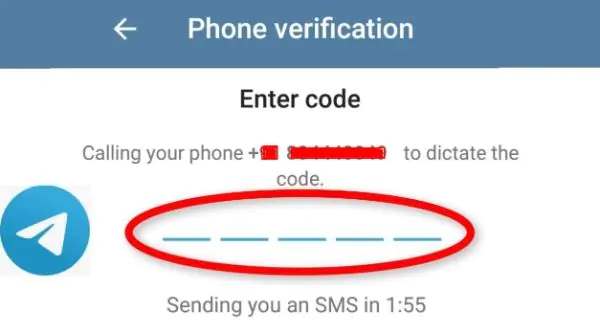
- Enter the virtual number during Telegram registration.
- Retrieve the verification code from the app.
Virtual numbers offer better account recovery options, though availability depends on your region.
Troubleshooting Common Problems
If Telegram does not accept the verification code, wait a few minutes and retry. Disposable numbers often expire quickly or become blocked due to heavy use.
If Fragment verification fails, confirm your wallet connection and ensure the number appears under your purchased assets.
Tips
- Use Fragment numbers for long-term anonymous accounts.
- Avoid disposable numbers for private or business chats.
- Save backup access details for virtual number apps.
- Enable two-step verification after registration.
FAQ
Can I use Telegram without any phone number at all?
You still need a number, but it does not have to be your personal SIM.
Are disposable numbers safe for Telegram?
They work, but anyone can see incoming messages, which creates security risks.
Can I change my Telegram number later?
Yes. Telegram allows number changes in account settings.
Summary
- Telegram supports sign-ups without a personal SIM.
- Fragment numbers are the most private option.
- Disposable numbers work for temporary use.
- Virtual numbers balance privacy and reliability.
Conclusion
Signing up for Telegram without a phone number is possible using several methods. Fragment numbers offer the strongest privacy, while virtual numbers provide flexibility. Disposable numbers remain an option for short-term access, but they carry security risks.


Discussion (0)
Be the first to comment.