




Sharing files between Mac and Android phones has never been a smooth experience out of the box. macOS does not natively support browsing Android storage, and many users quickly discover that plugging an Android phone into a Mac leads nowhere.
While Google offers Android File Transfer, its reliability remains inconsistent at best. If you need a dependable way to transfer files from Android to Mac, there is a far more convenient solution that works both wired and wirelessly.
Why Sharing Files Between Mac And Android Is Still Frustrating
Apple limits direct access to Android storage on macOS, which forces users to rely on third-party tools. Android File Transfer often fails to recognize devices, crashes unexpectedly, or refuses to load folders.
For users coming from Windows, this lack of native Android file access on Mac feels unnecessarily restrictive, especially for frequent file transfers.
The Most Convenient Android File Transfer Alternative For Mac
Handshaker is one of the simplest and most reliable ways to share files between Mac and Android. It allows you to browse Android storage directly from your Mac and supports both USB and wireless file transfer.
At the time of writing, Handshaker remains compatible with modern versions of macOS and current Android devices.
How To Share Files Between Mac And Android Using Handshaker
Once installed on both devices, Handshaker behaves much like a native file manager, making Android file transfer on Mac feel natural and predictable.
- Install Handshaker on your Mac

- Install the Handshaker companion app on your Android phone
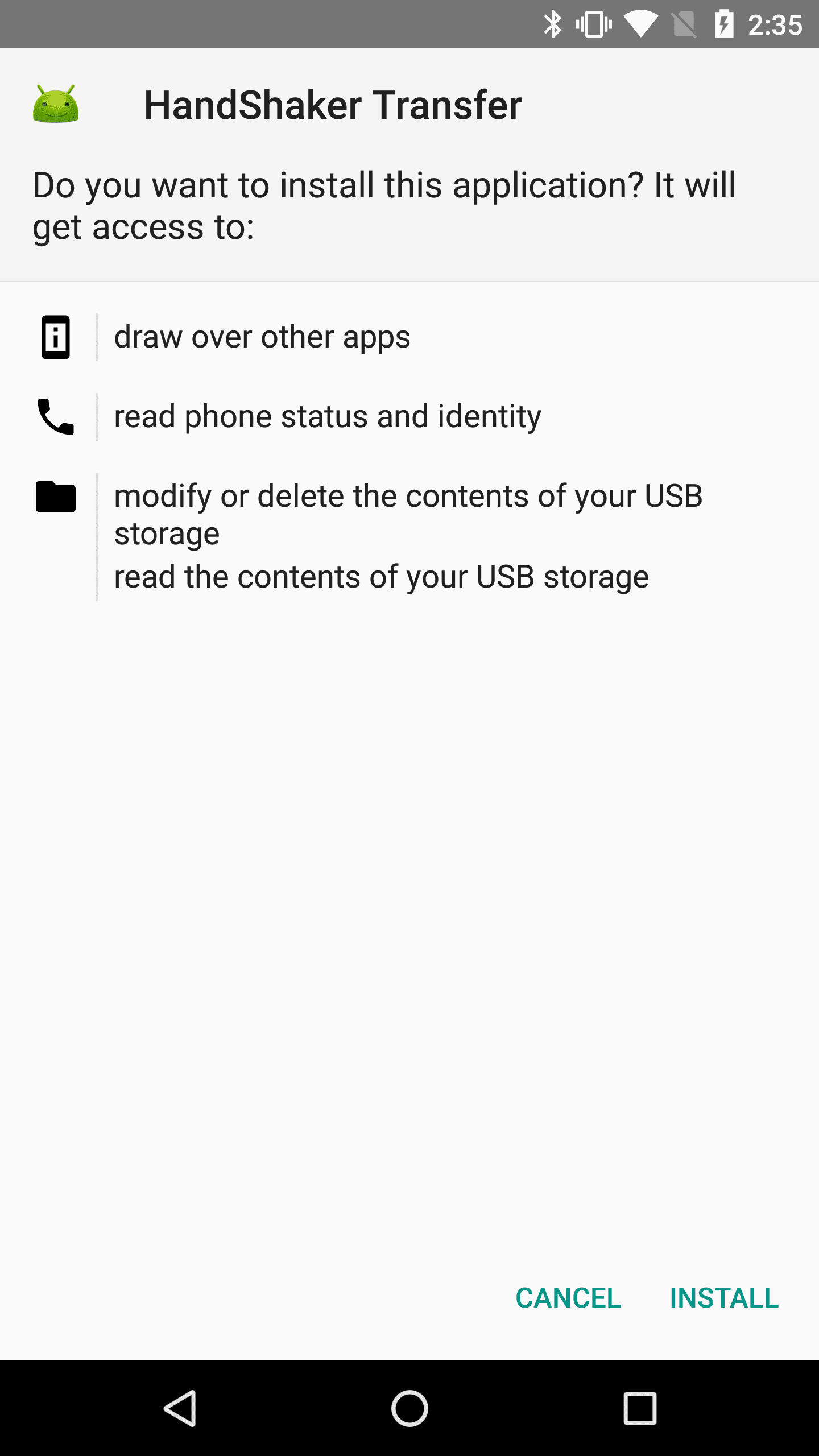
- Connect both devices using a USB cable or the same Wi-Fi network
- Launch Handshaker on your Mac and wait for your Android device to appear

- Browse internal and external Android storage directly from the app
- Drag and drop files between Finder and your Android device
Files are automatically organized into categories such as Music, Videos, Downloads, and Photos, which speeds up navigation.
Wireless File Transfer Between Mac And Android
Handshaker also supports wireless file sharing, eliminating the need for cables. As long as both devices are connected to the same Wi-Fi network, you can send files between Mac and Android without plugging anything in.
Wireless transfer speeds are stable and suitable for everyday file sharing, including photos, documents, and media files.
Why This Method Works Better Than Android File Transfer
Unlike Google’s official Android File Transfer tool, Handshaker offers a consistent connection, modern interface, and reliable device detection.
It also supports drag-and-drop transfers, categorized folders, and clipboard access, making it feel closer to a native macOS experience.
Troubleshooting Common Problems
If your Android device does not appear in Handshaker, check the following:
- Enable File Transfer or MTP mode on your Android device
- Unlock your phone before connecting it to the Mac
- Ensure both devices are on the same Wi-Fi network for wireless mode
- Restart the Handshaker app on both devices
- Reconnect the USB cable or try a different cable
Tips
- Use USB mode for large file transfers to maintain stable speeds
- Keep both apps updated to avoid compatibility issues
- Close Android File Transfer if installed, as it may conflict with other tools
- Unlock your phone before launching Handshaker on macOS
FAQ
Can macOS browse Android files without third-party apps?
No. macOS does not support native Android file browsing.
Is Android File Transfer still supported?
Yes, but it remains unreliable and frequently fails to detect devices.
Can I transfer files wirelessly between Mac and Android?
Yes. Handshaker supports wireless file transfer over Wi-Fi.
Does this work with external SD cards on Android?
Yes. Handshaker allows access to both internal and external storage.
Summary
- macOS does not natively support Android file access
- Android File Transfer is unreliable for many users
- Handshaker offers a stable Android File Transfer alternative
- Both USB and wireless file sharing are supported
Conclusion
If you regularly need to share files between Mac and Android, relying on outdated tools only adds frustration. A modern Android File Transfer alternative like Handshaker makes file sharing predictable, fast, and far closer to a native macOS experience.
For everyday transfers, media management, and wireless sharing, this approach remains one of the most convenient options available.

Discussion (0)
Be the first to comment.