



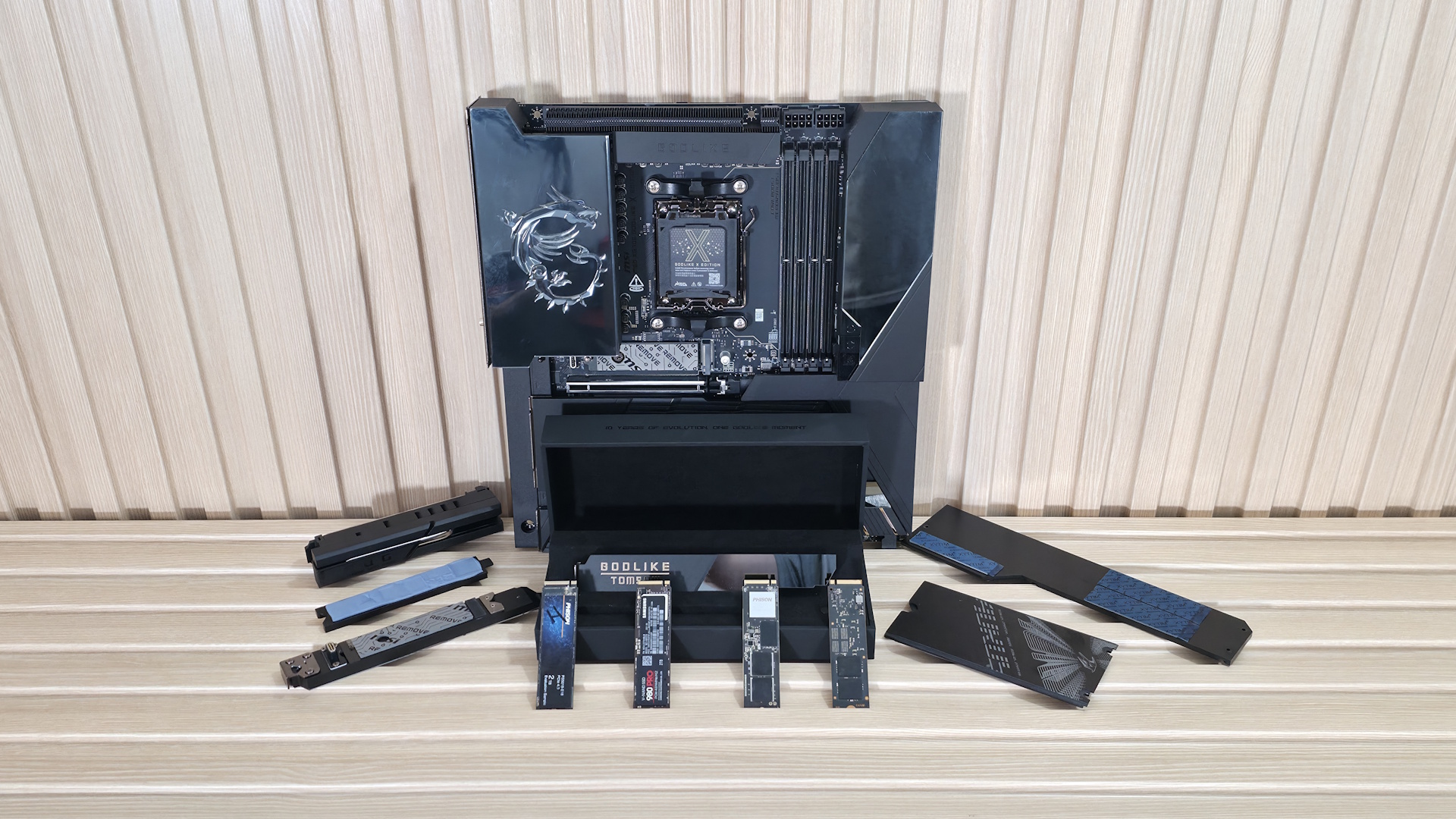
Motherboard M.2 heatsinks are designed to keep fast SSDs cool, but a test of 20 modern boards found that many do not make proper contact with the entire drive.
Only six of the tested motherboards provided good contact and suitable thermal pad compression across the SSD. Five others made full but very light contact, while nine touched only part of the drive, usually the controller or a single NAND chip.
The findings matter most for high performance PCIe 4.0 and PCIe 5.0 SSDs. These drives can generate enough heat during long transfers or demanding workloads to reduce their own speed through thermal throttling.
A motherboard may include a large and impressive looking M.2 cover, but its size alone does not guarantee effective cooling. The thermal pad must physically touch the SSD components with enough pressure to move heat into the heatsink.
Poor Contact Can Cause Severe Performance Loss
The test used a double sided 2TB Crucial T705 SSD to check how well each motherboard’s main M.2 heatsink contacted the drive. The SSD was installed using the board’s standard mounting system, followed by the supplied heatsink.
A separate PCIe 5.0 SSD was used to show what can happen without effective cooling. Its sustained transfer rate began at just under 4,000 MB per second before falling to about 1,700 MB per second after roughly 50 seconds.
The speed briefly recovered after the drive cooled, but later dropped again to around 600 MB per second. That level is more than six times slower than its steady performance before severe throttling.
| Test result | Number of motherboards | Contact quality |
|---|---|---|
| Good | 6 | Strong contact across the tested SSD |
| Questionable | 5 | Complete contact with light compression |
| Poor | 9 | Partial contact or contact with one component |
This level of throttling is unlikely to appear during every gaming or everyday task. Game loading and normal application use often involve shorter bursts that do not keep the SSD under heavy load for several minutes.
The problem is more relevant when copying very large files, editing high resolution media, running databases, or handling artificial intelligence workloads that place sustained pressure on storage.
SSD Thickness Makes Heatsink Design Difficult
M.2 drives do not all have the same component height. A single sided model may place its controller, NAND, and memory chips only on the top of the circuit board. A double sided model can include components on both surfaces.
Single sided SSD components can range from 1.2mm to 2mm in height above the board. Double sided designs can also vary, with total drive thickness reaching approximately 3.5mm to 3.8mm.
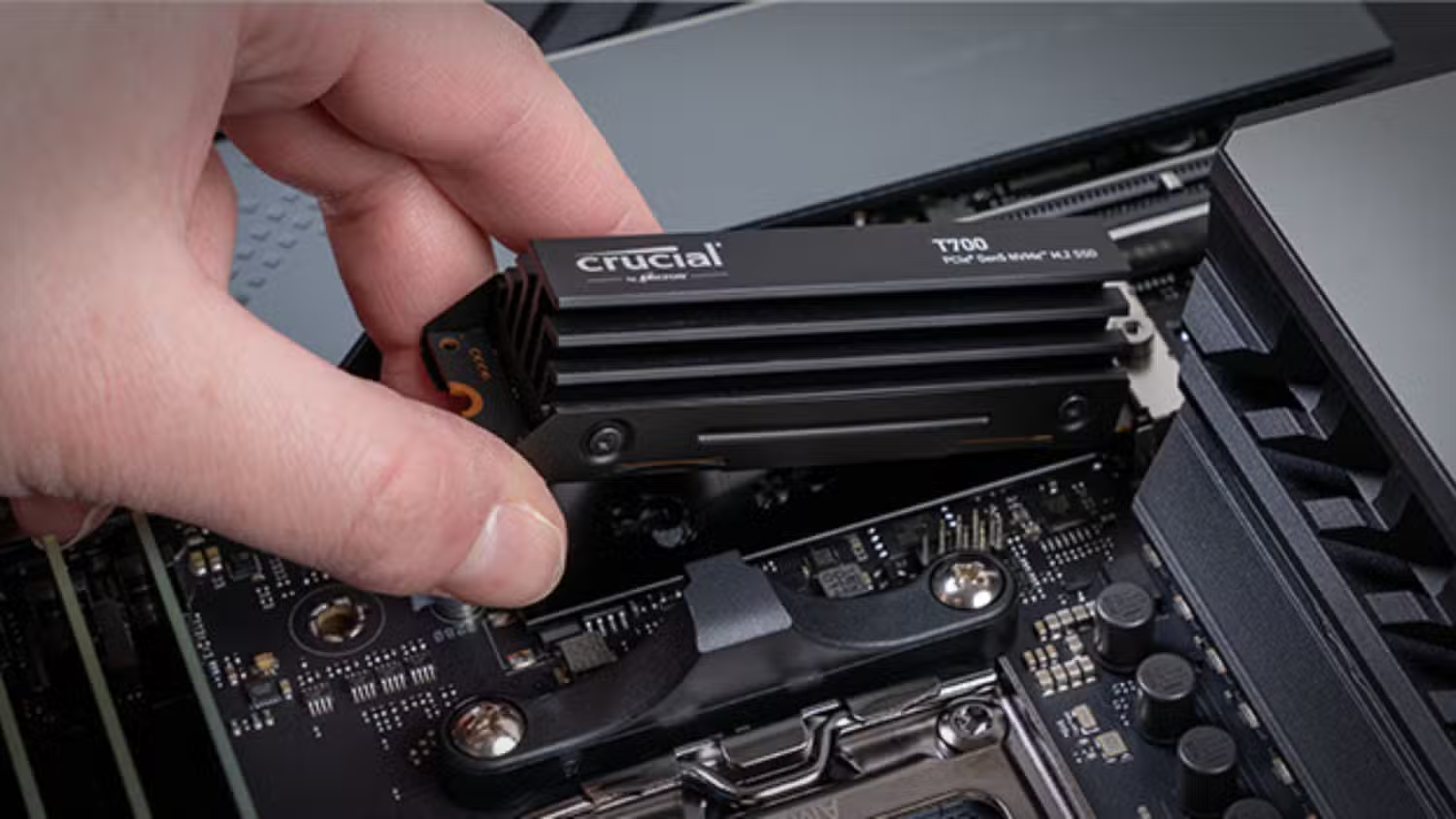
These small differences can determine whether a thermal pad presses firmly against the SSD or leaves a gap.
Thermal pads need some compression to work well, but too much pressure can reduce efficiency or place unwanted stress on the drive. Motherboard manufacturers therefore need to choose pad thicknesses that support many different SSD designs, which can lead to inconsistent results.
Expensive Motherboards Did Not Always Perform Better
The test covered AMD B850, X870, and X870E boards, along with Intel B760, B860, and Z890 models. Prices ranged from affordable products with simple metal plates to flagship motherboards with large cooling systems.
Price did not reliably predict contact quality. Some costly motherboards failed to touch the complete SSD, while several cheaper models produced better coverage.
ASRock delivered adequate contact on four of seven tested boards. Asus performed well on three of four models, although the compression was generally light.
Only one of three tested Gigabyte boards made complete contact on both sides of the SSD. That model used a flexible base designed to move toward the drive and improve pressure.
MSI produced good or acceptable contact on only two of six tested boards. Several others touched only the controller, NAND, or the ends of the drive.
The sample was too small to establish a final ranking for every manufacturer. Results can also change when a motherboard is paired with a thinner or thicker SSD.
Checking the Thermal Pad Can Prevent Throttling
Most people will not need to replace their motherboard heatsink immediately. A mainstream SSD used mainly for gaming, browsing, and office work may never remain under heavy load long enough to throttle severely.
Owners of fast PCIe 5.0 drives should pay closer attention, especially when sustained storage performance is important.
You can remove the heatsink after installing the SSD and inspect the thermal pad for visible impressions. A clear outline from the controller and memory chips suggests that contact is being made. Little or no marking may indicate a gap.
A thicker and softer thermal pad can sometimes solve the problem, provided it has suitable thermal conductivity and does not apply excessive pressure. A separate third party M.2 heatsink is another option when the motherboard design cannot provide reliable contact.
Good case airflow also helps remove heat after it reaches the heatsink. However, airflow cannot fully compensate for a thermal pad that does not touch the SSD.
The testing shows that an included M.2 heatsink should not automatically be treated as an effective cooling solution. For demanding storage workloads, checking physical contact may determine whether your SSD maintains the performance you paid for.



Discussion (0)
Be the first to comment.