


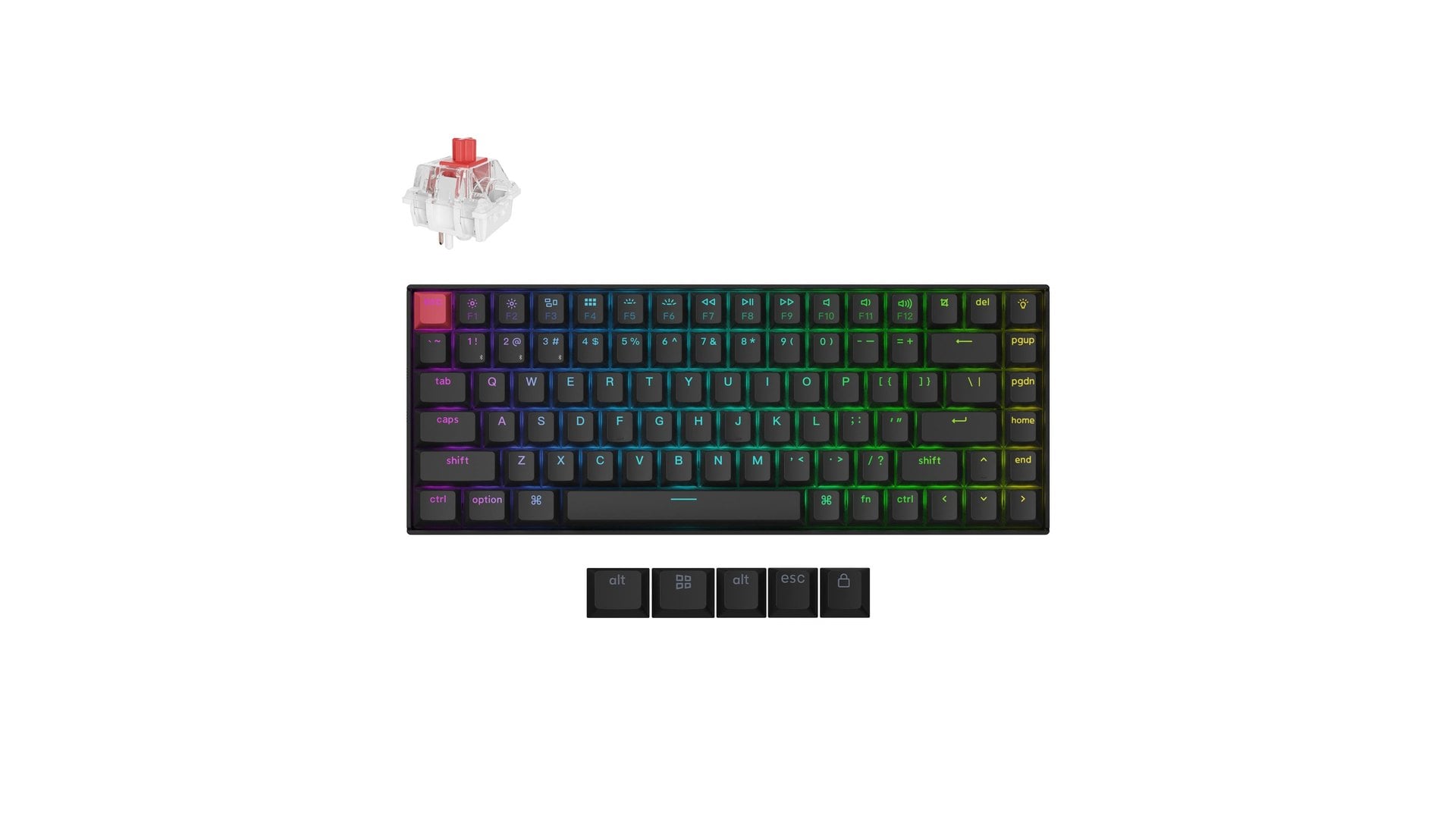
Keychron has cut its K2 Version 3 mechanical keyboard to $83.99, $36 below the $119.99 it charged on October 31, and that is the biggest saving in six Black Friday desk-setup deals under $100. Every item here is cheaper than its maker's own recent regular price, is sold by the maker itself, and was in stock on November 21.
That rule mattered more than the sale banners did. Two of the steepest-looking cuts, a Keychron Q2 keyboard marked $100 off and a Satechi monitor stand marked $80 off, were already selling at the same price weeks ago, so they missed the list. What is left covers the usual desk complaints: a mushy laptop keyboard, a grainy camera, too few ports and a wrist that aches by Friday.
Six Black Friday desk deals under $100 compared
Prices are from each maker's US store as of November 21. The regular price is what that store charged before its Black Friday sale, checked against archived copies of each product page.
| Item | What it fixes | Sale price | Maker's regular price | Saving |
|---|---|---|---|---|
| Keychron K2 (Version 3), aluminum frame, hot-swappable | 75% mechanical keyboard, Bluetooth or wired | $83.99 | $119.99 | $36 |
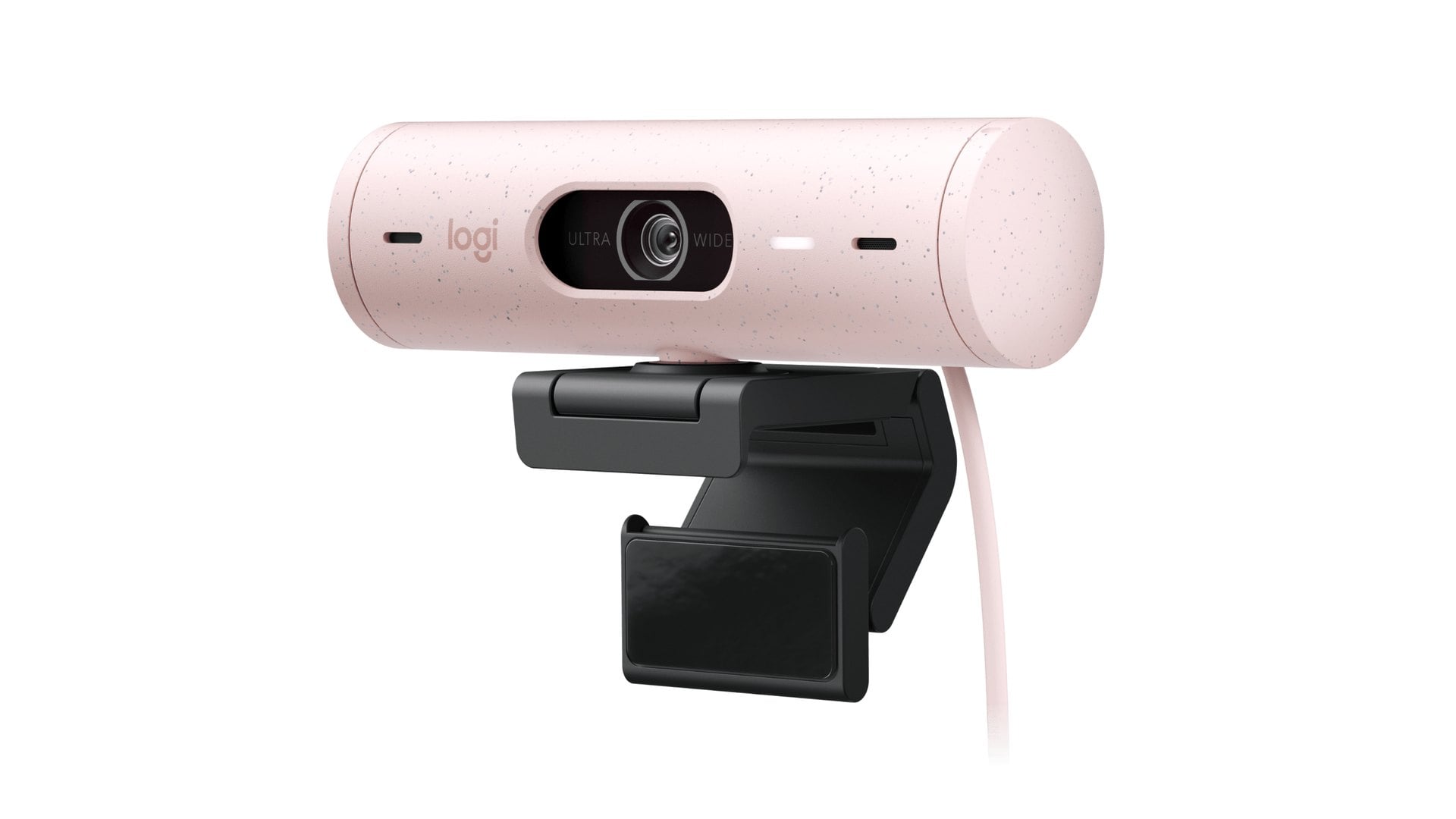
| Logitech Brio 500, Rose | 1080p webcam with auto light correction | $99.99 | $129.99 | $30 |
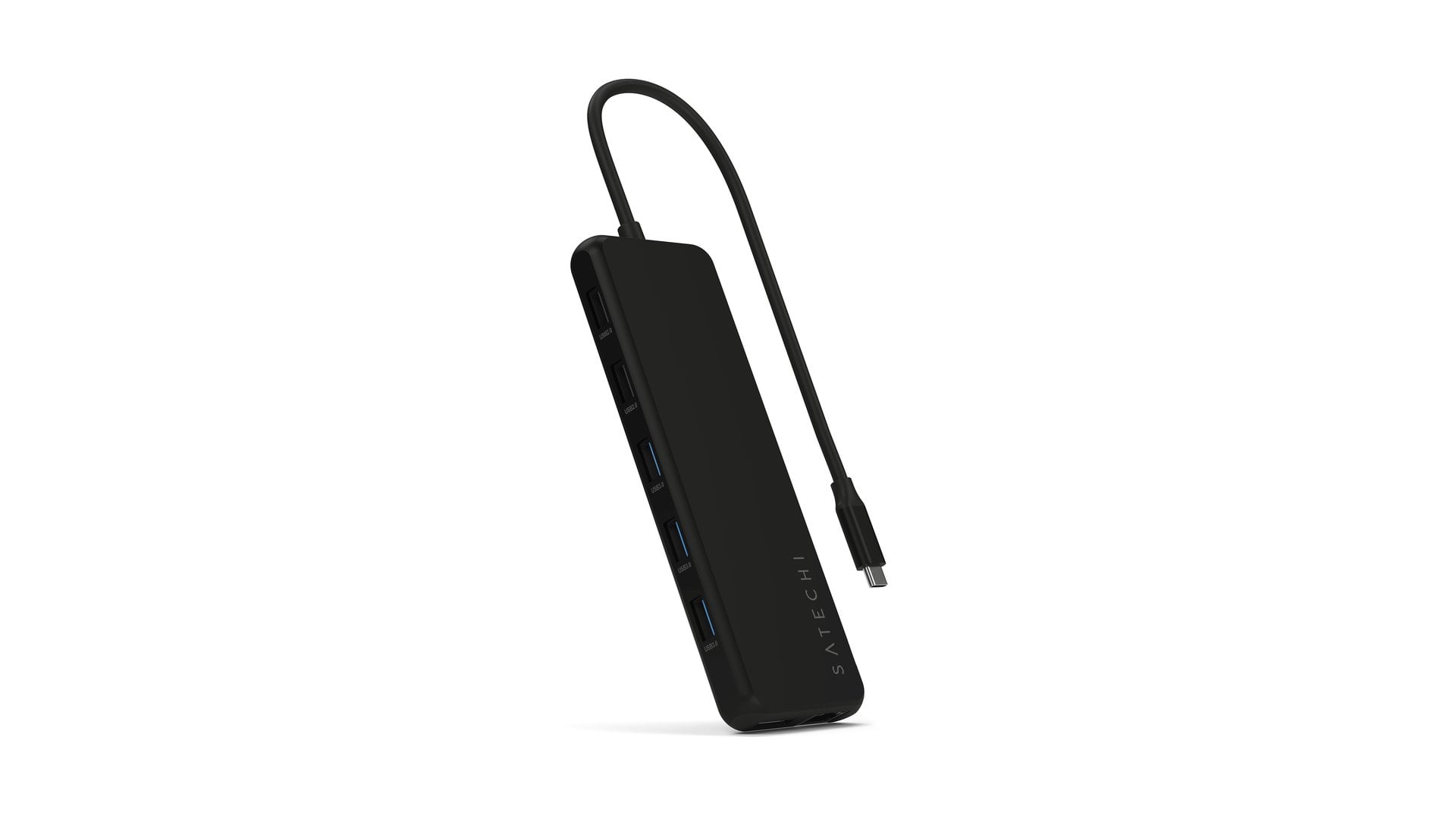
| Satechi 13-in-1 USB-C Triple Display Multiport Adapter | Three monitors from one USB-C port on Windows | $69.99 | $99.99 | $30 |
| Logitech MX Keys Mini | Compact backlit keyboard without a number pad | $79.99 | $99.99 | $20 |
| Logitech MX Anywhere 3S | Small mouse that tracks on glass | $69.99 | $89.99 | $20 |
| Logitech Lift, Graphite | 57-degree vertical mouse for small to medium hands | $59.99 | $79.99 | $20 |
Four of the six come from Logitech, whose Black Friday sale started on November 19. If your current setup is mostly laptop, the home office upgrades under $50 fix the basics for less, and the desk accessories under $50 from mid-November include cheaper keyboards and hubs.
Is the Keychron K2 Version 3 a good Black Friday keyboard deal?
Only one build of the K2 is on sale and in stock: the RGB model with an aluminum frame and hot-swappable Keychron Super switches, in Red, Brown or Banana. Cheaper versions, including a non-hot-swap aluminum model, show lower prices on the same page, but none of them can be ordered.
That is the version worth having anyway. Hot-swappable sockets let you pull a switch and push in any normal-profile MX-style switch, so a keyboard you outgrow can change feel without a soldering iron. It is a 75% layout, which keeps the arrow keys and function row while dropping the number pad, and it connects over Bluetooth to up to three devices or over a cable.
The keycaps are double-shot PBT, the battery is 4,000 mAh, and keys can be remapped in the Keychron Launcher web app. At about 813 grams, it stays put on a desk. Keychron notes that discount codes do not apply to this model, so $83.99 is the price.
Logitech Brio 500 webcam and Satechi hub for better video calls
The Logitech Brio 500 at $99.99 is $30 below the $129.99 Logitech charged on November 17. The catch is color: only Rose is in stock, while Graphite shows the same price but is sold out. It films at 1080p, and its RightLight 4 correction is designed to keep your face well lit in a dim room.
Its RightSight auto-framing keeps you centered when you shift in your chair, but it needs the free Logi Tune app, which is not available on ChromeOS. Noise-reducing mics help when you take a call without a headset.
The Satechi 13-in-1 Triple Display Multiport Adapter at $69.99 is $30 off the $99.99 Satechi charged as recently as November 18. It adds HDMI 2.0, HDMI 1.4, DisplayPort 1.4, Ethernet, USB 3.1 and USB 2.0 ports and an audio jack, with up to 85W passed through to a charging laptop.
Check your computer before buying it for three screens. Satechi lists triple extended displays only for Windows, through MST, so do not count on three separate screens from a Mac. On Windows, DisplayPort runs at 4K and 60Hz, while HDMI drops to 4K at 30Hz.
Logitech MX Keys Mini, MX Anywhere 3S or Lift: which to pick
The MX Keys Mini at $79.99 is the quiet alternative to the Keychron. It sold for $99.99 on October 26 and November 17, and all four colors are in stock. Its low, dished keys light up as your hands approach, and dedicated keys mute your microphone, open emoji or start dictation.
For a mouse, the choice depends on your wrist and your bag. The MX Anywhere 3S at $69.99 is small enough to travel, tracks on glass, and lasts up to 70 days per charge, according to Logitech's product page. It is $20 off the November 17 price, though it also sold for $69.99 in late October. It connects over Bluetooth, since the Logi Bolt receiver is not included.
The Lift at $59.99 in Graphite or Sand is the pick if your wrist hurts. It holds your hand at a 57-degree angle, suits small to medium hands, and runs for up to 24 months on one AA battery. Rose is a little cheaper at $56.98, and a left-handed model exists. Logitech also advertises a free desk mat, with terms, when you buy any two of its ergonomic products.
How to judge Black Friday desk deals before you buy
A crossed-out price only means something if the store actually charged it. Both items cut from this list carried big "regular" prices they had not sold at for weeks. Before paying, look at the price the same store charged in October, not the figure next to the sale tag.
Buy the Keychron if you type all day and want a keyboard you can rebuild, and the Satechi only if your Windows laptop needs more screens. Prices can change before Black Friday on November 27, and each store's return rules matter if a price drops again after you order.

Discussion (0)
Be the first to comment.