



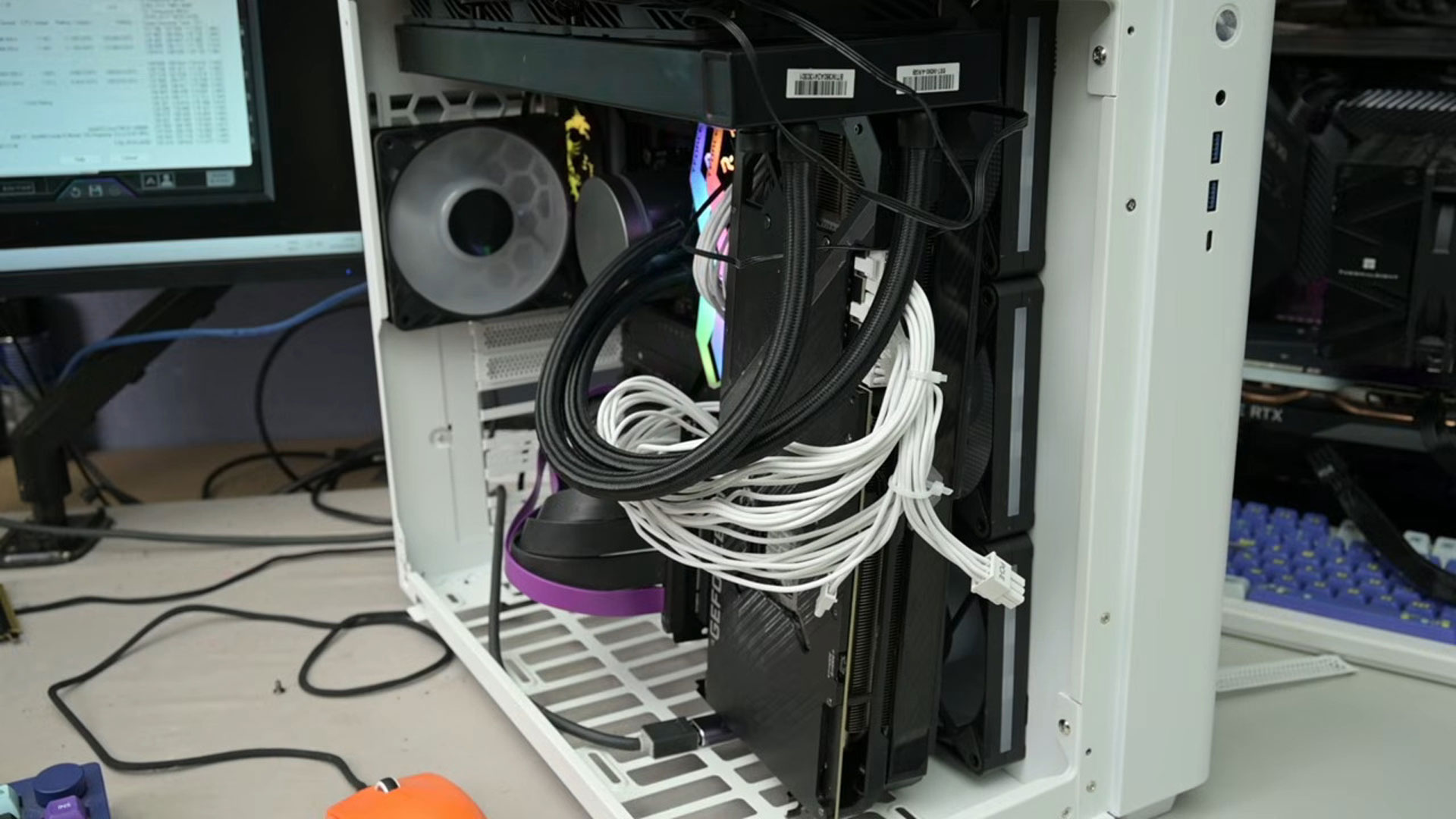
A PC hardware experiment has shown how dramatically GPU placement can affect cooling, with an unconventional side mounted configuration reducing hotspot temperature by as much as 19°C.
The test compared several graphics card positions inside the same PC. The most effective setup placed the GPU vertically near the front and side intake area using a PCIe riser cable, with three intake fans feeding fresh air directly into the graphics card.
The result was substantially better GPU cooling than the traditional horizontal layout connected directly to the motherboard.
Side Intake Position Delivered the Best GPU Temperatures
The experiment started with a conventional GPU installation inside the motherboard's PCIe slot.
The card was then moved to the bottom of the case. A dust filter that was interfering with the GPU fans was removed before temperatures were measured again.
That change did little for the graphics card itself. GPU temperatures remained almost unchanged because the card was still drawing air from roughly the same region of the case.
The CPU did benefit, however, dropping by around 4°C.
The biggest change came when the graphics card was positioned vertically beside the case's intake fans.
| Configuration result | Temperature change |
|---|---|
| GPU hotspot | Up to 19°C lower |
| GPU core | 16.7°C lower |
| CPU with bottom GPU placement | Around 4°C lower |
| VRAM | Noticeably lower |
| VRM | Noticeably lower |
| Best tested GPU hotspot | 81.4°C |
The test recorded a GPU hotspot temperature of 81.4°C in the side intake configuration.
Both VRAM and voltage regulation temperatures also improved, indicating that the benefit was not limited to the GPU core alone.
Fresh Air Reaching the GPU Directly Made the Difference
Orientation by itself was not enough to produce the improvement.
Placing the graphics card on the opposite side of the fans did not significantly improve cooling. The strongest results appeared when the GPU was positioned immediately after the intake fans so that cool outside air reached its heatsink directly.
That distinction is important because vertically mounting a graphics card does not automatically produce lower temperatures.
In many conventional cases, vertical GPU mounting can actually place the card closer to a glass side panel, reducing the amount of air available to its fans.
The experiment instead gave the graphics card a dedicated path to outside air.
This reduced its dependence on warmer air circulating elsewhere inside the case.
GPU Position Can Change the Case Airflow Balance
Traditional gaming PCs usually place the graphics card horizontally below the CPU.
The arrangement works well for most systems, but it can create situations where a powerful graphics card recirculates warmer air or competes with other components for airflow.
Modern high performance GPUs can consume significant amounts of power and release much of that energy as heat directly into the case.
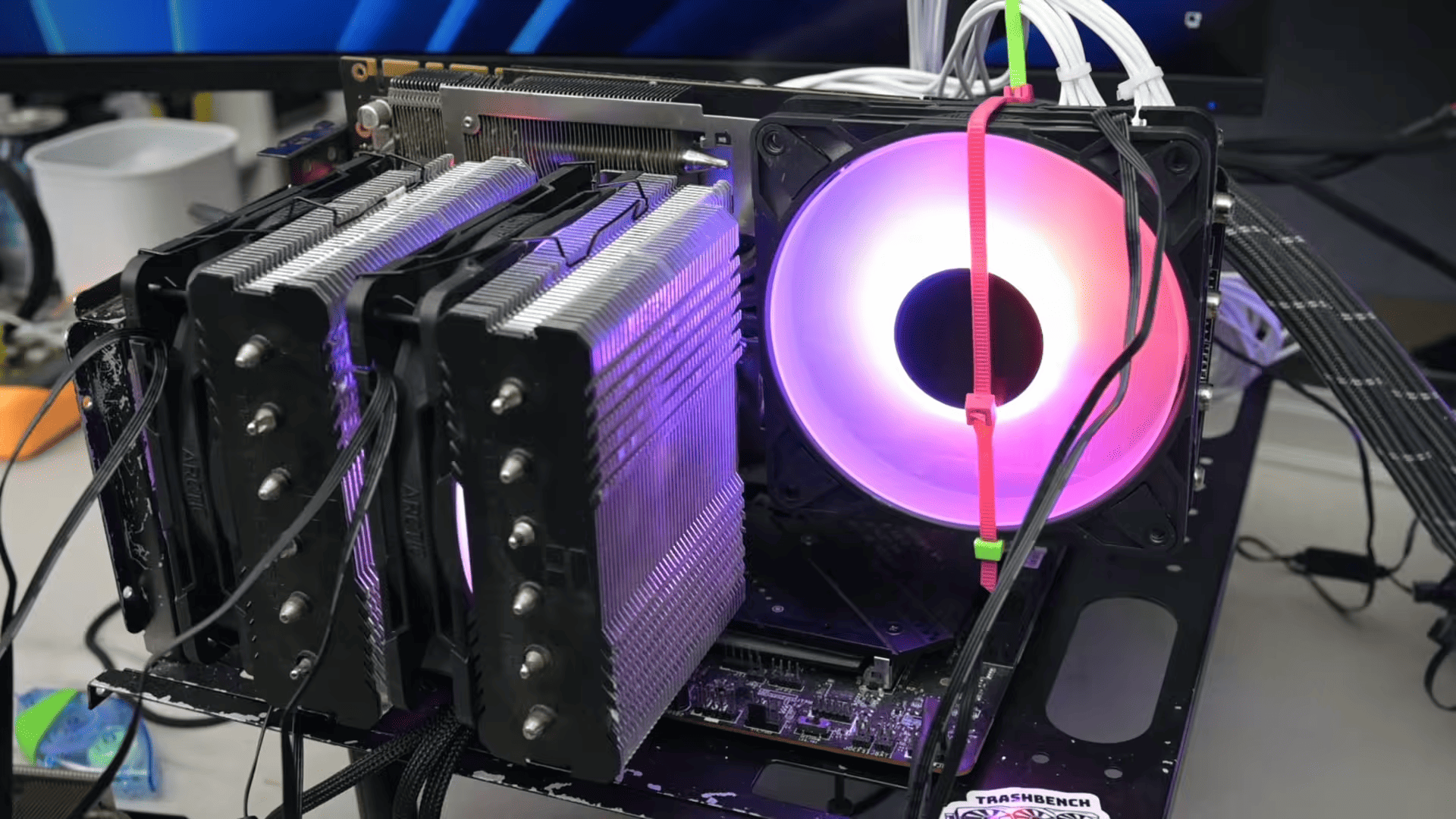
Moving the card closer to a strong intake can therefore improve both the temperature of the GPU core and smaller components such as memory modules and VRMs.
The experiment also demonstrates why simply increasing fan speed may not always be the most efficient solution. Improving where the card receives its air can sometimes matter more than adding additional airflow to a poorly positioned component.
This Is More of an Enthusiast Experiment Than a Standard Build
The configuration is not especially practical for a normal desktop.
It requires a compatible case, sufficient mounting space, a PCIe riser cable and careful cable management. A graphics card mounted near side intake fans could also interfere with radiators, storage hardware or other components depending on the chassis.
The result therefore should not be treated as evidence that every PC owner should relocate their GPU.
It does show how strongly component placement can influence thermals.
For builders dealing with high hotspot temperatures or thermal throttling, reviewing the case's airflow path may be worthwhile before assuming that the graphics card cooler itself is the only problem. In this test, giving the GPU direct access to intake air produced a larger improvement than simply moving it elsewhere inside the case.
Discussion (0)
Be the first to comment.