



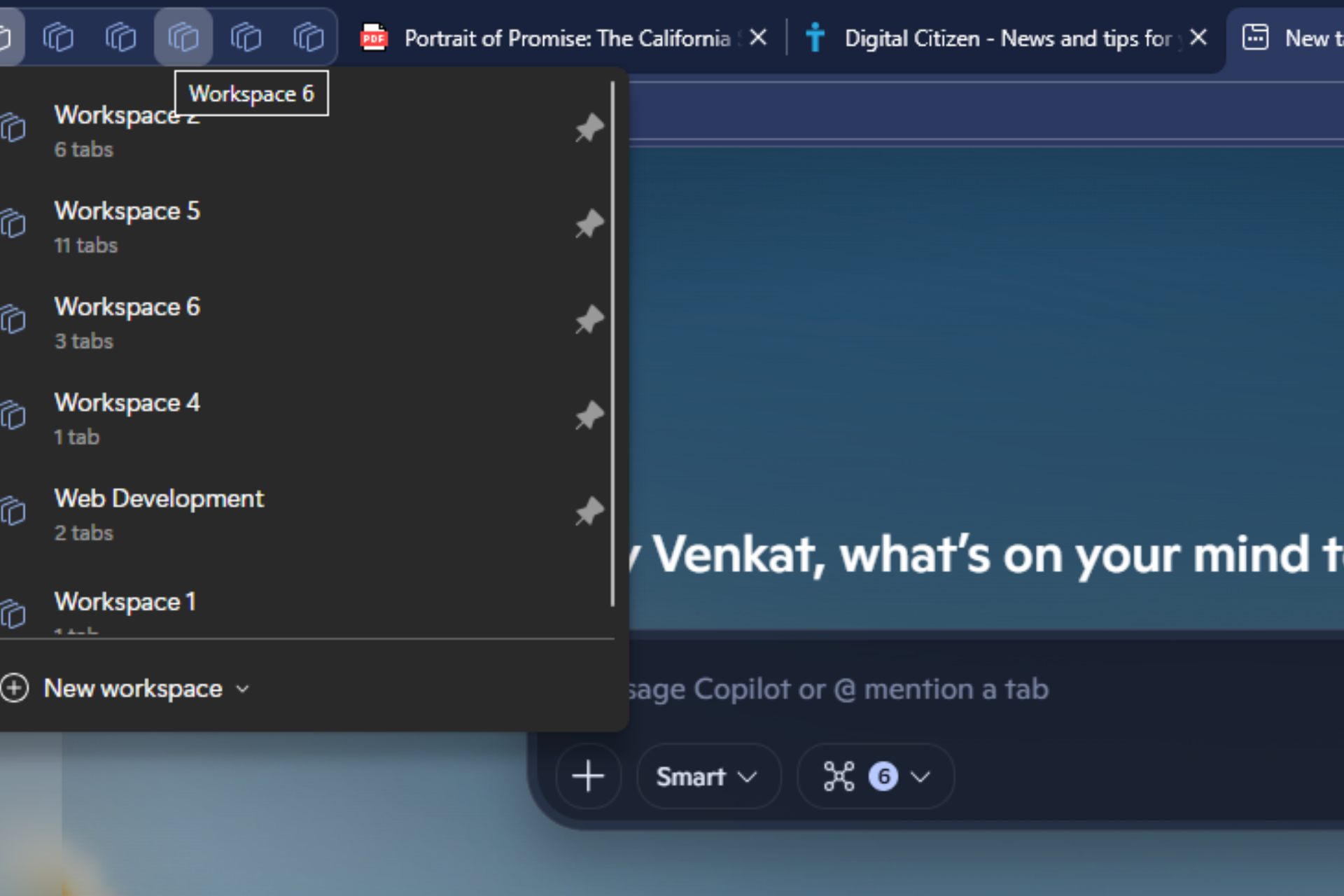
Microsoft is testing a new way to access Workspaces faster in Microsoft Edge. A hidden flag in the Canary version adds support for pinning individual Workspaces so they stay easy to reach at all times.
Workspaces are one of Edge’s built-in productivity features. They group related tabs into separate spaces for tasks such as work, study, or personal browsing. This keeps different activities organized inside a single browser window and reduces clutter during long sessions.
With the Workspace pinning feature flag enabled, the Workspaces menu shows a pin icon next to each space. After one is pinned, it moves to the top of the menu and becomes visible in the browser frame.
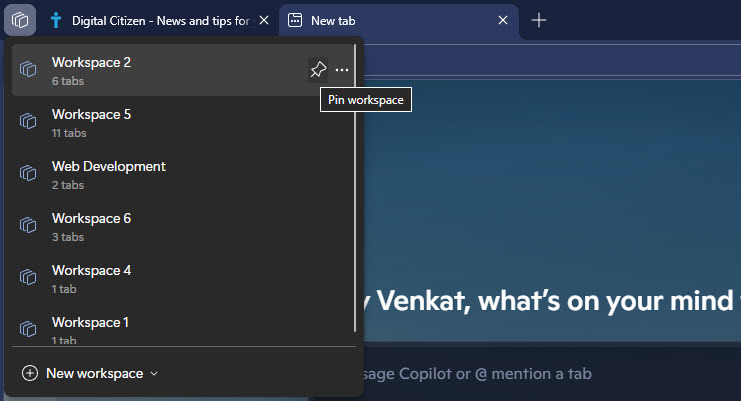
Users no longer need to open the full Workspaces menu each time they want to change context. Movement between spaces becomes more direct. You can also right-click a pinned Workspace at any time and select “Unpin workspace” to remove it from the pinned area.
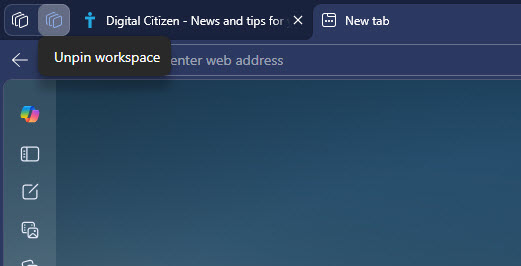
Today, users must open the Workspaces panel before moving to another space. Pinning keeps important spaces visible and reduces the number of steps required to switch tasks during the day. This is especially useful for people who manage several projects in parallel.
Interested users can open edge://flags, search foredge-workspaces-pinning, and enable the flag to try the feature in the Canary version. The feature is available in Microsoft Edge Canary on Windows, macOS, and Linux, and Microsoft has not announced release details yet.



Discussion (0)
Be the first to comment.