



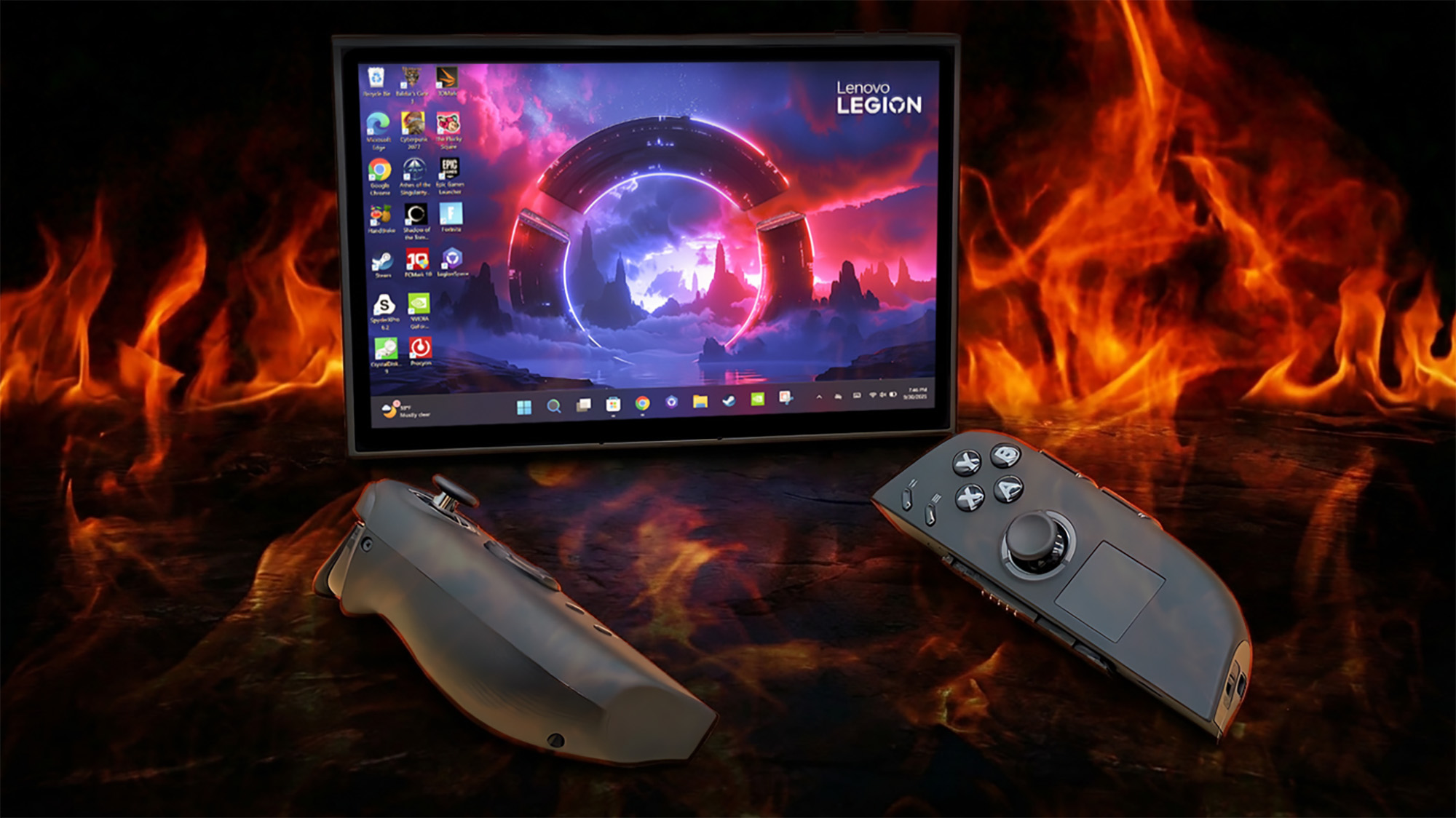
Lenovo Legion Go owners are being advised to avoid BIOS version N3CN42WW after multiple reports claimed that the update can leave the original handheld gaming PC unable to start.
The affected BIOS was released on June 17, 2026. According to reports from owners, some Legion Go systems stopped working after the update was installed, leaving the devices effectively unusable.
Lenovo has not publicly acknowledged a widespread fault at the time of the report. Owners whose devices are outside warranty have also claimed that they were asked to pay for repairs, with one person in Europe reportedly receiving a quote of more than $250.
The problem currently appears limited to the original Lenovo Legion Go. There are no similar reports involving the Legion Go S or Legion Go 2.
Owners should avoid BIOS version N3CN42WW for now
A BIOS update changes low level firmware that controls how a computer starts and communicates with its hardware. Unlike a normal Windows application update, a failed BIOS installation can prevent a device from booting.
Legion Go owners who have not installed version N3CN42WW should consider postponing the update until Lenovo investigates the complaints and provides clearer guidance.
| Detail | Current information |
|---|---|
| Affected device | Original Lenovo Legion Go |
| Reported BIOS version | N3CN42WW |
| Release date | June 17, 2026 |
| Reported problem | Device may become unusable after updating |
| Legion Go S affected | No reports mentioned |
| Legion Go 2 affected | No reports mentioned |
| Lenovo response | No public acknowledgement reported |
| Possible repair cost | More than $250 in one reported European case |
The number of affected systems has not been confirmed. Community reports can identify a real problem, but they do not establish how frequently it occurs or whether every failure has the same cause.
Still, the possible consequence is serious enough that delaying the update is the safer option for anyone whose Legion Go is working normally.
Warranty status may determine the repair process
Some affected owners with valid warranty coverage reportedly received motherboard replacements. This suggests that the failure may not always be recoverable through a simple software reset.
Owners with an active warranty should contact Lenovo support and provide the BIOS version, update date, device serial number, and a description of what happened after installation.

People outside the warranty period may face repair charges. One European owner was reportedly quoted more than $250, although costs can vary by country, service centre, and the exact hardware fault.
Before agreeing to a paid repair, owners should request a written explanation of the diagnosis and ask whether Lenovo has opened an internal case relating to BIOS version N3CN42WW.
Avoid risky recovery attempts without clear instructions
A device that no longer boots after a BIOS update may require a firmware recovery procedure, motherboard service, or replacement.
Owners should avoid repeatedly interrupting power, opening the handheld, or using unofficial firmware files unless they understand the risks. An incorrect recovery attempt could make the fault harder to repair and may affect warranty coverage.
Useful information to collect before contacting support includes:
| Information | Why it helps |
|---|---|
| BIOS version | Confirms whether N3CN42WW was installed |
| Update method | Shows whether the update came through Lenovo software or a manual file |
| Device serial number | Helps support check warranty and hardware records |
| Power behaviour | Indicates whether the unit is completely unresponsive |
| Screen and fan activity | Helps identify how far the boot process reaches |
| Error messages | May narrow down the cause |
| Proof of purchase | Supports a warranty claim |
If the system still works after installing the BIOS, owners should not attempt to downgrade unless Lenovo provides an approved procedure. BIOS downgrades can carry their own risks and may not be supported.
The reported issue does not include newer Legion Go models
The complaints currently relate only to the first generation Legion Go.
The Legion Go S and Legion Go 2 use different hardware and firmware, so owners of those systems should not assume that the same BIOS warning applies to them.
Users should always confirm the exact model before downloading firmware. Installing a BIOS intended for another device can cause severe problems even when the products share a similar name.
Lenovo has not confirmed the cause, the number of affected units, or whether a corrected BIOS is being prepared. Until the company provides an official response, original Legion Go owners should avoid version N3CN42WW and continue using their current firmware if the device is stable.



Discussion (0)
Be the first to comment.