




Kuruluş Osman streams on several platforms, but only some offer reliable English subtitles. You can watch it legally on supported services or use free options with fan-made subtitles. This guide shows every safe method and how to enable subtitles on any device.
Table of contents
- Platforms to watch Kuruluş Osman with English subtitles
- How to watch Kuruluş Osman with English subtitles on any device
- How to enable English subtitles on each major platform
- Subtitle timing, quality, and delay: What to expect
- Troubleshooting common problems
- Tips for the best streaming experience
- FAQs
- Summary
Platforms to watch Kuruluş Osman with English subtitles
Legal platforms offer better quality and consistent subtitles. Free sites work, but they may show ads or inconsistent streams.
Watching on official Turkish network platforms
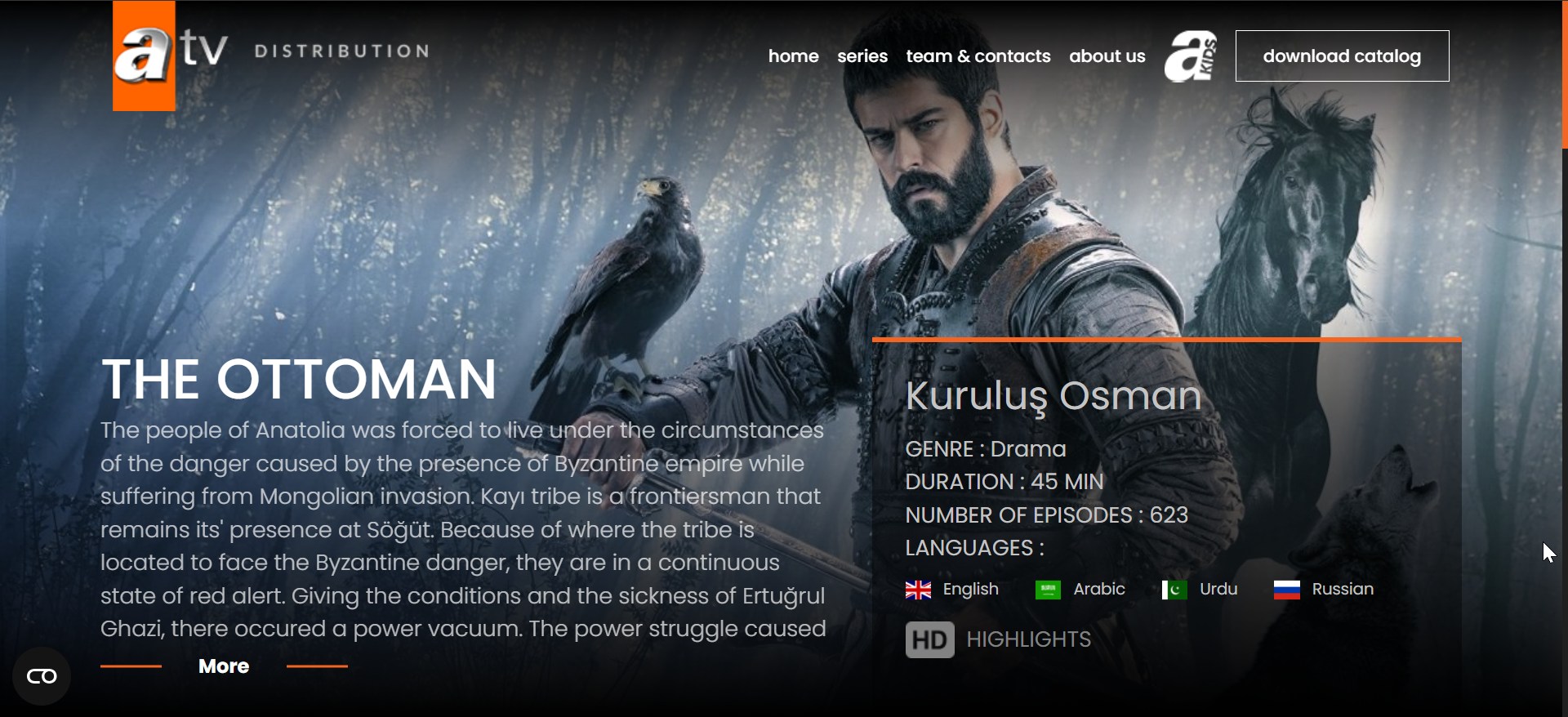
You can watch Turkish shows with English subtitles on ATV. The platform streams episodes of Kurulus Osman soon after airing, though subtitles may not appear in all regions. Some users need a VPN due to regional restrictions.
English-subtitled streaming platforms
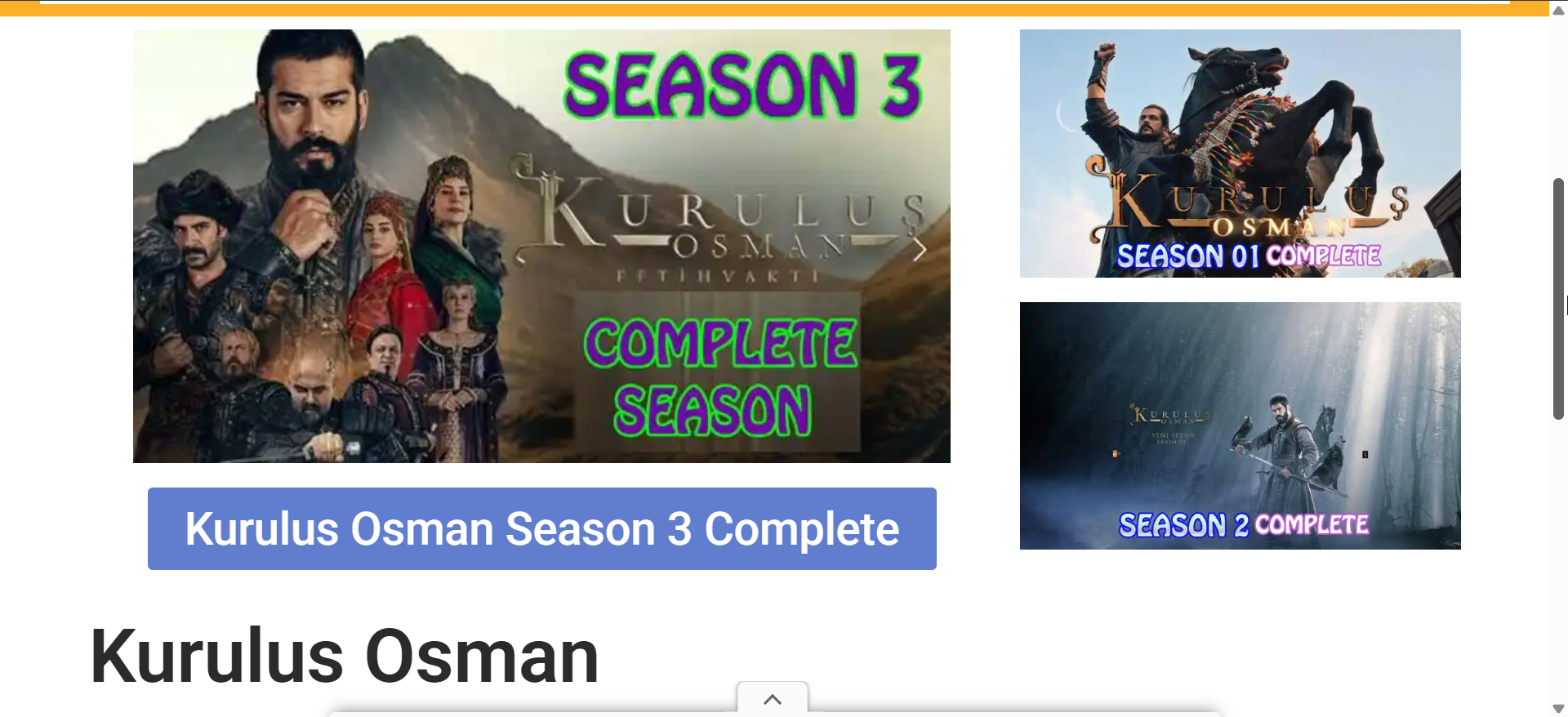
Several services upload episodes with verified English subtitles. These platforms offer better stability and safer playback.
You can check YouTube channels that upload episodes and highlights with English subtitles.

Free platforms with fan-made subtitles
Free sites like Osmanonline.info exist, but subtitle quality varies. These sources also change often, so your experience may differ.
How to watch Kuruluş Osman with English subtitles on any device
You can watch the show on smart TVs, streaming devices, mobile phones, or a desktop browser. Each device offers different subtitle controls.
Watching on a smart TV (Samsung, LG, Sony, Roku TV)
Download the streaming app from your TV store. Open the episode and turn on subtitles using the on-screen options.
Watching on streaming devices
Roku, Fire TV, Apple TV, and Android TV support subtitle toggles inside supported apps. You can enable subtitles in the player controls.
Watching on mobile devices (Android and iPhone)
Install the Kurulus: Osman app or use a mobile browser. Tap the subtitle icon while the episode plays and choose English.
Watching on a laptop or desktop browser
Go to the ATV website or YouTube on your browser. Move your cursor over the video and select the English subtitle track.
How to enable English subtitles on each major platform
Subtitle controls differ across devices. These steps help you turn on subtitles quickly.
Subtitle settings on smart TVs
Press OK while the video plays and select the subtitles menu. Choose English if available.
Subtitle settings on browsers
Click the gear icon on the video player. Pick English from the subtitle list.

Subtitle settings on mobile apps
Tap the screen to reveal controls. Select the subtitles icon and choose English.
Subtitle timing, quality, and delay: What to expect
English subtitles may appear hours or days after the episode airs. Official subtitles offer better accuracy, while fan-made subtitles vary by group.
Troubleshooting common problems
- Subtitles not showing or disappearing: Reload the video and pick the subtitle track again. This resets the video player settings.
- Video will not load or buffers constantly: Check your internet speed and lower the video quality temporarily. This helps maintain stable playback.
- Wrong subtitle language appears: Open the subtitle menu and switch to English. Some platforms choose the default language automatically.
Tips for the best streaming experience
- Use a reliable internet connection.
- Update your streaming apps.
- Try another browser if subtitles fail on desktop.
- Restart your device after the app crashes.
FAQs
Where can I watch Kuruluş Osman with English subtitles? You can watch it on legal platforms or free sites that offer fan-made subtitles.
Are subtitles available for all seasons? Most platforms provide subtitles for early and current seasons, but availability varies.
Why are subtitles delayed after the episode airs? Translators need time to edit and format subtitles after broadcast.
Can I watch the show on a smart TV? Yes. Smart TVs support apps that include subtitle options.
Summary
- Choose a platform with verified English subtitles.
- Install the app on your device and open the episode.
- Turn on subtitles using the video player controls.
- Use regional access if the platform does not load.
- Fix common issues by updating apps and checking connections.
You now know where to watch Kuruluş Osman with English subtitles and how to troubleshoot the most common problems. Pick a platform that fits your region and device, then enable subtitles for the best viewing experience.


Discussion (0)
Be the first to comment.