


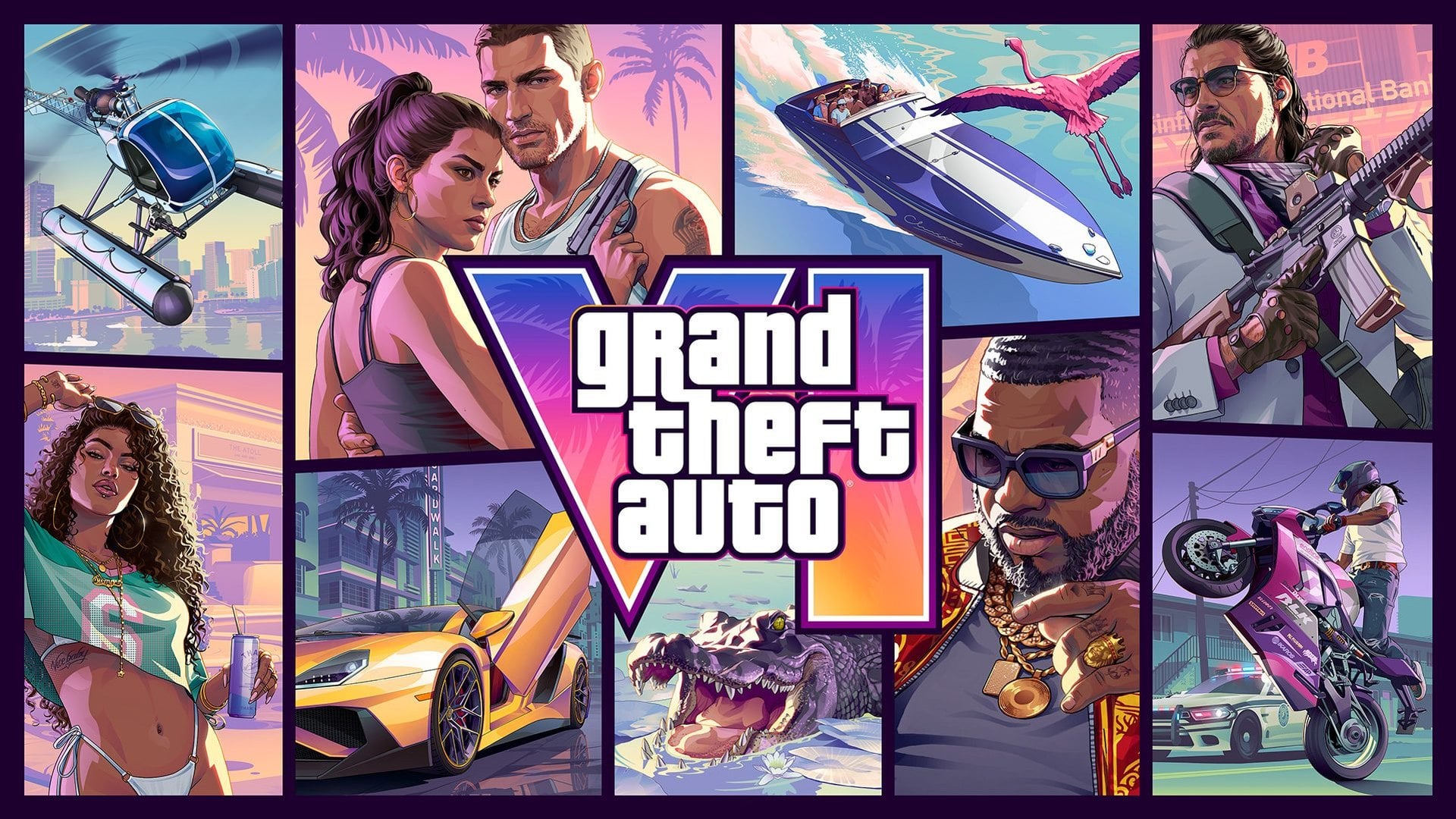
Open the storage screen on your PS5 or Xbox and the bar is probably full of games you meant to finish. Grand Theft Auto VI's pre-load opened on November 10, and according to Rockstar's pre-load FAQ it needs up to 212 GB of available space, depending on your console.
That is about two-fifths of a 512GB Xbox Series S and a quarter of an 825GB PS5 Digital Edition, before the system takes its share. So the real question is not just what to delete. It is which games can wait on a cheap USB drive, which need fast storage to run at all, and whether you need to buy anything before November 19.
How to check free space for GTA 6 on PS5 and Xbox Series X|S
Start with the number on screen. On a PS5, go to Settings > Storage, and clear at least 212 GB, the minimum in Sony's pre-download announcement. On an Xbox, press the Xbox button and open Profile & system > Settings > System > Storage devices, where each drive shows its free space.
Do not count on the number printed on the box. Xbox's storage guide notes that even an empty console never shows its full 500 GB, 1 TB or 2 TB free, because part of the drive is reserved for system software and saved games. Leave a margin above 212 GB rather than clearing to the exact figure.
Boxed copies need the same room. They hold only a download code, and retailers should have them from November 12, so their owners start later but face the same storage bill.
Which games to delete first to make room for GTA 6
Deleting is free, and it loses less than it feels like. Your purchases stay in your library to download again later. On Xbox, removing a game keeps the licence and your progress, and saves sync online when you sign in.
On PS5, go to Settings > Storage > Console Storage > Games and Apps, pick what you are done with and select Delete. If a game shows Customize next to its title, you can remove part of it, such as a finished mode or an add-on, and keep the rest. PlayStation Plus members can upload saved data first under Settings > Saved Data and Game/App Settings, and Sony's storage guide also covers managing the console from the PlayStation App.
On Xbox, open My games & apps > See all > Manage > Free up space. Its suggestions flag the easy cuts: games that left the Game Pass catalog, leftovers from Free Play Days events and games installed twice on different drives.
What you can still play from a USB drive on PS5 and Xbox
A USB drive is the cheapest place to keep games you are not playing, but for new games it is a waiting room, not a place to play. PS5 games cannot be played from USB extended storage and have to be copied back to the console first, although PS4 games still run from it.
Xbox draws the same line for new games. Titles Optimized for Xbox Series X|S must be on the internal SSD or a Storage Expansion Card to play, while a USB 3.0 or 3.1 drive of 128 GB or more can store them. Xbox One, Xbox 360 and original Xbox games play straight from USB, as the Xbox Series X|S storage primer set out at launch.
Parking still beats deleting when a game is huge and your connection is slow or capped, because copying it back saves a full download. On PS5, highlight a game in the Game Library, press Options and choose Move Games and Apps. On Xbox, press Menu on the game, choose Manage game and add-ons, then Move or copy.
Check the drive before you buy one. A PS5 needs SuperSpeed USB 5 Gbps or faster and 250 GB to 8 TB, plugged in directly rather than through a hub, with only one such drive connected at a time. An Xbox accepts up to three external USB drives.
Adding an M.2 SSD to a PS5 or an expansion card to an Xbox
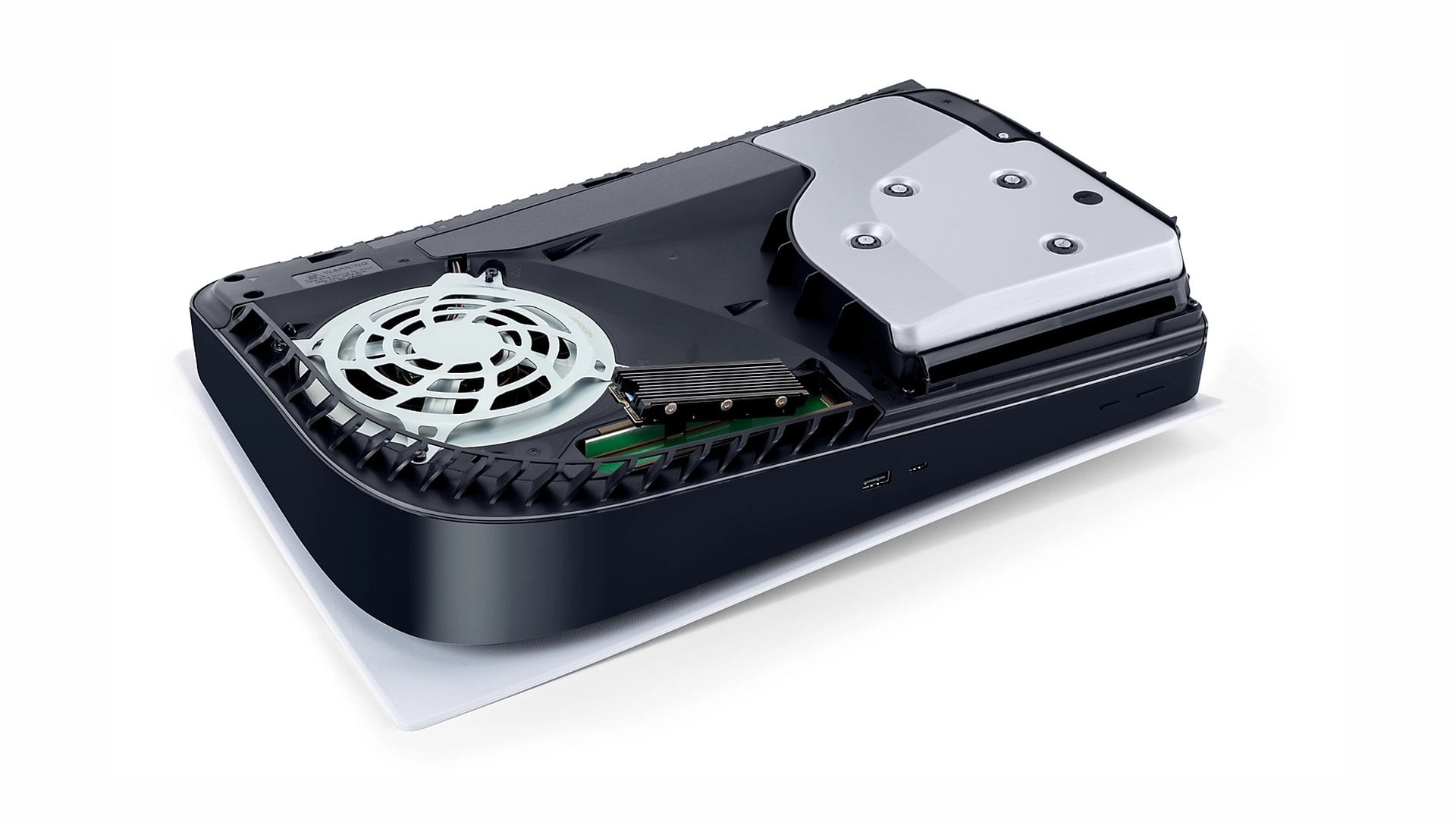
If you want GTA VI installed alongside your other big PS5 games, the lasting fix is an M.2 SSD in the console's expansion slot. Sony's M.2 requirements call for a PCIe Gen4 x4 NVMe drive of 250 GB to 8 TB, with 5,500MB/s or faster recommended. The drive must have a heatsink or heat transfer sheet, and M.2 SATA drives are not supported.
Fitting one takes a #1 Phillips screwdriver, the console's cover off and a format on first boot, which erases the drive. Update the system software before you start. Unlike USB storage, the M.2 drive can download and launch PS5 games, as long as all of one game's data sits in one place.
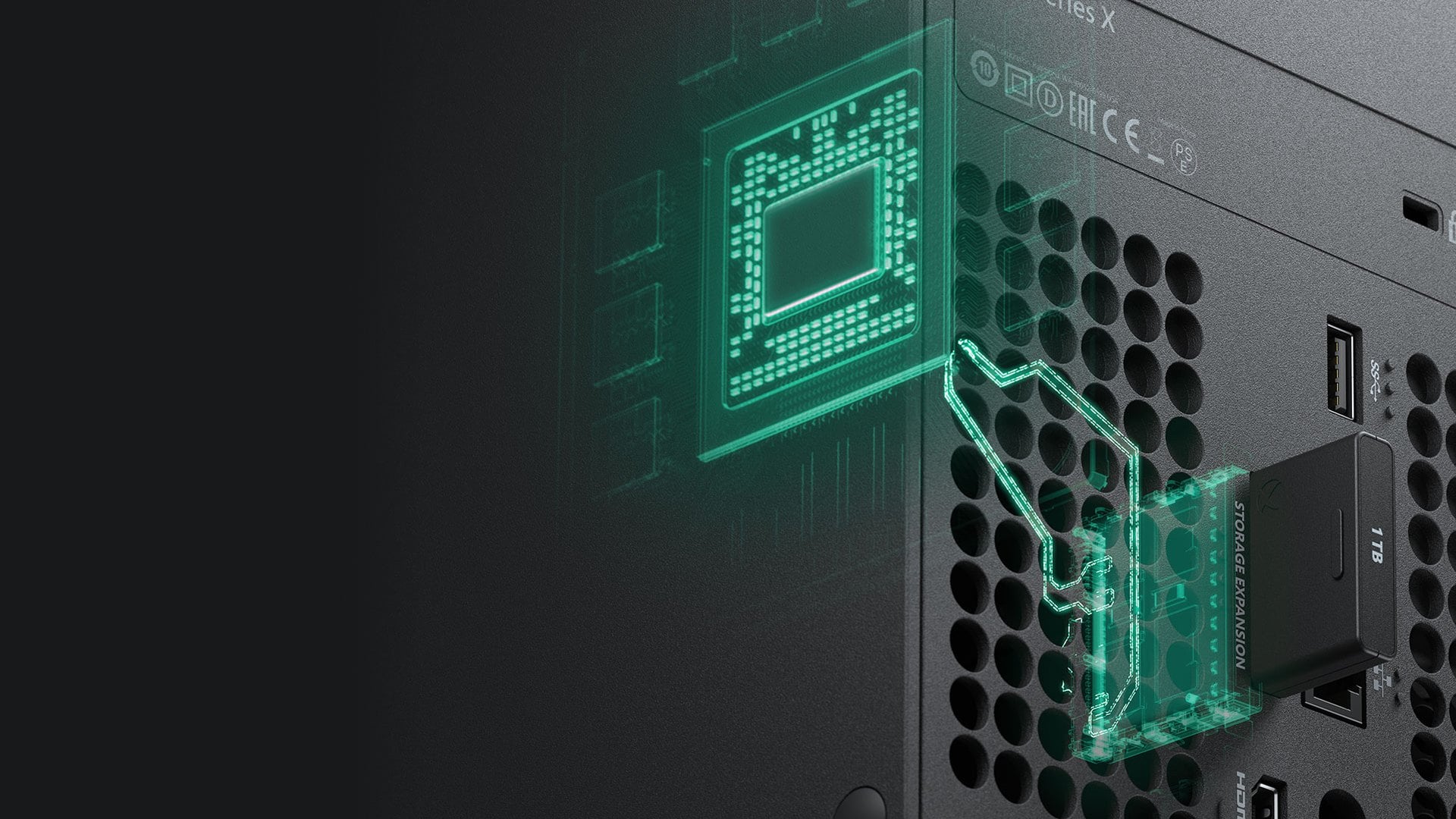
On Xbox Series X|S, the equivalent is a Storage Expansion Card that plugs into the slot on the back. It performs identically to the internal SSD, so Optimized games run from it, in 512GB, 1TB and 2TB sizes, and Seagate's card also comes in 4TB. Take the console's first update before connecting one.
Neither upgrade is cheap, and storage prices remain high going into early Black Friday SSD deals. Compare before buying in a hurry, since deleting a few games may cover GTA VI on its own.
How to make GTA 6 pre-load overnight in Rest Mode or Sleep
You do not need to babysit the download. On PS5, Rockstar asks for auto-downloads and a console that is on or in Rest Mode. Turn on Stay Connected to the Internet under Settings > System > Power Saving > Features Available in Rest Mode.
Then go to Settings > Saved Data and Game/App Settings > Automatic Updates and switch on Auto-Download, or Auto-Install in Rest Mode. If nothing moves, Sony's GTA VI support page suggests opening Downloads/Uploads from the control center, then pausing and resuming the download.
On Xbox, choose Sleep under Profile & system > Settings > General > Power options, and tick Keep my games & apps up to date under Settings > System > Updates. Energy-saving Shutdown mode still updates games, but Xbox's power options guide says it schedules updates for times of day when electricity may be lower-carbon, so Sleep is the safer choice for a 212 GB file.
Both pre-load windows have been open since November 10, with Xbox starting hours before PS5 in the US, so the download can begin as soon as the space is free.
Delete, move or buy: which fix suits your PS5 or Xbox
Delete if you are only a little short. It costs nothing, the Free up space and Customize tools help with the sorting, and the games come back from your library whenever you want them.
Move if you have a few big games you will return to and a slow or capped connection. A USB drive holds them until you copy them back, but it will not let you play PS5 games or Optimized Xbox Series X|S games from it.
Buy fast storage if you own a 512GB Series S or an 825GB PS5 and rotate several large current games: an M.2 SSD with a heatsink for PS5, an Expansion Card for Xbox. Xbox Series X|S owners also have a stopgap, since Xbox says GTA VI streams through Xbox Cloud Gaming from 1 a.m. ET on November 19.
Whatever you pick, check the free-space figure once more, then leave the console in Rest Mode or Sleep. If you are buying for the PS5 anyway, the PS5 accessories under $50 cover charging and headsets, but free space is what decides whether GTA VI is ready at midnight on November 19.
Discussion (0)
Be the first to comment.