




Fake Instagram DM chats usually serve harmless purposes like mockups, memes, UI concepts, or scam-awareness examples. The safest approach combines realistic visuals with clear boundaries, so the result never misleads or harms others.
Table of contents
- Why people create fake Instagram DMs
- Important disclaimer before you start
- Easiest ways to make fake Instagram DM chats
- Manual methods for full control
- How to make fake Instagram DMs look realistic
- Tool vs app vs manual editing comparison
- Common mistakes that expose fake Instagram DMs
- How to spot fake Instagram DM chats
- FAQs about fake Instagram DM chats
- Summary
Why people create fake Instagram DMs
Creators use fake DMs to design concepts, tell stories, build memes, or demonstrate how scams work. Designers and marketers also rely on them for presentations without exposing real conversations.
Important disclaimer before you start
Only create fake Instagram chats for parody, design, or educational use. Never impersonate real people, fabricate evidence, or use fake DMs to deceive, harass, or defraud.
Easiest ways to make fake Instagram DM chats
Using online Instagram DM generators
Online generators let you enter usernames, profile photos, messages, and timestamps, then export a ready-made screenshot. They work fast and require no design skills, which makes them ideal for quick mockups or memes.

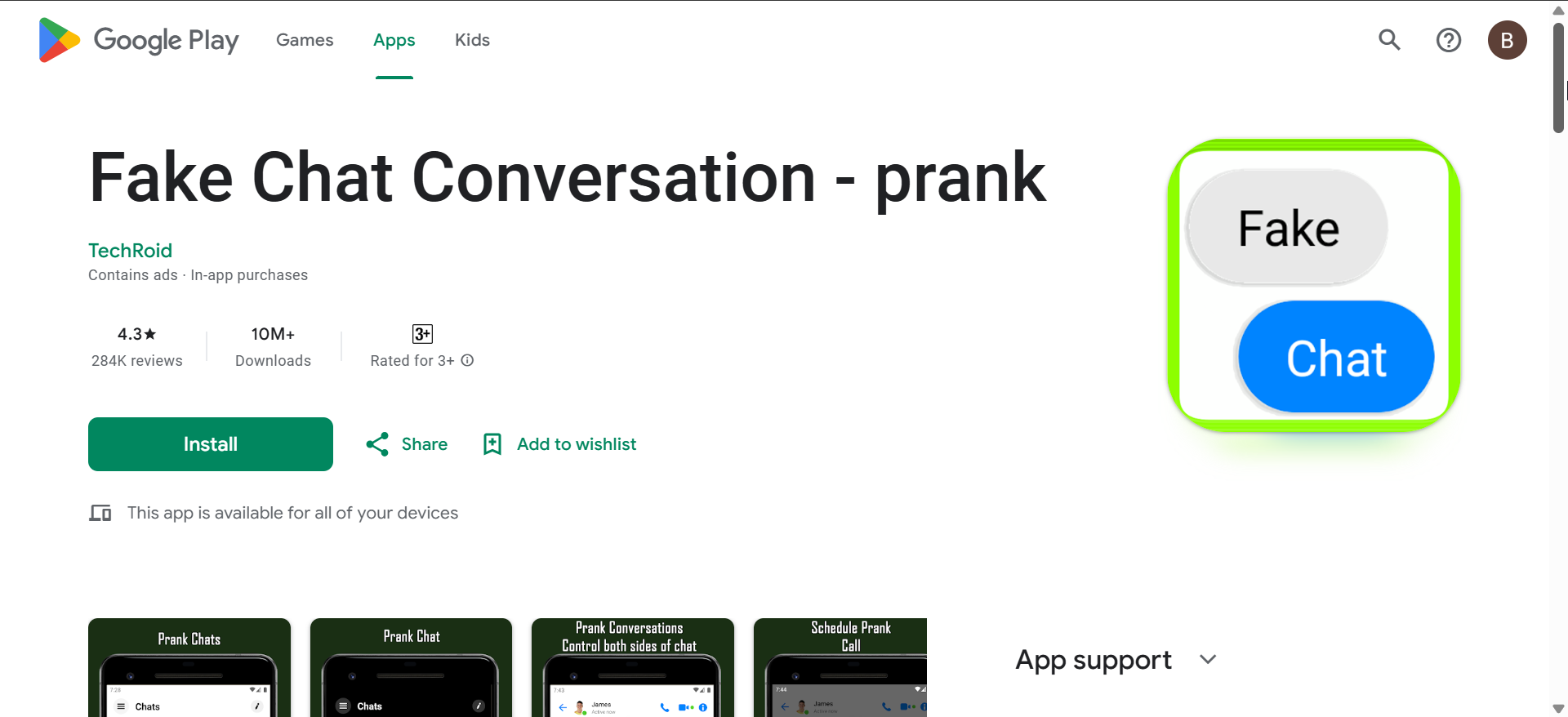
Using mobile apps on Android or iPhone
Mobile apps generate fake DMs directly on your phone, so resolution, scaling, and UI proportions match real screenshots. Many apps also support dark mode, which improves realism when sharing on social media.
Manual methods for full control
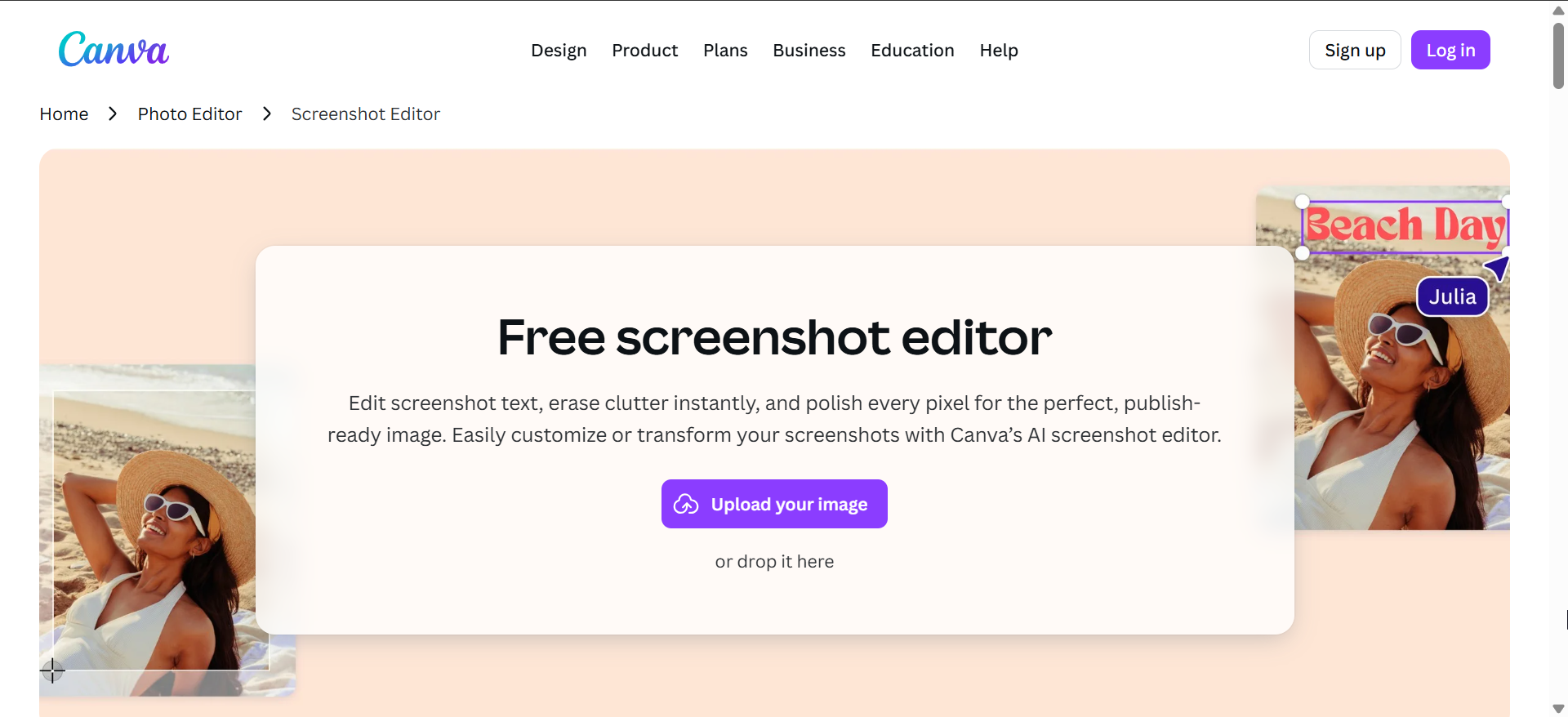
Editing screenshots with image editors
Manual editing offers the highest control over layout and details. You start with a real DM screenshot, then edit text and avatars using desktop or mobile image editors for precise results.
Recreating DMs from scratch for mockups
Designers often rebuild Instagram DMs using UI kits in design tools. This method works best for presentations or product demos where realism matters more than speed.
How to make fake Instagram DMs look realistic
Small details decide whether a fake DM looks convincing or obviously edited. Focus on UI accuracy before exporting or sharing.
Match the current Instagram UI
Instagram updates its interface often, so fonts, spacing, icons, and message bubbles must match the current version. Outdated layouts expose fake chats instantly.
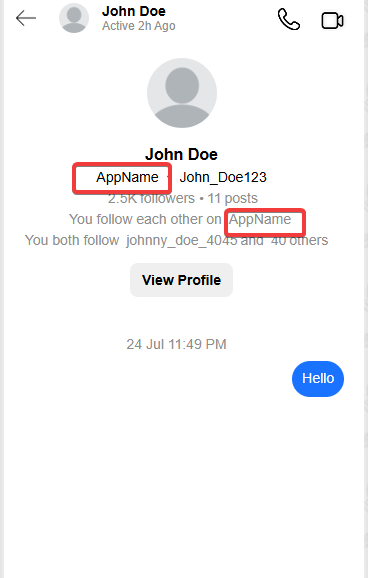
Get timestamps, usernames, and profile details right
Use believable timestamps and correct username formats. Check verification badges, profile photos, and name placement, since mistakes here stand out immediately.
Light mode vs dark mode consistency
Choose one theme and stick with it. Mixing light-mode elements with dark-mode backgrounds breaks visual consistency and reveals manipulation.
Tool vs app vs manual editing comparison
Generators work best for speed, apps balance speed and realism, and manual editing delivers the most control. Choose the method based on how realistic the final image needs to look.
Common mistakes that expose fake Instagram DMs
Cropping out the status bar, using impossible battery levels, mismatching fonts, or leaving watermarks all signal a fake screenshot. Sloppy alignment and blurred text also reduce credibility.
How to spot fake Instagram DM chats
Look for UI mismatches, inconsistent timestamps, and low-resolution text. Many fake DMs also ignore message reactions, typing indicators, or correct notification icons.
FAQs about fake Instagram DM chats
Is it legal to create fake Instagram DMs?
Creating them for parody or mockups is usually fine, but misuse can lead to legal or platform issues.
Can Instagram detect fake DM screenshots?
Instagram cannot detect edited images automatically, but sharing misleading content can still violate policies.
Do generators leave watermarks?
Some free tools add watermarks, while others require payment to remove them.
Summary
- Use online generators for fast, simple fake DM screenshots.
- Choose mobile apps for better resolution and UI accuracy.
- Rely on manual editing when realism matters most.
- Match the current Instagram UI and theme carefully.
- Avoid common mistakes that reveal fake chats instantly.
Fake Instagram DM chats work best for mockups, memes, and education when creators respect ethical limits. Pick the method that matches your realism needs, focus on UI details, and stop once the image clearly serves its intended, harmless purpose.


Discussion (0)
Be the first to comment.