



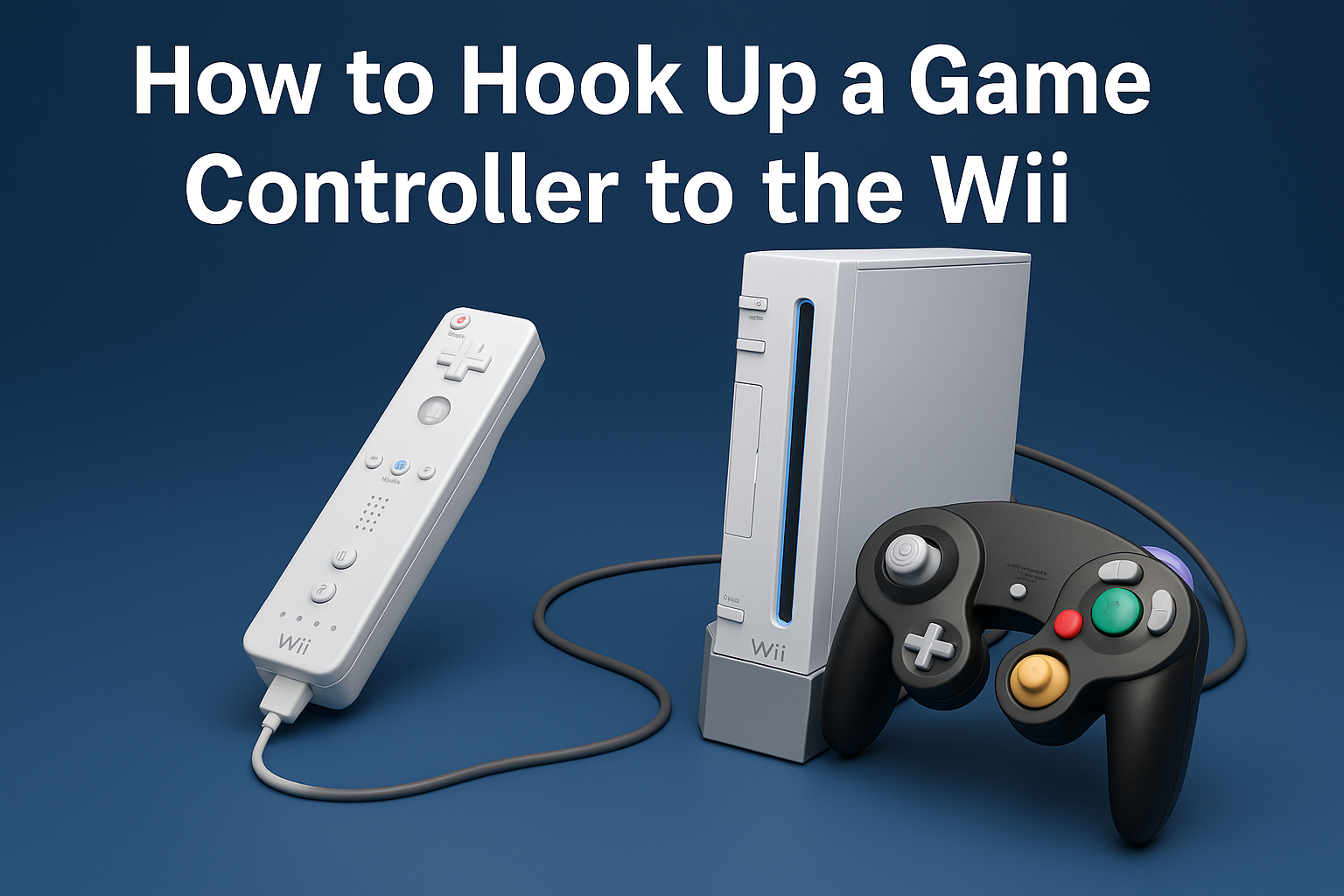
The Nintendo Wii remains a favorite for classic gaming, especially when you want a more traditional controller instead of the Wii Remote. Many games support GameCube controllers, Classic Controllers, or standard Wii Remotes, making setup simple once you know where everything plugs in. This guide explains how to hook up a game controller to the Wii, how syncing works, and what to check if the controller doesn’t respond.
Before choosing a controller, remember that each type connects differently. GameCube controllers plug directly into the console, while Wii Remotes and Classic Controllers require syncing. Once you understand the connection points, the setup process becomes fast and frustration-free.
Connect A Game Controller To The Wii
Here are the steps you can follow based on the type of controller you want to use.
Use A GameCube Controller
GameCube controllers are popular for games such as Super Smash Bros. Melee or other GameCube titles on the Wii.
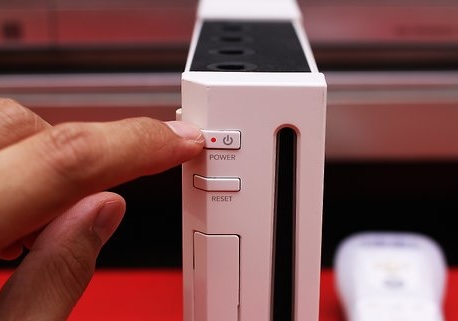
- Power off the Wii before connecting the controller.
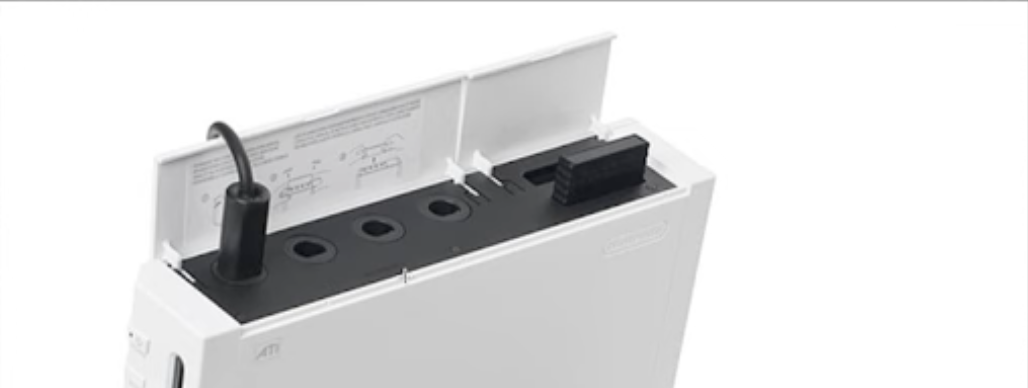
- Open the top panel on the Wii to reveal the four GameCube controller ports.
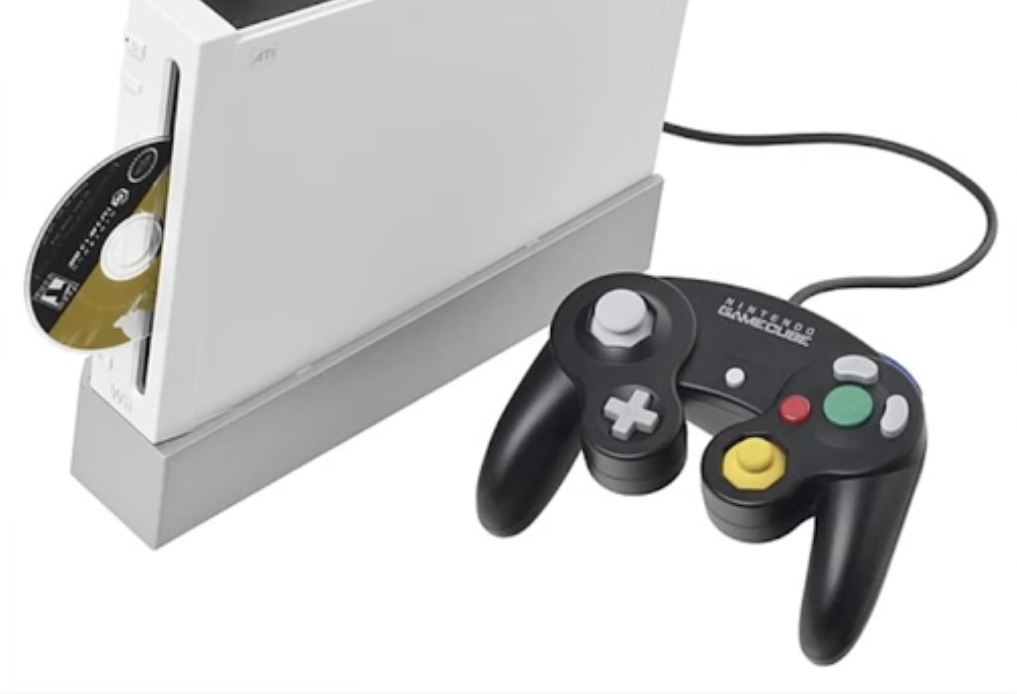
- Insert the GameCube controller plug into any available port.
- Turn the Wii back on and launch a compatible game to test the controller.
Use A Classic Controller Or Classic Controller Pro
Classic Controllers plug directly into the bottom of a Wii Remote instead of the console.
- Turn on the Wii and activate a Wii Remote by pressing the A button.
- Insert the Classic Controller cable into the bottom port of the Wii Remote.
- Hold the Wii Remote normally and use the Classic Controller to navigate games that support it.
Use A Wii Remote
A Wii Remote needs to be synced before it can be used with the console.
- Open the SD card door on the front of the Wii.
- Press the red SYNC button inside the door.
- Open the battery cover on the Wii Remote.
- Press the red SYNC button on the controller.
- Wait for the lights to stop flashing and settle on one LED.
Use Third-Party Controllers
Many third-party Wii controllers work the same way as Nintendo models. Wireless versions require syncing, and wired models plug into the same ports as official hardware.
- Check the manufacturer’s instructions for pairing steps.
- Sync or plug in the controller according to its connection type.
- Test it in a supported game to confirm full functionality.
Troubleshooting Common Problems
- If the GameCube controller doesn’t respond, make sure the game supports GameCube input.
- If the Wii Remote won’t sync, replace the batteries and retry the red-button sync process.
- If a Classic Controller doesn’t work, check that it is firmly connected to the bottom of the Wii Remote.
- If inputs lag, move the console away from wireless interference sources such as routers or microwaves.
Tips
- Use rechargeable batteries in Wii Remotes to avoid performance drops.
- Keep the sensor bar centered on your TV for accurate pointer tracking.
- Label GameCube controller ports if you frequently switch between multiplayer setups.
- Store Classic Controllers connected to Wii Remotes for faster access.
FAQ
Can You Use A PS4, PS5, Xbox, Or PC Controller On A Wii?
Not natively. The Wii only supports Wii, Classic Controller, and GameCube controllers without adapters.
Why Won’t My GameCube Controller Work?
The Wii only accepts GameCube controllers on original Wii models that include the top GameCube ports. Wii Mini and Wii U do not support them directly.
Do Classic Controllers Work In Every Wii Game?
No. Only games programmed to support Classic Controllers will recognize them.
How Do I Reset A Wii Remote?
Remove the batteries, wait 10 seconds, reinsert them, and re-sync the controller.
Summary
- GameCube controllers plug into the top ports of the original Wii.
- Classic Controllers attach to the bottom of a Wii Remote.
- Wii Remotes require syncing through the red buttons on the console and controller.
- Only supported games recognize these input types.
- Troubleshooting usually fixes most connection issues quickly.
Conclusion
Hooking up a game controller to the Wii is simple once you know where each controller connects and how syncing works. Whether you prefer a GameCube controller for classic precision or a Classic Controller for Virtual Console games, the Wii supports multiple ways to play. With the right setup and a quick test before gaming, you can enjoy smooth controls across your entire library.


Discussion (0)
Be the first to comment.