




Misplacing an iPhone can cause instant panic, especially when it contains personal data, payment cards, or work information. Apple’s Find My app includes a built-in Help a Friend option that lets you locate a missing iPhone, iPad, Mac, or AirTag using someone else’s iPhone.
This guide explains the correct and secure way to help a friend find their lost Apple device, including how to play a sound, enable Lost Mode, and protect their data.
What You Need Before You Start
Before using Help a Friend, make sure these requirements are met.
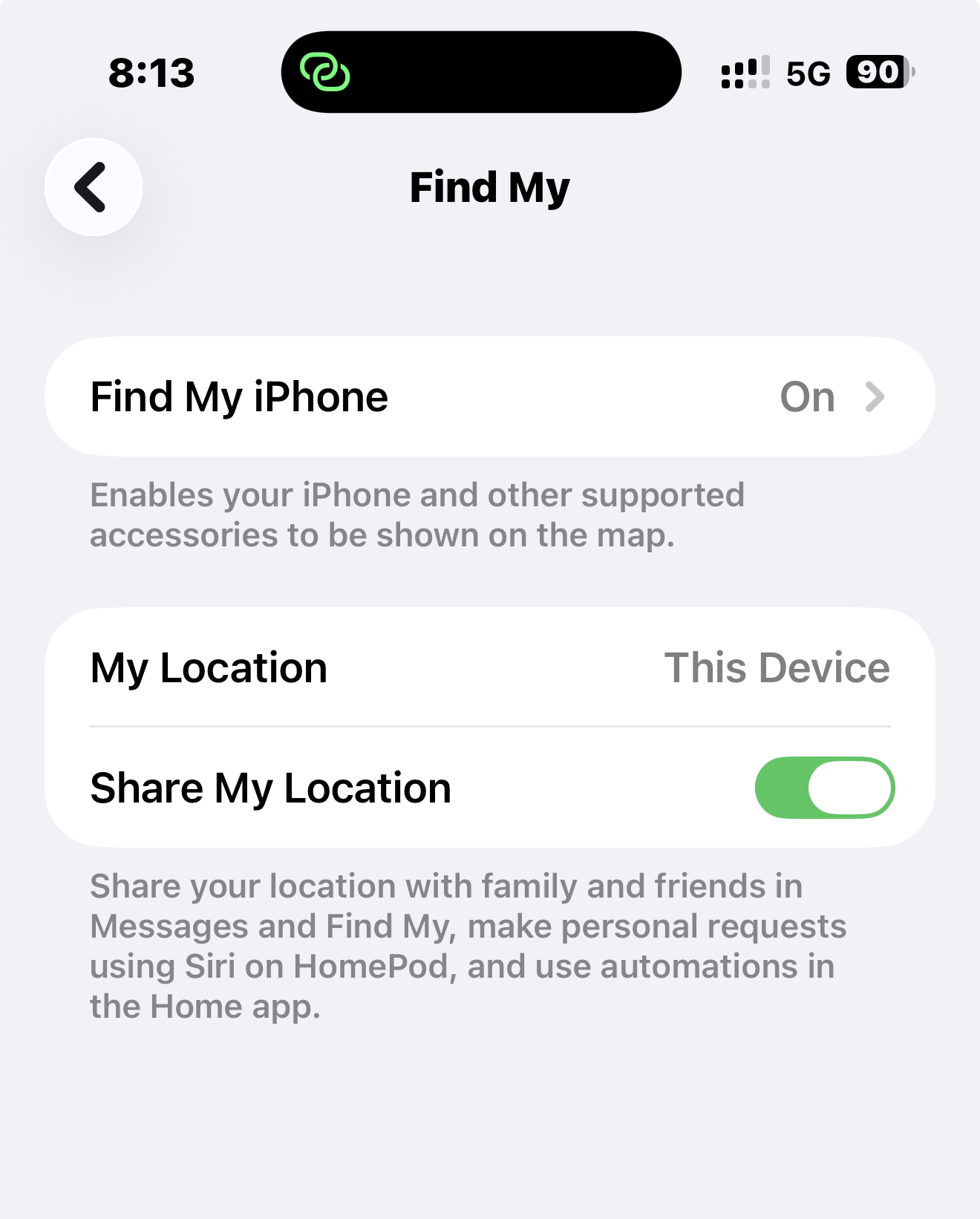
- Find My is enabled on the missing device.
- The device owner knows their Apple ID email and password.
- You have access to your friend’s iPhone with the Find My app.
Locate A Missing iPhone Using Help A Friend
This is the safest and fastest way to locate someone else’s Apple device without adding their account to your phone.
- Open the Find My app on your friend’s iPhone.
- Tap Me in the bottom-right corner.
- Scroll down and tap Help a Friend.

- When Safari opens the iCloud sign-in page, ignore any Face ID or Touch ID prompt.
- Tap Use a Different Apple Account.

- Enter the device owner’s Apple ID email and password.
- Sign in to load the Find Devices map.
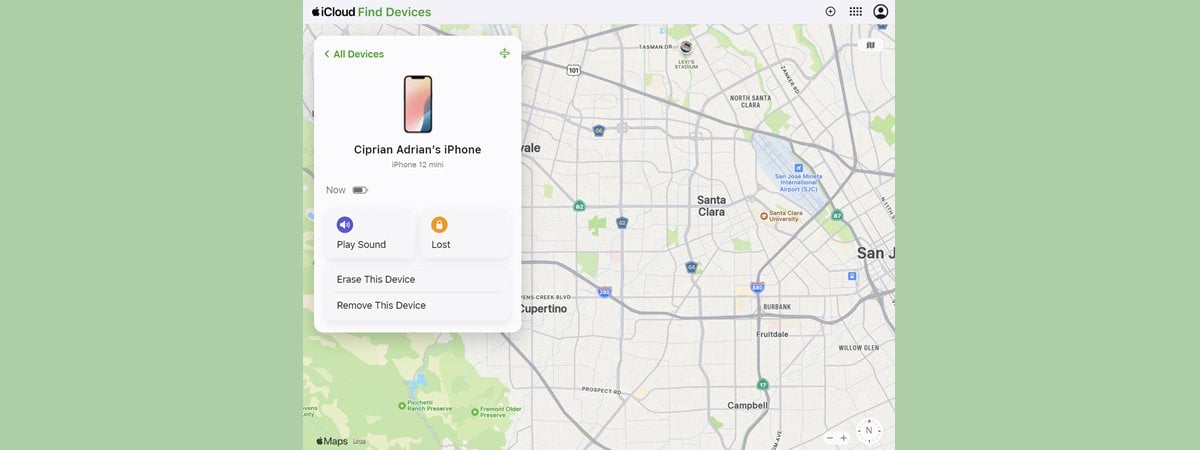
- Select the missing iPhone, iPad, Mac, or AirTag.
Once selected, you can view the device location, play a sound, enable Lost Mode, or erase it remotely.
Why Play Sound On A Missing iPhone Or Apple Device
The Play Sound option is useful when the device is nearby but hidden.
- The sound plays even if the device is on Silent Mode.
- It bypasses Do Not Disturb and Focus modes.
- The alert gradually gets louder.
- The sound cannot be stopped without unlocking the device.
If the iPhone is under cushions, in another room, or left in a public place, this feature can help locate it quickly or discourage theft.
Put A Missing iPhone Or Apple Device In Lost Mode
Lost Mode protects personal data and increases the chances of recovery.
- Tap the missing device in Find My.
- Select Lost Mode.
- Follow the on-screen steps to enable it.
When Lost Mode is active, several important protections apply.
- The device is locked with a passcode.
- You can display a custom message with contact details.
- Apple Pay and stored payment cards are disabled.
- Student ID and Express Transit cards are removed.
- Notification alerts and sounds are muted.
- The device still receives phone calls and FaceTime calls.
Lost Mode also enables continuous location updates in Find My, which can help track movement over time and assist law enforcement if needed.
Battery And Security Benefits Of Lost Mode
Lost Mode automatically activates Low Power Mode on iPhone, helping the battery last longer. This gives you more time to monitor the device’s location.
If the iPhone had no passcode before, you will be required to set one while enabling Lost Mode.
Turn Off Lost Mode After Recovery
Once the missing iPhone is found, Lost Mode can be disabled safely.
- Unlock the iPhone using its passcode.
- Or turn off Lost Mode directly from Find My.
Troubleshooting Common Problems
If the device does not appear on the map, confirm that Find My was enabled before it went missing. Incorrect Apple ID credentials will also prevent access.
If Play Sound does not work, the device may be powered off or offline.
Tips
- Always use Use a Different Apple Account when helping a friend.
- Log out of iCloud immediately after locating the device.
- Enable Lost Mode as soon as theft is suspected.
- Keep Find My enabled on all Apple devices.
FAQ
Can I help a friend find their iPhone without their Apple ID?
No. Apple ID authentication is required unless Family Sharing is enabled.
Does Lost Mode erase data from the iPhone?
No. It locks the device but keeps data intact.
Can a thief turn off Play Sound?
No. The sound cannot be stopped without unlocking the device.
Summary
- Help a Friend allows secure access to Find My.
- Play Sound works even in Silent or Focus mode.
- Lost Mode protects data and tracks movement.
- Low Power Mode extends tracking time.
Conclusion
Apple’s Help a Friend feature makes it easy to locate a missing iPhone or other Apple device while keeping personal data secure. By using Play Sound and Lost Mode correctly, you can significantly increase the chances of recovering a lost device quickly and safely.

Discussion (0)
Be the first to comment.