




The Vudu app has officially transitioned to Fandango at Home, a modern streaming platform for renting, buying, and watching digital movies and TV shows. At the time of writing, the service still supports existing Vudu libraries, Movies Anywhere syncing, and free ad-supported content, but users now download the Fandango at Home app instead of the original Vudu app.
This guide explains how to download the new Fandango at Home app on supported devices so you can continue accessing your existing Vudu purchases, rentals, and linked Movies Anywhere titles. After installation, your entire library loads automatically as long as you sign in with the same account you previously used on Vudu.
Download the Fandango at Home app
Since Vudu has rebranded, you now search for Fandango at Home when installing the app on your phone, tablet, smart TV, or streaming device. The steps remain simple, but the branding and compatibility have changed on some older devices.
Step 1: Open your device’s app store
Start by accessing the built-in app store on your device.
- Open the App Store on iPhone or iPad.
- Open Google Play on Android phones and tablets.
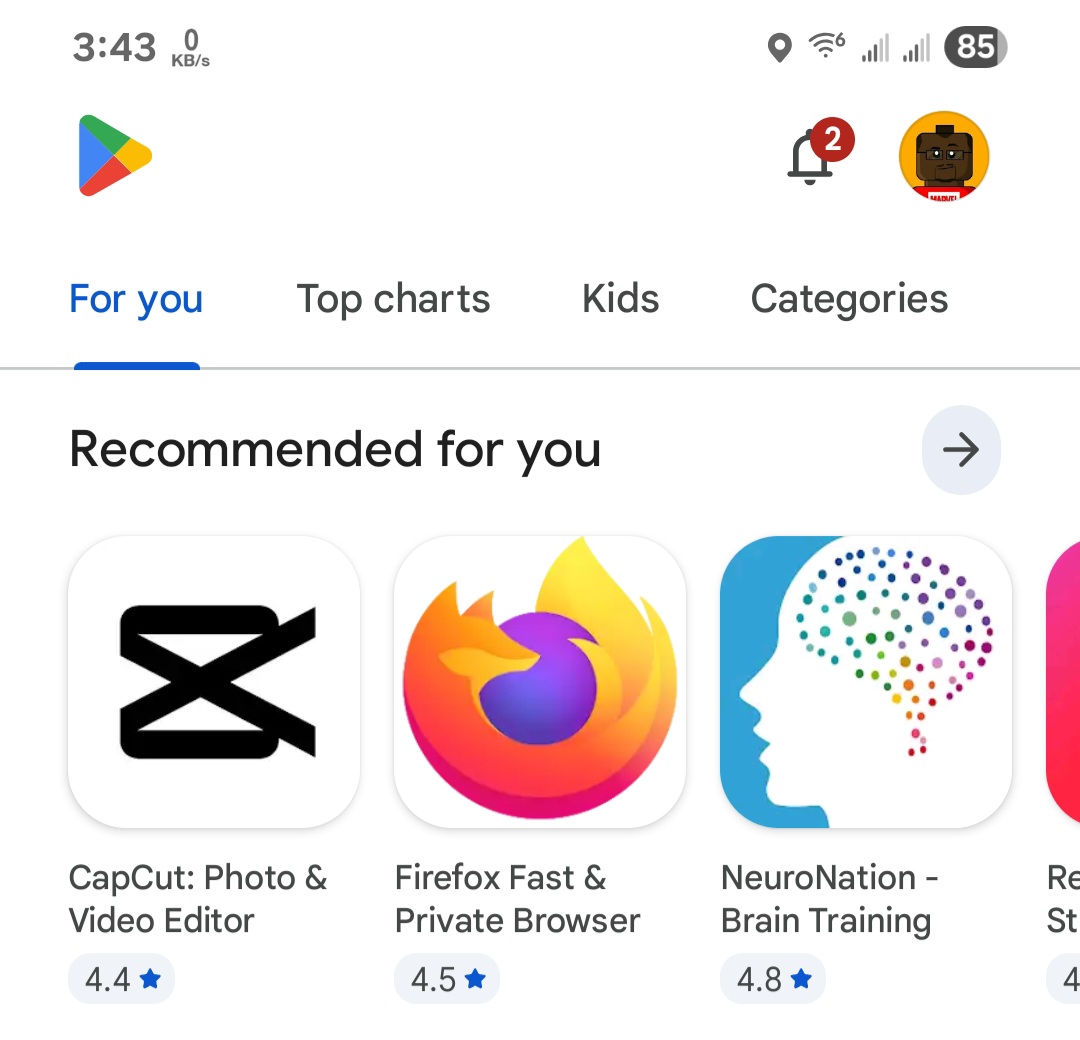
- Open the app store on your smart TV or streaming device.
- On game consoles, open the digital storefront from the home screen.
Step 2: Search for Fandango at Home
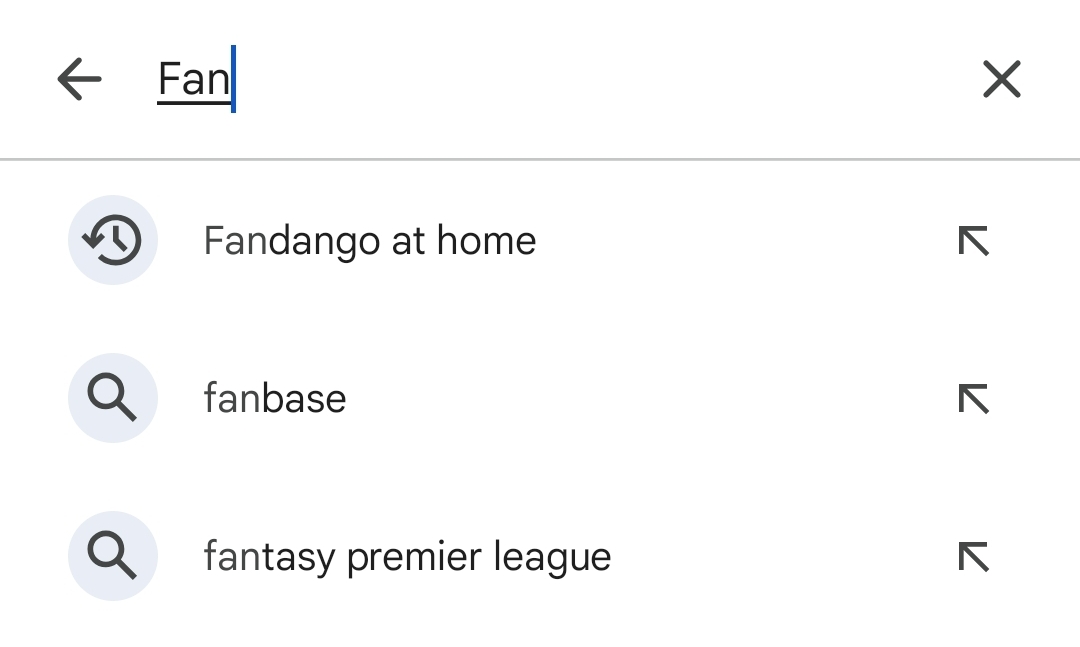
Use the search bar to look up the new app name, because Vudu search results may not appear on some devices.
- Type Fandango at Home in the search field.
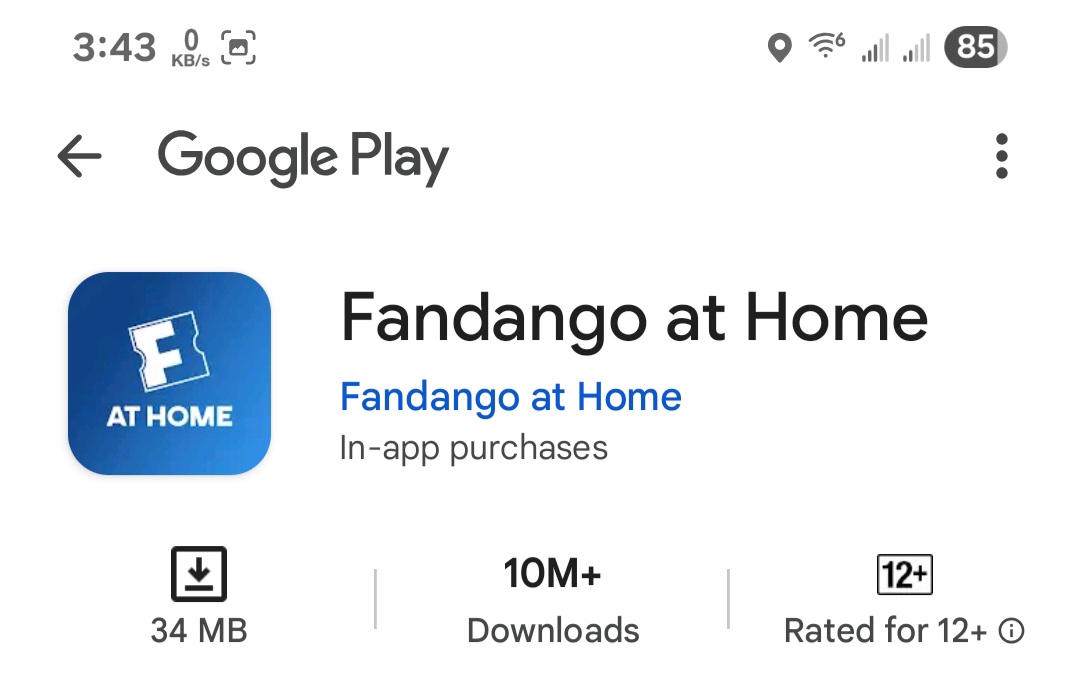
- Select the app with the official Fandango branding.
- If you only see Vudu on certain devices, download it — the app updates automatically where supported.
Step 3: Install the app
Once you confirm the listing, download and install the app like any other streaming service.
- Select Install or Get.
- Wait for the download to finish.
- Open the app once installation completes.
Step 4: Sign in to your Vudu or Fandango at Home account
Your Vudu login still works under the new name. Your library, rentals, and Movies Anywhere titles load automatically after signing in.
- Open the app.
- Select Sign In.
- Enter your existing Vudu email and password.
- Let the app sync your library and settings.
Use your Vudu library in Fandango at Home
The platform transition does not affect purchases tied to your account. You can continue watching all previously owned or redeemed content.
- Your digital locker still supports Movies Anywhere.
- Your purchases remain available across supported devices.
- Your rentals, watchlist, and payment methods stay intact.
- The service includes free ad-supported movies and shows.
Troubleshooting common problems
- App not appearing in the store: Some older smart TVs and streaming devices no longer support the Vudu or Fandango at Home app. Check the official device support list.
- Library not syncing: Sign out and sign back in, then relaunch the app.
- Movies Anywhere titles missing: Reconnect your Movies Anywhere account inside the app settings.
- Playback errors: Restart your device and verify your internet connection.
Tips
- Use the same email you used on Vudu to keep your library intact.
- Download purchased content when supported if you prefer offline viewing.
- Update your device’s firmware to ensure the latest app compatibility.
- Revisit Movies Anywhere to confirm your accounts are properly linked.
FAQ
Is Vudu gone? The brand is transitioning, but the service continues as Fandango at Home. Your library remains available.
Do I need a new account? No. Your existing Vudu login works on the new app.
Do my purchased movies transfer? Yes. All purchases, rentals, and Movies Anywhere titles still appear in your library.
Does the old Vudu app still work? Only on supported devices. Some older models are losing access.
Is Fandango at Home free? The app is free to download and offers optional rentals, purchases, and free ad-supported titles.
Summary
- You now download Fandango at Home instead of Vudu.
- Your Vudu login and library still work on the new app.
- The app supports rentals, purchases, and free ad-supported content.
- Movies Anywhere syncing remains available.
- Older devices may no longer support the app.
Conclusion
Downloading the new Fandango at Home app lets you continue using your full Vudu library with updated features and broader platform support. The transition preserves your purchases, synced Movies Anywhere titles, and watch history, while giving you access to new content and a modern interface. As long as your device supports the app, you can install it, sign in with your existing Vudu account, and start watching immediately.


Discussion (0)
Be the first to comment.