




Downloading music from any site feels confusing when you do not know which method fits your device or the website you are using. Most sites allow direct downloads, while others stream audio files that you can extract with tools, browser extensions, or developer features. This guide shows the simplest and safest ways to download music across Windows, macOS, Android, and iPhone.
Table of contents
- What you need to know before downloading music
- Quick ways to download music from most sites
- Desktop tools that work across many sites
- Download music directly using your browser
- Downloading music on Android and iPhone
- Downloading music safely and legally
- How to improve audio quality after downloading
- Troubleshooting common download problems
- Tips for downloading music from any site
- FAQs
- Summary
What you need to know before downloading music
Some websites allow free downloads, while others use DRM to block copying. You should confirm the copyright status of the audio before you download it. Public domain archives, artist-direct releases, and royalty-free libraries are usually safe to store offline.
Quick ways to download music from most sites
These fast methods work for many sites and do not require installation. They help when you want a one-time download without a full desktop application.
Use a copy-and-paste online downloader
You can use online download sites to download songs off the internet or any website. You only need to paste any URL on the site and it will generate an MP3 file. Many tools offer quality settings and automatic conversion. This method works best for short clips or single songs.
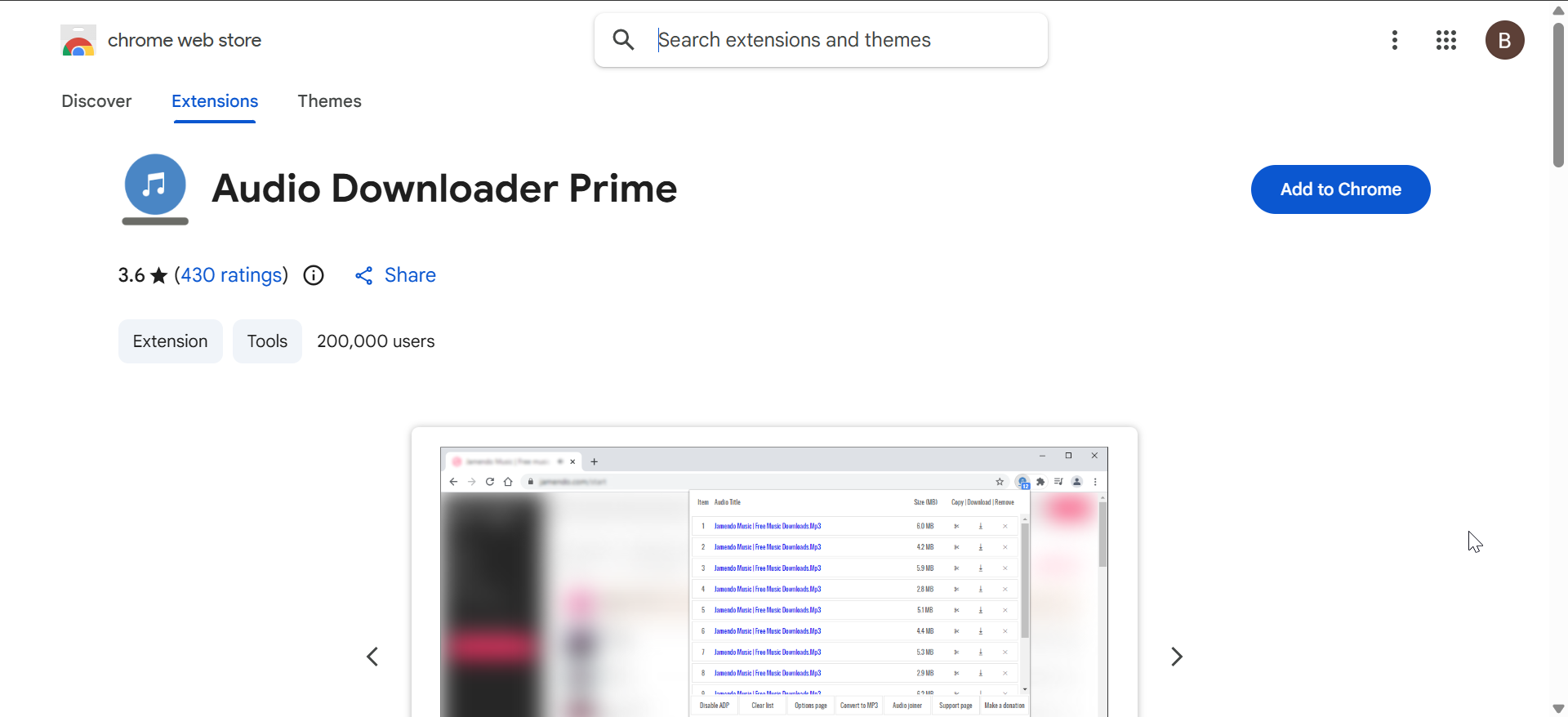
Use a browser extension to detect audio files
Extensions scan webpages and detect audio streams inside the site. You can click a download icon to save the file directly to your computer. These tools are useful for platforms that hide audio behind scripts.
Desktop tools that work across many sites
Desktop apps offer higher reliability across large playlists or long videos. They support batch downloads, advanced quality settings, and multiple formats.
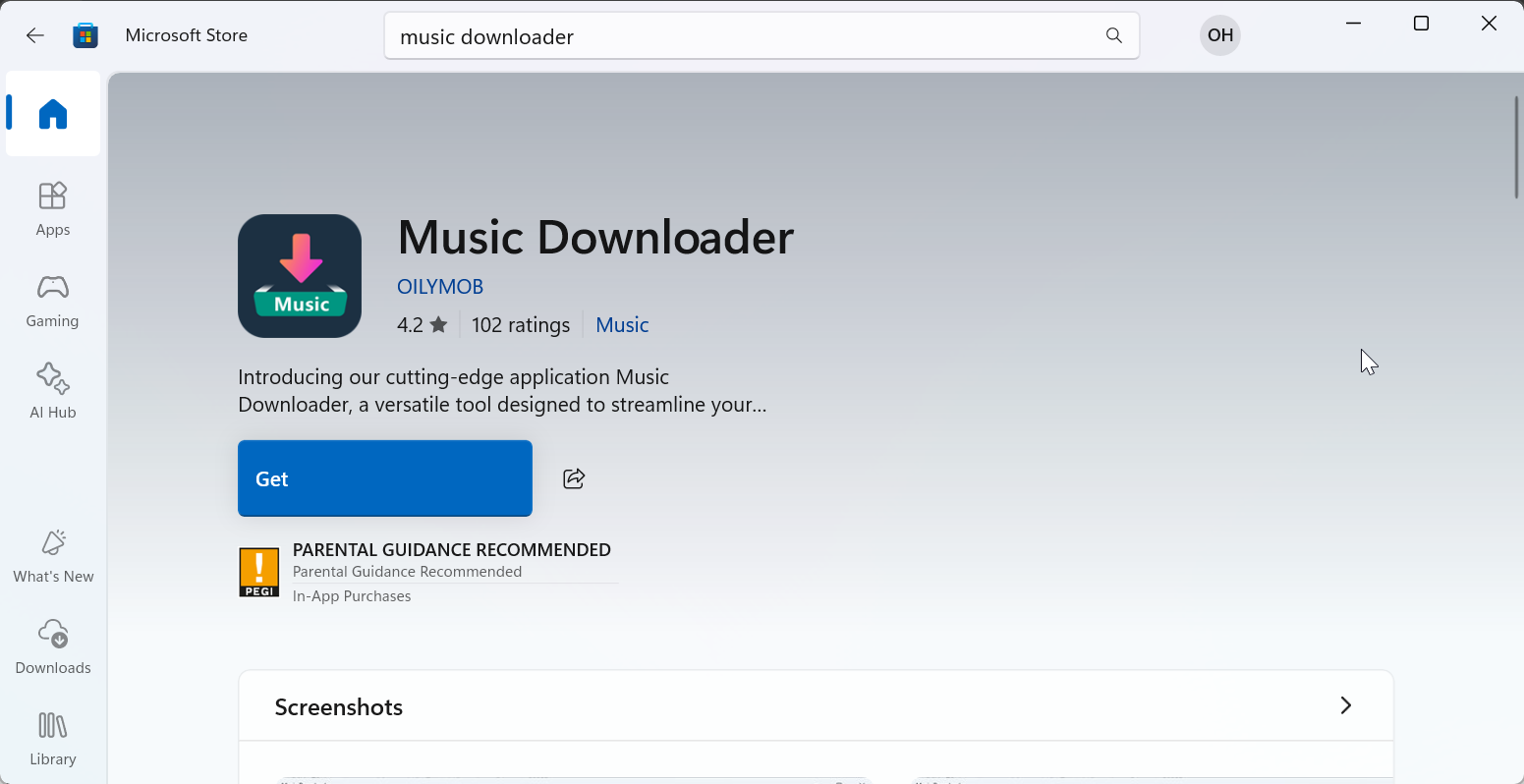
Use a universal media downloader
Install a trusted media downloader and paste the link you want to convert. Choose the audio format, pick the quality you want, and save the output file. This approach handles more sites than online tools.
Convert streaming audio to MP3 with a screen recorder
Screen recorders with system audio capture can save audio tracks when direct downloads fail. You record the audio as it plays and export it as MP3 or WAV. This method bypasses most playback restrictions except heavy DRM.
Download music directly using your browser
Your browser can help you inspect network activity and find original audio URLs. This method requires no extra tools and works well for simple embedded audio.
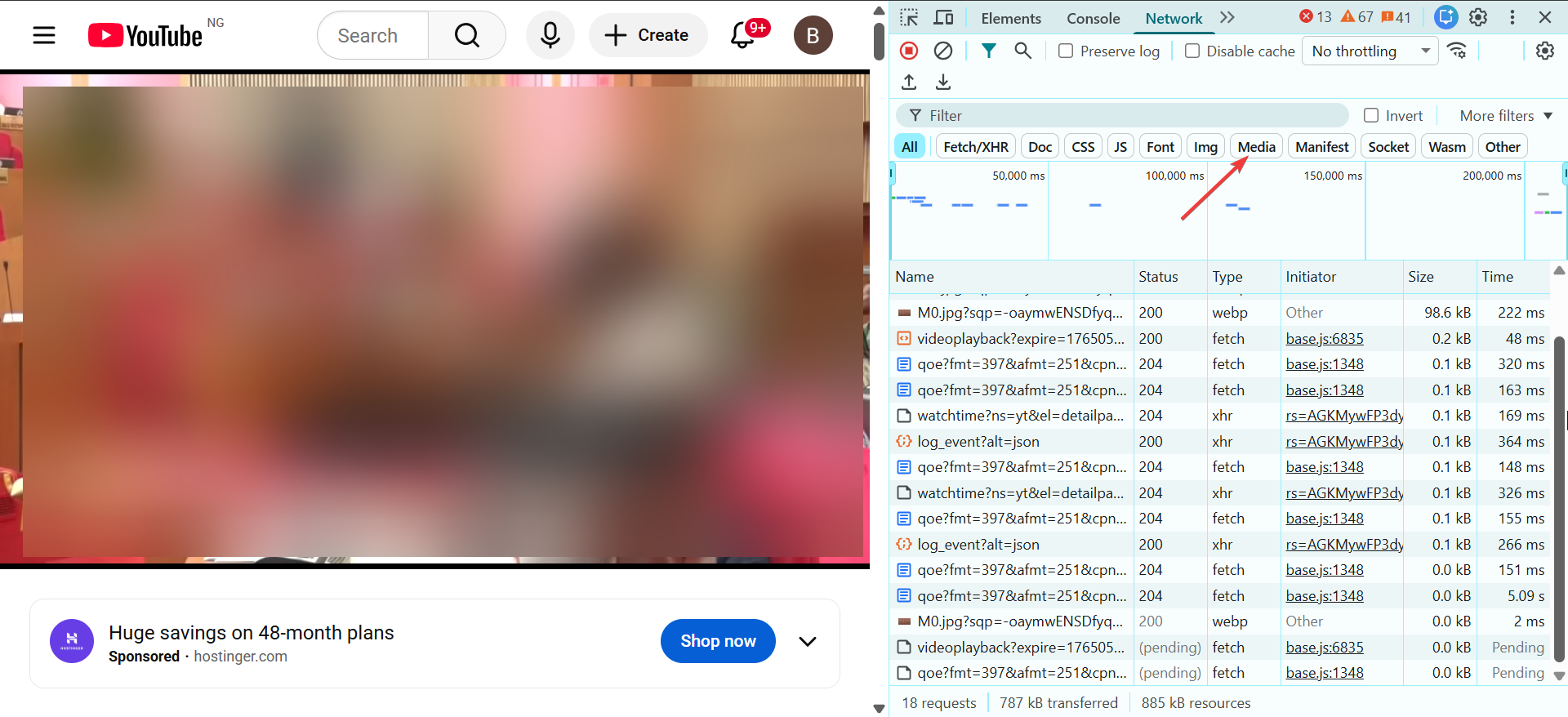
Save audio files via Inspect or Network tab
Open Developer Tools and switch to the Network tab. Play the audio and filter for file types like MP3 or M4A. Right-click the file entry and save it locally.
Use view page source to find direct file links
Open the page source and search for ".mp3" or ".m4a". Copy the link into a new tab and save the audio file once it loads. This works on sites that store media files in plain URLs.
Downloading music on Android and iPhone
Mobile browsers support direct downloads, but files may save to different folders depending on the device.
Use mobile-friendly download sites
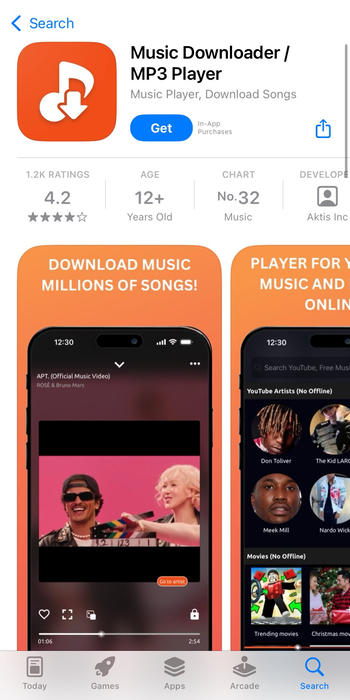
Open the downloader in Chrome or Safari and paste the link you want to convert. Tap Download and choose MP3 or another supported format. The file saves to your Downloads folder or local storage.
Save audio to Files or Music apps
On iPhone, open the Files app to locate and play your downloads. On Android, move the audio file to your Music folder if your player requires it. Some apps organize files automatically.
Downloading music safely and legally
Safe downloading helps you avoid malware and keeps your data secure. You should rely on trusted tools with clean interfaces and clear privacy details.
Identify safe downloaders
Choose downloaders with HTTPS, transparent permissions, and no aggressive ads. Avoid pop-up heavy converter sites that offer multiple unrelated downloads.
Understand copyright limits
You can store personal copies of public domain or royalty-free tracks. You should avoid downloading licensed songs from paid platforms unless the site clearly allows offline use.
How to improve audio quality after downloading
Downloaded audio may need cleanup, conversion, or tagging. Simple tools can automate most of the work.
Convert files to recommended formats
MP3 works for most devices and uses less storage. AAC delivers better quality at similar sizes. FLAC works for lossless audio libraries.
Add metadata and album art
Tag editors can add artist names, album titles, and artwork. These details help music players categorize your library.
Troubleshooting common download problems
- Downloader not detecting music: Reload the page and disable ad blockers, then try again. If the issue remains, switch to developer tools or a desktop downloader.
- Download button not appearing: Clear your browser cache and update the extension. Some sites change their scripts and require an updated version of the tool.
- File will not play or shows as corrupted: Re-download the file or convert it with an audio converter. Corrupted or partial files often result from network interruptions.
Tips for downloading music from any site
- Use HTTPS-only tools to avoid malicious redirects.
- Keep one trusted desktop downloader installed for high-quality conversions.
- Store sensitive downloads in your private folders.
- Clear your browser cache if a downloader stops detecting audio.
- Test playback before deleting temporary recordings.
FAQs
How can I download music if the site blocks downloaders? You can capture the audio with a screen recorder that supports system sound. This method works on most sites that block direct downloads.
Can I download music to an iPhone without a computer? Yes. Safari supports direct downloads. You can save files to the Files app and play them locally.
Why do some downloads fail to convert to MP3? Some sites use streaming formats that require a secondary conversion. A desktop tool usually handles this automatically.
How do I download high-quality audio from streaming sites? Choose FLAC or high-bitrate settings in your downloader. If the site limits quality, a system audio recorder may provide better results.
Summary
- Quick downloaders and extensions offer fast results for most sites.
- Desktop tools handle long videos, playlists, and multiple formats.
- Developer Tools can expose direct audio links for manual downloads.
- Mobile browsers allow simple downloads via converter sites.
- Safe and legal downloading requires attention to site permissions and content rights.
Downloading music from any site becomes simple when you match the right tool to the platform. Most users get fast results with online downloaders, while desktop tools or developer features handle harder cases. Use the safety tips above, test your downloads, and build a clean music library that works across all your devices.


Discussion (0)
Be the first to comment.