




Downloading songs off the internet can feel confusing because websites use different playback systems and file formats. You can save music safely when you understand which tools work, which methods stay legal, and how to organize audio across your devices.
This guide walks through the safest and most reliable ways to download music on a computer or a phone. You’ll learn direct downloads, browser extensions, online tools, desktop software, audio recorders, and the best options for iPhone and Android users.
1) Use browser extensions to capture audio
Browser extensions can detect audio streams on webpages and save them as MP3 files. They work well when a website does not provide a download button.
This is the fastest method for embedded players that do not expose the file directly. To use this, just go to the Chrome Web Store on Chrome or Edge, or the Adds On store for Firefox, search for music downloader, and add the extension to your browser.
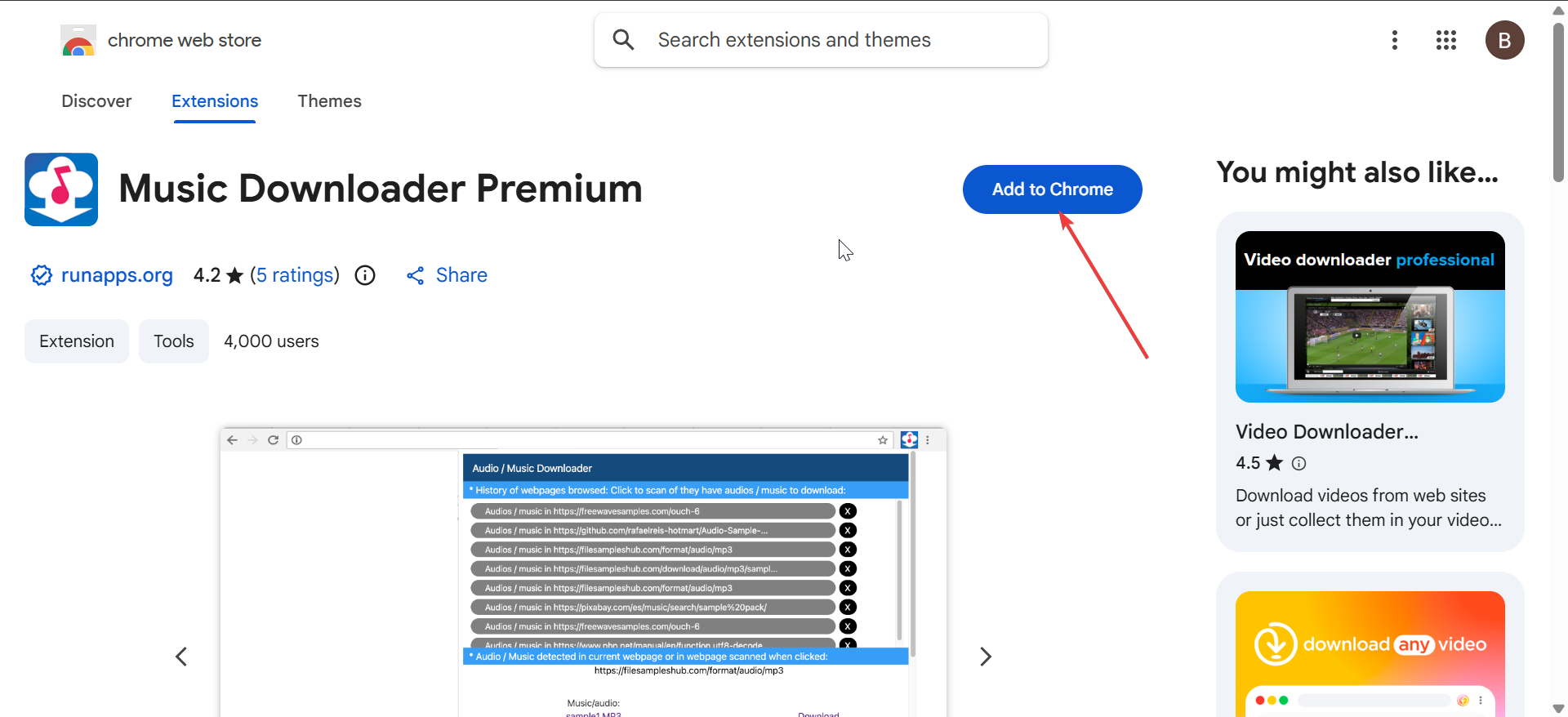
Keep the extension enabled when you want to visit the website containing the song you want to download. Some extensions will show a Download button when you start playing the song, while some will just record it for you to download later.
2) Download songs with online tools
Online downloaders convert URLs into MP3 or WAV files. They are quick, work in any browser, and do not require installation.
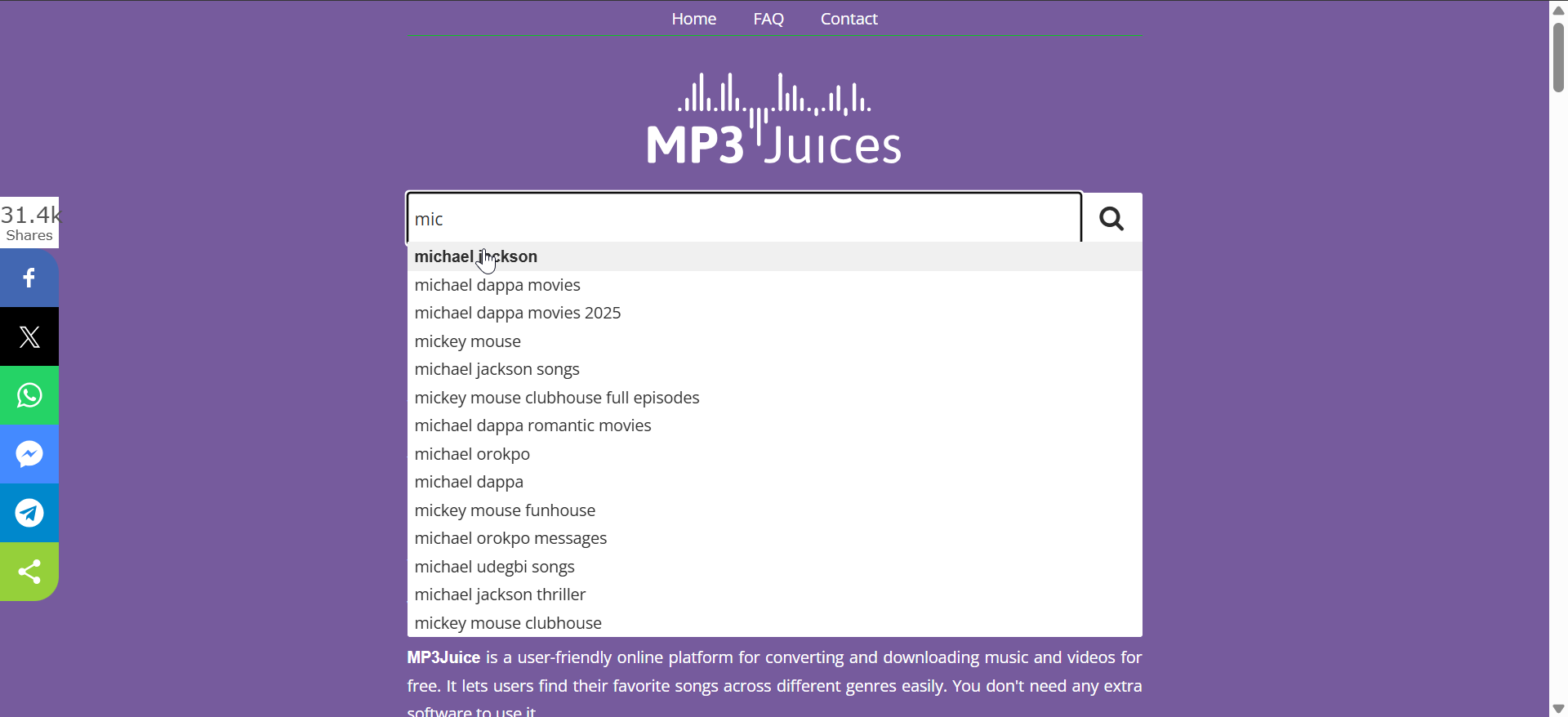
You just need to paste the song link, choose your format, and click Download. Most tools work with multiple websites, including pages that host embedded audio. What's more, these tools support mobile browsers and desktop browsers equally well.
3) Use desktop software for better quality
Dedicated apps offer the most reliable way to download high-bitrate files and batch multiple songs. They also make it easier to manage libraries and edit metadata.
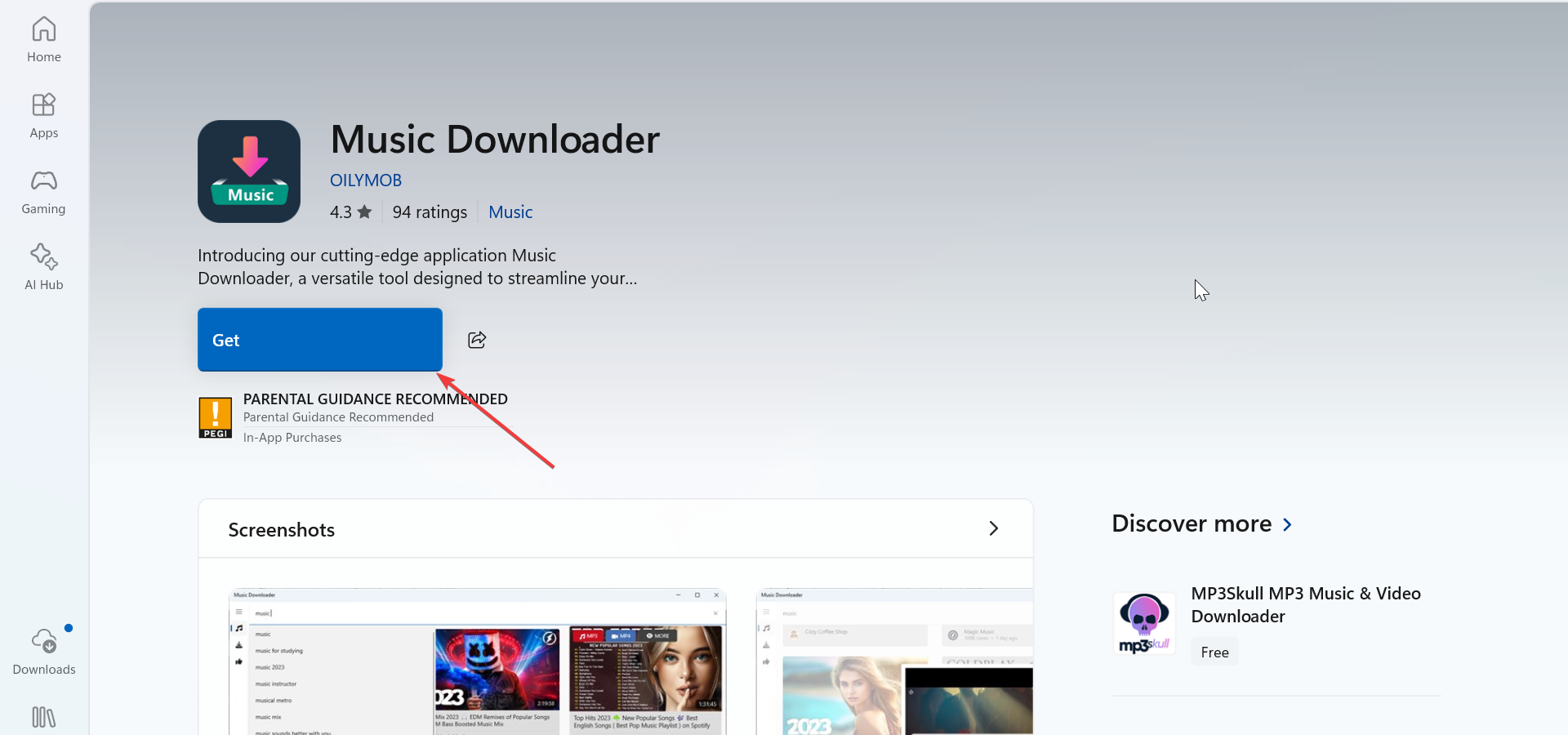
To get this app, go to your device's app store (Microsoft Store, App Store) or search online for reliable music downloaders. Some have a collection of music you can download from, while there are some that allow you to paste a link instead.
4) Record streaming audio when downloads are not available
Some websites block every download method. Recording the music directly from your system audio gives you a guaranteed backup option.
Recordings capture exactly what you hear but depend on your device’s output quality. You can use tools like OBS Studio to record your screen as well as your audio. However, there are other dedicated recorders you can still go for, depending on your device.
Just make sure it is secured and of high quality.
5) Download songs on mobile devices
Phones handle file storage differently from computers. Browsers may not allow direct audio downloads, so you need apps or file managers.
Android download options
Android supports MP3 downloads through Chrome or the device’s default browser. File manager apps can move songs to your Music folder.
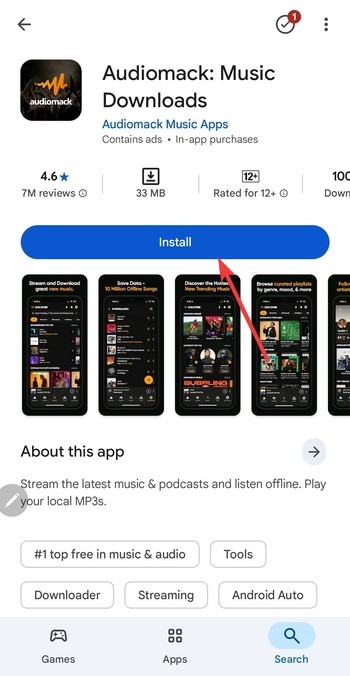
Android users have more freedom because the OS lets apps access the file system.
iPhone download options
iOS requires using the Files app or a trusted download manager. You can save MP3s to iCloud Drive or local storage, then import them into your music app.
This workflow takes longer than Android, but it offers better organization.
6) Troubleshoot common download problems
- Browser blocking the file: Browsers sometimes stop audio downloads for security reasons. Allow the file temporarily or adjust safe-download settings to continue. You can also try a different browser if the issue persists.
- File will not play: Unsupported formats cause playback errors. Convert the file or use a music player that supports multiple formats.
Tips to organize and sync your music
- Add songs to your music player: Import MP3s into VLC, iTunes, or similar apps to build playlists. This helps you keep everything organized and easy to find. Music apps also let you fix metadata and album artwork.
- Sync tracks across devices: Use cloud storage, USB transfer, or wireless sync to share tracks between your phone and computer. This prevents duplicates and keeps your library current.
Summary
- Use direct download buttons when available for the best quality.
- Try extensions or online tools when the site hides the audio.
- Use desktop software for faster batch downloads.
- Record system audio when downloads are not possible.
Conclusion
Downloading songs off the internet becomes simple when you match the method to the site and device. Direct downloads offer the fastest option, while extensions, software, and recorders fill the gaps when pages block downloads.
Stick to safe and legal sources, organize your files, and pick the formats that fit your listening needs to build a clean and reliable music library.


Discussion (0)
Be the first to comment.