




Many people search for ways to comment anonymously on Facebook groups because they want privacy, honesty, or protection from backlash. Facebook supports anonymous posts in some groups, but it does not support anonymous comments at all. This limitation causes most of the confusion around this topic.
Below is the clear, up-to-date explanation of what you can and cannot do, why the restriction exists, and what realistic alternatives you have.
Table of contents
- Can you comment anonymously on Facebook groups?
- Why Facebook allows anonymous posts but not anonymous comments
- Difference between anonymous posts and anonymous comments
- How anonymous posting in Facebook groups actually works
- Workarounds people use to comment anonymously
- Common myths about anonymous comments on Facebook
- What to do if anonymity is critical
- FAQs users have before posting anonymously
- Summary
Can you comment anonymously on Facebook groups?
No, Facebook does not allow anonymous comments in groups. The only exception is if you made an anonymous post and you add a comment, the comment will remain anonymous.
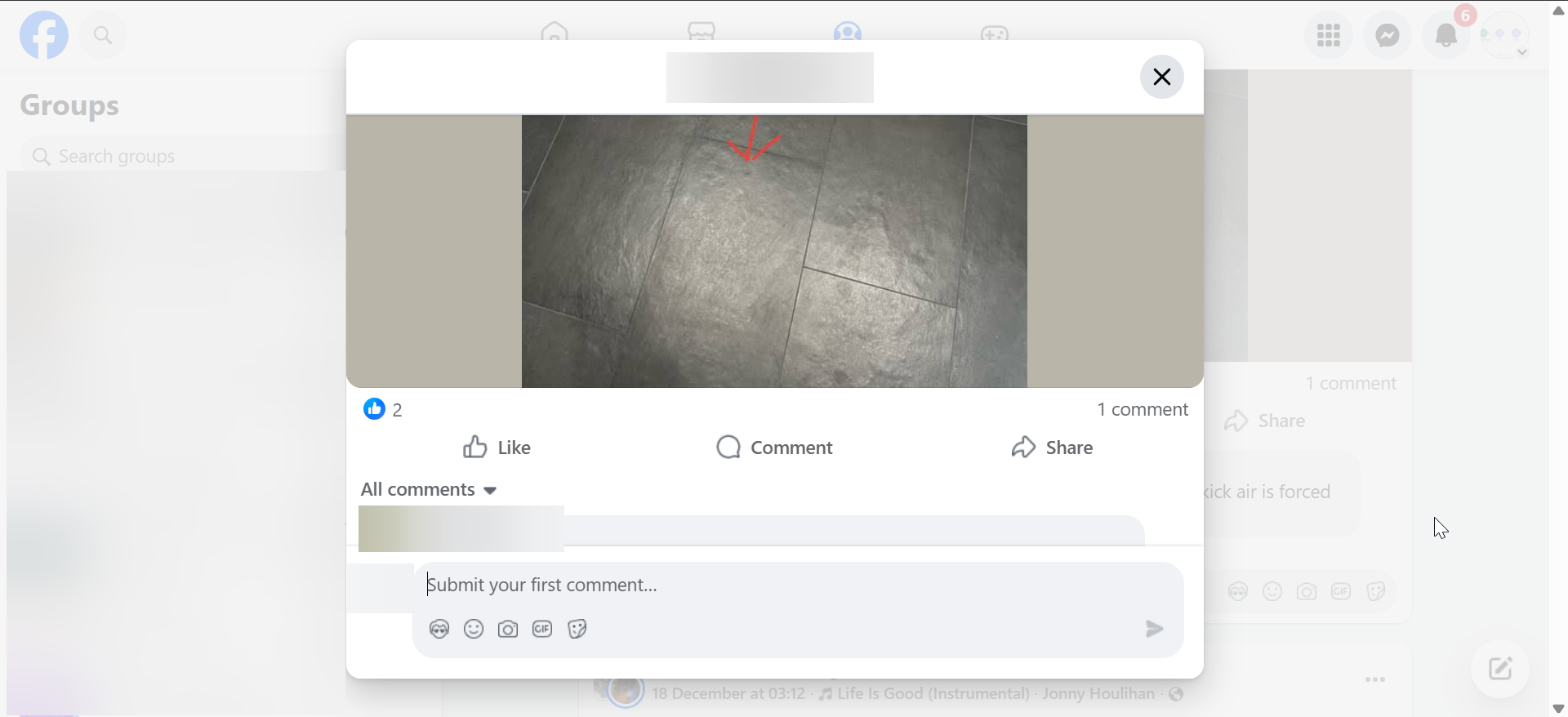
However, it is important to know that you cannot hide your name when commenting on another person's post, even if the original post was anonymous.
Lastly, Facebook only supports anonymous posting, and only in groups where admins enable the feature. Every comment always shows the commenter’s real profile name.
Why Facebook allows anonymous posts but not anonymous comments
Facebook designed anonymous posting to encourage sensitive discussions while keeping moderation manageable. Anonymous comments would make abuse, harassment, and spam much harder to control.

Comments create ongoing conversations, and Facebook requires clear identity signals to enforce rules and accountability.
How group admins see anonymous activity
Group admins cannot see the author of an anonymous post. Facebook itself still knows the identity and can act on reports or violations if needed.
Difference between anonymous posts and anonymous comments
Many guides mix these two features, which leads to false expectations.
Anonymous posts hide your name from group members. Anonymous comments do not exist on Facebook, except for your own anonymous posts.
What stays hidden and what does not
- Anonymous post: Your name stays hidden from members and admins
- Comment on others' post: Your name always appears
- Comment on your anonymous post: You remain anonymous
- Facebook platform: Always knows your identity
How anonymous posting in Facebook groups actually works
Anonymous posting only works if the group admin enables it. The option appears during post creation, not after publishing.
How to post anonymously on mobile
Open the group, tap Create post, and check for the Anonymous post toggle. If the toggle does not appear, the group does not support anonymous posts.
How to post anonymously on desktop
Open the group page, click Write something, and toggle the Anonymous post switch at the top. Facebook hides this option when the group disables the feature.

Workarounds people use to comment anonymously
No workaround offers true anonymity inside Facebook comments, but some users attempt alternatives.
Using a secondary Facebook account
Some people use alternate profiles, but this violates Facebook’s policies. Facebook can remove these accounts without warning.
Asking admins to post or comment on your behalf
In smaller or moderated groups, admins may relay comments anonymously. This depends entirely on group rules and trust.
Using anonymous feedback tools outside Facebook
Some groups accept anonymous submissions through external forms or apps. These tools work outside Facebook’s comment system.
Common myths about anonymous comments on Facebook
Misinformation spreads quickly around this feature.
Admins can make comments anonymous
Admins cannot change comment visibility. Facebook controls this at the platform level.
Facebook is testing anonymous comments
Facebook has not announced any public tests or rollouts for anonymous comments.
What to do if anonymity is critical
If anonymity matters more than engagement, avoid commenting altogether. Use anonymous posts, ask admins for help, or move the discussion to platforms designed for anonymous interaction.
FAQs users have before posting anonymously
Will Facebook ever allow anonymous comments?
Facebook has not shared any plans to support anonymous comments.
Can moderators trace anonymous posts to my account?
Moderators cannot see your identity, but Facebook can.
Can I edit an anonymous post later?
Yes, you can edit or delete your anonymous post like a normal post.
Summary
- Facebook does not allow anonymous comments in groups, except for your own anonymous post.
- Anonymous posting works only in groups that enable the feature.
- Comments always display your real profile name.
- Workarounds inside Facebook do not provide true anonymity.
Anonymity on Facebook groups starts and ends with anonymous posts. If you need full anonymity, choose platforms built specifically for anonymous discussions rather than relying on Facebook comments.


Discussion (0)
Be the first to comment.