



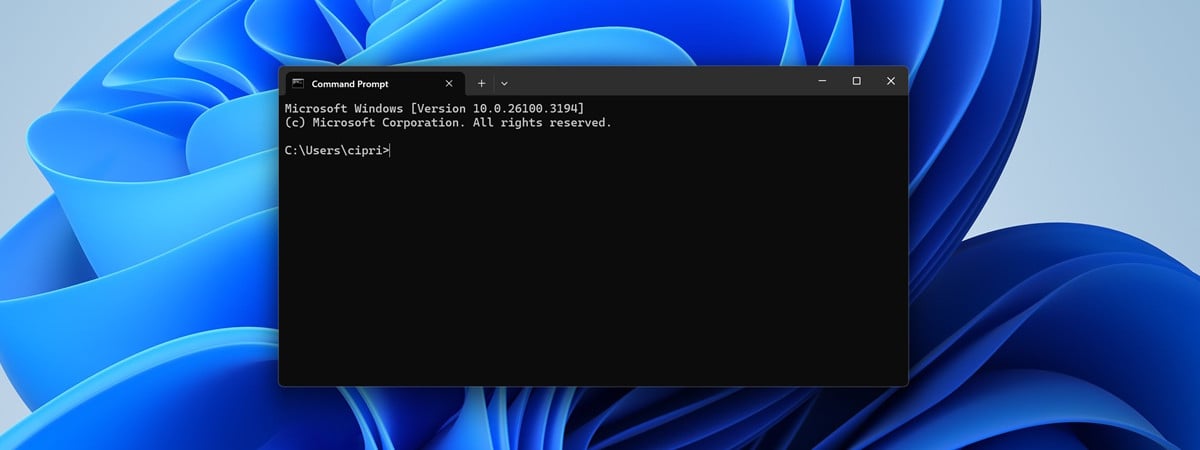
CMD may look old-school, but it’s still one of the most useful tools in Windows. With it, you can manage files, check your network, or fix problems in seconds, all without the hassle of clicking through endless menus. To make it easier, I’ve created a free CMD Commands Cheat Sheet in PDF format, packed with the best commands included in our tutorials. Download it and keep it handy on your screen or printed out next to your PC, and you’ll always know exactly what to type.

 Command Prompt in Windows
Once you’ve mastered the essentials, you might want to explore my list of the best CMD commands. It includes powerful commands for productivity, troubleshooting, and more. This way, you’ll know which commands are worth keeping.
Command Prompt in Windows
Once you’ve mastered the essentials, you might want to explore my list of the best CMD commands. It includes powerful commands for productivity, troubleshooting, and more. This way, you’ll know which commands are worth keeping.

 One of the useful commands in the CMD Cheat Sheet
And if you want to go beyond general Windows tasks, check out my guide to advanced networking commands in CMD. It should be a good resource for diagnosing connection problems, testing speeds, and tweaking your network without extra tools.
One of the useful commands in the CMD Cheat Sheet
And if you want to go beyond general Windows tasks, check out my guide to advanced networking commands in CMD. It should be a good resource for diagnosing connection problems, testing speeds, and tweaking your network without extra tools.
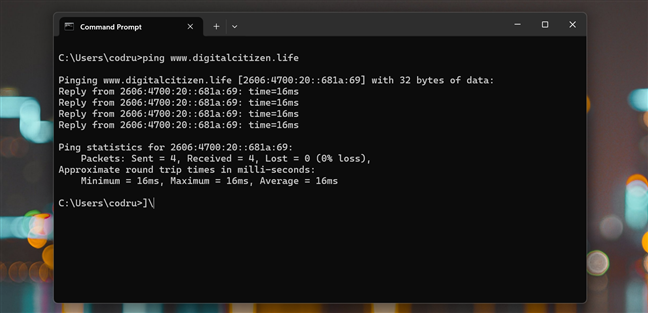
 A networking command you'll find in the CMD PDF
Having said that, the PDF file below is formatted for easy reading, so you can keep it on your screen while working or print it out and stick it near your desk.
Next, you can get a look at the full list of commands in the PDF, along with short descriptions and examples. The document has two pages, and this is the first one:
A networking command you'll find in the CMD PDF
Having said that, the PDF file below is formatted for easy reading, so you can keep it on your screen while working or print it out and stick it near your desk.
Next, you can get a look at the full list of commands in the PDF, along with short descriptions and examples. The document has two pages, and this is the first one:

 Page one of the Windows CMD Commands Cheat Sheet
The second page continues with these next commands:
Page one of the Windows CMD Commands Cheat Sheet
The second page continues with these next commands:

 Page two of the Windows CMD Commands Cheat Sheet
Download: CMD Commands Cheat Sheet PDF
Page two of the Windows CMD Commands Cheat Sheet
Download: CMD Commands Cheat Sheet PDF
CMD commands list PDF: Download and use this Cheat Sheet
You don’t have to memorize all the commands in the PDF I offer in this article. The whole point of the CMD cheat sheet is to give you a quick reference whenever you need it. Maybe you want to check your Wi‑Fi password, clean up your drive, or quickly copy a bunch of files. Instead of searching online every time, just open the PDF, find the command, and you’re ready to go. Before that, though, if you’re new to Command Prompt, start with my guide on how to use basic CMD commands. It’s a beginner-friendly intro to the essential commands, designed to help you get comfortable with the basics before going further down the road.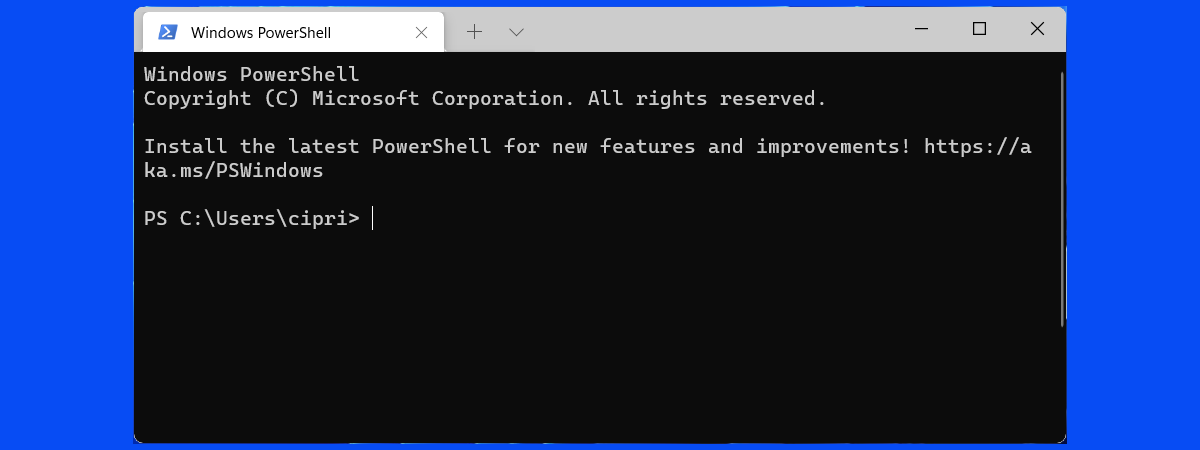
Discussion (0)
Be the first to comment.