



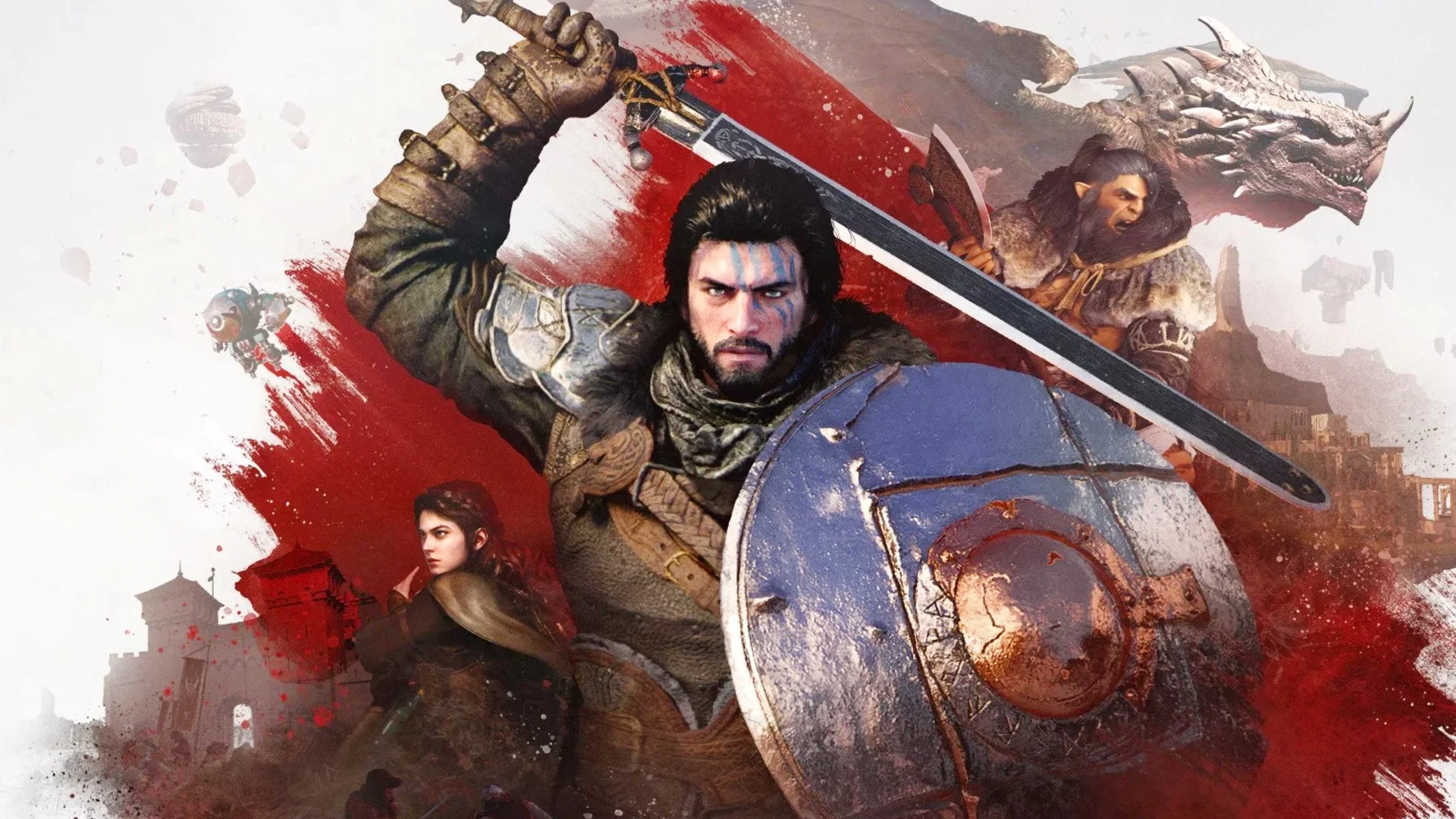
A new Crimson Desert mod is trying to fix one of the game’s more noticeable visual problems during combat. The Combat Clarity for DLSS Ray Reconstruction mod removes several effects that can make fights look blurry, cluttered, or harder to read, especially when Nvidia DLSS Ray Reconstruction is enabled.
Crimson Desert is already one of the stronger looking open world games of this generation, but its combat can become visually crowded. Heavy particle effects, distortion, terrain debris, and ghost trail style effects can stack together during fast fights. That can make it harder to see enemy movement, timing windows, and the player character’s own actions.
The mod, created by perkzy1 and available through Nexus Mods, uses ReShade Shader Toggler to disable selected visual effects. These include the stationary phantom or ghost trail effect used with Nature’s Echo, impact distortion that can turn parts of the screen into a messy image, and terrain kick up effects such as grass, leaves, rocks, pebbles, and water. The result is a cleaner combat image with fewer distractions.
The mod helps DLSS Ray Reconstruction players most, but cleaner combat can benefit everyone
The biggest improvement is expected for players using DLSS Ray Reconstruction. That feature can improve ray traced image reconstruction, but it can also struggle when the scene is filled with fast moving, layered effects. When too many particles and distortions appear at once, the final image can become softer or more unstable in motion.
Removing those effects helps the image stay clearer during fights. This is useful because combat is the exact moment when visibility matters most. If you cannot clearly see attacks, enemy positions, or movement cues, the game can feel less responsive even when performance is fine.
| Removed or reduced effect | Why it matters |
|---|---|
| Phantom or ghost trails | Makes character motion easier to follow |
| Impact distortion | Reduces blurry or pixelated areas during attacks |
| Grass and leaf kick up | Keeps the screen cleaner in outdoor fights |
| Rock, pebble, and water effects | Reduces clutter during fast movement |
| Modular toggles | Lets you choose which effects to disable |
The mod is also modular, so players do not have to remove every effect at once. You can choose which parts to disable depending on your preference. That is useful because some players may like the cinematic look of Crimson Desert’s effects, while others may prefer a cleaner and more readable combat screen.
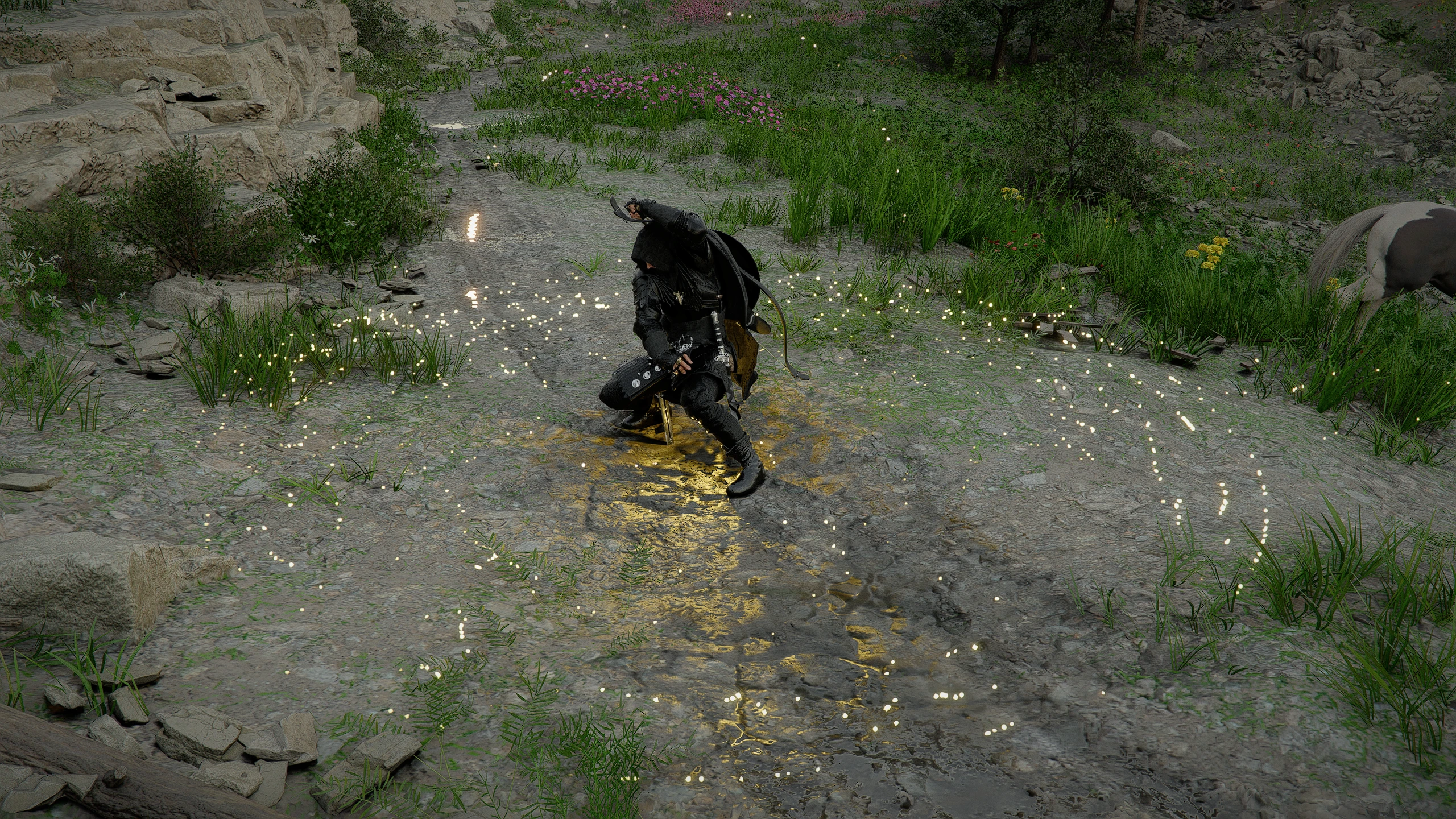
The comparison images in the report show a clear difference between the standard game and the modded version. The vanilla version looks more dramatic, but the modded version makes the action easier to read. For an open world action game where timing and movement matter, that tradeoff can be worth it.
The mod also raises a useful question for Pearl Abyss. If players are already removing these effects through community tools, the studio may eventually add official options for combat effect intensity, distortion, or terrain debris. The report notes that Pearl Abyss has been watching community feedback, so similar options could appear in a future patch.
For now, the Combat Clarity mod gives Crimson Desert players more control over the game’s visual noise. It is mainly aimed at improving DLSS Ray Reconstruction gameplay, but anyone who finds the default battle effects too busy may benefit from a cleaner and more readable presentation.

Discussion (0)
Be the first to comment.