



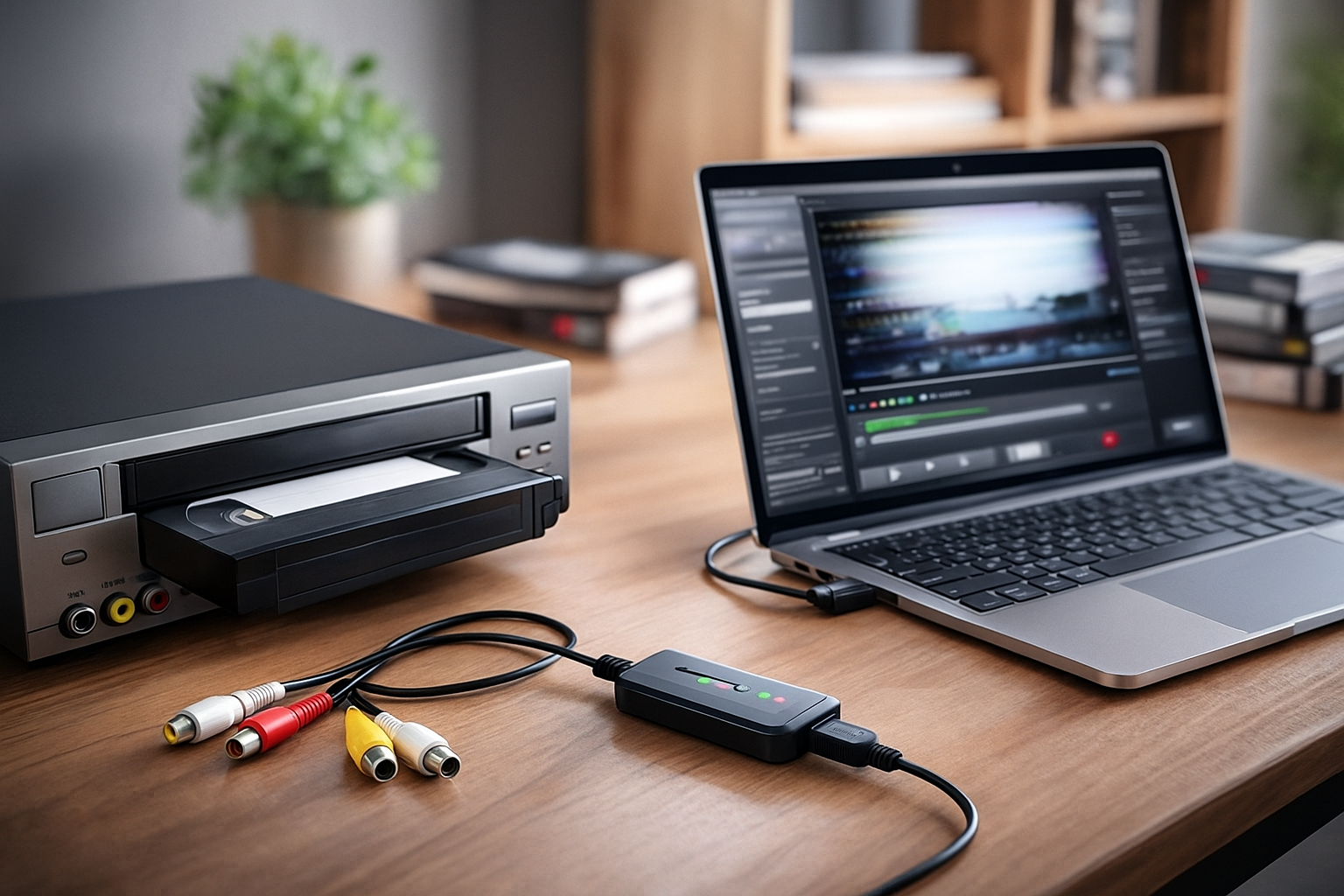
Preserving old VHS tapes matters because magnetic tape breaks down over time. Lines, glitches, and audio issues appear as tapes age. A reliable VHS-to-digital converter protects your recordings before they deteriorate further. This guide lists the best of them you can get today to preserve and restore your old tapes.
1) Elgato Video Capture
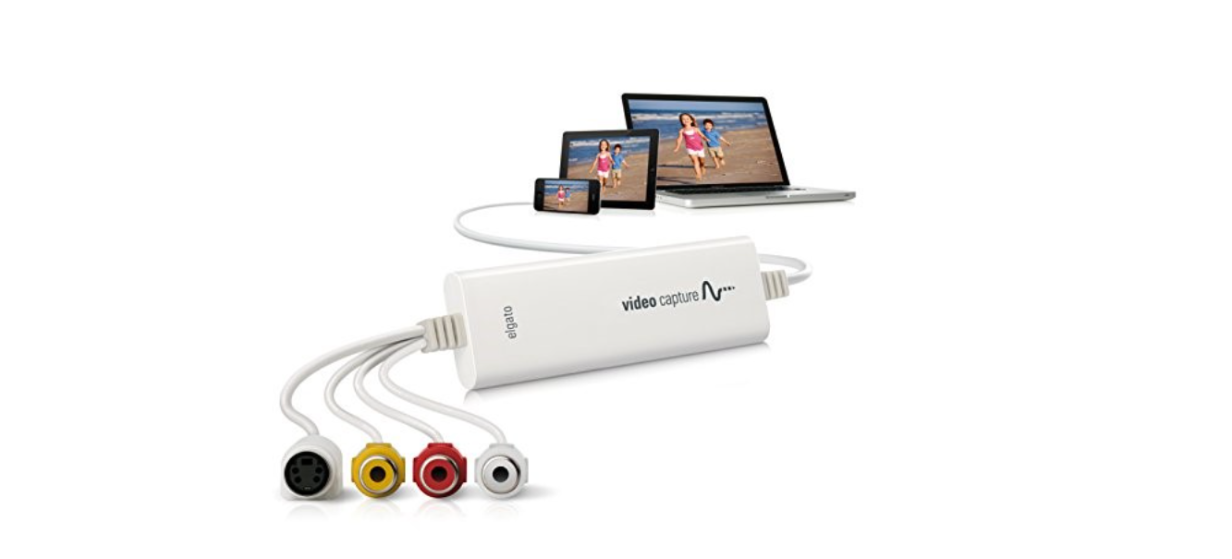
Elgato Video Capture delivers strong color accuracy and cleaner signals compared to budget sticks. The hardware works with both Windows and macOS without a complicated setup. It gives users a consistent digital output with minimal audio sync problems.
You use simple RCA or S-Video connections from any standard VCR. The bundled software walks you through trimming and saving your recordings. It stores files in MP4 format, which makes sharing or uploading easier.
The device costs more than basic USB sticks, but the stability makes it worth it. Elgato’s encoder handles long tapes without drift or frame drops. Most people choose it when they want the best overall results.
2) UCEC USB 2.0 Video Capture Card

UCEC offers a low-cost converter that most people can set up in a minute. It uses a simple RCA-to-USB connection for older VCRs. The device includes basic capture software that works fine for straightforward transfers.
You run the included program or use widely available capture apps on Windows. The converter records MPEG2 files, which you can later trim or convert. The process stays simple enough for beginners.
Image quality ranks below premium converters, but it handles casual conversions well. Light color noise sometimes appears, especially on older tapes. Still, it’s unbeatable for users who want a budget-friendly starter tool.
3) VIDBOX Video Conversion Suite

VIDBOX includes both hardware and a friendly, guided software experience. The box walks you through connecting your VCR, choosing output quality, and saving your file. The step-by-step interface removes guesswork for first-time users.
It uses RCA and S-Video inputs, which gives flexibility with older equipment. Output formats include MP4 and DVD-ready files. The workflow feels smoother than many low-cost options.
Price lands in the mid-range, but the ease of use stands out. Users who struggle with software setups appreciate VIDBOX’s design. It’s ideal for families digitizing home movies without technical experience.
4) ClearClick Video to Digital Converter 2.0
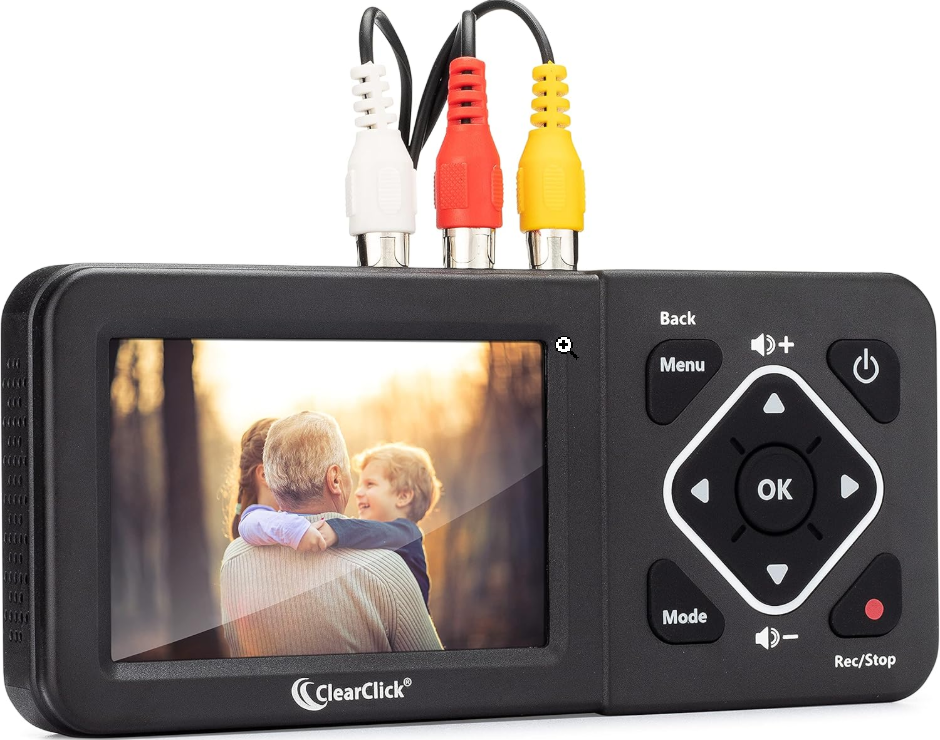
ClearClick runs independently without a PC or Mac. You plug in your VCR, insert an SD card, and record directly to the device. The built-in screen shows real-time footage so you can monitor your capture.
It outputs MP4 files that you can later transfer to a computer. This makes the process simple if you want a hands-off workflow. The device also supports pause and resume during long recordings.
The convenience comes at a higher price. Quality looks solid, though not as clean as high-end capture cards. Users who want to avoid computer setup usually choose ClearClick.
5) Diamond VC500 USB Capture
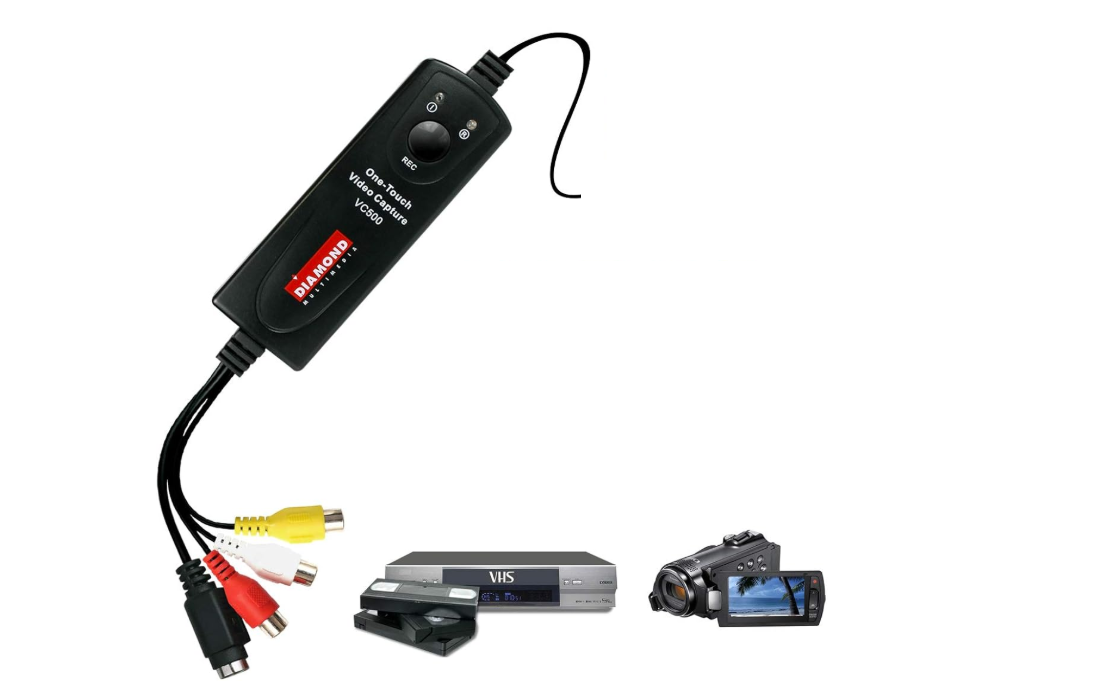
Diamond VC500 has strong driver support for Windows 10 and Windows 11. The included software offers guided steps to capture and edit your recordings. Many users pick it because it avoids driver headaches.
It supports RCA and S-Video sources and records in MPEG2 or MP4. Performance stays stable during long recordings. The kit includes adapters for older VCRs.
Quality sits between budget sticks and premium devices. Audio sync remains solid on full-length tapes. Windows users who want plug-and-play stability often choose the VC500.
6) Roxio Easy VHS to DVD
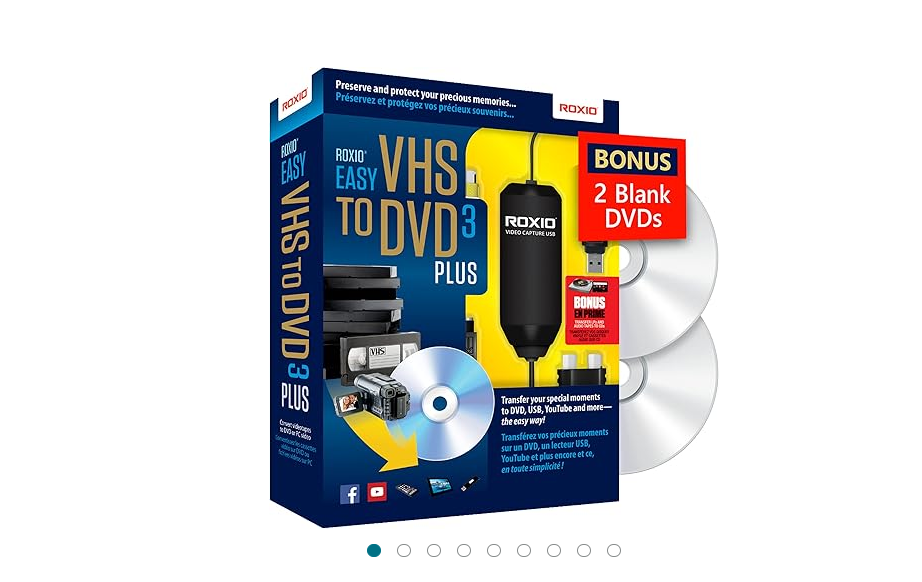
Roxio bundles hardware and software focused on VHS-to-DVD workflows. The program includes simple DVD menu templates and quick burn options. This appeals to families who want physical discs instead of digital-only backups.
The USB capture device supports standard RCA input. Roxio’s software also saves digital files, so you can store both disc and digital copies. Editing tools let you trim footage before final export.
The workflow focuses heavily on DVDs, but digital export works well. Roxio’s interface feels dated, yet it remains effective. Users who want disc-based archiving call this their go-to choice.
7) ION Video 2 PC MKII
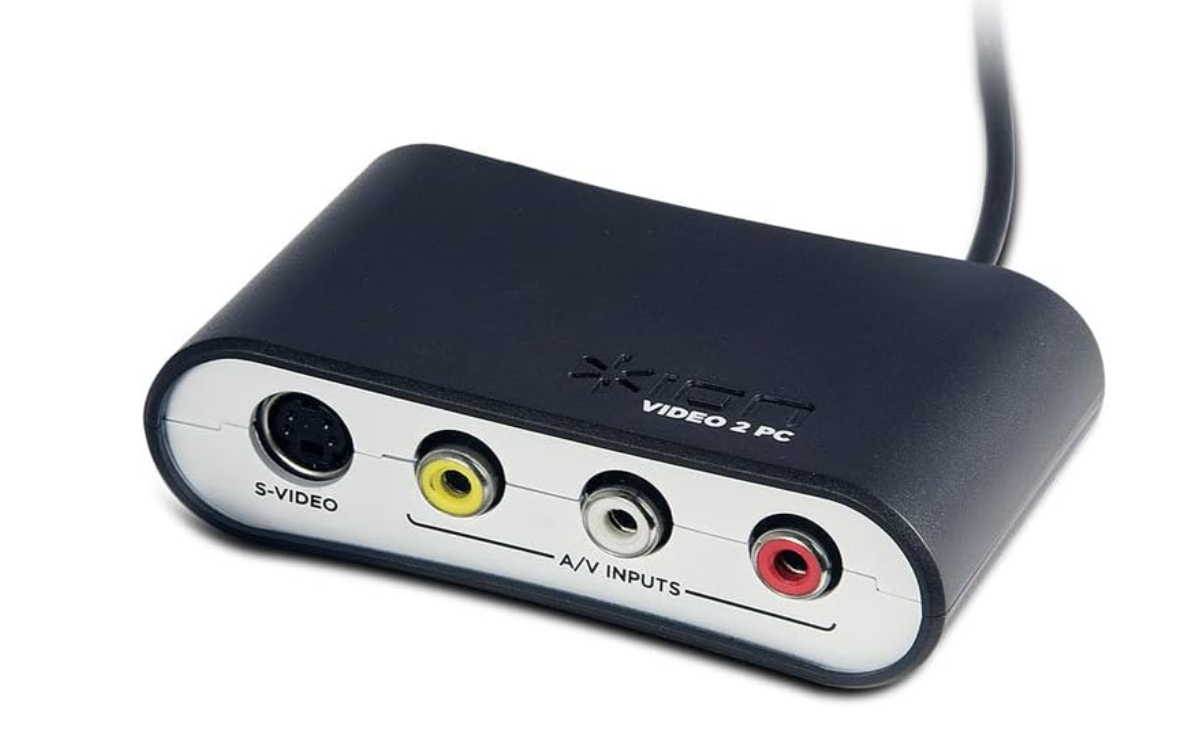
ION Video 2 PC MKII offers reliable macOS support and smooth playback during capture. Many Mac users pick it because some budget sticks struggle with drivers. The device records directly to MP4 for easy use in Apple apps.
RCA and S-Video inputs give enough flexibility for older tape decks. The capture software offers simple trimming tools. It also integrates cleanly with macOS file management.
Quality matches mid-range converters and stays stable for long sessions. It sometimes softens detail, but color accuracy looks consistent. Mac owners who want reliably supported hardware often select the ION.
Comparison table: top converters at a glance
| Converter | Best For | Inputs | Output Formats | Platform Support |
|---|---|---|---|---|
| Elgato Video Capture | Overall quality | RCA, S-Video | MP4 | Windows, macOS |
| UCEC USB 2.0 Capture Card | Budget users | RCA | MPEG2 | Windows |
| VIDBOX Video Conversion Suite | Beginners | RCA, S-Video | MP4, DVD files | Windows, macOS |
| ClearClick Video to Digital 2.0 | No-computer transfers | RCA | MP4 | Standalone |
| Diamond VC500 | Windows 10/11 | RCA, S-Video | MPEG2, MP4 | Windows |
| Roxio Easy VHS to DVD | DVD creation | RCA | MP4, DVD | Windows |
| ION Video 2 PC MKII | Mac users | RCA, S-Video | MP4 | macOS |
What to look for in a VHS to digital converter
Input types: RCA vs. S-Video
RCA works on every VCR, but S-Video gives sharper edges and better color separation. Users with S-Video-capable VCRs often see cleaner results.
Output formats and resolution
VHS records at 480i, so converters don’t upgrade resolution. MP4 and MPEG2 keep file sizes manageable and remain easy to edit.
Software compatibility
You need software that works well with Windows 11 or macOS. Some converters include apps, while others rely on OBS or similar tools.
Time Base Corrector (TBC) support
A TBC stabilizes shaky, wavy, or jittery footage. Users with old tapes see a major improvement when TBC features step in.
Included accessories
Adapters, RCA cables, and software discs reduce setup time. Kits with all accessories help beginners start faster.
FAQs
Can a VHS to digital converter improve video quality? No converter can increase the original tape resolution, but many can reduce noise and stabilize playback. You can enhance brightness or color later with editing software.
Do I need a specific VCR to convert tapes? Any working VCR with RCA or S-Video outputs will work. A higher-quality deck with S-Video support usually produces a cleaner digital recording.
How much storage space do digital VHS files need? A two-hour tape can range from 1.5 GB to 4 GB, depending on the format and bitrate. MP4 files use less space and work well for long-term storage.
Can I convert damaged or worn-out tapes? Most converters handle minor noise, tracking issues, and color bleed. Severely damaged tapes may require a Time Base Corrector or restoration service.
FAQs
Many users ask if they can improve VHS quality during conversion. You can boost brightness and color in editing, but converters don’t upscale resolution. Some ask if they can digitize damaged tapes, and most converters handle mild noise well.
Summary
- Elgato Video Capture offers the most consistent overall results.
- UCEC USB Capture gives users a solid budget option.
- VIDBOX helps beginners finish transfers with fewer mistakes.
- ClearClick works without a computer for simple workflows.
- Diamond VC500 offers dependable Windows support.
- Roxio excels at DVD creation.
- ION Video 2 PC works well on macOS.
- AIMENGTEK handles older or damaged tapes effectively.
Choosing the right VHS to digital converter helps you preserve old tapes before they deteriorate. Each device in this guide fits a different need, whether you want the best quality, the lowest price, or the simplest setup. Once you connect your VCR and capture device correctly, you can save your recordings as digital files that remain safe for years.

Discussion (0)
Be the first to comment.