




Writing, coding, or editing plain text on iOS needs more than the default Notes app. A dedicated text editor gives you better formatting control, file access, and workflows that scale from quick edits to serious writing sessions.
The apps below cover different needs, from distraction-free writing to advanced coding. Each option works on both iPhone and iPad, with clear strengths depending on how and where you work.
Table of contents
- How we chose the best text editors for iPhone and iPad
- Best overall text editors for iPhone and iPad
- Best text editors for Markdown writing
- Best text editors for coding on iPhone and iPad
- iPhone vs iPad: what actually changes
- Free vs paid text editors on iOS
- Tips for choosing the right text editor
- FAQs
- Summary
How we chose the best text editors for iPhone and iPad
We focused on editors who handle real files, not just notes. Each pick supports common formats, works reliably with the Files app, and delivers a smooth experience on both screen sizes.
We also looked at long-term usability, pricing transparency, and how well each app adapts to keyboards, multitasking, and offline work.
Best overall text editors for iPhone and iPad
Ulysses
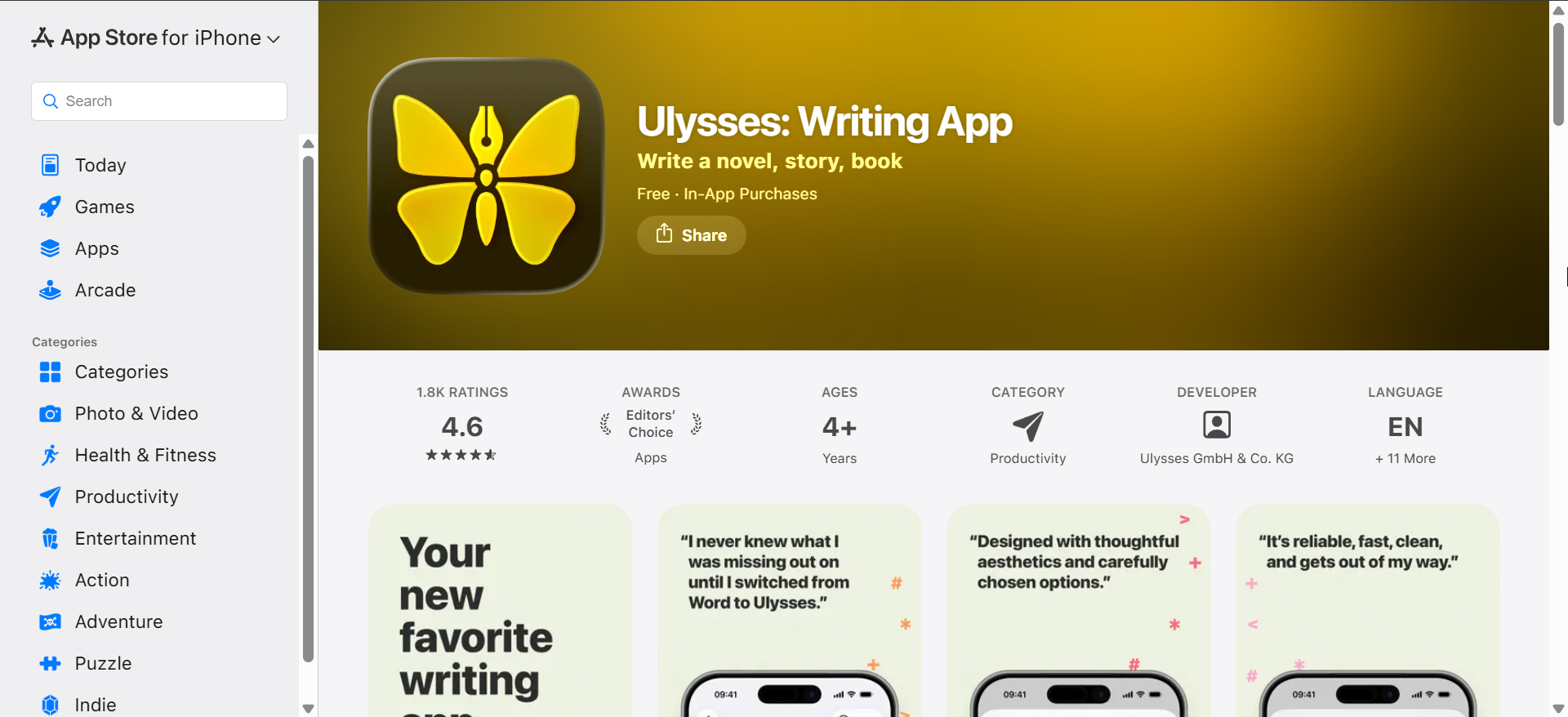
Ulysses focuses on clean, structured writing with a strong Markdown-based workflow. It suits writers who want to concentrate on text without distractions while still keeping full control over exports.
The app syncs seamlessly across iPhone and iPad, which makes switching devices effortless. However, its subscription model fits frequent writers more than occasional users.
iA Writer

iA Writer delivers one of the most minimal writing experiences on iOS. It removes visual clutter while still offering powerful Markdown support and syntax highlighting.
On iPad, it shines with external keyboards and split-screen workflows. On iPhone, it works best for focused edits and short writing sessions.
Bear
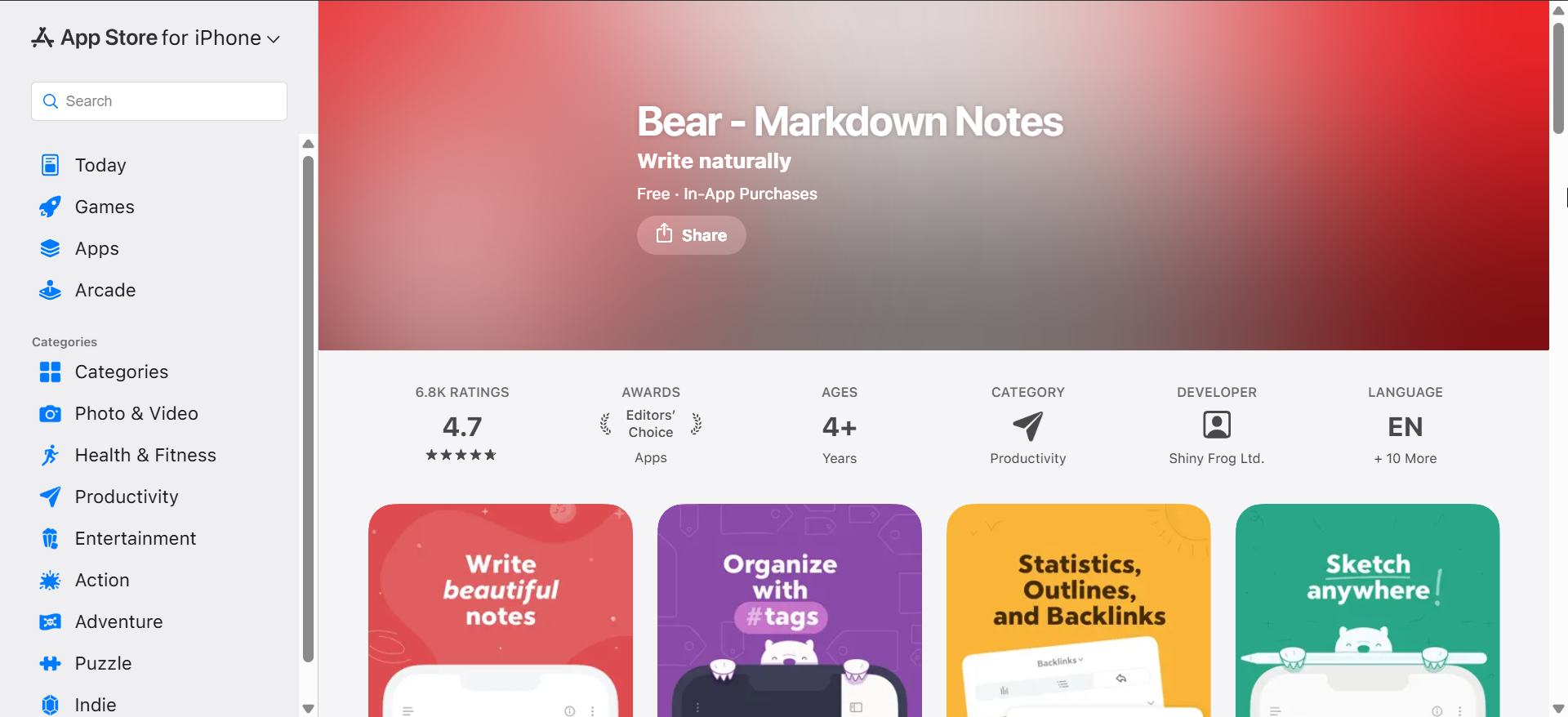
Bear blends note-taking and text editing into a polished, Apple-native experience. It uses Markdown-style tags, which makes organizing large text collections intuitive.
While it excels at writing and personal knowledge management, it handles plain text files less directly than some competitors. Still, it remains a favorite for writers who value design and structure.
Obsidian
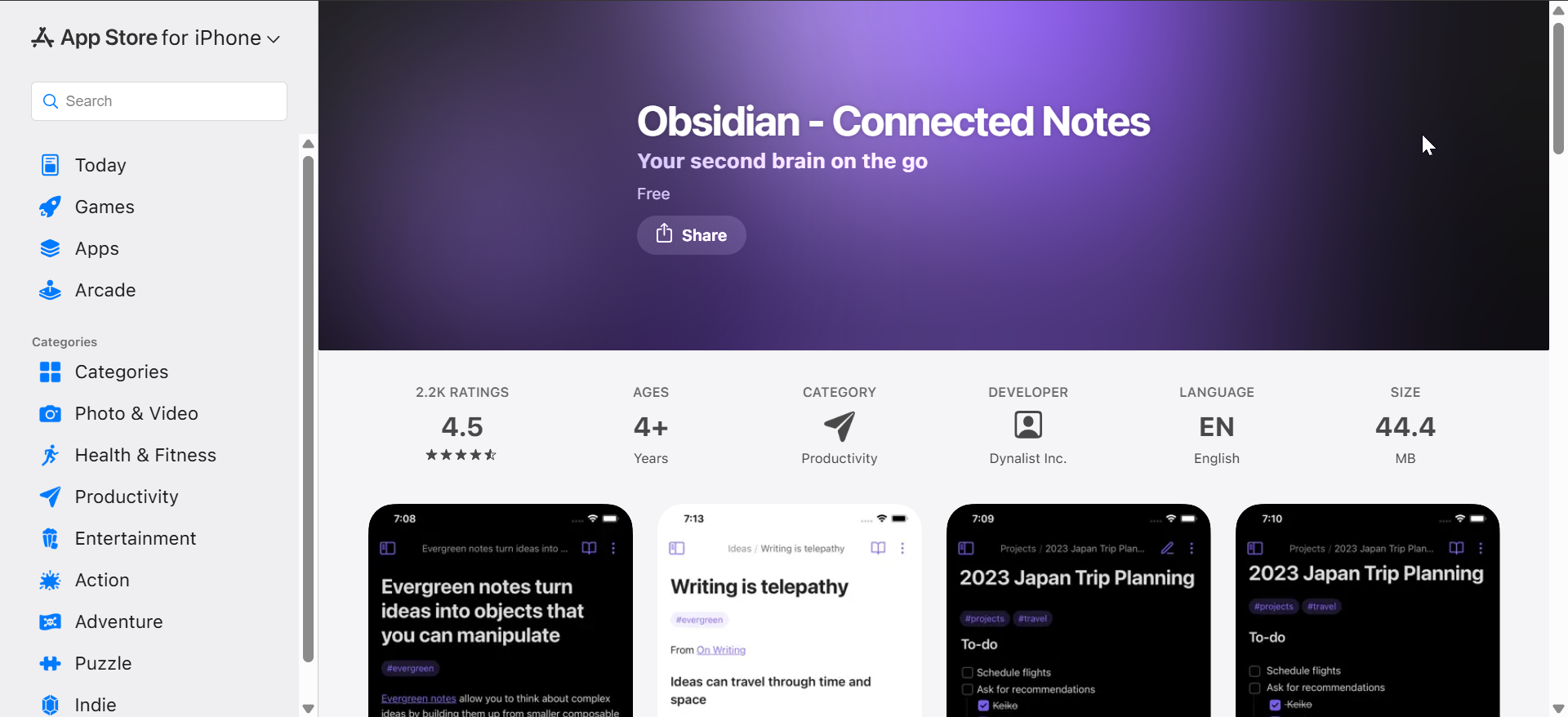
Obsidian targets users who want full control over local Markdown files. It stores everything as plain text, which appeals to long-term writers and researchers.
The iOS app syncs with cloud services or local storage, depending on your setup. Its interface feels denser than simpler editors, but it rewards users who enjoy structured systems.
Best text editors for Markdown writing
Textastic

Textastic focuses on coding and technical editing rather than prose writing. It supports syntax highlighting for many languages and handles large files reliably.
On iPad, it pairs well with external keyboards and multitasking. On iPhone, it works best for quick code checks or small fixes.
Kodex
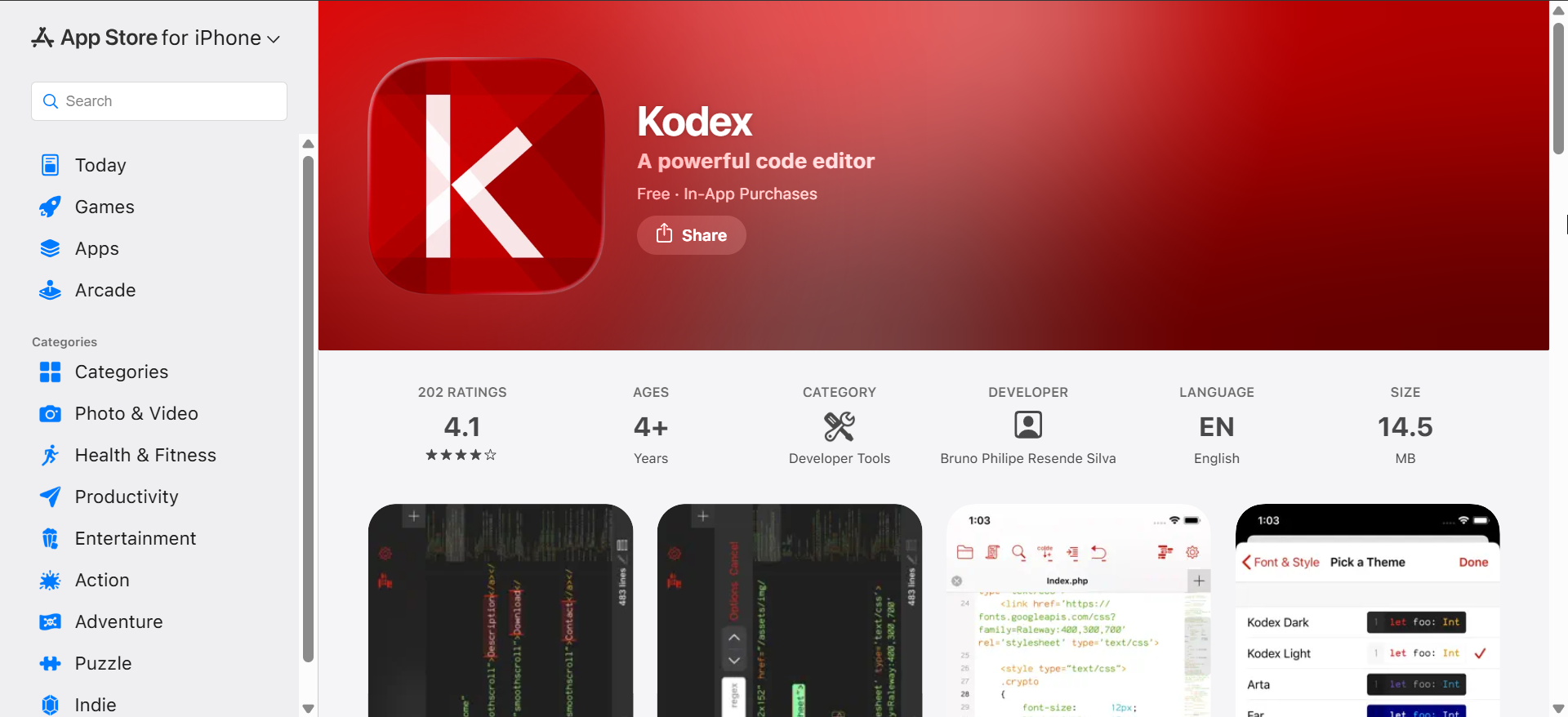
Kodex offers a balance between writing and development features. It supports syntax highlighting, theming, and file management without feeling overwhelming.
The interface adapts well across iPhone and iPad, making it a solid all-around choice. It suits users who alternate between writing and light coding.
Pretext

Pretext emphasizes simplicity and speed for plain text and Markdown editing. It opens files quickly and avoids unnecessary interface elements.
This editor works especially well for users who rely heavily on the Files app. While it lacks advanced features, it stays reliable for everyday editing.
Best text editors for coding on iPhone and iPad
Editorial

Editorial combines text editing with automation tools. It lets users build workflows that transform text, fetch data, or publish content automatically.
The learning curve feels steeper than most editors. However, power users gain unmatched flexibility once they master its action system.
iPhone vs iPad: what actually changes
On iPhone, text editors prioritize quick edits and portability. Smaller screens favor simple layouts and limited multitasking.
On iPad, the same editors unlock their full potential with split view, keyboard shortcuts, and multi-window support. This difference often matters more than the feature list itself.
Free vs paid text editors on iOS
Free editors usually cover basic writing and editing needs. They work well for short documents and occasional use.
Paid apps justify their cost with better sync, exports, automation, or advanced formatting. The value increases if writing plays a daily role in your workflow.
Tips for choosing the right text editor
- Choose a Markdown-focused editor if you write long-form content.
- Pick a code-oriented editor if syntax highlighting matters.
- Test iPad keyboard support if you plan laptop-style use.
FAQs
Can I use these editors offline?
Most of these apps support offline editing, especially when files live locally or in iCloud.
Do text editors replace word processors on iOS?
They replace them for plain text and Markdown, but not for complex page layouts.
Summary
- Writers benefit most from Ulysses, iA Writer, and Bear.
- Developers should look at Textastic or Kodex.
- Obsidian suits users who want full file ownership.
- iPad unlocks advanced workflows that iPhone cannot match.
Choosing the best text editor for iPhone and iPad depends on how you write, not just where. Once you match the app to your workflow, iOS becomes a surprisingly capable writing platform.


Discussion (0)
Be the first to comment.