



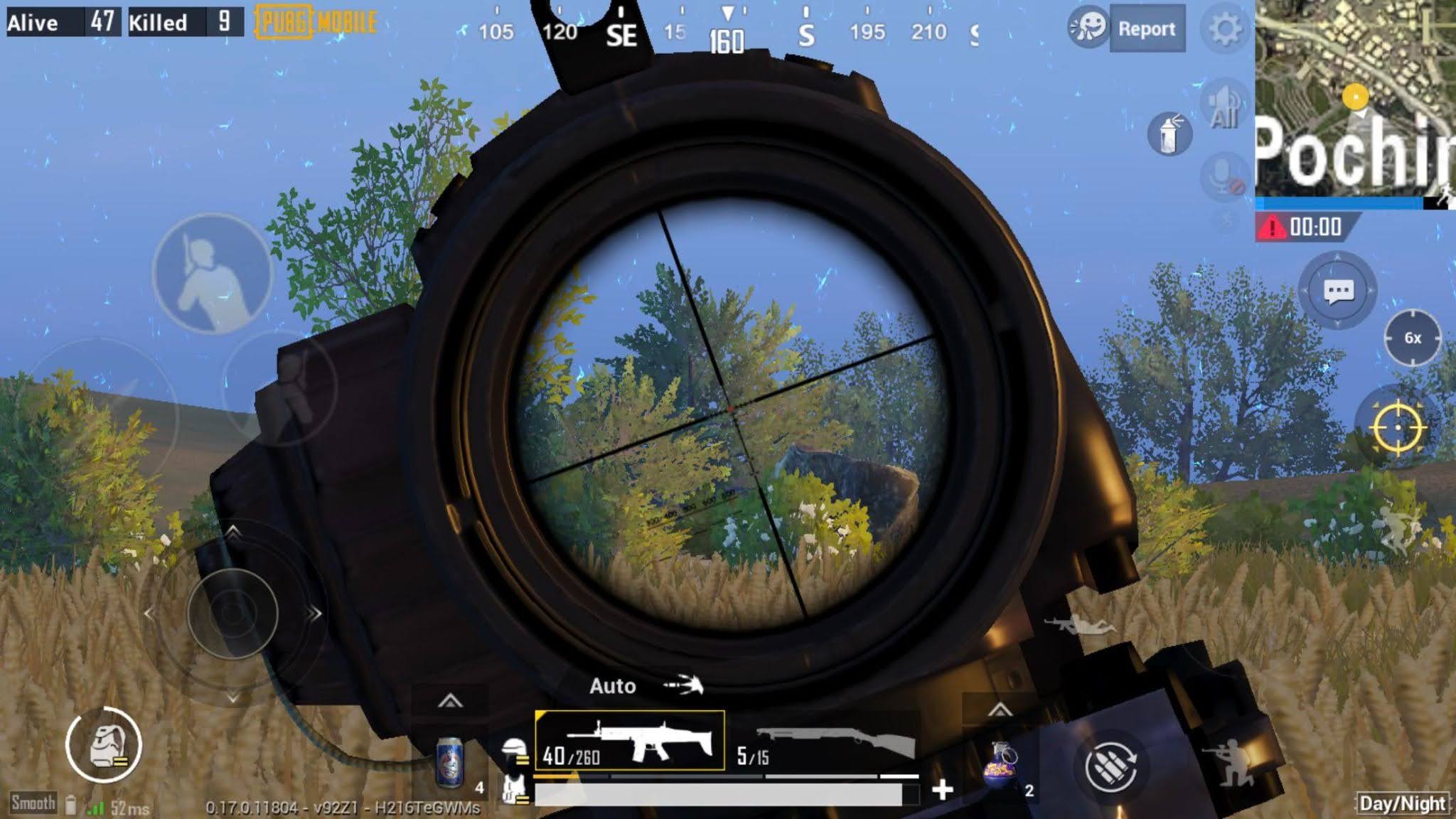
Finding the perfect setup for your phone is actually super easy when you know exactly what to look for. You really just need to stop copying other players because creating your own PUBG Mobile sensitivity settings gives you much better aiming results.
Before jumping into the training room, you can unlock the weapon skins and have your favorite gear equipped to make tweaking the best PUBG Mobile sensitivity feel much more fun.
Fixing Your Basic Camera View
Your third-person no-scope view is the main base of your PUBG Mobile sensitivity settings for looking around the map. You just need to find a sweet spot where one simple horizontal swipe makes your character turn 180 degrees.
If you spin way too far, gently drop the best sensitivity for PUBG Mobile by two percent and try again. Just repeat this simple process until you can pull off a perfect 180-degree turn every single time.
Nailing Close-Range Fights
Winning close fights gets much easier when your PUBG Mobile sensitivity settings for the red dot sight are perfectly tuned. Try placing a few targets within 100 meters and practice swiping your crosshair smoothly between them without shooting your gun.
When your crosshair stops right on the target, you have just found the best PUBG Mobile sensitivity for close combat. If you swipe past the target, simply lower your PUBG Mobile sensitivity settings by two percent until it feels completely natural.
Controlling Your ADS Recoil
Your ADS numbers directly manage your gun's recoil when you press the fire button to shoot enemies. To keep your muscle memory sharp, your camera values and your ADS PUBG Mobile sensitivity settings should match perfectly.
However, if you love shooting at moving cars, bump your 3x and 4x ADS PUBG Mobile sensitivity settings by four percent. This creates the best sensitivity for PUBG Mobile when you need to spray down fast targets.
Tablet Screen Adjustments
Playing on a big tablet means you need a totally different approach to your layout than regular phone users. Start your base camera at 90 percent because tablet screens naturally need much longer finger swipes.
Since many tablet gamers skip the gyro feature, finding the best PUBG Mobile sensitivity for the 3x scope is super important. Just shoot a target 350 meters away and tweak your PUBG Mobile sensitivity settings until your first seven bullets hit perfectly.
Setting Up Your Gyroscope
Gyroscope players physically tilt their phones to aim, making their gyro numbers super important for hitting clean shots. Hop into warehouse mode and see how naturally your PUBG Mobile sensitivity settings let you pre-aim corners.
If your crosshair shakes a lot, drop your numbers by five percent right away to fix the screen wobble. A calm, stable screen is the real secret to unlocking the best sensitivity for PUBG Mobile in tight spaces.
Smoothing Out Gyro Aim
A great rule of thumb is that a quick phone tilt should turn your character about 45 degrees in-game. Since first-person mode gives you a wider view, increase your FPP camera numbers by 10 percent above your TPP ones.
For the absolute best PUBG Mobile sensitivity, you need your scope gyro to be slightly lower than your ADS gyro. This keeps your recoil control steady without slowing down your PUBG Mobile sensitivity settings when tracking running enemies.
Mastering ADS Gyroscope
Your ADS gyro is what actually decides your shooting accuracy when you spray at targets from mid to long distances. Keep your no-scope ADS gyro 20 percent higher than your camera gyro to build the best sensitivity for PUBG Mobile for hip-firing.
You should test your new PUBG Mobile sensitivity settings by burst-firing a fully kitted weapon at targets 350 meters away. If your gun kicks up into the sky, raise the value by five percent until those first bullets hit dead on.
Dialing In Big Scopes
Sniper rifles need very smooth, slow-aiming setups so you can hit those satisfying long-range headshots. Make sure your 6x and 8x scope values match your normal gyro sensitivity for a super comfortable aiming feel.
Always test your big scopes on still targets first before trying to snipe moving players in a real classic match. Locking in the best PUBG Mobile sensitivity for snipers makes sure you never miss a free headshot again.
Tapping Semi-Auto Guns
Semi-auto rifles like the SKS need special attention because you’re constantly tapping your screen. You should drop your ADS sensitivity all the way down to one percent to keep your crosshair perfectly still.
This stops your screen from shaking every single time your thumb taps the fire button during a fight. It honestly is the best sensitivity for PUBG Mobile when you want to spam shots with a DMR accurately.
High Refresh Rate Screens
Playing on a 90Hz or 120Hz display makes your screen feel incredibly smooth and responsive to your touch. You might need to lower your values a little bit because the high frame rate makes your swipes register much faster.
A smoother screen naturally helps you track running enemies with much less effort than a standard 60Hz phone. Just remember to hop into the training grounds to recalibrate your muscle memory whenever you upgrade to a better device.
The Impact of Weapon Grips
Your attachments play a massive role in how your gun kicks when you’re firing long sprays at vehicles. An angled foregrip helps reduce horizontal bounce, while a vertical grip makes pulling your screen down much easier.
Always test your values using a fully kitted weapon because that is what you will use in the late game. Practicing with no attachments is fine for warming up, but it doesn’t show you how your gun will perform in a real fight.
Final Thoughts
Building solid muscle memory takes a few days, so you need to use your new setup for at least a week. Don’t change your numbers after just one bad match because staying consistent is the only way to improve.
Try spending 10 quick minutes in the training park every single day to warm up your hands before ranking up. You can even claim PUBG Mobile redemption codes while resting your thumbs in the lobby to get a nice little bonus to your daily practice routine.

Discussion (0)
Be the first to comment.