



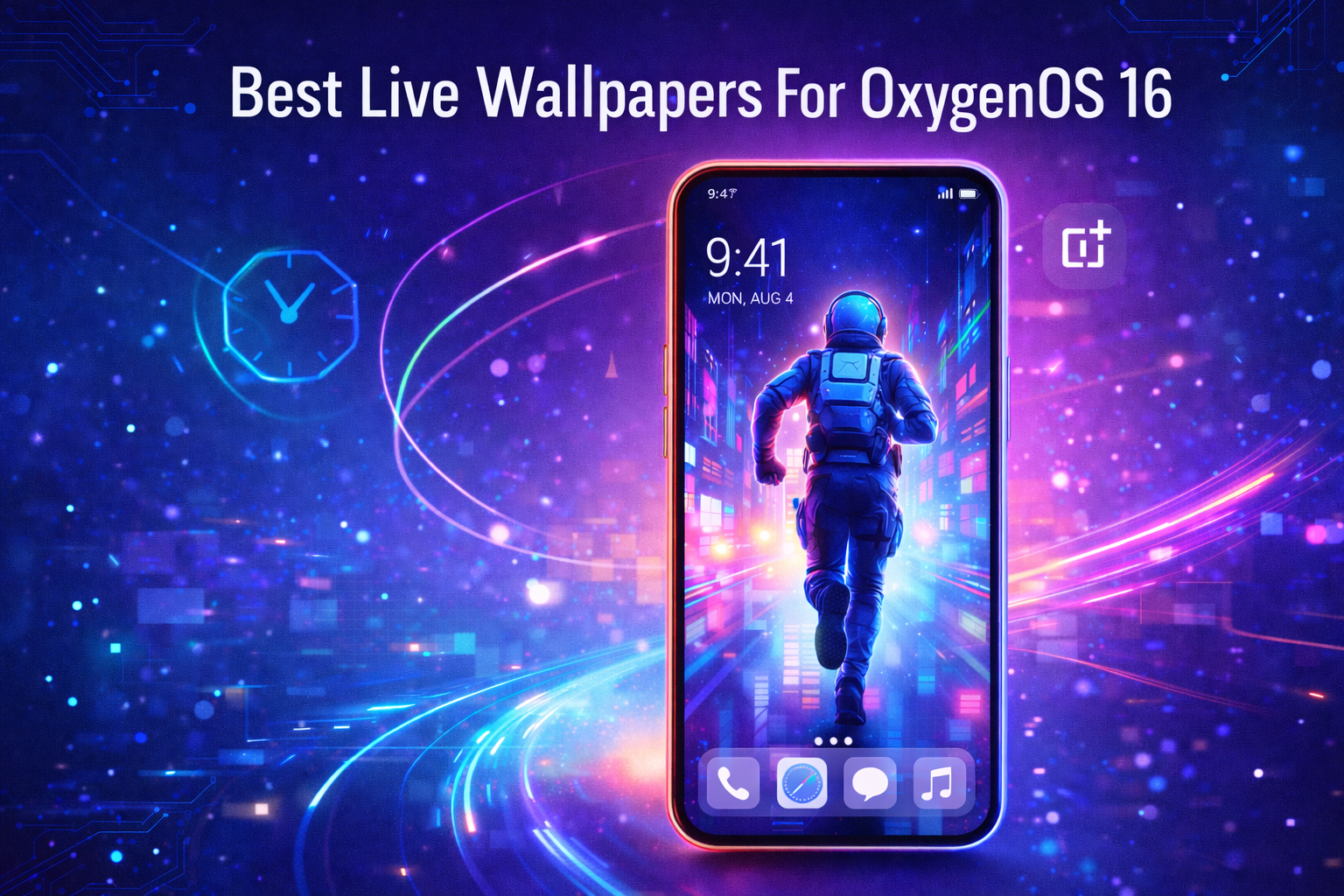
OxygenOS 16 brings a major visual upgrade to OnePlus phones, with smoother animations, refined lock screen controls, and native support for live wallpapers. Also called motion wallpapers, these animated backgrounds create seamless transitions between the always-on display, lock screen, and home screen.
If you want to elevate your OnePlus experience, choosing the right OxygenOS 16 live wallpaper makes a noticeable difference. This guide highlights standout motion wallpaper styles, explains how they work, and shows how to apply them correctly without affecting performance.
What Makes Live Wallpapers Special In OxygenOS 16
Unlike traditional animated backgrounds, OxygenOS 16 motion wallpapers are optimized for short animations that activate only during unlock transitions. This approach preserves battery life while delivering fluid visual effects.
They also integrate directly with Flux Themes, allowing wallpapers to sync with clock styles, widgets, depth effects, and icon transparency.
Devices That Support OxygenOS 16 Live Wallpapers
Live wallpapers require OxygenOS 16 or later. Supported OnePlus devices include recent flagship and upper mid-range models that have received the stable or beta OxygenOS 16 update at the time of writing.
If your phone runs an earlier OxygenOS version, motion wallpapers will not appear as an option in system settings.
How To Set A Live Wallpaper On OxygenOS 16
Setting a motion wallpaper on a OnePlus device takes only a few taps and does not require third-party apps.
- Open Settings on your OnePlus phone
- Go to Home Screen, Lock Screen & Style
- Tap All Flux Themes
- Select a theme, then tap the Wallpaper icon
- Choose a built-in motion wallpaper or select a video from Albums
- Trim the clip to the best 5–6 seconds
- Adjust framing, enable depth if available, then tap Apply
You can also apply the same live wallpaper to both the lock screen and home screen or use different wallpapers for each.
Popular Live Wallpaper Styles For OxygenOS 16
Motion wallpapers come in many visual styles, allowing users to match their setup with personal preferences.
Anime And Gaming Wallpapers
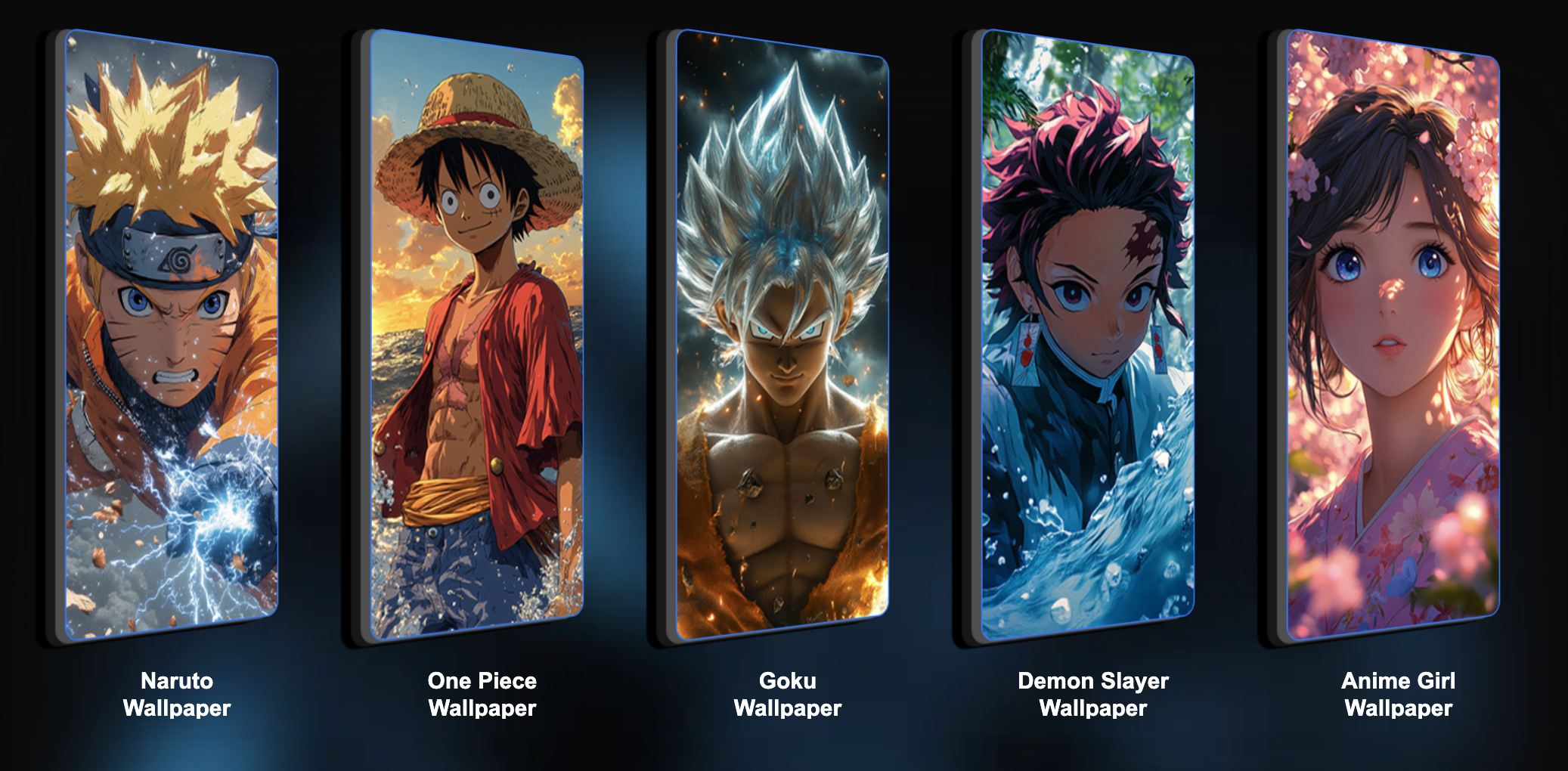
Anime and gaming live wallpapers feature glowing effects, character animations, and cinematic motion. These work best with minimal clock styles to avoid visual clutter.
Sports And Cars
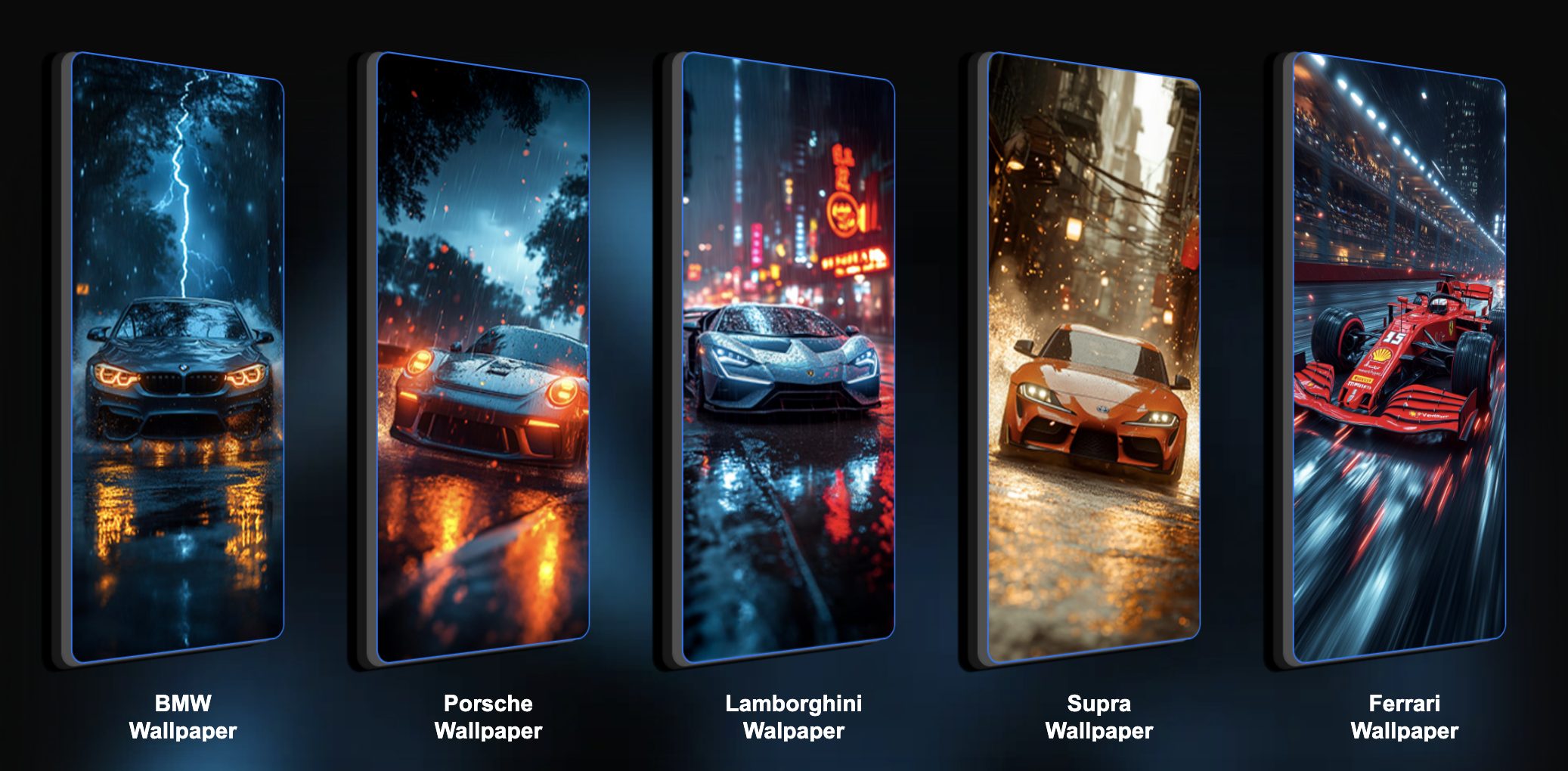
Sports-themed wallpapers often include dynamic smoke, lighting effects, or vehicle motion. Car wallpapers pair well with wide or vertical clocks for balance.
Nature And Aesthetic Themes
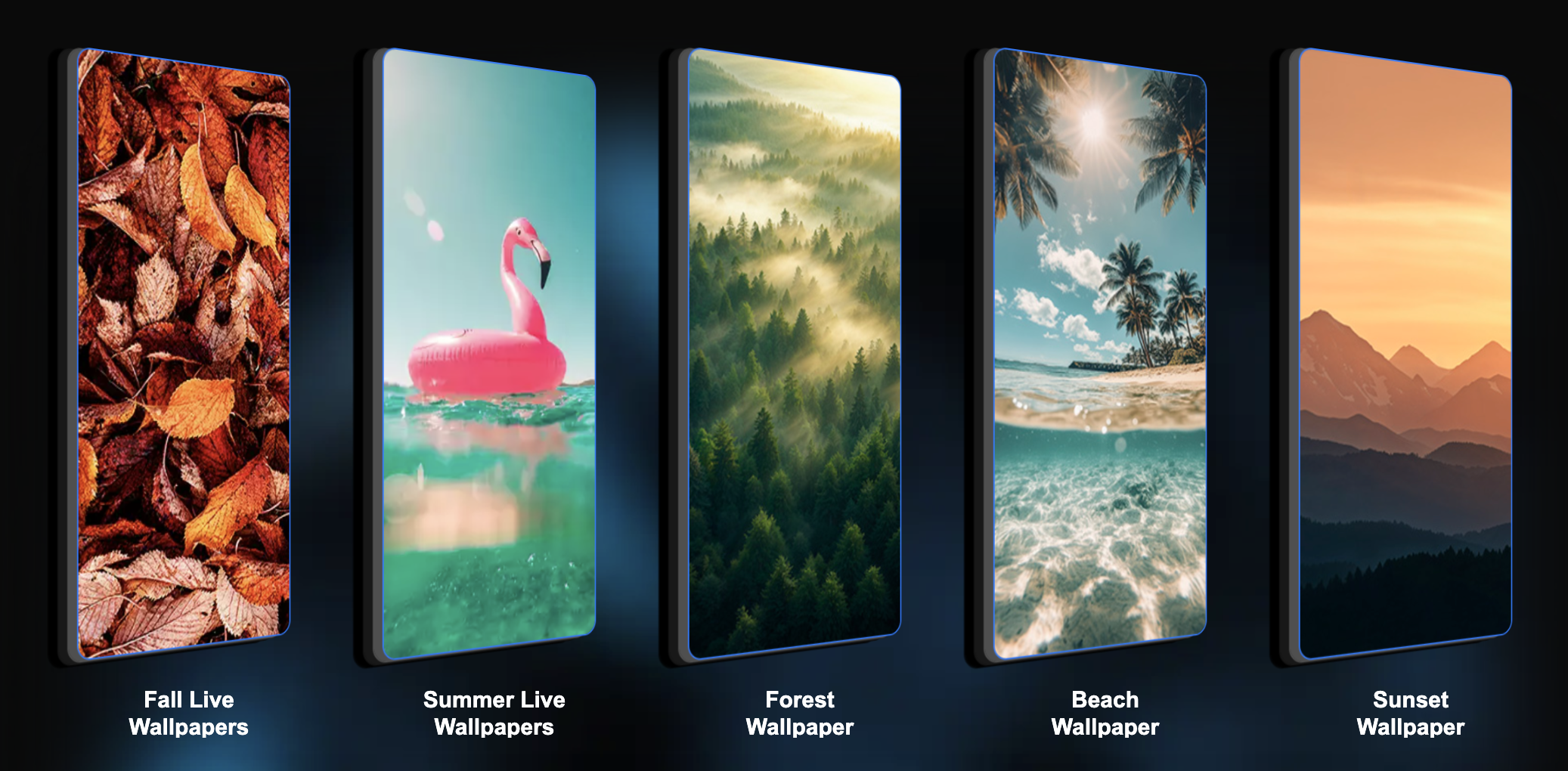
Nature live wallpapers focus on subtle movement like clouds, water, or light transitions. These are ideal for users who prefer calm, distraction-free setups.
Futuristic And Abstract Designs
Neon cities, astronauts, and abstract motion patterns highlight OxygenOS 16’s liquid-style UI and semi-transparent fonts.
Troubleshooting Common Problems
- If motion wallpapers do not appear, confirm your phone is updated to OxygenOS 16
- If a video fails to import, ensure it is saved locally and not streamed
- If animations stutter, shorten the clip or disable depth effects
- If battery drain increases, switch to lock-screen-only motion wallpapers
Tips
- Use darker live wallpapers to complement Always-On Display elements
- Keep animations under six seconds for smoother performance
- Pair motion wallpapers with simple icon packs for clarity
- Test clock placement before finalizing the setup
FAQ
Do live wallpapers drain battery on OxygenOS 16?
Battery impact is minimal because animations only play briefly during unlock.
Can I use custom videos as live wallpapers?
Yes, OxygenOS 16 allows selecting local video files as motion wallpapers.
Do live wallpapers work on older OnePlus phones?
Only devices updated to OxygenOS 16 support motion wallpapers.
Can I use these wallpapers on Oppo or realme phones?
Devices running ColorOS 16 or realme UI 7 offer similar motion wallpaper support.
Summary
- OxygenOS 16 introduces optimized live wallpapers
- Motion wallpapers enhance lock screen transitions
- Battery usage remains low due to short animations
- Users can apply built-in or custom video wallpapers
Conclusion
Live wallpapers are one of the most noticeable visual upgrades in OxygenOS 16. With proper setup, they add depth and motion without sacrificing performance. Whether you prefer anime, cars, nature, or futuristic themes, motion wallpapers help OnePlus devices feel more immersive and personalized.



Discussion (0)
Be the first to comment.