




LiDAR on iPhone and iPad turns your device into a powerful tool for measuring spaces, scanning rooms, and interacting with augmented reality. With the right app, the built-in LiDAR scanner can handle everything from quick measurements to professional 3D modeling.
This guide highlights the best LiDAR apps for iPhone and iPad, focusing on accuracy, ease of use, and real-world value.
Measure

Measure is Apple’s built-in LiDAR app for quick and accurate measurements. On LiDAR-equipped devices, it locks onto surfaces faster and delivers more reliable results than AR-only measurement tools.
It works well for checking room dimensions, furniture size, and even a person’s height, making it a practical everyday option.
Snapchat
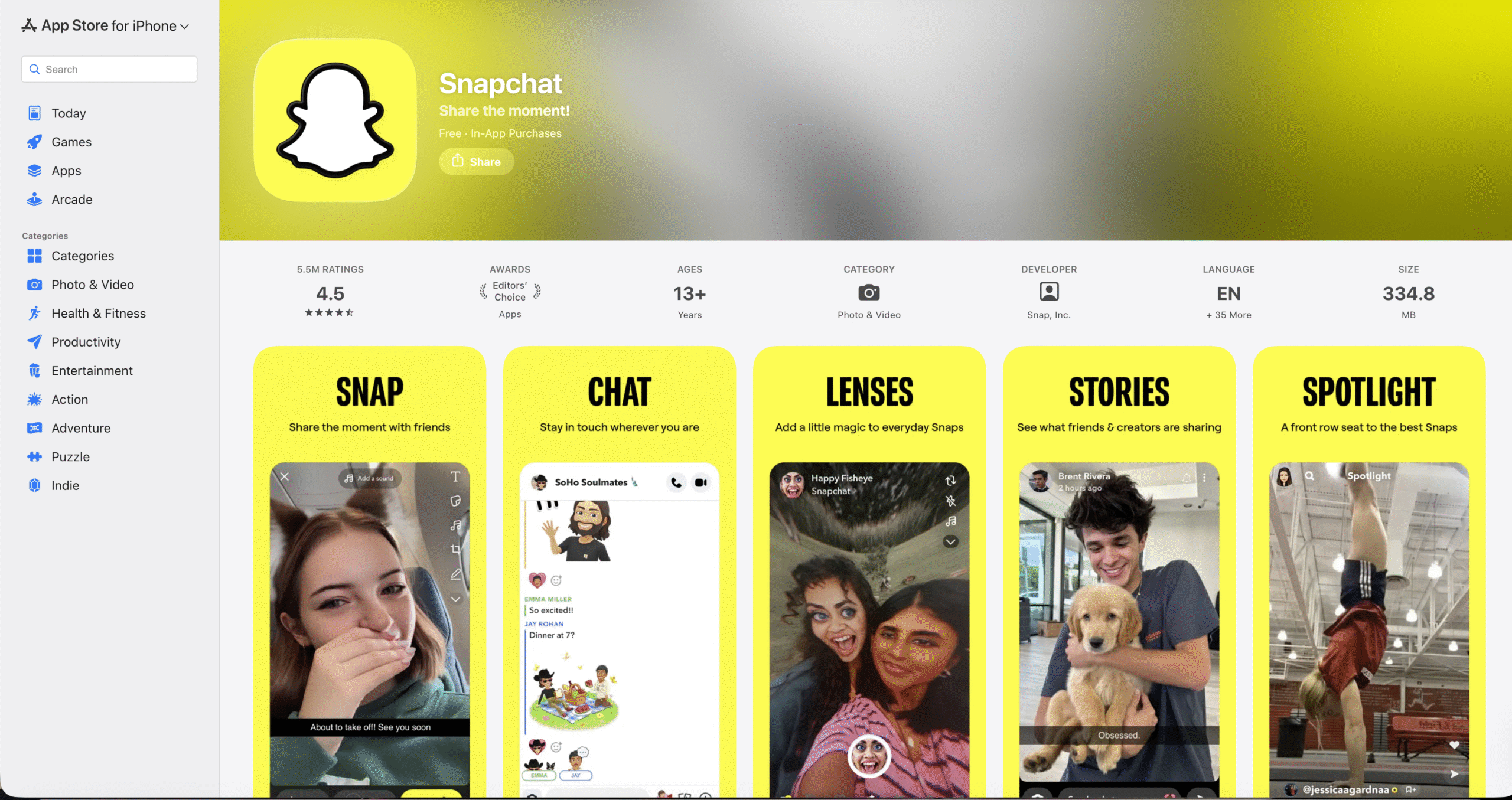
Snapchat uses LiDAR to power advanced AR lenses that interact with real-world surfaces. Effects appear anchored to walls, floors, and objects instead of floating randomly.
This makes Snapchat one of the most accessible ways to see LiDAR depth sensing in action without a learning curve.
Canvas: LiDAR 3D Measurements
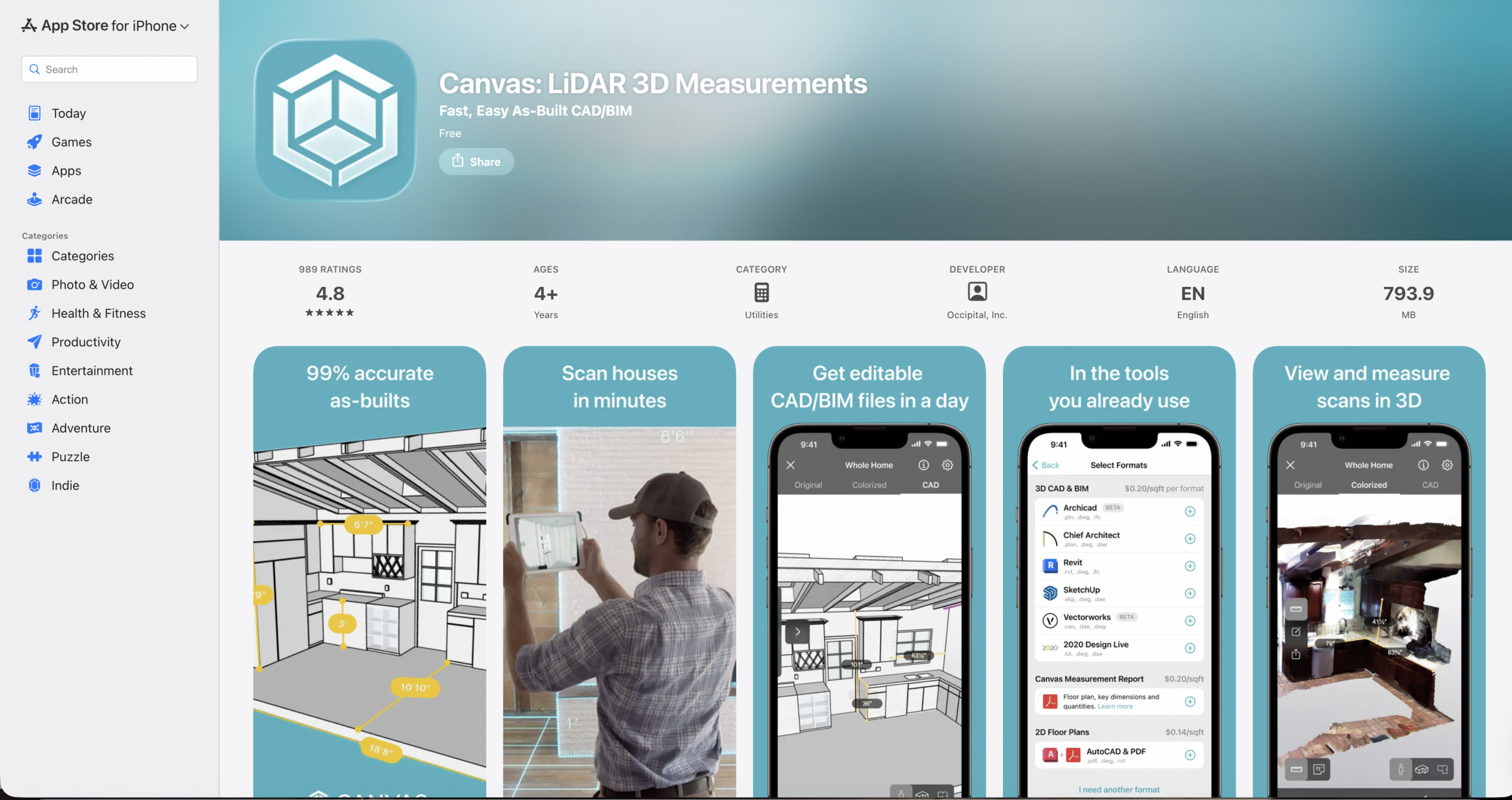
Canvas focuses on room scanning and precise spatial capture using LiDAR depth sensing. It quickly generates accurate 3D models of interiors, including walls, doors, and windows.
The app suits renovations, interior planning, and professional workflows that need clean measurements.
Polycam 3D Scanner
Polycam is a versatile LiDAR scanning app designed for both spaces and individual objects. It supports multiple scan modes, including full room captures and detailed object scans.
The app appeals to users who want flexible 3D scanning and export options for design or visualization projects.
Room Planner: Home Design 3D
Room Planner combines LiDAR scanning with interior design tools. It lets you scan a room and then redesign it using editable layouts and furniture placement.
This app works best for visualizing renovations or testing design ideas before committing to changes.
IKEA Place
IKEA Place uses LiDAR to accurately position virtual furniture in your space. Items scale correctly and stay anchored as you move around the room.
It helps users preview how furniture fits and looks before buying, reducing guesswork.
3D Scanner App
3D Scanner App turns objects and environments into detailed 3D models using LiDAR scanning. It captures geometry accurately and supports multiple export formats.
This makes it useful for creators, hobbyists, and anyone experimenting with 3D workflows.
Dot3D – LiDAR 3D Scanning
Dot3D focuses on architectural and construction use cases. It converts LiDAR scans into floor plans, annotations, and measurable layouts.
While less polished visually, it delivers strong utility for professional planning tasks.
Scaniverse – 3D Scanner
Scaniverse emphasizes fast, high-quality 3D scanning with offline processing. It captures environments efficiently and renders immersive models.
The app suits users who want quick scans without relying on cloud processing.
Troubleshooting Common Problems
If a LiDAR app feels inaccurate, ensure your device supports LiDAR and that lighting conditions are adequate. Slow movement during scans improves depth mapping.
Restarting the app or recalibrating motion sensors can also improve results.
Tips
- Move slowly when scanning to improve depth accuracy.
- Use LiDAR apps in well-lit environments.
- Choose apps based on your task, not just features.
- Test free versions before upgrading.
FAQ
Which iPhones support LiDAR?
LiDAR is available on select Pro-model iPhones and certain iPad Pro models.
Do LiDAR apps work without internet access?
Many LiDAR apps scan offline, though exports or sharing may require connectivity.
Is LiDAR better than AR-only scanning?
Yes. LiDAR delivers faster and more accurate depth sensing.
Summary
- LiDAR enables accurate measurement and 3D scanning.
- Different apps focus on different use cases.
- Built-in and third-party apps both have value.
- Choosing the right app depends on your needs.
Conclusion
LiDAR transforms the iPhone and iPad into capable spatial tools. Whether you need quick measurements, immersive AR, or detailed 3D models, the right LiDAR app unlocks that potential.


Discussion (0)
Be the first to comment.