




If you want to personalize your iPhone properly, you need more than a single image. The best iPhone wallpaper apps let you browse curated collections, preview lock screen layouts, and download wallpapers optimized for modern iOS features.
This guide reviews the best iPhone wallpaper apps you can install right now. Each app was evaluated for wallpaper quality, ease of use, ads, pricing, and compatibility with lock screen customization.
Table of contents
- 1) Vellum wallpapers
- 2) Zedge wallpapers
- 3) Backdrops
- 4) Wallcraft
- 5) Everpix wallpapers
- 6) Live wallpapers for me
- 7) Unsplash
- 8) Pinterest (for wallpaper discovery)
- Comparison table of the best iPhone wallpaper apps
- How we evaluated these iPhone wallpaper apps
- What to look for in an iPhone wallpaper app
- Tips for using wallpaper apps on iPhone
- FAQs
- Summary
1) Vellum wallpapers
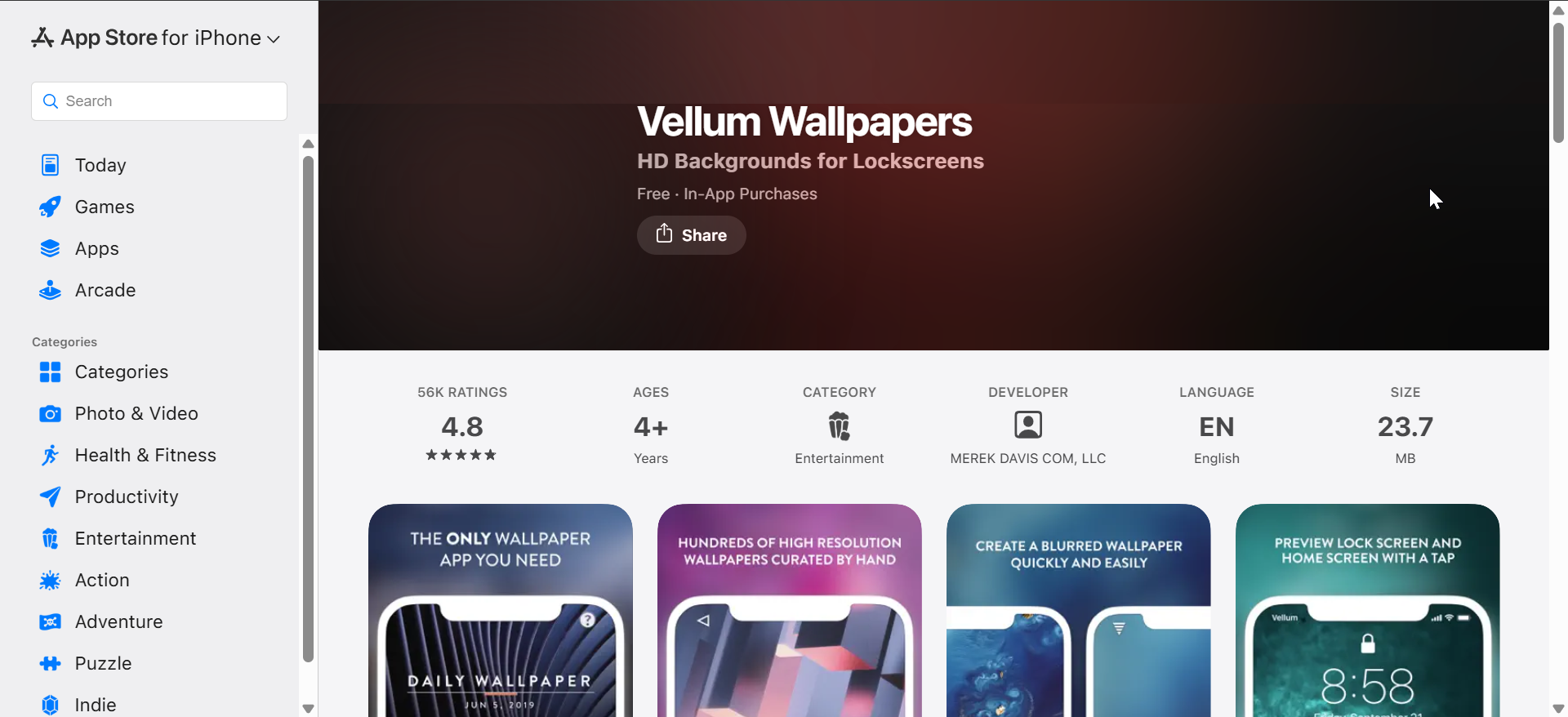
Vellum focuses on premium-quality wallpapers created by artists and photographers. The app curates collections carefully, which keeps quality consistently high.
It includes built-in preview tools that show how wallpapers look on both the lock screen and home screen. The free version adds a blur watermark, while the paid version removes it entirely.
2) Zedge wallpapers
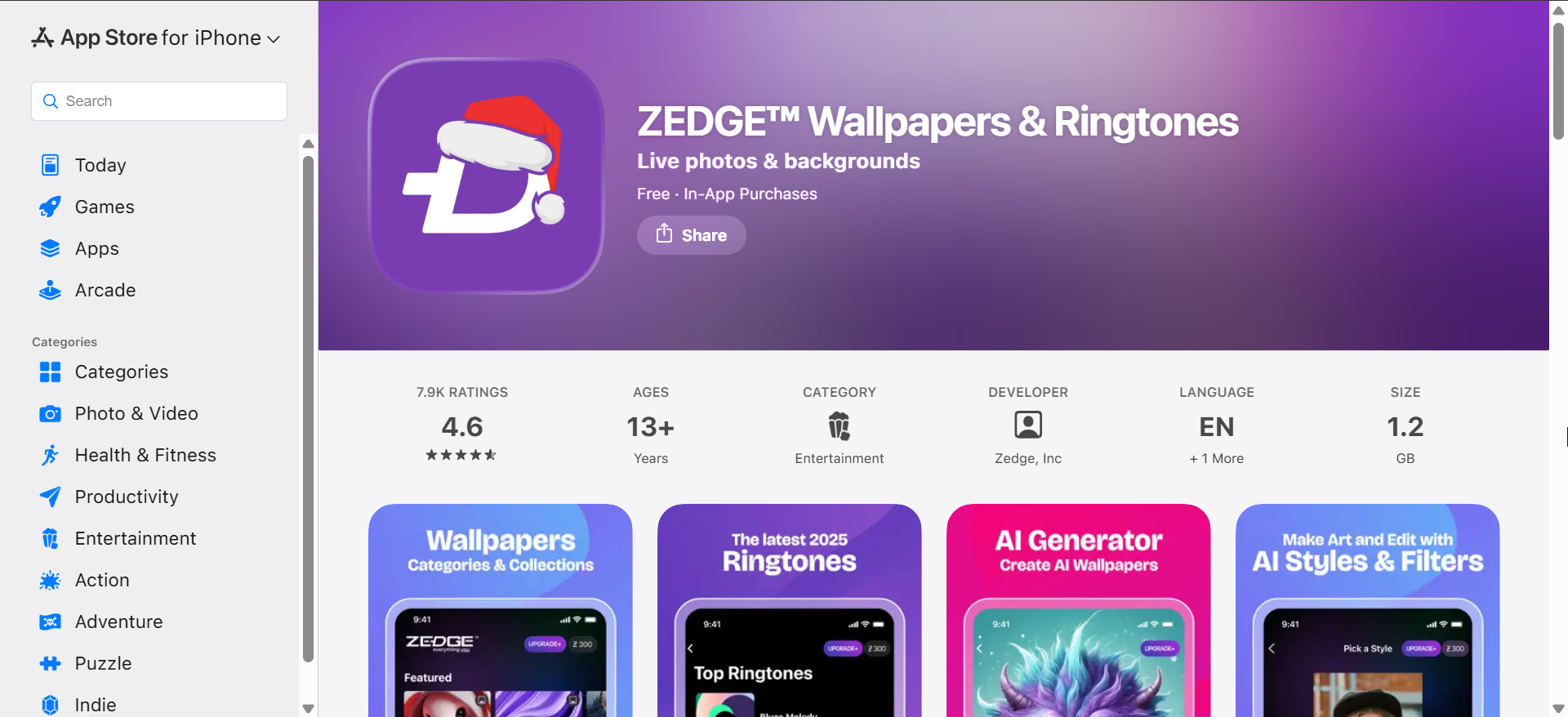
Zedge offers one of the largest wallpaper libraries available on iPhone. Users can browse wallpapers by category, popularity, or trending searches.
The app is free but includes ads and optional account sign-in. While quality varies, the sheer volume makes it easy to find something that fits your style.
3) Backdrops

Backdrops emphasizes originality, with many wallpapers designed exclusively for the app. Daily updates keep the library fresh and visually modern.
The free tier includes ads, while the premium option unlocks exclusive collections. Backdrops works well for users who want clean, design-forward visuals.
4) Wallcraft
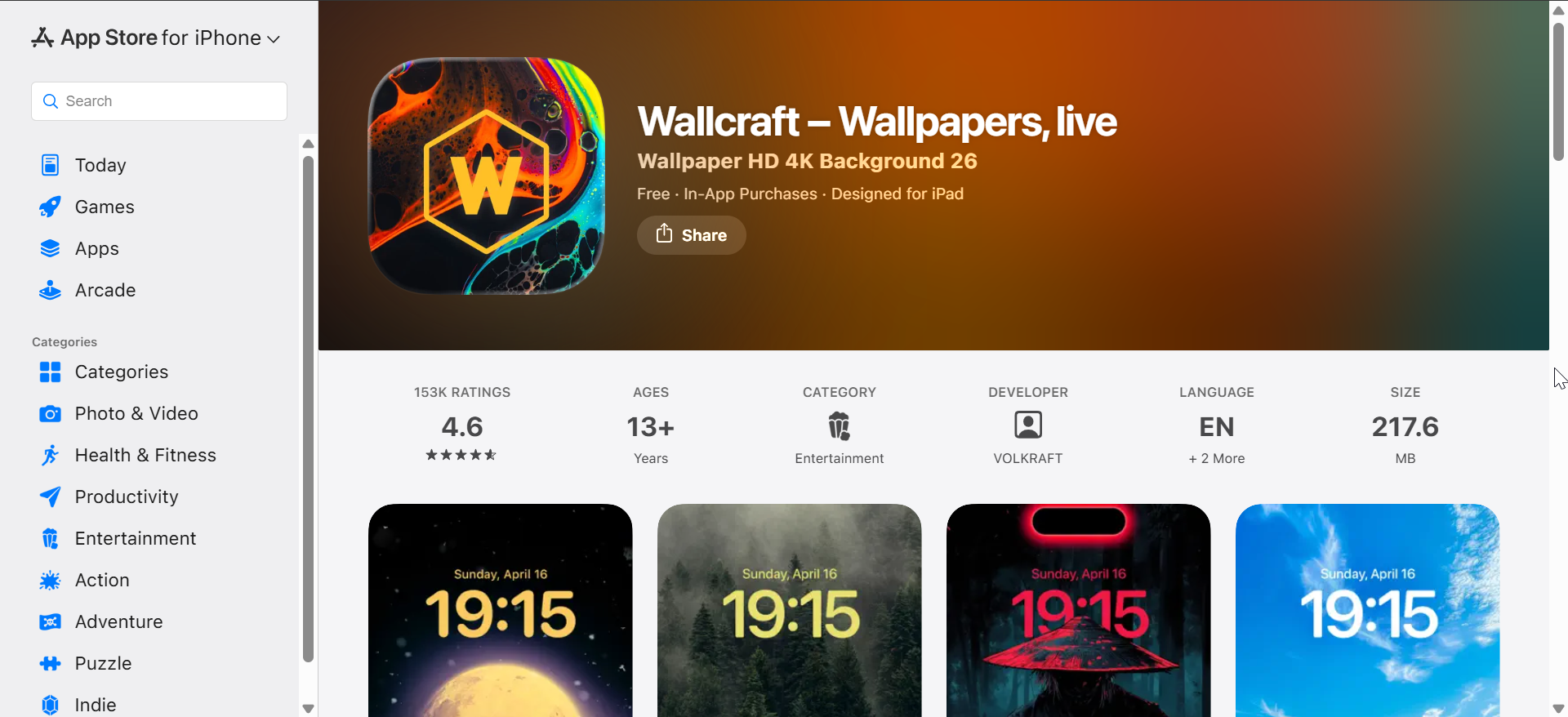
Wallcraft specializes in high-resolution wallpapers optimized for modern iPhone displays. The app includes a strong selection of OLED-friendly dark wallpapers.
Many premium wallpapers require a subscription, but the free selection remains usable. Wallcraft also includes some live wallpaper options.
5) Everpix wallpapers
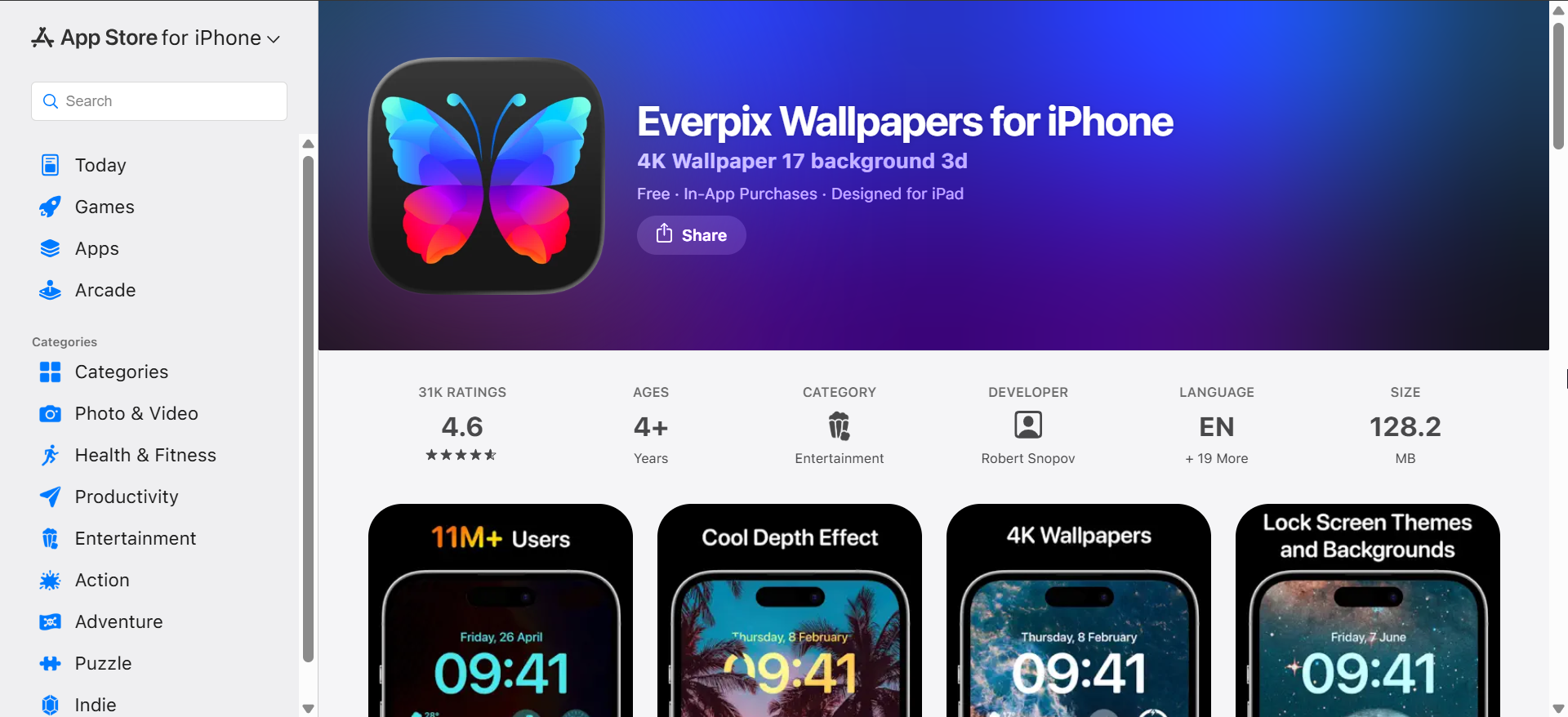
Everpix focuses on aesthetic consistency and editorial curation. Wallpapers tend to follow minimal, modern design trends.
The app runs on a subscription model, with limited free previews. It suits users who prefer refined visuals over massive libraries.
6) Live wallpapers for me
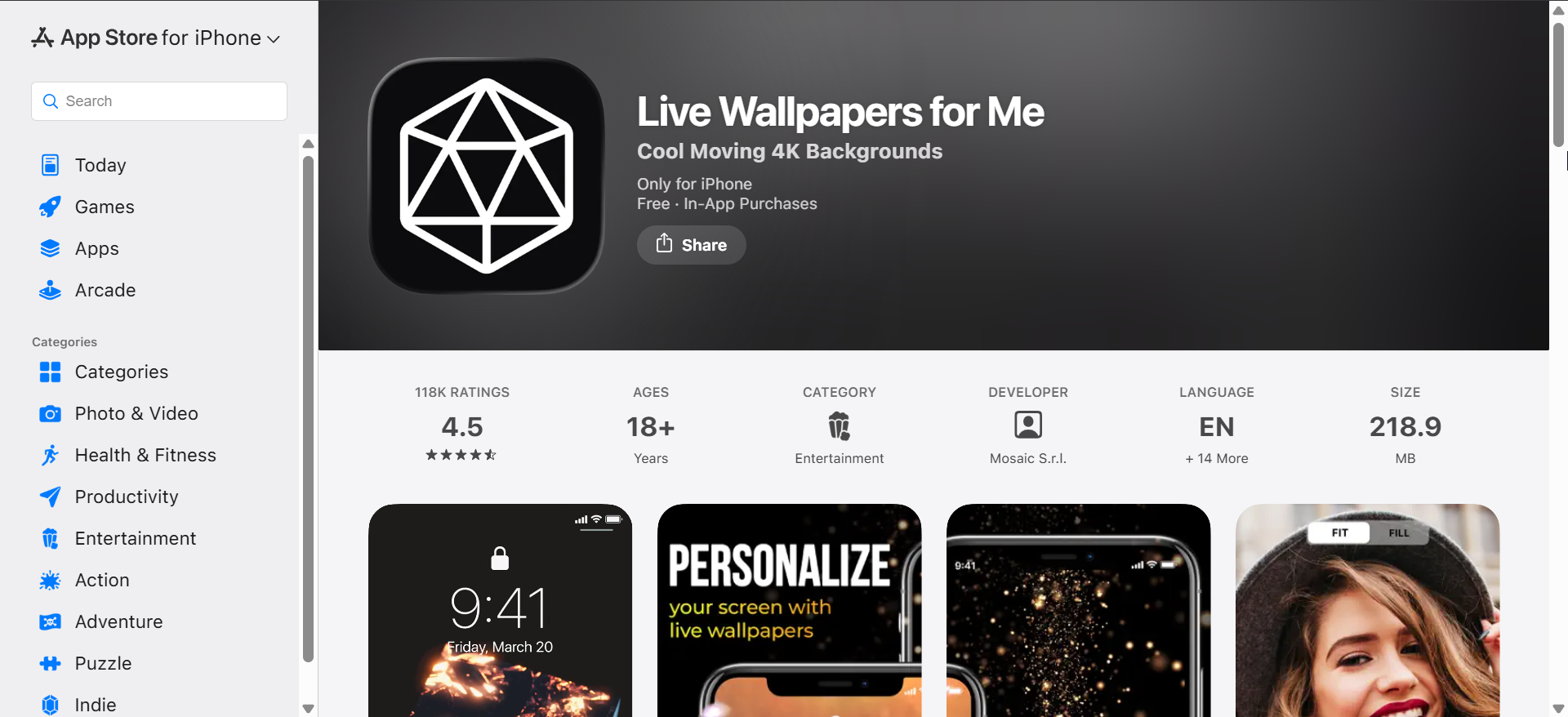
This app centers on animated and interactive wallpapers. Users can find motion-based designs that react to touch or movement.
Live wallpapers look impressive but may impact battery life slightly. The free version limits access, while the paid plan unlocks the full catalog.
7) Unsplash

Unsplash offers photography-based wallpapers from professional creators. All images are free to use without copyright concerns.
The app does not focus specifically on iOS lock screen features. It works best for users who want realistic photography rather than graphic designs.
8) Pinterest (for wallpaper discovery)
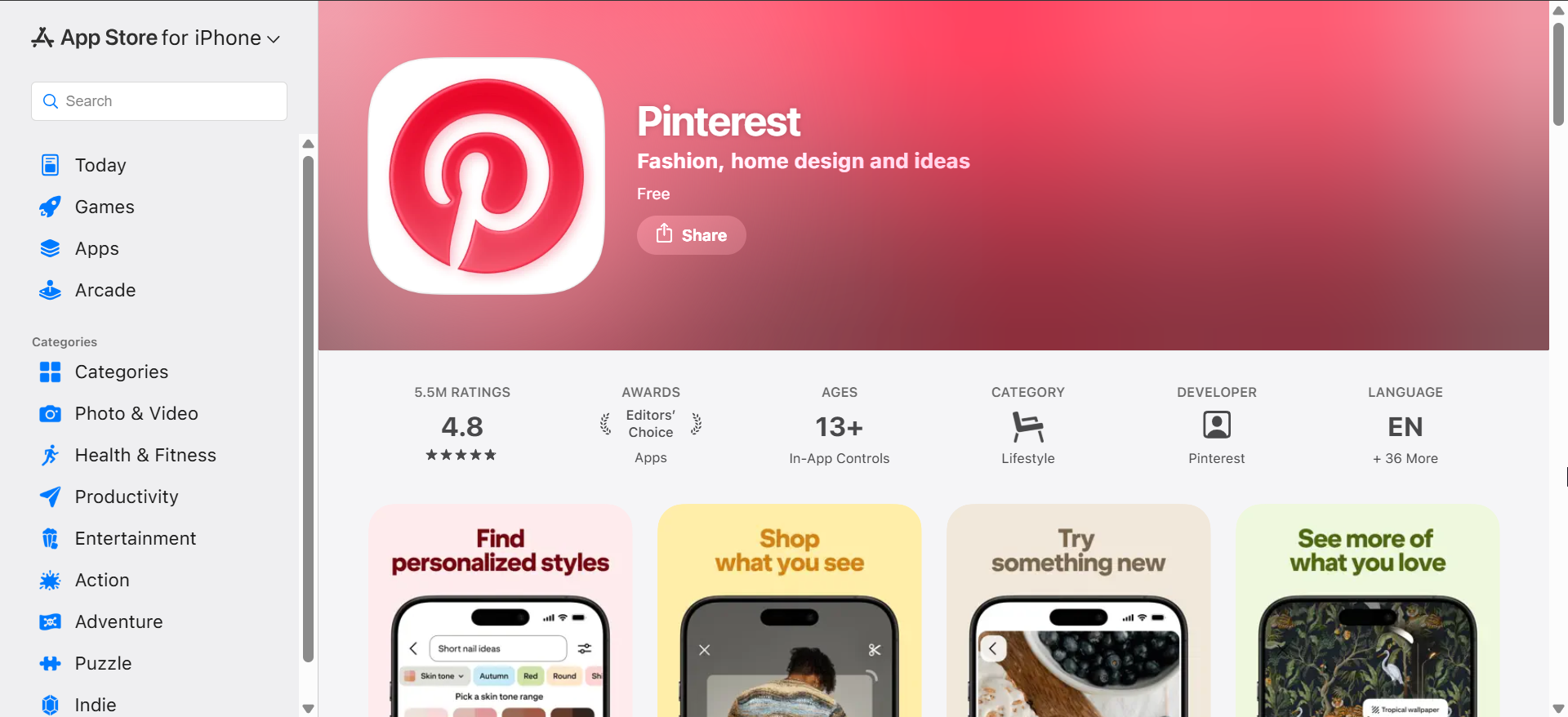
Pinterest functions as a discovery tool rather than a dedicated wallpaper app. Users can find wallpaper ideas, save them, and apply images manually.
Quality depends on the source image, and cropping may require extra steps. Pinterest works well for inspiration but lacks wallpaper-specific tools.
Comparison table of the best iPhone wallpaper apps
| App name | Free content | Ads | Live wallpapers | Lock screen previews | Paid option |
|---|---|---|---|---|---|
| Vellum | Yes | No | No | Yes | One-time purchase |
| Zedge | Yes | Yes | Limited | No | Optional |
| Backdrops | Yes | Yes | No | No | Subscription |
| Wallcraft | Limited | Yes | Yes | No | Subscription |
| Everpix | Limited | No | No | Yes | Subscription |
| Live Wallpapers for Me | Limited | Yes | Yes | No | Subscription |
| Unsplash | Yes | No | No | No | Free |
| Yes | No | No | No | Free |
How we evaluated these iPhone wallpaper apps
We tested each app on recent iPhone models to check image resolution, cropping behavior, and ease of applying wallpapers. We also reviewed ads, subscriptions, and update frequency to assess long-term usability.
Apps that failed to deliver consistent quality or modern iOS compatibility were excluded.
What to look for in an iPhone wallpaper app
A good wallpaper app should offer high-resolution images that scale properly across screen sizes. Lock screen previews help avoid awkward cropping or hidden clock elements.
Pricing matters as well, since many apps restrict quality wallpapers behind subscriptions. Ads and account requirements also affect daily usability.
Tips for using wallpaper apps on iPhone
- Choose darker wallpapers on OLED iPhones to reduce battery usage
- Avoid busy designs behind widgets and app folders
- Preview wallpapers on both lock and home screens before applying
- Use Focus mode wallpapers to change styles automatically
FAQs
Are iPhone wallpaper apps safe to use?
Most reputable apps are safe, but always review permissions and App Store ratings.
Do live wallpapers drain battery?
Animated wallpapers can slightly increase battery usage, especially with frequent interaction.
Are free wallpaper apps good enough?
Free apps work well for most users, but paid versions often remove ads and unlock higher-quality designs.
Summary
- Vellum offers the best overall balance of quality and usability
- Zedge provides the largest free wallpaper library
- Backdrops delivers original, design-focused wallpapers
- Live Wallpapers for Me suits users who want animated effects
Choosing the best iPhone wallpaper app depends on your style, budget, and how much customization you use daily. Apps that stay updated and respect modern iOS features deliver the best long-term experience.
With the apps on this list, you can get 4k dynamic island wallpapers for iPhone and other top options.


Discussion (0)
Be the first to comment.