



Xbox has rolled out a new public system update that brings a fresh startup animation to consoles, along with several useful changes for profiles, libraries, Rewards, and visual quality. The update is now available for the general Xbox audience, and you should be able to install it from the console settings if it has not appeared automatically.
The most visible change is the new startup animation. It gives Xbox consoles a refreshed boot screen, although you may not see it often if your console usually starts from sleep or quick resume style behavior. Microsoft says you can see the animation every time by setting the console to Shutdown energy saving mode.
This update is not only about the boot screen. Microsoft has also added Gamerscore milestone badges, improved game library filters, a new Xbox Rewards entry point, and sharper artwork on Xbox Series X consoles set to 4K resolution. There are also bug fixes for update queues, game cards, flashing game tiles, and recently installed lists.
What is new in the latest Xbox system update
The update includes five main user facing additions. Some of these features were previously tested with Xbox Insiders, but they are now reaching everyone through the public system release.
| Feature | What it does |
|---|---|
| New startup animation | Refreshes the console boot screen |
| Gamerscore milestone badges | Adds profile badges that evolve as your Gamerscore rises |
| Game library filters | Makes it easier to see what you own, what is shared, and what you can access |
| New Rewards experience | Lets you check points and progress from Home |
| Higher quality artwork | Improves Gamerpics, achievement art, and some game box art on 4K Xbox Series X setups |
The Gamerscore badge feature applies to profiles with at least 1,000 Gamerscore. The badge changes as your score grows, with multiple levels available up to 10,000,000 Gamerscore. It is a small profile change, but it gives long time Xbox players a clearer way to show progress.
The game library changes may be the most useful part
The new library tools are likely to matter more in daily use than the startup animation. Xbox now makes it easier to understand what you can play and why. New filters help separate games you own from games shared with you, and the Game access filter can show installed titles you no longer have access to.
That is useful for anyone who moves between consoles, changes subscriptions, or shares a library with another account. It should also reduce confusion when a game appears installed but cannot be launched.
Xbox is also cleaning up the Full library view by hiding games that are not compatible with your device. For example, a Kinect required game should only appear on an Xbox One console that supports Kinect. That makes the library feel less cluttered and more relevant to the console you are using.
Xbox Rewards and artwork also get smaller upgrades
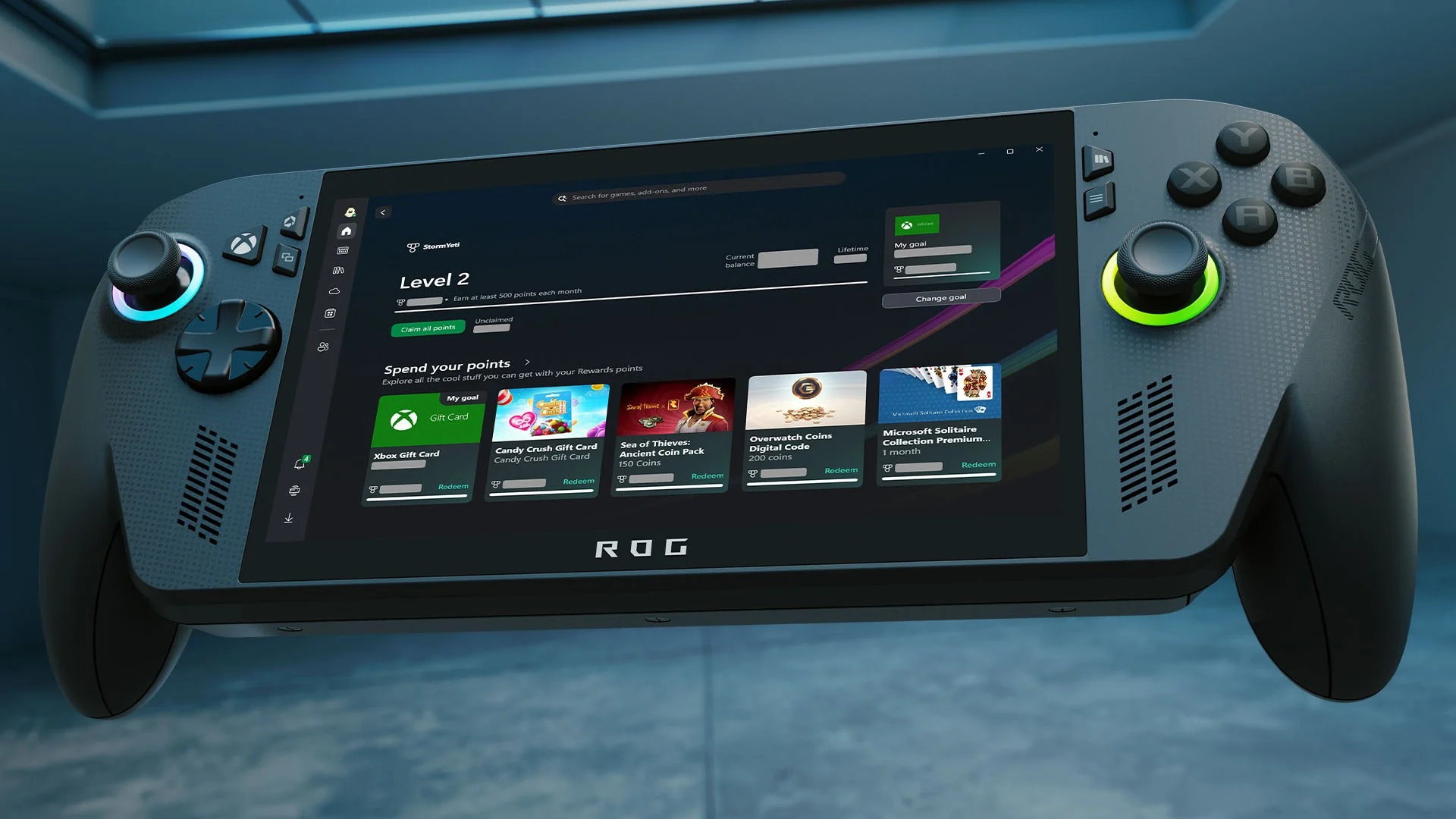
The Rewards change adds a new way to check your points balance from Home. You can highlight your balance, press the A button, and open the updated Rewards experience. From there, you can track progress, claim available points, and view Reward levels.
On Xbox Series X consoles running at 4K resolution, Microsoft has also improved the sharpness of Gamerpics and certain achievement and box art images. Xbox 360 gamerpics have also been adjusted so they look cleaner when scaled on profile pages.
The update also fixes several console issues
Microsoft included a few bug fixes with the same system update. These address problems where some game updates took too long to start in the queue and could make the system unresponsive. Other fixes target game cards that opened but could not be interacted with, flashing game tiles during installs or updates, and recently installed lists that did not always refresh properly.
If the update has not appeared on your Xbox yet, you can try installing it manually. Open Settings, go to System, then choose Updates. Since Microsoft describes this as a general worldwide release, most players should receive it without needing to join the Insider program.



Discussion (0)
Be the first to comment.