



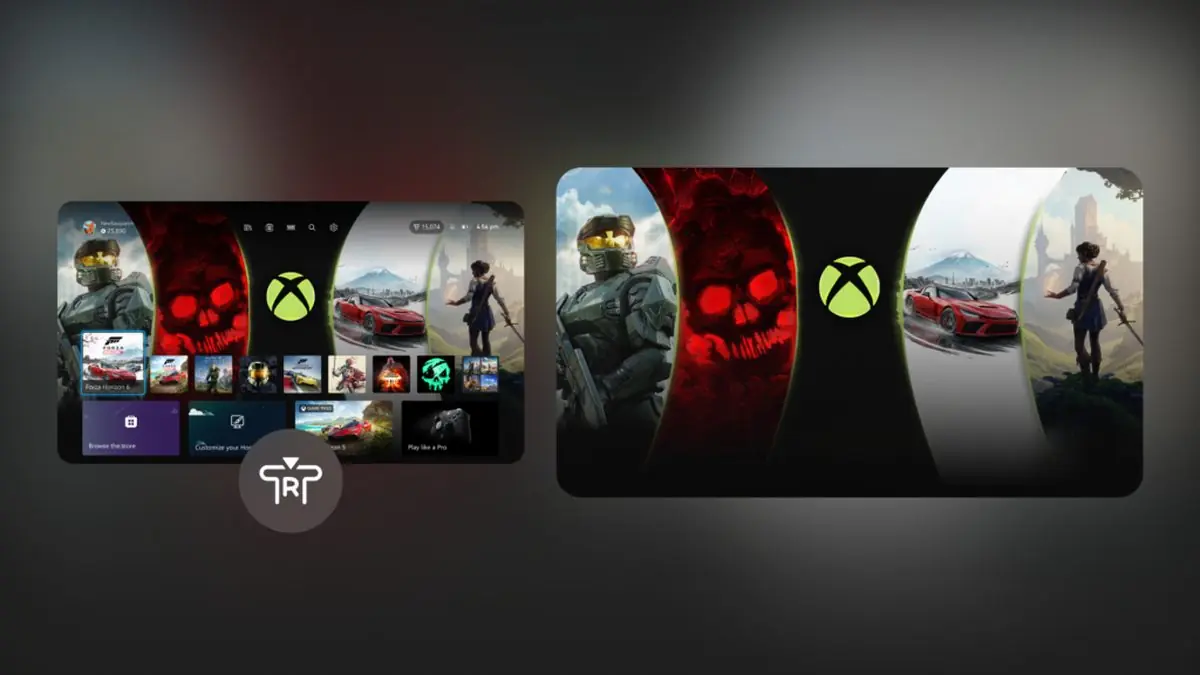
Microsoft is testing another Xbox console update with Insiders, bringing new controls for local game saves, more customization options for the Home screen, improved profile badge details, and a small change to wishlists.
The update is currently rolling out through the Alpha Skip Ahead and Alpha rings of the Xbox Insider Program. These features are still being tested, so they may change before reaching the wider Xbox audience.
One of the most useful additions is a new way to manage local game saves. Instead of leaving unused save files on your console, you will be able to review and remove them directly from the storage settings.
Local game saves can now be managed more easily
The new local save management option can be found under Settings, then System, Storage, and Manage local game saves.
From there, you can sort through local saves that are no longer in use and delete them to recover storage space. This only affects local copies stored on your console.
Cloud synced saves remain untouched, which means deleting an unused local save should not remove the copy stored online.
| Feature | What is changing |
|---|---|
| Local game saves | Unused local saves can be sorted and deleted |
| Cloud saves | Synced cloud copies remain unaffected |
| Recent Games and Apps | Individual items can be removed |
| Play History | Tile can be hidden |
| Home background | Right thumb stick fades the interface |
| Profile badges | Higher resolution artwork and unlock details |
| Wishlist | Purchased games are automatically removed |
| Day One badge | Eligible Xbox One launch players receive a commemorative badge |
The change should be useful if your console has accumulated local save files from games you no longer play. It also gives you more control over storage without interfering with cloud backed progress.
Xbox Home is becoming more customizable
The Home screen is also getting several small but practical improvements.
Items in the Recent Games and Apps section will soon be removable, giving you more control over what appears on the main interface. You will also be able to hide the Play History tile if you do not want it displayed.
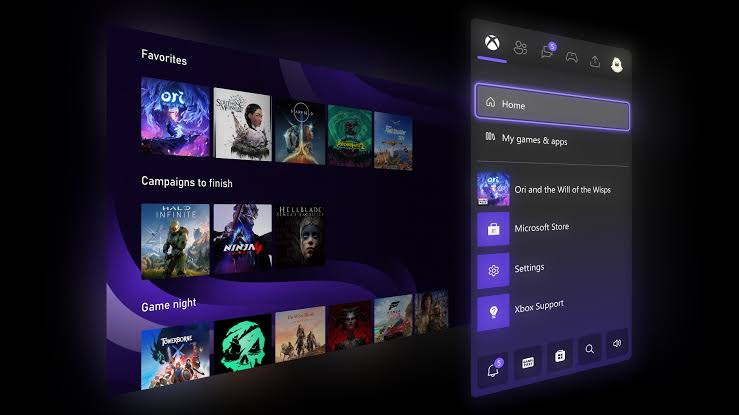
Another visual option focuses on Xbox backgrounds. Pressing the right thumb stick while on the Home screen will fade much of the interface, allowing your selected background to become more visible.
This is a relatively small change, but it gives you a cleaner way to view custom backgrounds without opening a separate menu.
These updates continue Microsoft's recent effort to make the Xbox Home interface more flexible instead of forcing every player to keep the same arrangement.
Profile badges are getting more information
Xbox profile badges are also receiving an update.
When you select a badge on a profile, you will be able to see higher resolution artwork along with information about how the badge was earned and when it was unlocked.
That gives badges more purpose than simply appearing as small profile icons.
Microsoft is also adding a special commemorative badge for some longtime Xbox players.
Anyone who logged into an Xbox One console on November 22, 2013 and earned the original Day One achievement is receiving a new Day One profile badge. The badge is intended to recognize players who were active on the Xbox One launch date.
Purchased games will automatically leave your wishlist
The update also includes a straightforward improvement to the Xbox wishlist.
If you purchase a game that is already on your wishlist, it will now be removed automatically. Previously, purchased titles could remain listed until you removed them manually.
It is a small quality of life change, but it should make wishlists easier to maintain over time.
The current Xbox Insider update combines several changes that focus on control rather than adding a single major feature. Better save management should help with storage, Home customization gives you more control over the interface, and the profile badge improvements provide more detail about achievements linked to your account.
For now, these features are limited to Xbox Insiders in the Alpha Skip Ahead and Alpha rings. A wider rollout has not yet been confirmed, but successful testing could eventually bring the changes to more Xbox consoles.



Discussion (0)
Be the first to comment.