



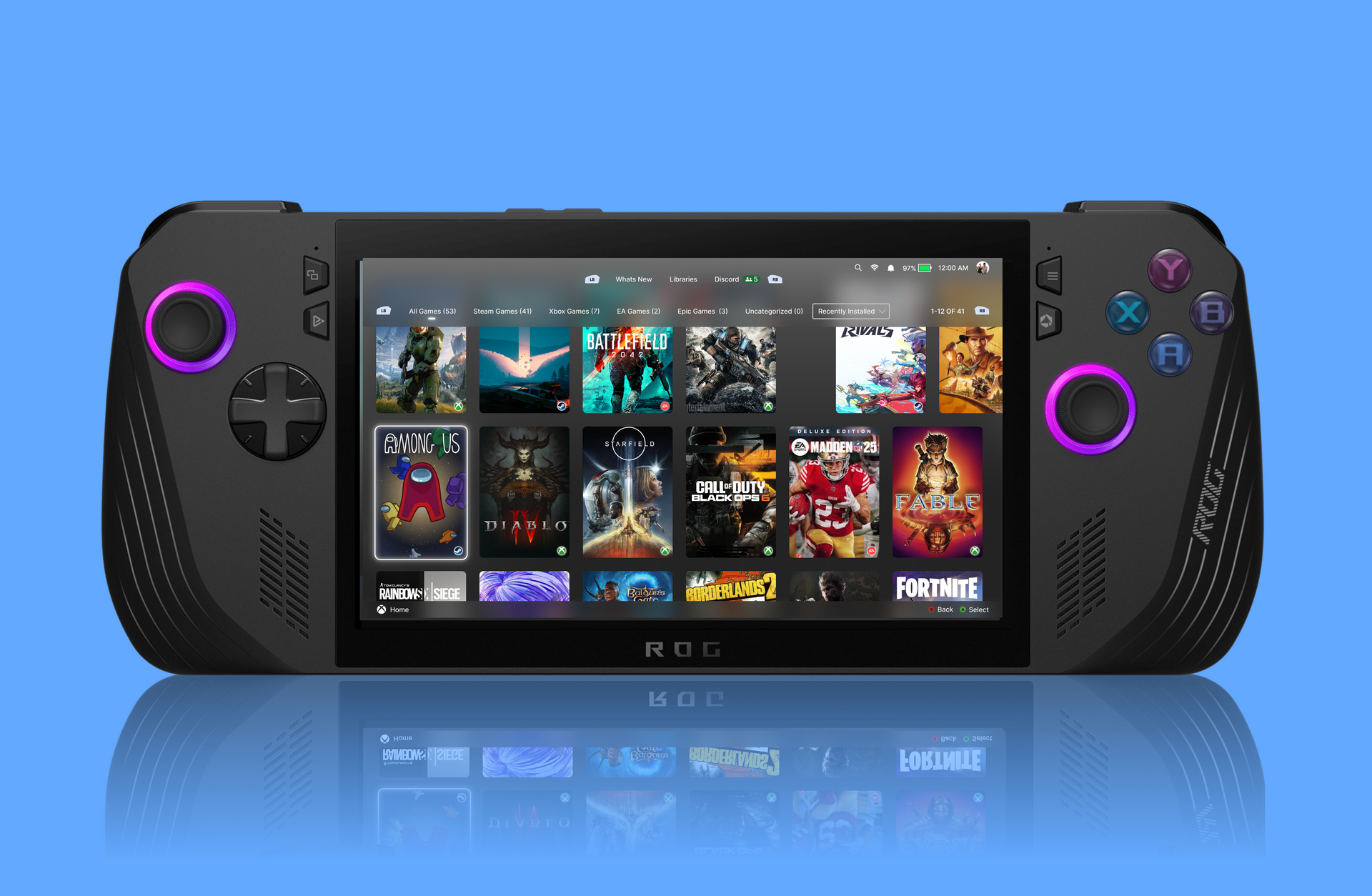
Winhanced is expanding its Windows handheld launcher with a built in game store browser that lets you compare prices across several digital storefronts before buying a game. The update also shows whether a title is included with Game Pass, offers personalised suggestions, and keeps purchases outside the launcher for security.
The feature is currently still being developed, but it already gives handheld PC owners a simpler way to browse games without opening multiple store apps. Instead of checking Steam, Xbox, GOG, and other platforms one by one, Winhanced can show price differences in one interface.
That could be particularly useful on Windows handhelds, where switching between apps and storefronts can feel slower than using a console store. Winhanced is designed to give devices such as the ASUS ROG Ally, Lenovo Legion Go, and Xbox branded handheld PCs a more controller friendly interface.
Winhanced brings store prices and Game Pass details together
The new store browser can display multiple listings for the same game and identify the cheapest option. It can also show whether a title is included with Game Pass, helping players decide whether they need to buy it at all.
When you select a game to purchase, Winhanced opens a web browser and sends you to the chosen store. The launcher does not process payment information itself, which keeps financial details with the official retailer.
| Store feature | What it does |
|---|---|
| Price comparison | Shows pricing across supported game stores |
| Game Pass support | Indicates whether a game is included with Game Pass |
| Store browsing | Lets you search games and explore categories |
| Personal recommendations | Suggests games based on recent play history |
| Wishlist support | Helps track games you may want to buy later |
| External checkout | Opens a browser for secure purchases |
| Regional pricing | Still limited, with wider currency support planned |
The system can also make suggestions based on the games you have been playing. For example, players spending time in racing games may see more driving recommendations, while RPG players may receive similar game suggestions.
More features are leaving early access
Winhanced is also moving several older features out of early access. Back paddle support, SteamGridDB artwork browsing, and RGB lighting controls are now considered stable enough for wider use.
These additions continue Winhanced’s goal of replacing the standard Windows handheld experience with something closer to a dedicated console interface. The launcher already combines libraries from several stores, supports achievements across platforms, and includes emulator integration.
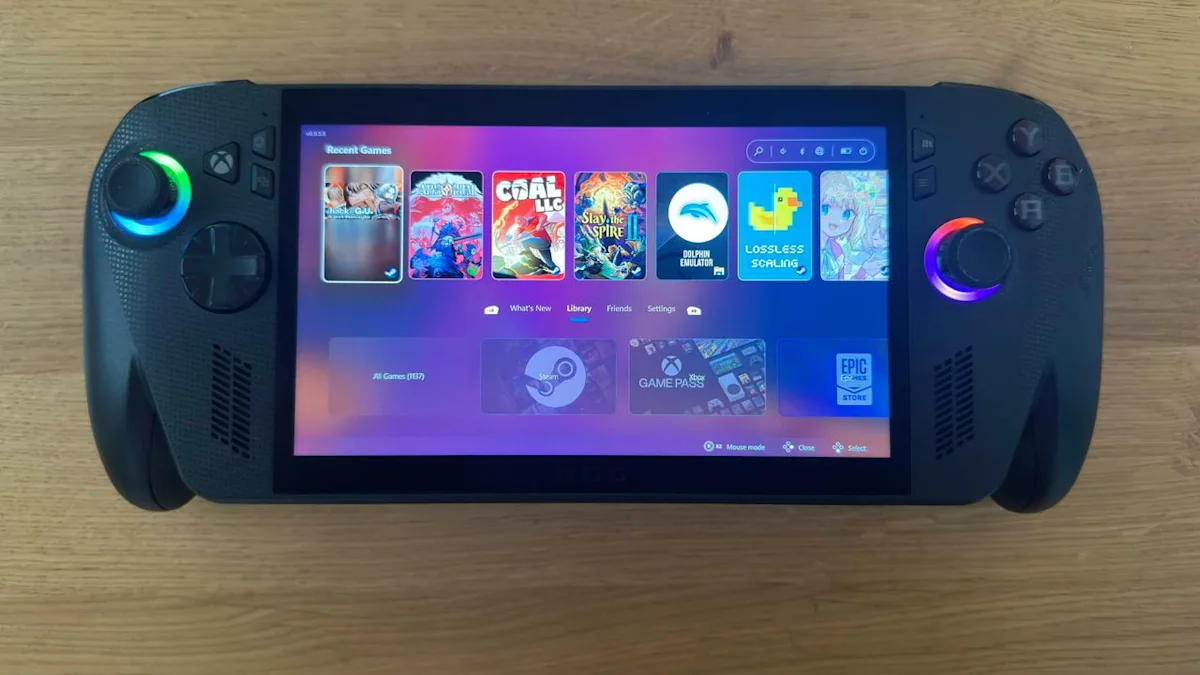
The new store browser makes that unified approach more useful because it is not limited to launching games you already own. It can now help you discover new games, check deals, and compare where to buy them.
A stronger alternative to standard Windows handheld software
Windows handheld gaming has improved quickly, but store management remains fragmented. Steam, Xbox, Epic Games Store, GOG, and subscription services all have their own apps, libraries, payment systems, and interfaces.
Winhanced cannot remove every limitation of that setup, but its new store browser could reduce some of the friction. It gives players one place to search for games while still allowing them to choose the retailer they prefer.
For anyone who wants a more console like experience from a Windows handheld, Winhanced’s latest update is a meaningful step forward.



Discussion (0)
Be the first to comment.